System Hardening: Closing the Openings You Don’t Need
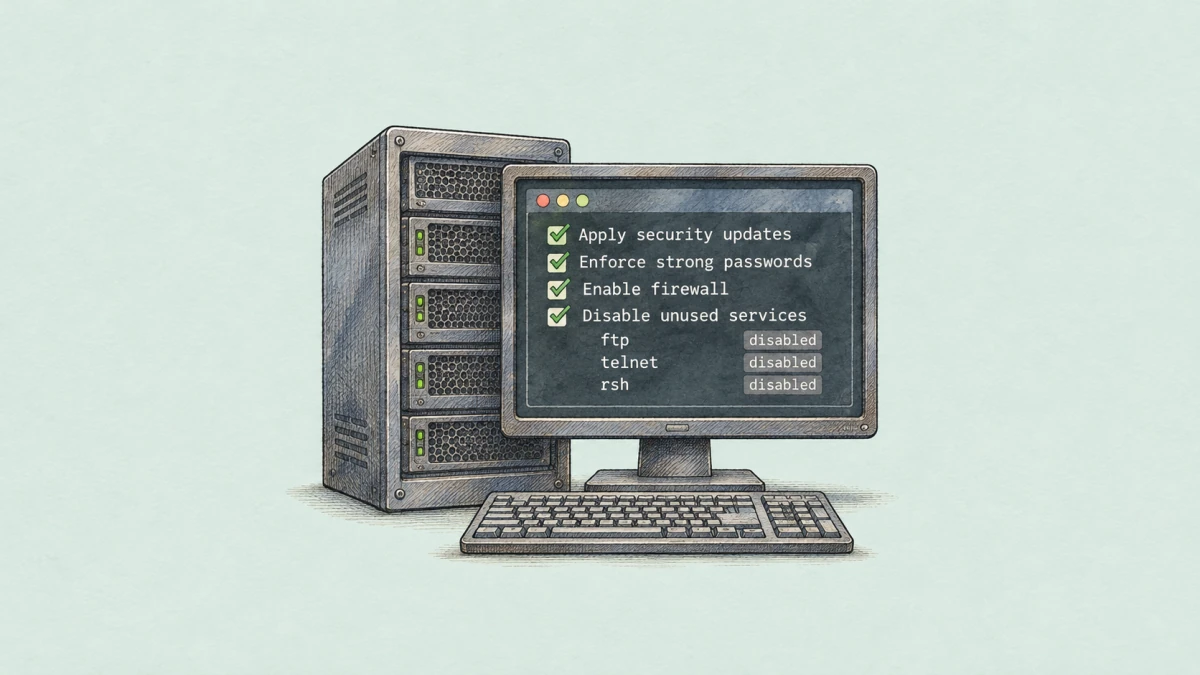
A new server can be fully installed and still have features, accounts, and connections it doesn't need. Hardening is the work of reducing those openings and choosing safer settings before an attacker gets a chance to use them.
The aim is to shrink the attack surface: the parts of a system someone could reach or misuse. Hardening applies to laptops, routers, cloud services, and applications as well as the computers running a company's website.
The National Institute of Standards and Technology includes both fixing vulnerabilities and turning off nonessential services in its definition. A service is a program that runs in the background to provide a function, such as sharing files or accepting remote logins.

- Stop a stranger from plugging a drive into a computer you leave unattended.
- Lock ten ports at once, and open them again with the included key.
- Keep dust out of the ports you rarely use.
Start with what the system is supposed to do
Imagine a small office computer used only to share documents with staff. An old remote-control service is still running from a previous project, even though nobody uses it now.
Updating that service could fix a known flaw, but removing it could eliminate the unnecessary access route altogether. First, the administrator needs to check that no backup job or support process still depends on it.
That's the practical question behind hardening: which capabilities serve a real purpose, and which are leftovers?
The Center for Internet Security's configuration guidance calls for removing or disabling unnecessary services and managing default accounts. Those are accounts supplied with a product, which may need to be disabled or secured with unique passwords.
Removing useful features at random isn't hardening done well. A computer that nobody can use has failed at another security goal: availability, meaning people can access the service when they need it.
Keep the useful parts under control
Some services must stay reachable. A firewall, which allows or blocks network traffic according to rules, can limit who can connect to them.
For the office file server, that might mean accepting staff connections while keeping its administration tools away from the public internet. The rule should reflect the job the server performs, rather than simply allowing every connection that makes setup easier.
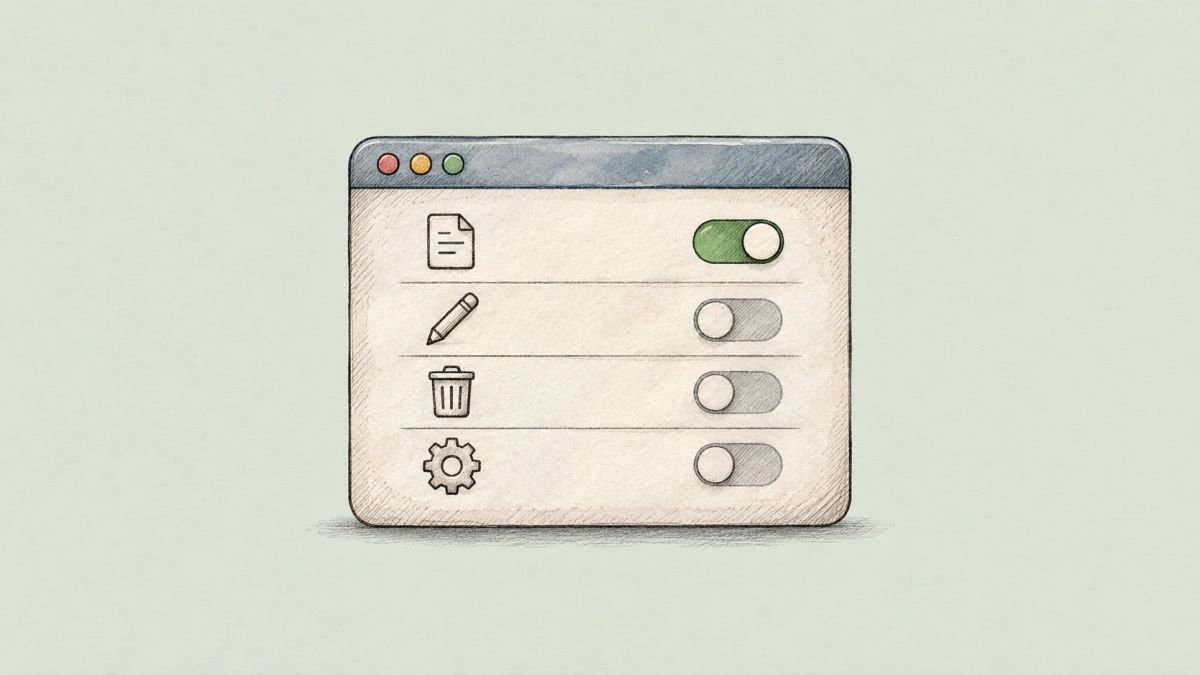
User permissions need the same attention. Least privilege means giving a person or program only the access it needs, so an ordinary work account doesn't automatically get the power to change the whole system.
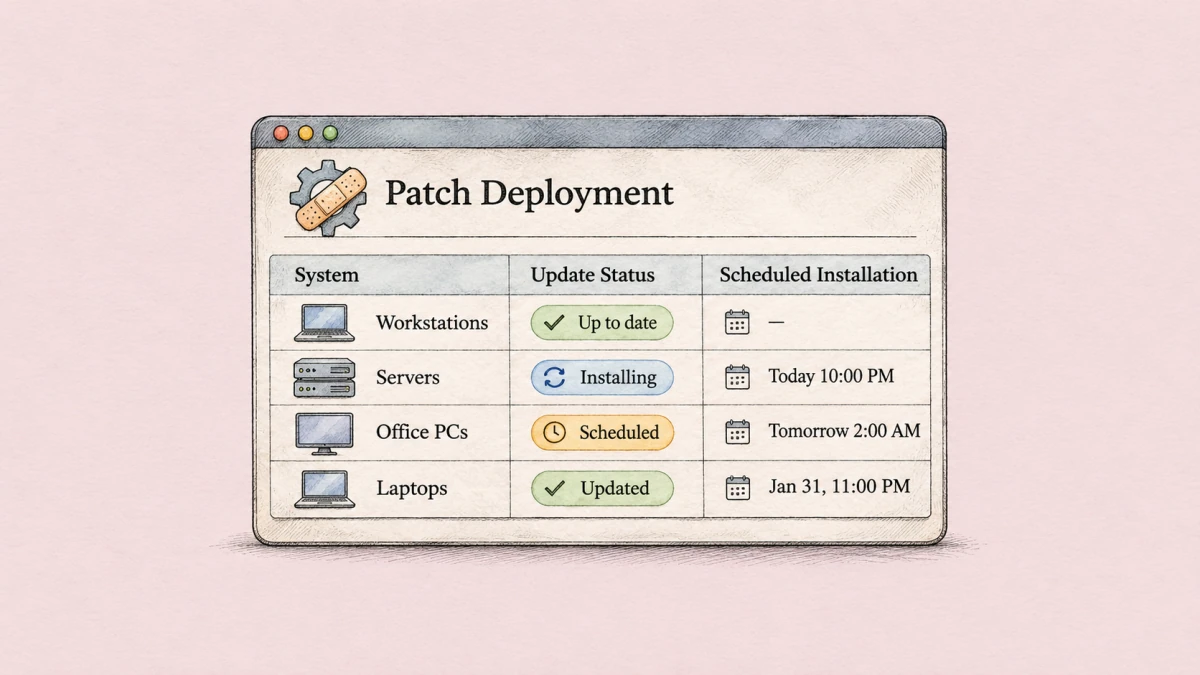
Security updates are another part of the job, but “updated” and “hardened” aren't interchangeable. A fully patched application can still expose private files because someone chose the wrong sharing settings.
Why No Single Defense Is Enough
Use a baseline, then check the consequences
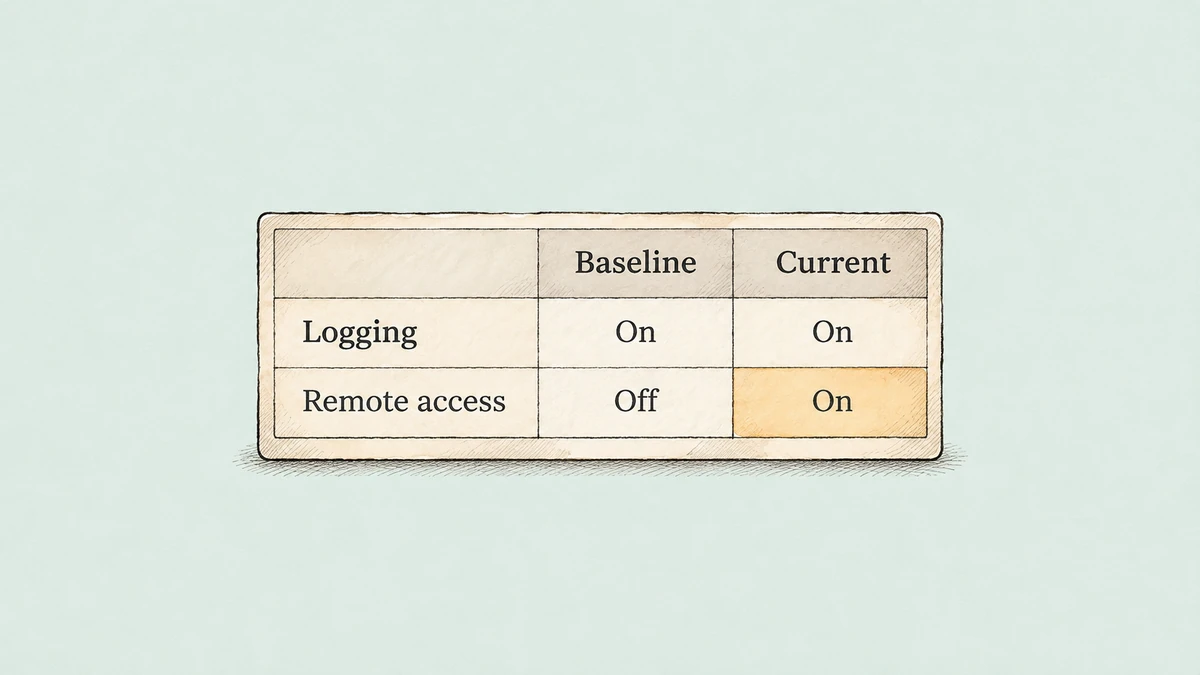
A security baseline is a documented set of settings used as a starting point and a comparison standard. Microsoft's baselines, for example, explain recommended settings and weigh protection against disruption to normal work.
Choose guidance for the product and version you're actually using. A sensible setting for a public web server may be wrong for a staff laptop.
Before applying changes widely, test them on a representative system and keep a way to restore the previous configuration. NIST's server-security guide emphasizes testing changes because even a security fix can cause operational problems.
Check that ordinary work, backups, and administrative access still function, then document any exceptions and why they're needed.
Finally, compare systems with the baseline again after software installations, upgrades, or troubleshooting changes. An unused service quietly switched back on can undo the benefit of turning it off.
Hardening reduces opportunities for an attack; it doesn't certify that a system is impossible to breach. Monitoring, backups, and an incident response plan still have work to do.
Least Privilege: Give Each Account the Power Its Work Needs
Patch Management: Getting a Security Fix Onto Every System That Needs It
Configuration Management: Stop Losing Track of System Changes
QUOTE:
"Amateurs hack systems, professionals hack people."