gethostbyname(): What the Name Lookup Actually Returns
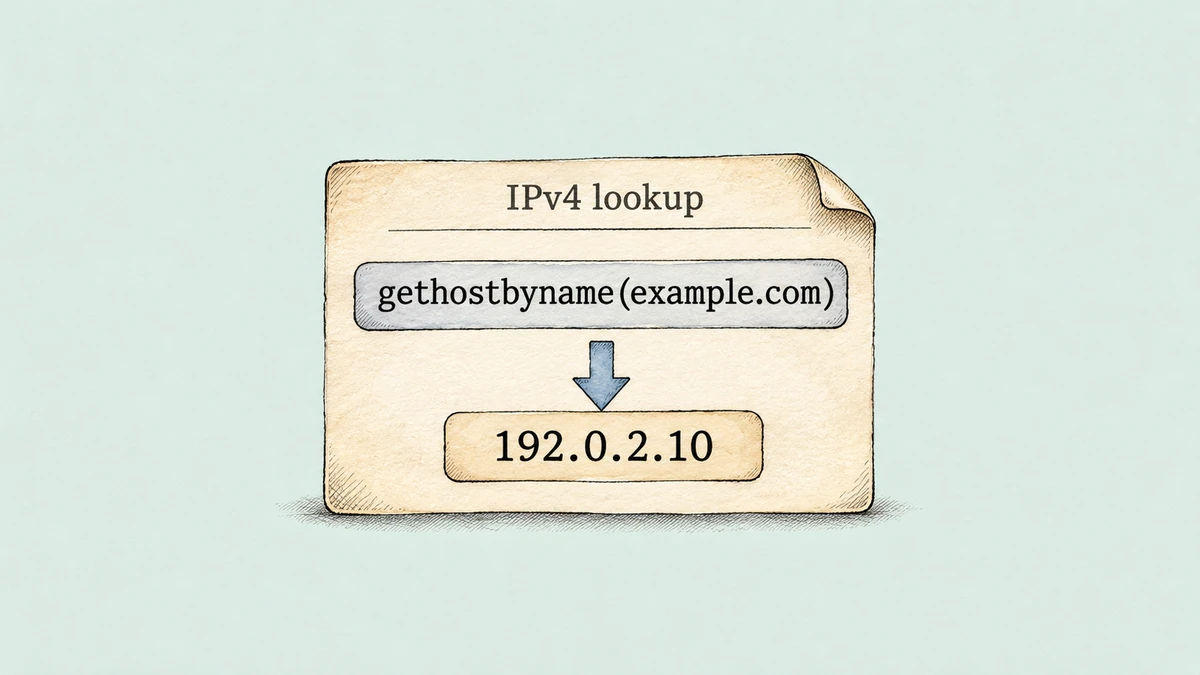
The name gethostbyname() appears in C and Python, two programming languages. In either language, a program can use it to find a network address. What comes back depends on which version the program called.
gethostbyname() is a function that looks up IPv4 address information for a hostname. A function is a named operation a program can call. A hostname is a readable network name; an IP address is the numerical address used to direct network traffic.
IPv4 means Internet Protocol version 4. Its addresses are written as four groups of numbers separated by dots. This function belongs to an older family of tools for software that communicates over networks.
Programs get this function from a library, a collection of reusable code. The library's API, or application programming interface, defines how to ask for the lookup and what kind of result to expect.
Why the Internet Is Running Out of Addresses
The Same Request Can Return Different Results
Consider the illustrative call gethostbyname("files.example"). The request is to look up the made-up hostname files.example. It doesn't ask to download a file or open a website.
In C on a Linux computer, success gives the program access to a record called a hostent. That record can hold a hostname, alternative names called aliases, and a list of addresses. The program has to read the address information from that record. The Linux function manual describes these contents.
Python's socket.gethostbyname() returns one IPv4 address as a string, which means text. Python also has a separate function, gethostbyname_ex(), that returns a name, aliases and a list of IPv4 addresses. Those are different interfaces, even though their names look similar. The Python socket reference spells out the distinction.

- Stop fearing the terminal: start from your first command and build from there.
- Automate boring tasks with shell scripts you write yourself.
- Understand what each command does instead of copying it blindly.
The Windows C interface also returns a hostent record. So an explanation of Python's single text result won't necessarily explain a line of C code you're reading.
Where the Answer Comes From
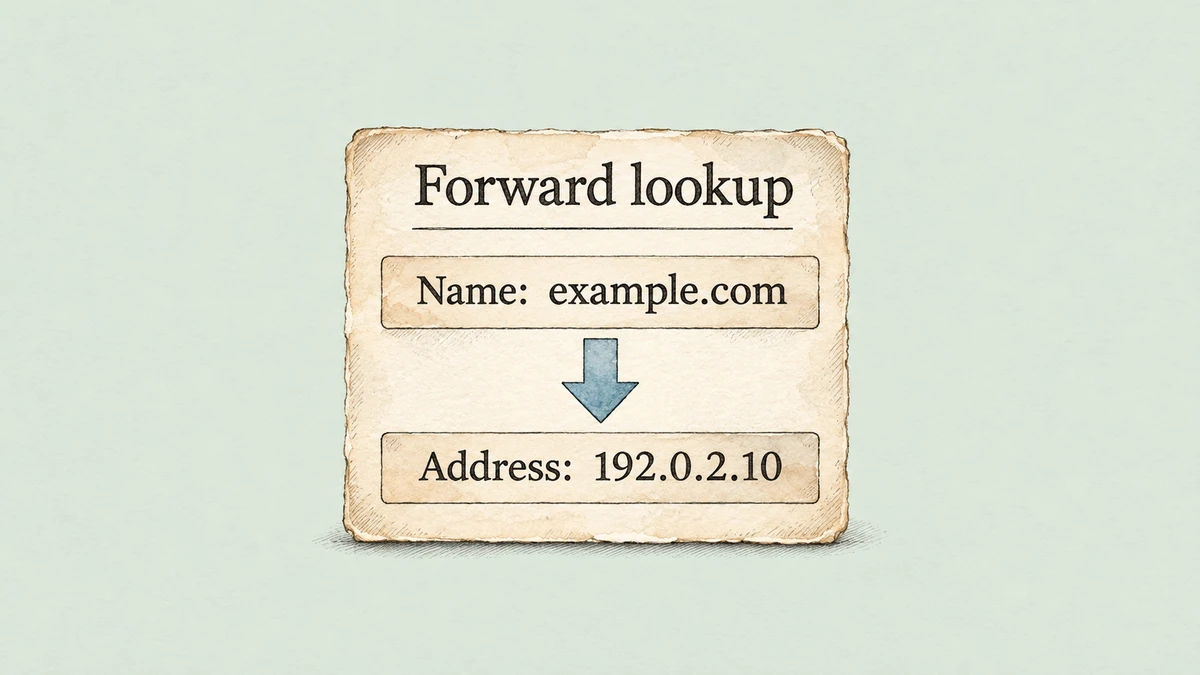
Finding an address from a name is called a forward lookup. DNS, the Domain Name System, supplies records connecting names with addresses. But calling gethostbyname() doesn't necessarily send a DNS question over the network.
For example, Linux systems using the GNU C Library can consult sources chosen in their configuration. Those sources can include DNS and a local hosts file, a file of names and addresses stored on the computer itself. The configuration also controls the order in which sources are consulted. The Linux name-service documentation explains this arrangement.
A local entry can therefore supply an answer without a DNS exchange. To understand a particular result, you need the system's lookup settings as well as the function's name.
What Happens When You Type a Web Address?
Why Newer Code Uses getaddrinfo()
IPv6, the newer version of the Internet Protocol, uses a different, longer address format. The basic gethostbyname() functions documented for Python and Windows don't resolve IPv6 addresses.
getaddrinfo() supports both IPv4 and IPv6. It can also take a service name, such as web access, and return possible addresses in a form the program can use to communicate. Its design is described in the IPv6 socket-interface specification.
Linux's manual labels the older C lookup interface obsolete. Microsoft marks its Windows version deprecated, meaning developers should move away from it, and recommends getaddrinfo(). That recommendation is explicit in Microsoft's function reference.
The Python 3.14 reference still lists its own gethostbyname() function without that deprecation label. Advice about the C function doesn't automatically apply to Python's version.

- Run a test server or a home lab without giving up desk space.
- Start right away with 16GB of memory and a 500GB SSD already inside.
- Drive two 4K screens when it doubles as an everyday desktop.
A Failed Lookup and a Failed Connection
A lookup can fail because the name wasn't found, because no suitable address information is available, or because of a temporary lookup problem. Each points to a different place to investigate.
The Linux and Windows C interfaces signal failure with NULL: no host-information record was returned. Each provides a separate way to retrieve error details. Python instead raises an exception, an error that the calling program can handle.
A successful lookup gives the program address information. Attempting a connection is a later operation. The lookup doesn't establish that a service is accepting requests or verify the identity of the person or organization behind it.
If a troubleshooting record shows an address followed by a connection error, the program has moved beyond the lookup stage. That distinction tells you which failure you're trying to explain.
Forward Lookup: How DNS Finds an Address for a Name
How DNS Finds an Answer Without One Giant Directory
IP Addresses: Why Your Device Can Have More Than One

QUOTE:
"Amateurs hack systems, professionals hack people."