BIND: The DNS Software Helping Computers Find Their Way
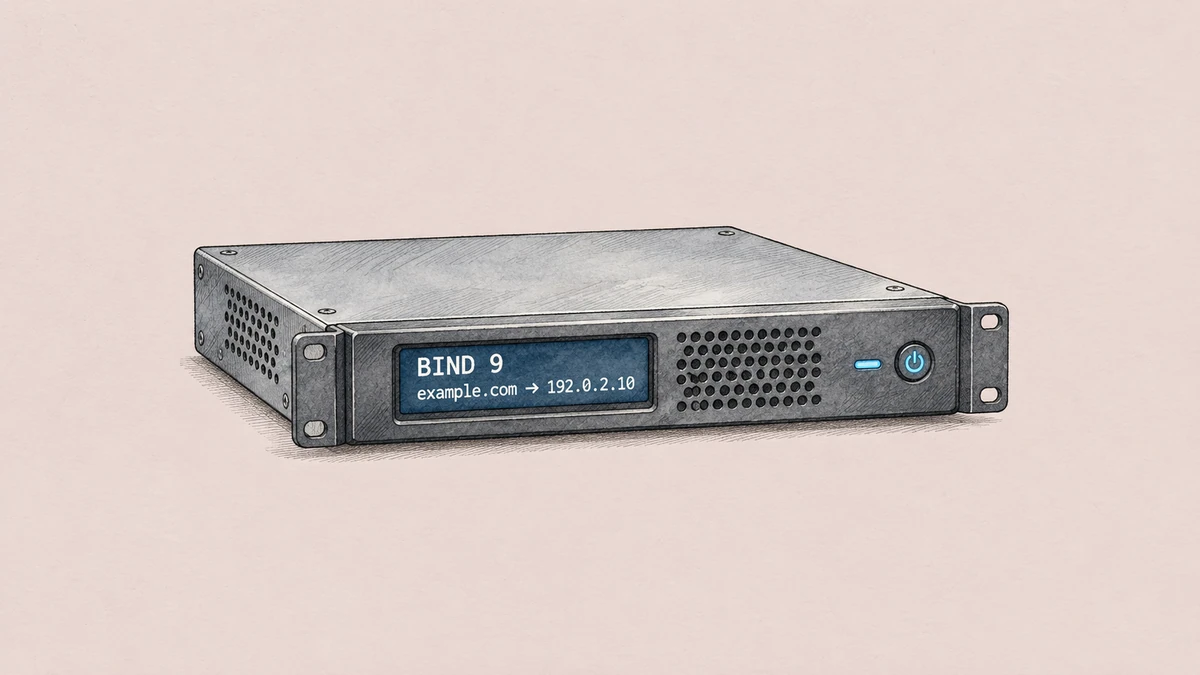
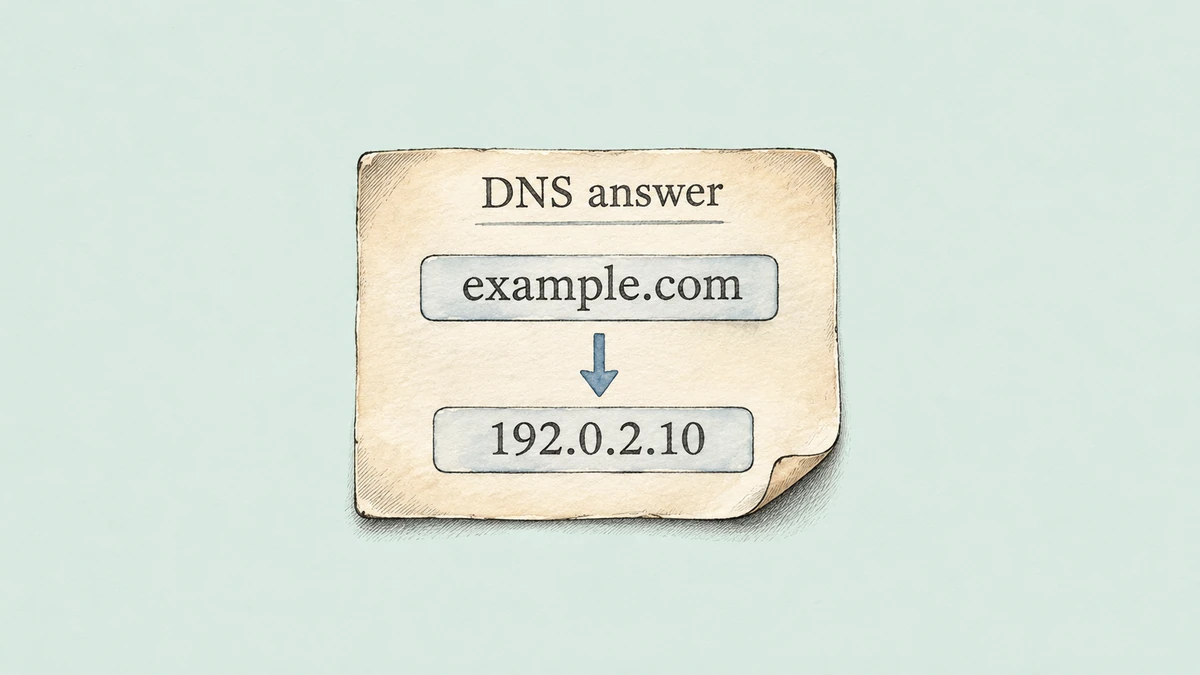
Your browser knows the site's name, but it still needs an address. BIND is one of the programs that can help supply that missing piece before a page starts loading.
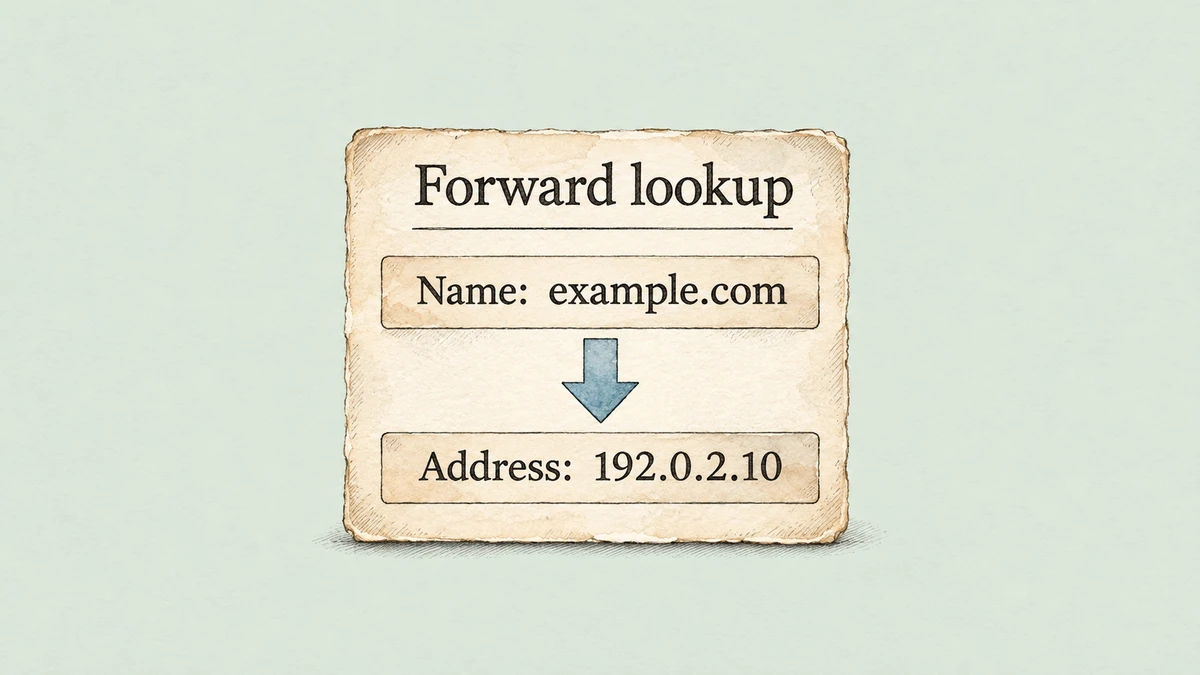
BIND is software for the Domain Name System, or DNS. DNS connects names with information computers need, including IP addresses—the numerical addresses used to reach devices and services on a network.
The name stands for Berkeley Internet Name Domain. Internet Systems Consortium maintains BIND 9 as open-source software, meaning its source code is available to inspect and use under its license.
You don't need BIND on your own laptop to benefit from a server running it.
What Happens When You Type a Web Address?
Publishing answers and finding answers
BIND can perform two major jobs, and the difference matters when someone configures it.
An authoritative server publishes the official DNS records for a particular zone, a managed portion of the naming system. For a company's website, those records can supply the address associated with its web server's name.
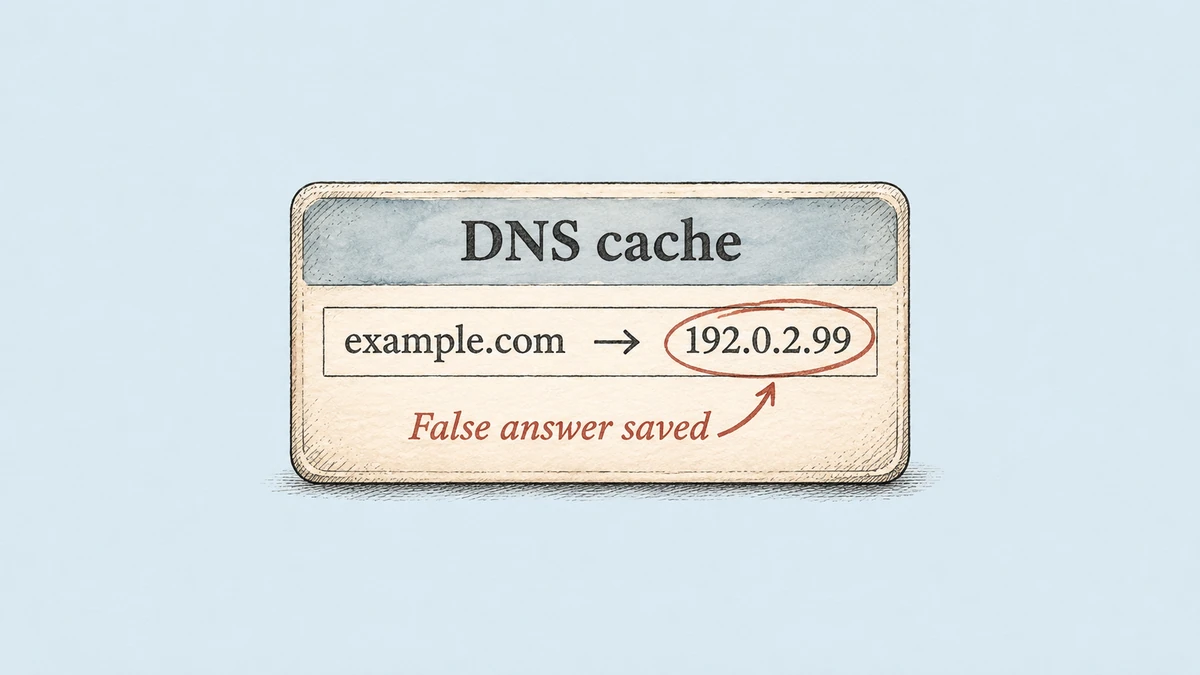
A recursive resolver finds answers on behalf of a device. It can ask other DNS servers for information and keep a temporary copy, called a cache, so later requests don't always require a fresh search.
Both roles are supported by BIND's server software, but they serve different audiences. Publishing your company's records doesn't mean you should also offer unrestricted lookup work to everyone on the internet.
One name can lead to different kinds of information
DNS records aren't all street-address equivalents.
An A record connects a name to an IPv4 address; an AAAA record does the same for the newer IPv6 address format. An MX record instead names a server that accepts email for a domain, such as a company's name after the @ sign.
The mail system can then look up that server's address. BIND's configuration guide explains these record types and how they're stored.
Consider a fictional shop moving its website to a new hosting company: changing the website's address record doesn't automatically move its email. The relevant mail records and mail service need their own attention.
Saved answers also explain why an address change may appear sooner for one visitor than another. A record's time to live, or TTL, tells a cache how long it may retain that answer before it needs refreshing.

- Start tonight: the board, case, power supply and memory card are all in the box.
- Run a home lab, an ad blocker or a practice server on one small computer.
- Learn Linux hands-on without risking your main machine.
Keep the lookup service under control
An office resolver should normally answer recursive requests only for its intended users. An unrestricted resolver can be abused to send DNS replies toward someone else's network, contributing to an attack that overwhelms that target with traffic.
ISC's operating guidance recommends restricting recursion and generally separating public authoritative service from internal recursive service. It also calls for supported software and monitoring, because a working configuration still needs upkeep.
BIND supports DNS Security Extensions, usually shortened to DNSSEC. These use digital signatures—mathematical checks on the origin and integrity of data—to help a resolver verify signed DNS answers.
That check doesn't hide the lookup or certify that a website is harmless, as ISC's DNSSEC guide explains. A correctly returned address can still lead to an untrustworthy site.
When a BIND server has trouble, start by identifying its job: publishing your records, finding other people's records, or both. That distinction tells you whose answers to inspect and which users are affected.
How DNS Finds an Answer Without One Giant Directory
Cache Poisoning: How One Bad Answer Spreads
Forward Lookup: How DNS Finds an Address for a Name
QUOTE:
"Amateurs hack systems, professionals hack people."