Egress Filtering: Decide What Your Network Can Send Out
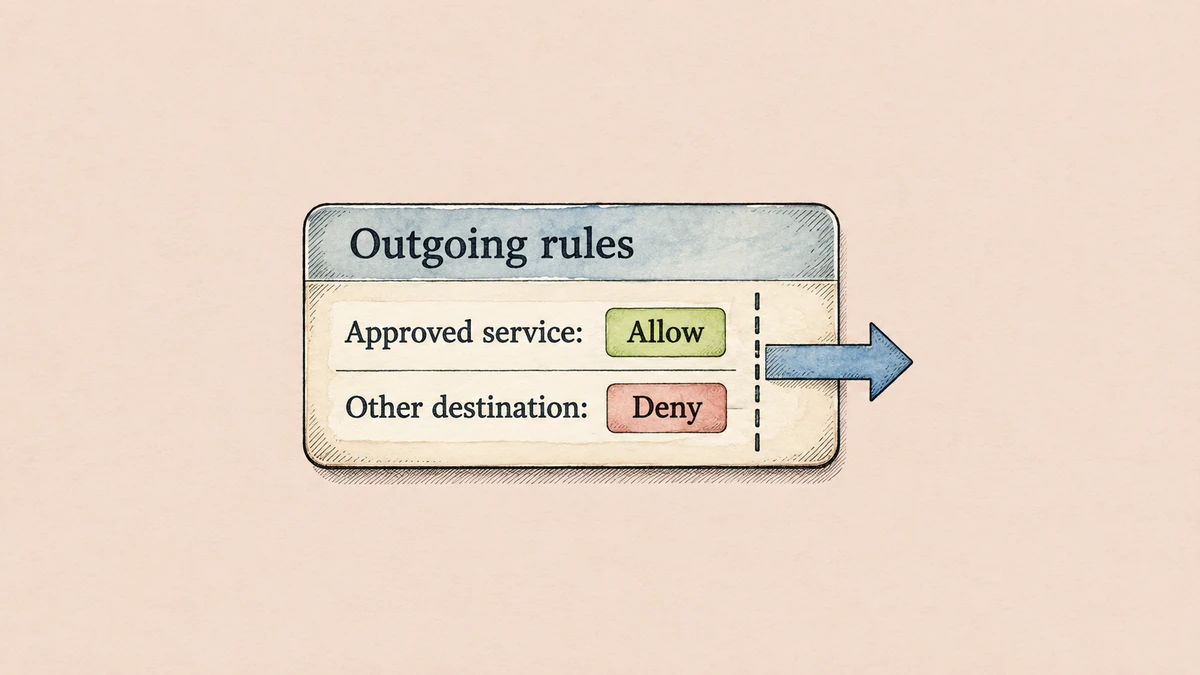
Egress filtering sets rules for traffic leaving a device or network. That gives a company a way to limit where an infected laptop can connect, even after something has gone wrong inside.
Which way is out?
Egress means outgoing; ingress means incoming. The direction depends on the boundary you're discussing: a connection leaving your office is entering your internet provider's network.
A firewall—a device or program that controls network traffic—can apply rules in either direction. Blocking unwanted visitors doesn't automatically restrict connections started by the computers inside.
An outbound rule might use an IP address, which identifies a network destination, or a port number, which helps direct traffic to a particular service. It may also check the protocol: the set of communication rules the traffic follows.
These are ordinary packet-filtering capabilities described in firewall guidance from the National Institute of Standards and Technology. A packet is one small unit of data sent across a network.
Give a backup server a limited itinerary
Consider a hypothetical server that sends backups to an approved storage service. Its administrator could allow those connections while denying new connections to unrelated destinations.
That policy can stop malicious software from contacting a separate server controlled by an attacker. It works only if that connection crosses the filter and the rules actually block it.
- Skip the install: pfSense Plus comes preloaded, so you can start writing rules right away.
- Get a firewall, router and VPN in one silent box that sips power.
- Keep receiving pfSense Plus updates for the life of the product.
The server may also need approved routes for software updates and other supporting services. Finding those needs before tightening the rules helps avoid a backup system that looks secure because it can no longer do its job.
There's another detail: a reply isn't always treated like a new outbound request. A stateful filter remembers permitted exchanges and can use that history to allow their return traffic.
For example, Amazon's cloud security groups allow replies to permitted incoming traffic regardless of outbound rules. That product's behavior shows why you need to understand connection tracking before interpreting an outbound rule as a ban on every outgoing packet.
A permitted connection can still carry the wrong file
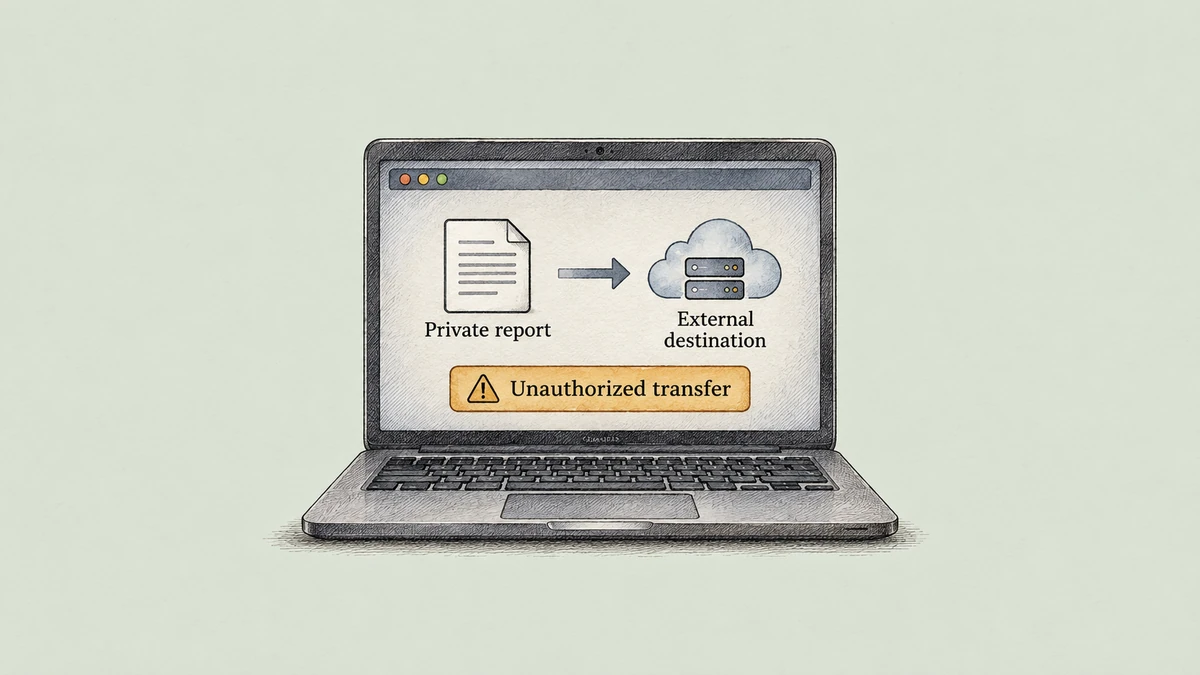
A basic rule that allows a destination doesn't know whether the upload contains a harmless report or a customer list. Nor does a familiar port number prove the software using it is trustworthy.
Some products add application controls or content inspection. AWS Network Firewall's TLS inspection, for example, decrypts selected encrypted connections for inspection and encrypts the traffic again before forwarding it.
TLS, short for Transport Layer Security, protects data while it travels. Inspecting its contents requires capabilities and configuration beyond a basic address-and-port rule; the words “egress filtering” don't promise that inspection is happening.
Likewise, data loss prevention uses rules aimed at sensitive information and how it's handled. Outbound filtering can support that work, but it doesn't automatically recognize a leaked password or confidential attachment.
How a Router Decides What Gets Through
Check the claimed sender, too
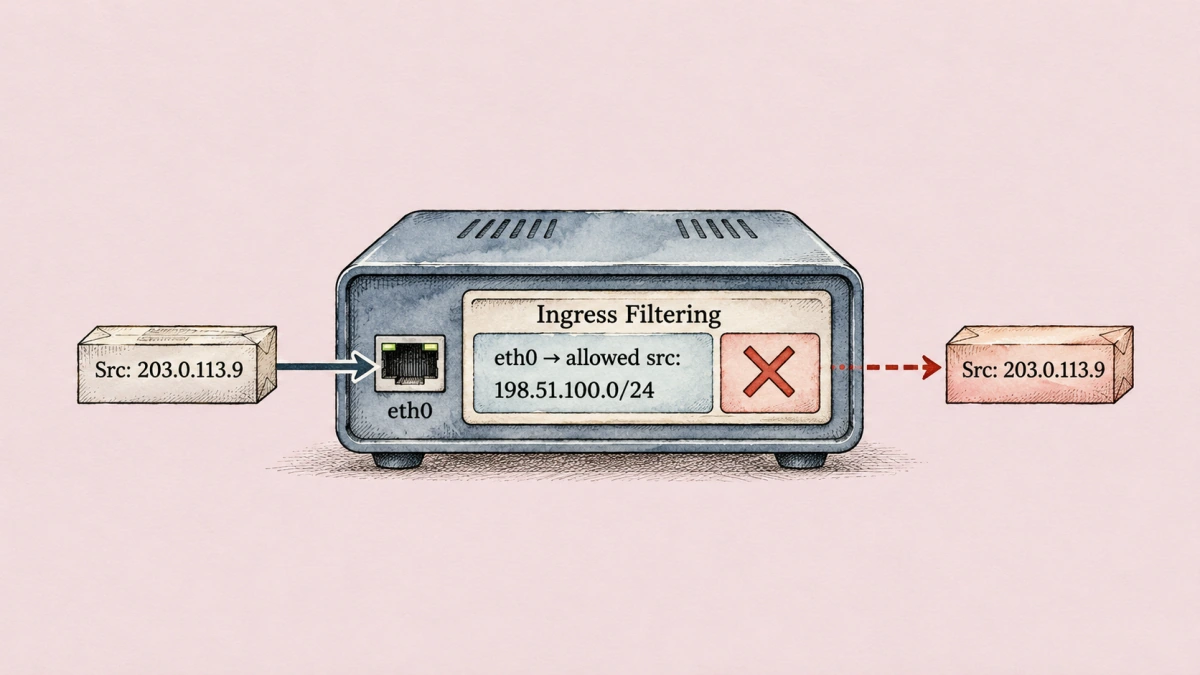
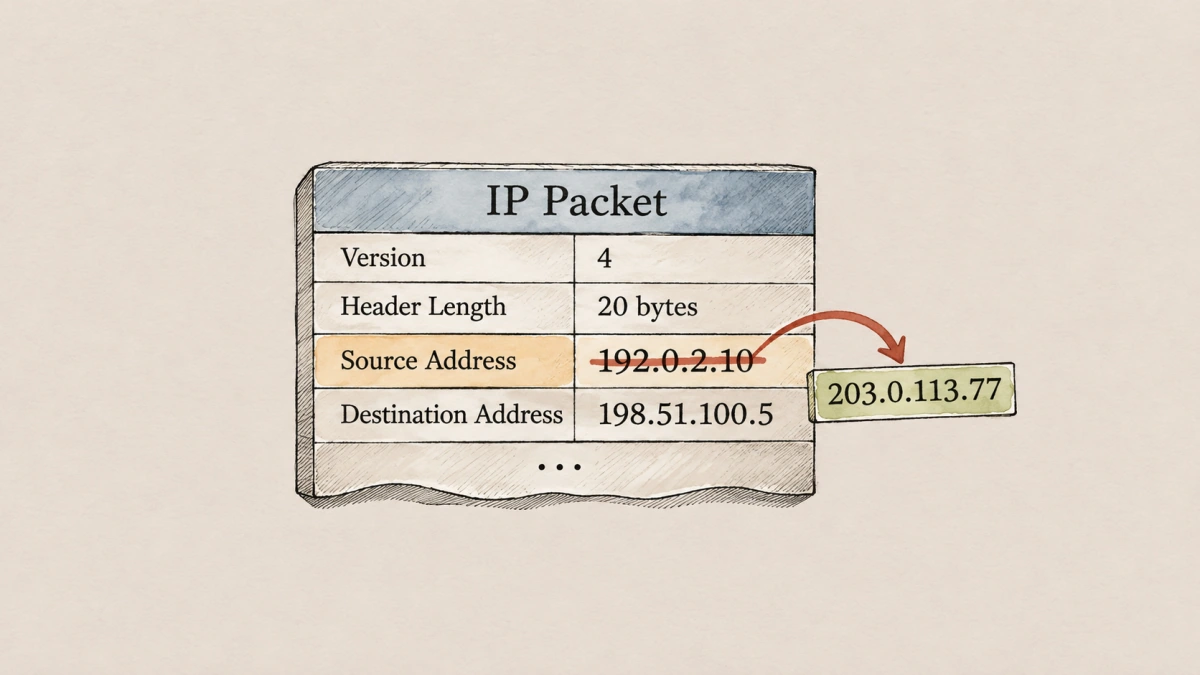
Egress controls can also reject packets carrying source addresses that shouldn't come from that network. This reduces source-address spoofing, in which traffic carries a forged return address.
The filtering approach in the technical document RFC 2827 restricts which source-address ranges a connected network may use. Its title calls this ingress filtering because it describes traffic entering a provider from a customer.
This check doesn't prove that a permitted device is honest, and it doesn't block every attack. It limits one way a compromised network can send misleading traffic to others.
Before relying on an egress policy, test both sides of the intended rule: necessary work should succeed, and a connection meant to be blocked should fail. Review the records of blocked traffic when something breaks, then adjust the specific rule instead of opening every destination.
Ingress Filtering: Does That Source Address Belong Here?
Data Exfiltration: How Information Leaves Without Disappearing
IP Spoofing: The Trouble With a False Return Address
QUOTE:
"Amateurs hack systems, professionals hack people."