Basic Authentication: Why an Encoded Password Still Needs HTTPS
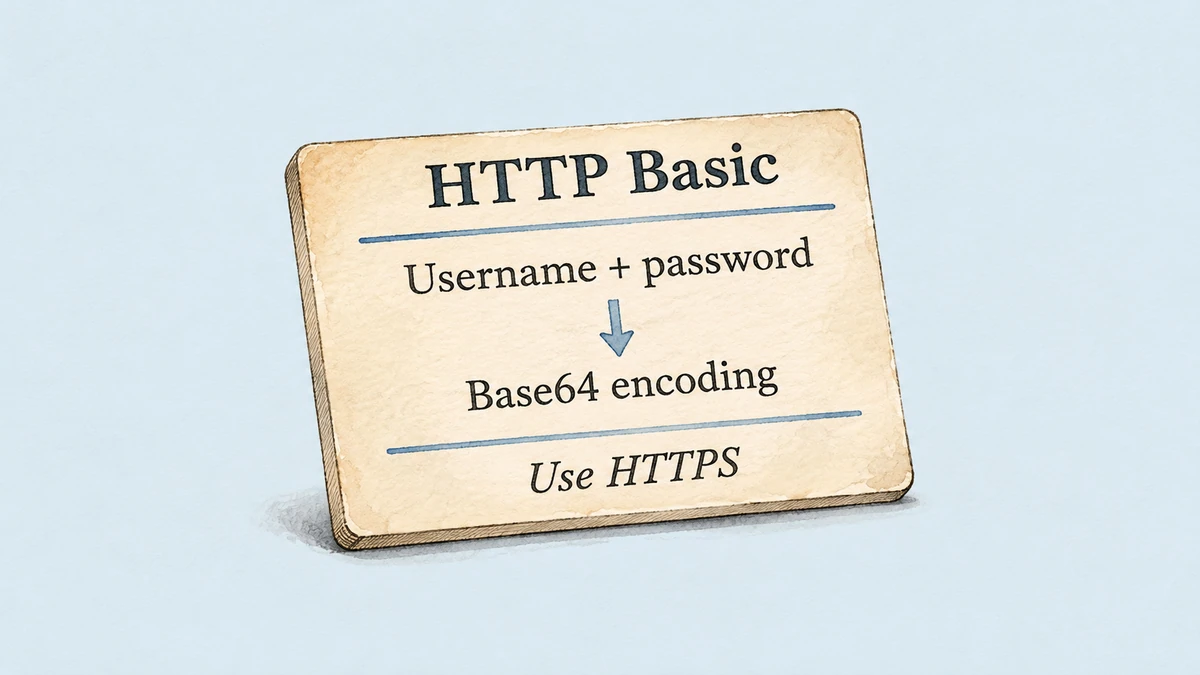
HTTP Basic authentication packages a username and password into a web request. Its name describes a specific way to send credentials, not every login screen with two boxes.
HTTP, short for Hypertext Transfer Protocol, sets the rules for web requests and responses. Under its Basic authentication scheme, a browser or another client program sends account credentials to a server in a field called an Authorization header.
Despite that field's name, checking credentials is authentication; deciding what the account may do is the separate job of authorization.
Sessions or JWTs: Where Does Your Login Actually Live?
The small exchange behind the password prompt
A server can ask for credentials by returning a 401 response code with a WWW-Authenticate header that specifies Basic. A browser may then show a password prompt and resend the request with the credentials attached.
Those fields are part of the HTTP authentication exchange, rather than the design of the web page itself.
For example, a team could put this check in front of a private preview site. The browser supplies the required information before the server delivers the page.
Once the client has the credentials, it may reuse them on later requests within the same protected area without showing another prompt. The Basic authentication standard describes this reuse; sending credentials isn't necessarily a one-time login event.
Base64 changes the lettering, not the secrecy
Basic joins the username and password with a colon, then converts that combination into Base64, a standard way to represent data using printable characters. The conversion requires no secret key, so someone who obtains the result can reverse it.
In a fictional example, the username reader and password demo become reader:demo, then cmVhZGVyOmRlbW8= after encoding. The longer string doesn't make that weak password secret or stronger.
Encoding changes how data is represented; encryption scrambles it so someone needs the right key to read it. Base64 only changes the representation.
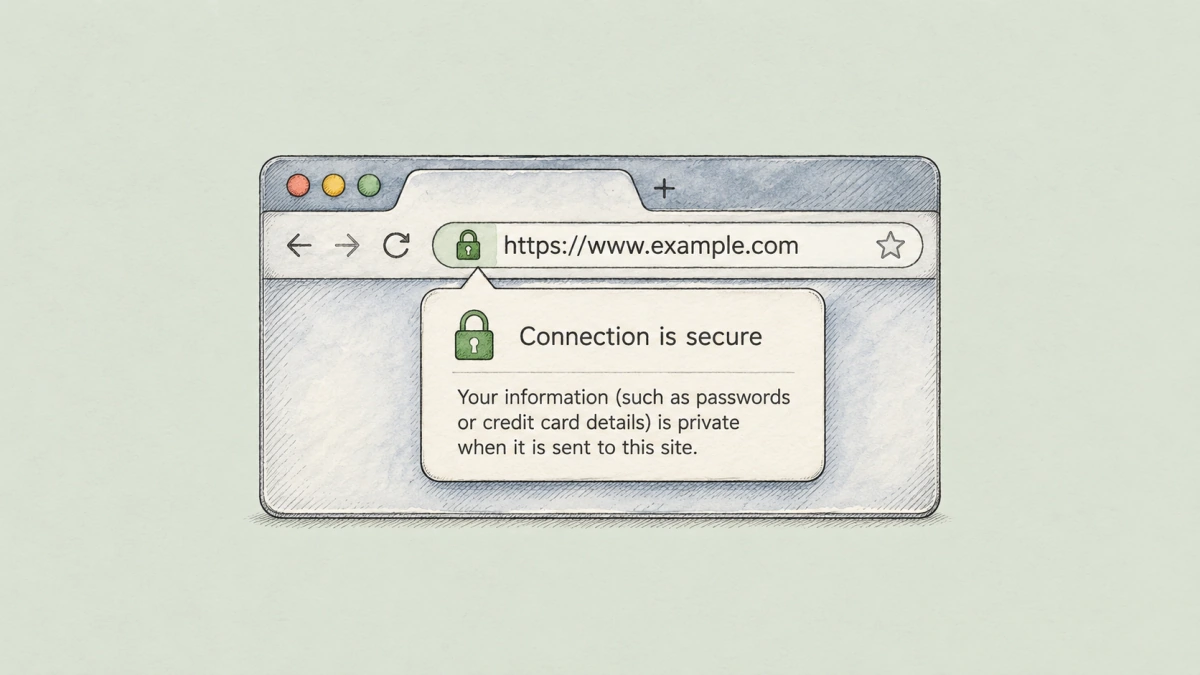
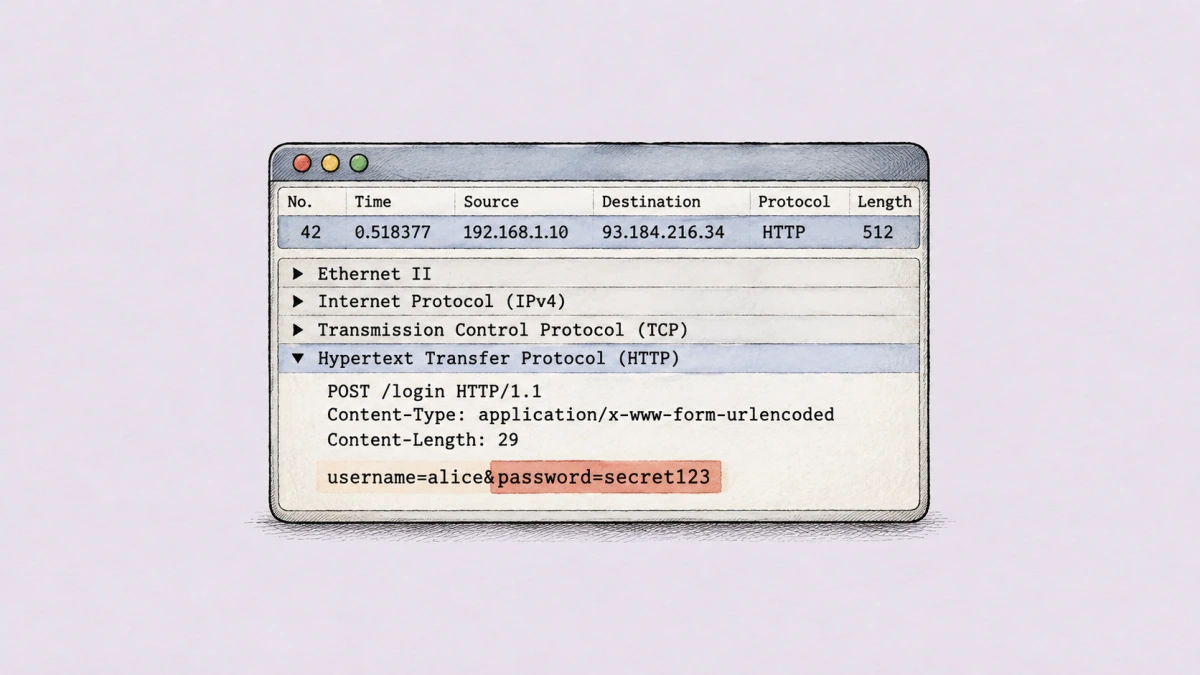
Basic authentication therefore needs protection around the exchange. HTTPS provides an encrypted web connection using Transport Layer Security, or TLS, which keeps network observers from simply reading the credentials in transit.
OWASP's web-service guidance calls for HTTPS to protect credentials as they travel. Encoding a password and sending it over ordinary, unencrypted HTTP doesn't provide that protection.

- Make a stolen password useless without the key in your hand.
- Sign in with a tap instead of typing a code.
- Protect Google, Microsoft, Apple and more than 1,000 other accounts.
HTTPS doesn't finish the job
The receiving service still handles the credentials, and a stolen reusable password can still be presented by someone else. An encrypted connection protects the journey; it doesn't make a compromised device or dishonest recipient trustworthy.
Basic authentication also doesn't automatically provide multifactor authentication, which requires different kinds of evidence, such as a password plus possession of a security key. Those extra checks need a system designed to support them.
OWASP recommends controls including limits on repeated login attempts, secure password storage and appropriate multifactor authentication. A Basic prompt alone doesn't establish that those controls exist.
For an existing service, check where the password travels, where it can be recorded, and how access is revoked when someone leaves. Keep reusable credentials out of shared screenshots and diagnostic records, even when their Base64 form looks unreadable.
For a new system, choose an authentication design around the access and recovery features people need. A familiar password prompt is a user interface, not evidence that the underlying design is sufficient.
HTTPS: A Secure Connection Can Still Lead to a Scam
Digest Authentication: How the Challenge-and-Response Login Works
Password Sniffing: Who Can Read a Secret in Transit?
QUOTE:
"Amateurs hack systems, professionals hack people."