Domain Explained: A Website Name or a Workplace Network?
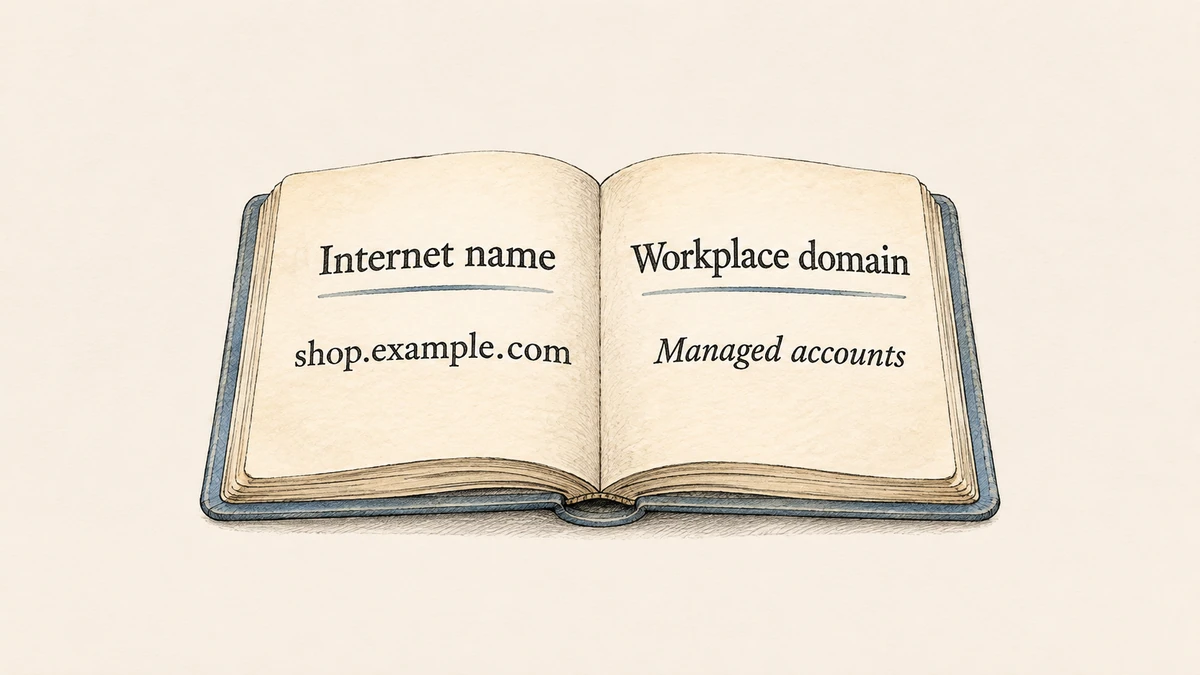
“Domain” can mean the name used to find an internet service or a group of accounts and computers managed at work. Buying a domain name for a website doesn't create the kind of domain your office computer joins.
Reading a domain name from right to left
Using a reserved example name, take shop.example.com. Its parts form a hierarchy: .com is the top-level domain, example.com sits beneath it, and shop.example.com is a subdomain beneath that.
The dots mark the boundaries between parts, called labels, in this right-to-left naming structure.
DNS, the Domain Name System, lets software look up records associated with those names. A record might provide an IP address, the network address used to send traffic toward a destination.
What Happens When You Type a Web Address?
The name doesn't have to serve just one purpose. An organization can use a domain for its website and email, with different records directing each service to the appropriate systems.
A domain is only part of a web address
Here's a complete example address: https://shop.example.com/account. It's a URL, short for Uniform Resource Locator, and its main parts do different jobs.
| Part | What it tells the browser |
|---|---|
https:// | Use HTTPS, the web protocol that protects data during the connection. |
shop.example.com | The name of the host to contact. |
/account | The path of the requested page or resource. |
The host is the named system serving the request. As Mozilla's URL guide explains, the domain name and path are separate parts of the address.
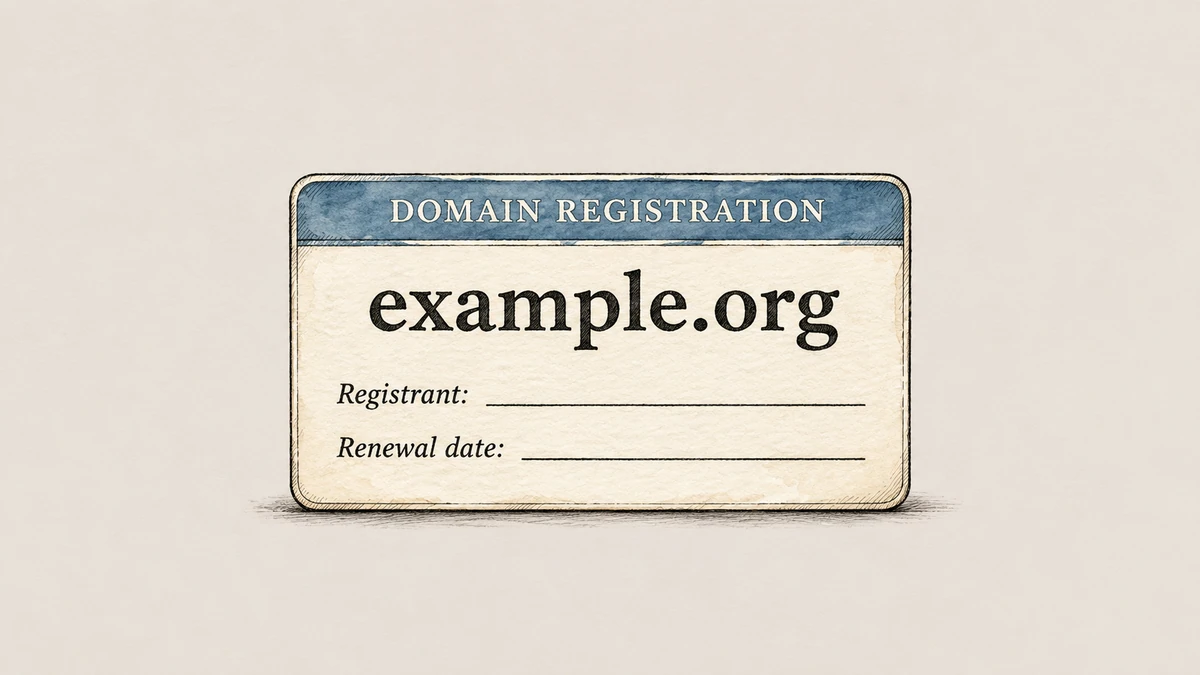
Registering an available domain gives you rights to use that name under the registration agreement. A registrar is a company that handles those registrations, and keeping one generally requires renewal.
You still need hosting, a service that stores and runs the website, plus the settings that connect the name to it. ICANN's explanation of domain names makes this distinction between a registered name and an actual website.

- Start tonight: the board, case, power supply and memory card are all in the box.
- Run a home lab, an ad blocker or a practice server on one small computer.
- Learn Linux hands-on without risking your main machine.
At work, a domain can manage accounts and computers
In Microsoft's Active Directory, a system for organizing network accounts and resources, a domain groups items such as user accounts and computers. Administrators can use it to manage sign-ins and access to shared resources.
Microsoft's Active Directory overview describes these account and access functions. Joining a computer to that domain establishes a relationship with the organization's directory system; it isn't the same as visiting its website.
An Active Directory domain also has a DNS name, such as staff.example.com, following Microsoft's naming structure. The organization must set up the directory separately from registering its public internet name.
Familiar words can appear in an unfamiliar domain
accounts.example.com is beneath example.com. But example.com.help.example.net is beneath example.net, even though the beginning looks familiar.
That follows from the right-to-left hierarchy, not from which word catches your eye first. When checking a link, compare the full host name with one you know is correct; don't assume a recognizable brand word makes the destination trustworthy.
What You Actually Get When You Register a Domain Name
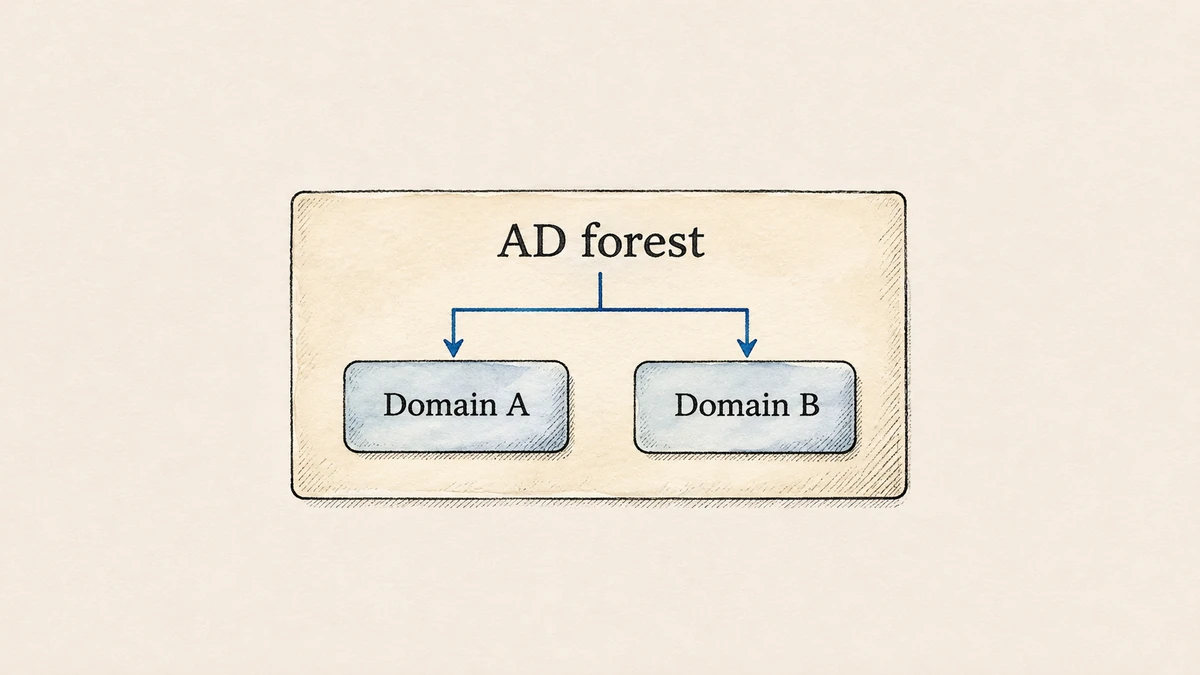
Active Directory Forests: Why Separate Domains Still Share Risk
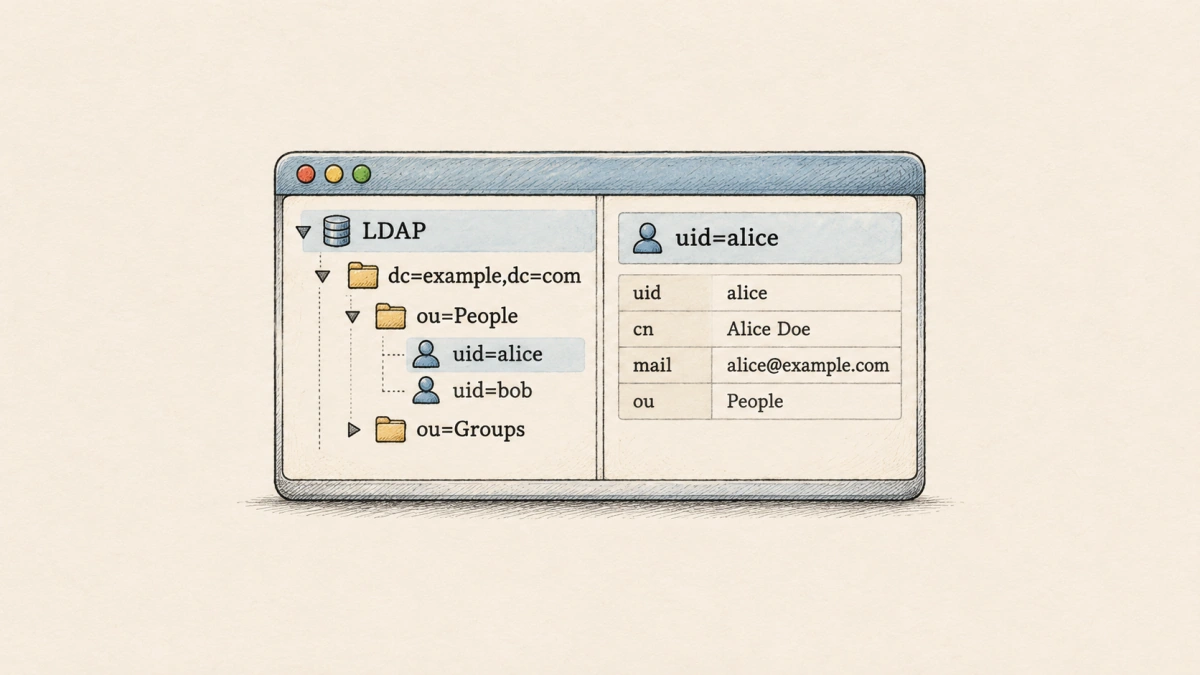
LDAP: How an App Finds One Record in a Directory
QUOTE:
"Amateurs hack systems, professionals hack people."