DMZ Explained: Why Your Router’s Setting Can Mislead You
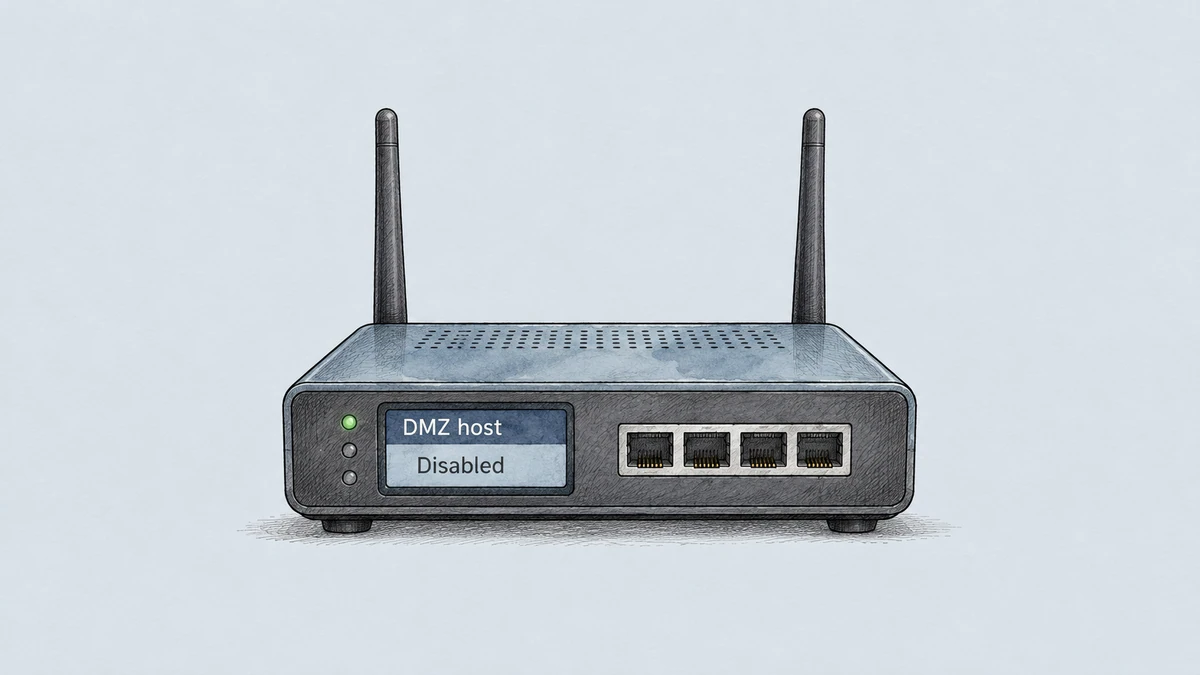
A network DMZ and a home router's DMZ-host setting can do very different things. One creates a separate area for exposed services; the other often sends incoming internet traffic to a device that remains on your home network.
DMZ stands for demilitarized zone, a name borrowed from areas that separate opposing sides.
The home-router setting can expose more than one app
A router directs traffic between networks, including your home network and the internet. Its DMZ-host option typically designates one local device to receive incoming traffic that hasn't been assigned elsewhere.
Router maker TP-Link describes this distinction: its home-router DMZ host remains on the internal network, with traffic for otherwise unassigned service ports forwarded to it. It isn't a separate network zone.
A port here is a numbered destination used to reach a network service, not a physical socket. A computer may have several services listening for connections, so forwarding broadly can affect more than the game or application you're trying to fix.

- Give every phone, laptop and TV a steadier connection with Wi-Fi 6.
- Stop the buffering at busy hours, with room for many devices at once.
- Replace an aging router and get stronger coverage across more of your home.
The device's own firewall—a tool that permits or blocks traffic—can still reject connections. Forwarding traffic doesn't create a service where none exists, but it changes which incoming requests can reach the device for handling.
Getting an application to connect after enabling DMZ host doesn't show that only the intended application became reachable.
A separate DMZ has boundaries on both sides
An organizational DMZ commonly holds public-facing servers, computers running services that people outside the organization need to reach. The staff's private systems sit in a different network area.
The firewall controls traffic between those areas as well as traffic from the internet. The National Institute of Standards and Technology's firewall guide shows this arrangement with a single firewall serving separate network connections; multiple firewalls are another possible design.
Consider a public customer portal that needs a limited connection to an internal service. The rules can allow that specific exchange while denying the portal server broad access to staff computers and file storage.
If an attacker takes over the portal, those limits can make reaching private systems harder. They don't make the portal harmless: an attacker may still exploit a permitted connection or a flaw in the service behind it.
What Is a DMZ, and Why Put Servers There?
Separation needs rules that are actually enforced
Drawing a box labeled DMZ on a network map doesn't provide protection by itself. The equipment must enforce the intended boundaries, and administrators need to check that unnecessary connections aren't allowed through.
Australia's cybersecurity guidance distinguishes dividing a network into parts from controlling communication between those parts. Both matter when the purpose is to contain trouble in an exposed area.
For a home router, read the model's description before treating “DMZ” as a security feature. Check which device receives the traffic, whether it still shares a network with other devices, and what its own firewall allows.
There are deliberate uses for forwarding broadly, such as sending traffic to another firewall that will apply the rules. But a checkbox alone doesn't give a home computer the separation provided by a properly designed network DMZ.
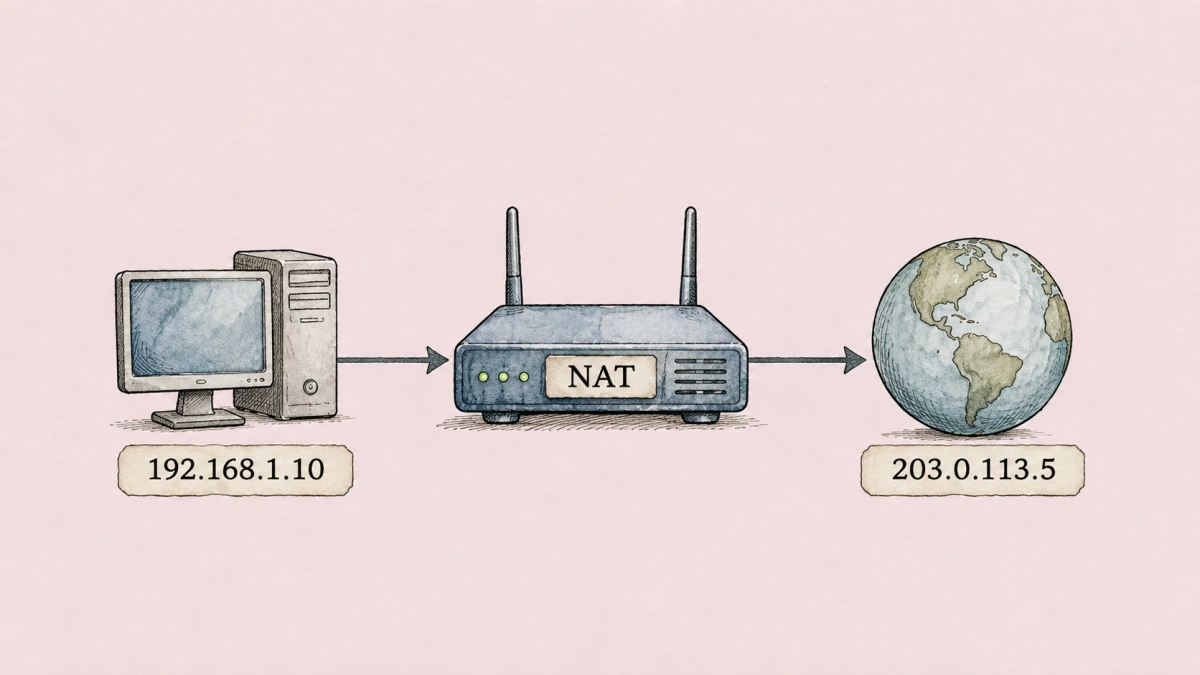
Network Address Translation: The Address Changes Midjourney
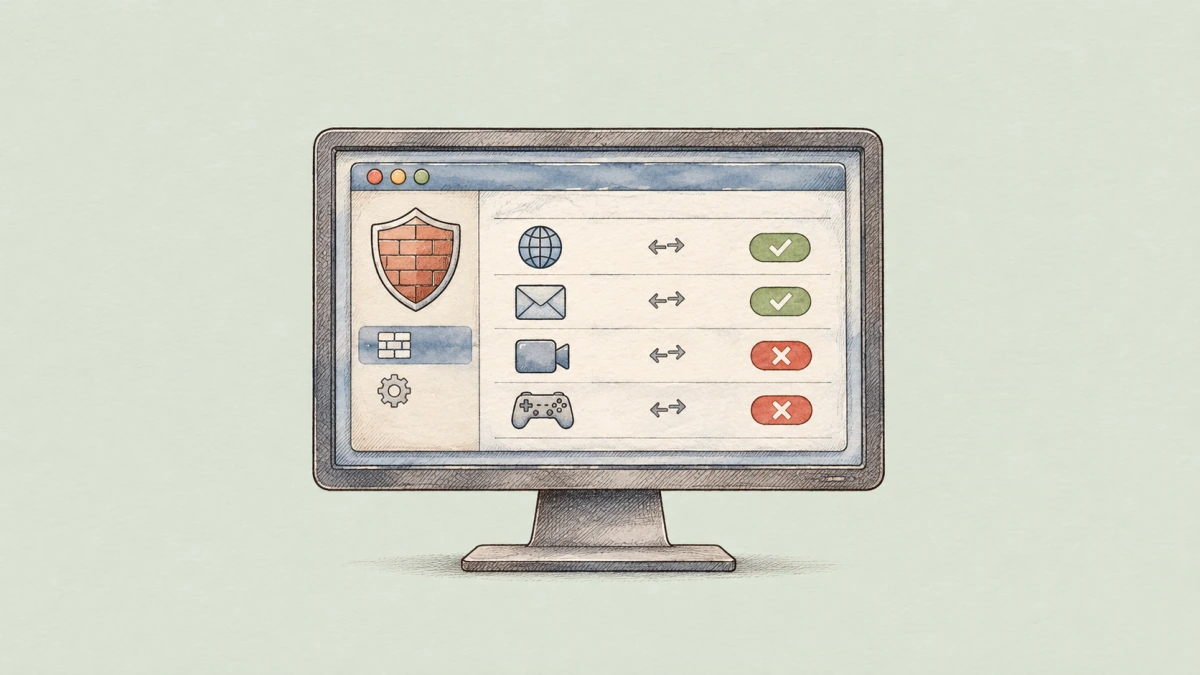
Personal Firewalls: What “Allow This App” Changes
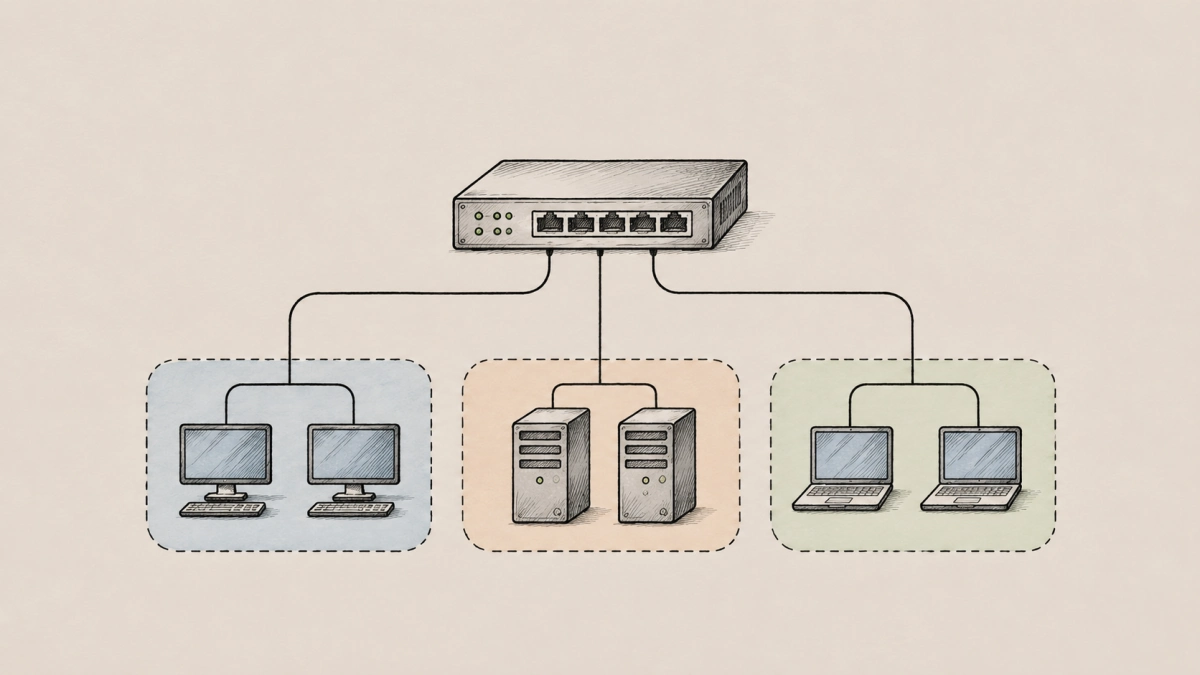
Network Segmentation: How Far Can One Intruder Go?
QUOTE:
"Amateurs hack systems, professionals hack people."