Website Defacement: Why Fixing the Homepage May Not Be Enough
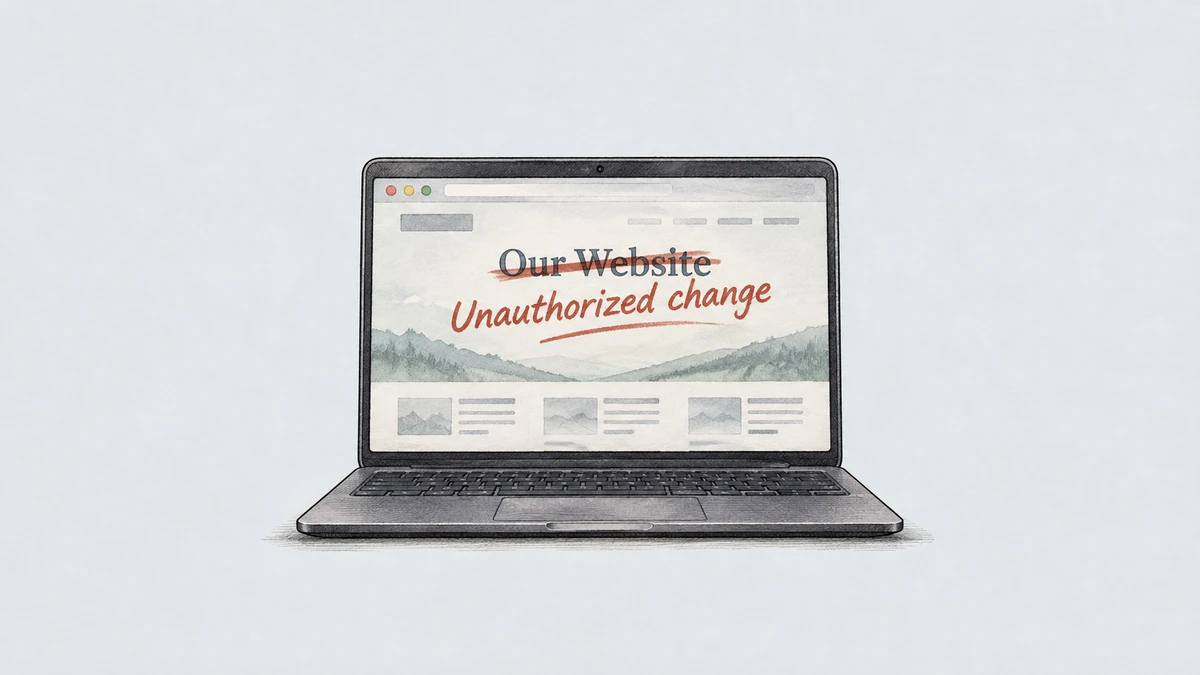
A defaced website may still load perfectly. The problem is that its pages now show changes the owner didn't authorize, whether that's an obvious takeover message or a quiet alteration to trusted information.
Website defacement is an attack on the site's content or appearance. It damages integrity, the assurance that information hasn't been changed improperly.
MITRE's description of external defacement includes misleading users, intimidation, and political messaging. A page's continued availability doesn't make its contents reliable.
The visible change doesn't reveal the whole intrusion
Someone who changes a page has gained influence over what visitors see. That observation doesn't, by itself, prove how they got in, who they are, or whether they stole other information.
An attacker might obtain a website administrator's account, exploit a software flaw, or alter files on the hosting system. A content management system, or CMS, is the software used to edit and publish a site's pages; its accounts and add-ons can be entry points.
Australia's website-security guidance describes unauthorized access and software vulnerabilities as routes to defacement. It also warns that attackers may add malicious software that puts visitors at risk.
How One Line of Text Can Hack a Website
The public message isn't a complete incident report. Even a claim of responsibility on the page needs investigation rather than automatic acceptance.
Record what happened before cleaning it away
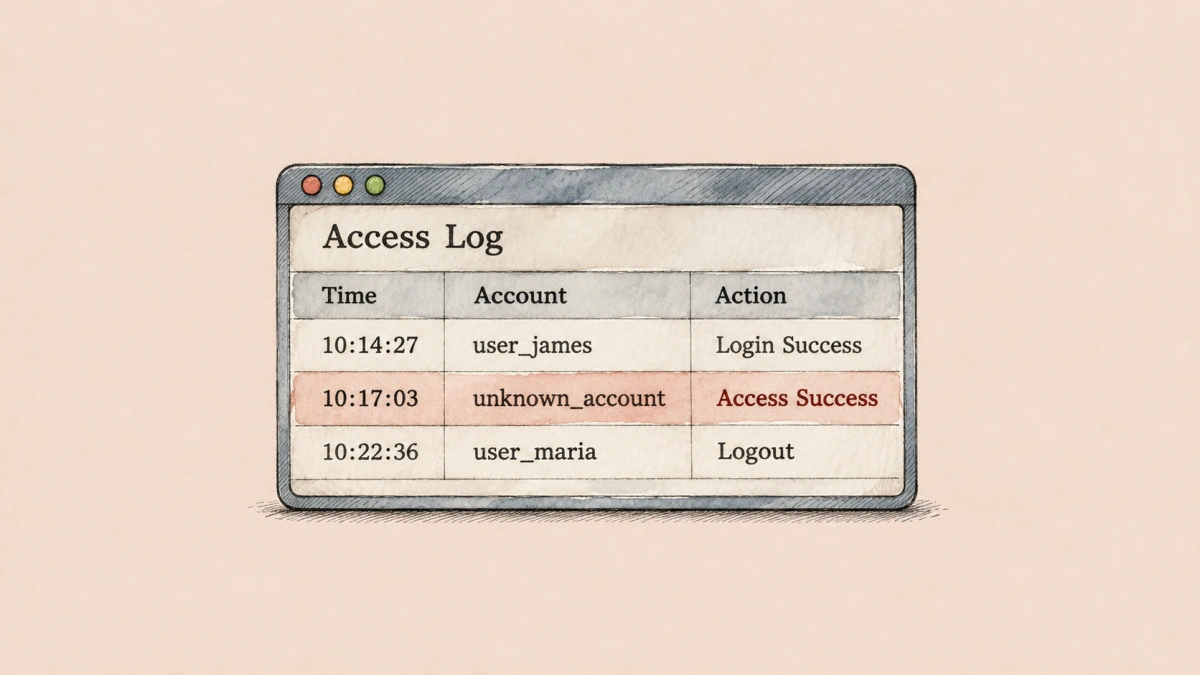
For a site owner, note the affected addresses, when the changes were noticed, and what appeared. Screenshots can help show the visible damage, while server and account logs can help explain how it happened.
Contact the hosting provider and whoever handles security for the site. The WordPress recovery guide recommends documenting the incident and checking with the host, including whether other sites in the same hosting environment may be affected.
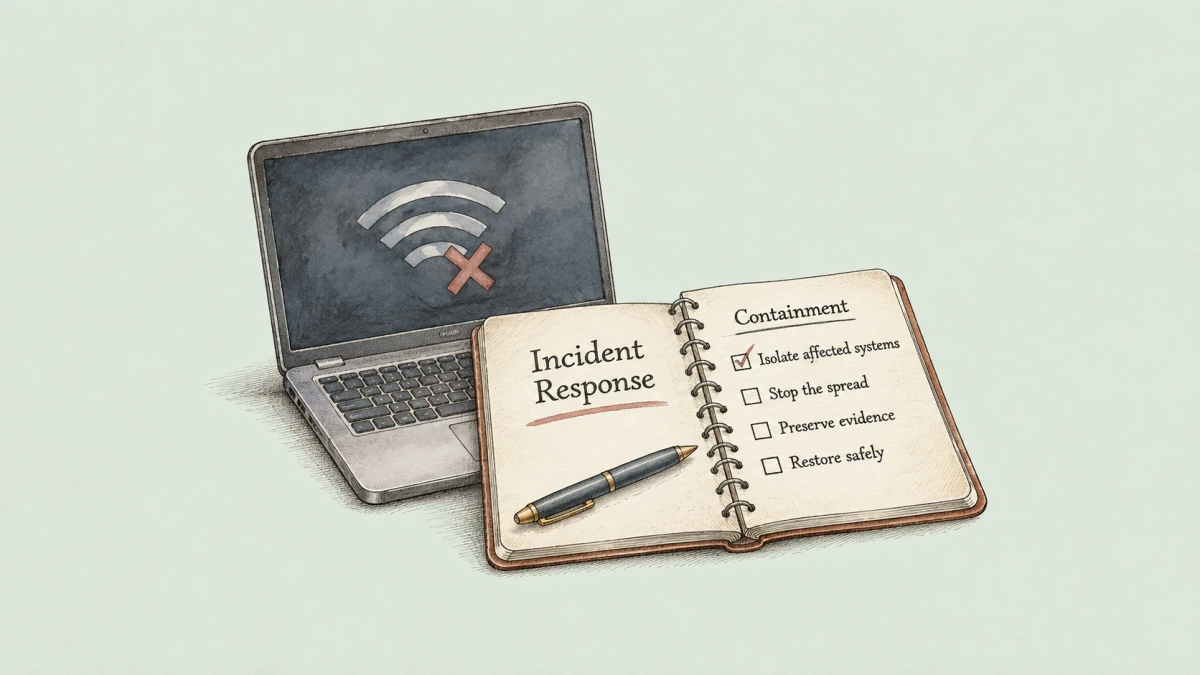
Containment may require restricting access or temporarily taking affected pages out of service. Australia's incident-response guidance pairs containment with preserving evidence, including files and logs that a screenshot won't capture.
If visitors are being sent to harmful downloads or fake sign-in pages, protecting them takes priority over keeping the altered site online.

- Learn to find the flaws in a web app before someone else does.
- Understand injection, broken logins and logic bugs well enough to fix them.
- Build the skills that web security jobs ask for.
Restore control as well as the page
A clean copy of the homepage can remove the visible defacement while leaving the attacker's access in place. Recovery needs to address both.
The work usually includes:
- Finding the entry point: review relevant account activity, software versions, and file changes.
- Closing access: fix the weakness, reset compromised credentials, end unauthorized sessions, and remove unwanted accounts or access methods.
- Restoring trusted content: recover from a suitable clean backup or trusted source, then check for other altered or added files.
- Watching for a return: monitor the site and administrative activity after restoration.
The exact steps depend on the platform and the intrusion. Reinstalling files or restoring a backup without addressing the entry point can leave the same route open.
A backup also needs to predate the compromise or otherwise be verified as clean. The most recent copy may already contain the unwanted changes.
Reduce the places an attacker can publish from
Protect administrator and hosting accounts with strong, unique passwords and multifactor authentication, which adds another kind of proof beyond a password. Keep the CMS and its add-ons updated, and give people only the publishing access they need.
Maintain protected backups and check that they can be restored. Monitoring for unexpected content or account changes can help you notice a problem sooner.
For a visitor, an unexpectedly altered site is a reason to stop entering information and contact the organization through a known route. For the owner, the recovery question is whether control has been restored—not just whether the homepage looks familiar again.
Web Servers: What Happens After the Browser Asks
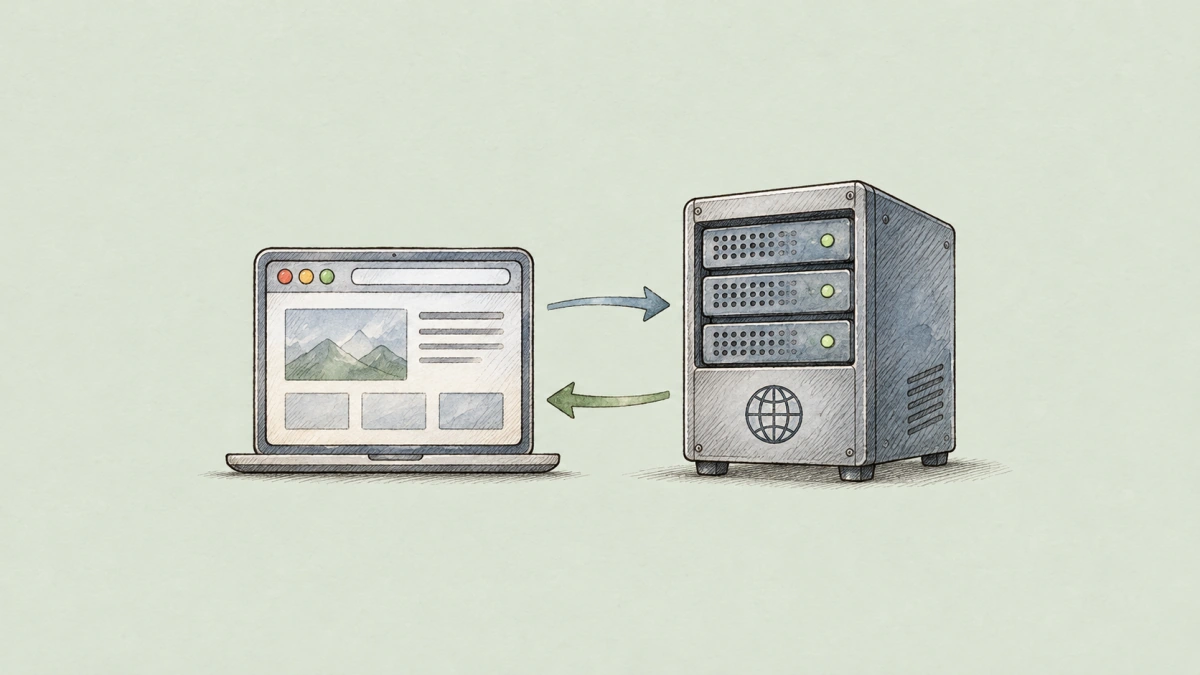
Unauthorized Access Can Begin After a Successful Login
Incident Response: Why the Right Action Depends on the Attack
QUOTE:
"Amateurs hack systems, professionals hack people."