What Is Cybersecurity? Protecting the Digital Life You Depend On
Cybersecurity protects the accounts, devices, networks, and information you rely on. It includes keeping trouble out, spotting trouble that gets through, and being able to recover afterward.
That makes it part of ordinary life: protecting your email, keeping a shop's payment system running, or making sure a hospital can trust its records. The tools differ, but the purpose is to keep digital services safe enough to use.

- Make a stolen password useless without the key in your hand.
- Sign in with a tap instead of typing a code.
- Protect Google, Microsoft, Apple and more than 1,000 other accounts.
What are you trying to protect?
Security specialists often describe three goals, set out in an information security standard from the National Institute of Standards and Technology (NIST):
- Confidentiality: Only authorized people can access the information. Your medical results shouldn't be open to strangers.
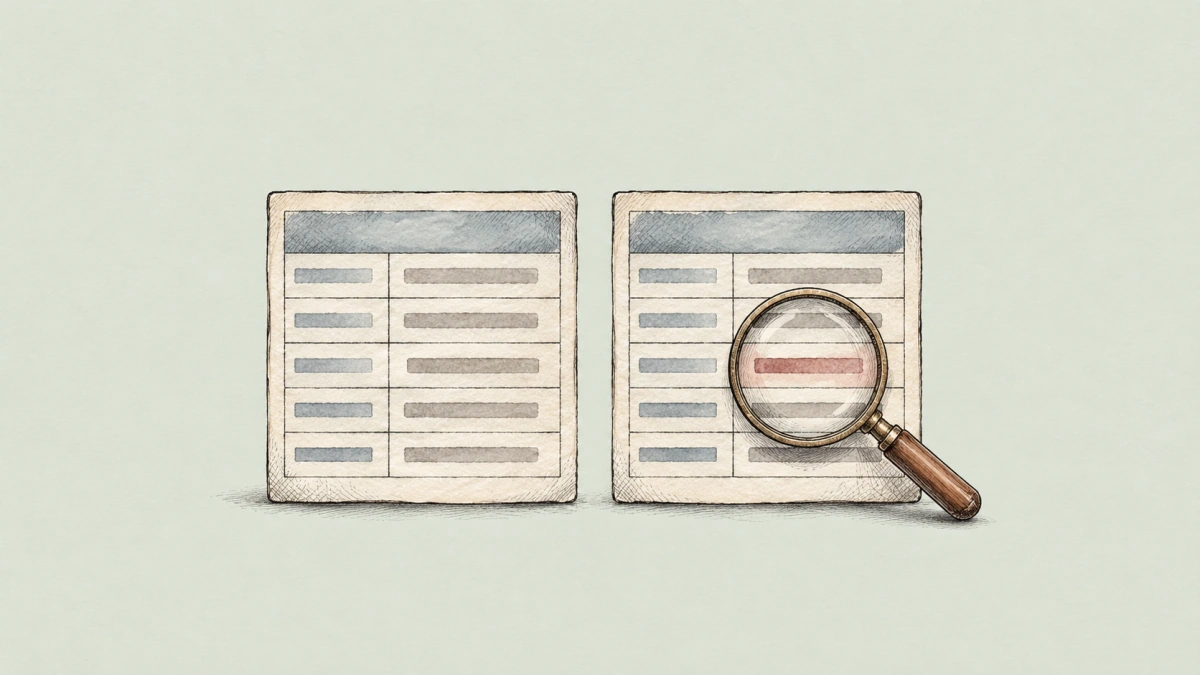
- Integrity: Information is protected against improper changes or destruction. Your prescription shouldn't quietly change to a different dose.
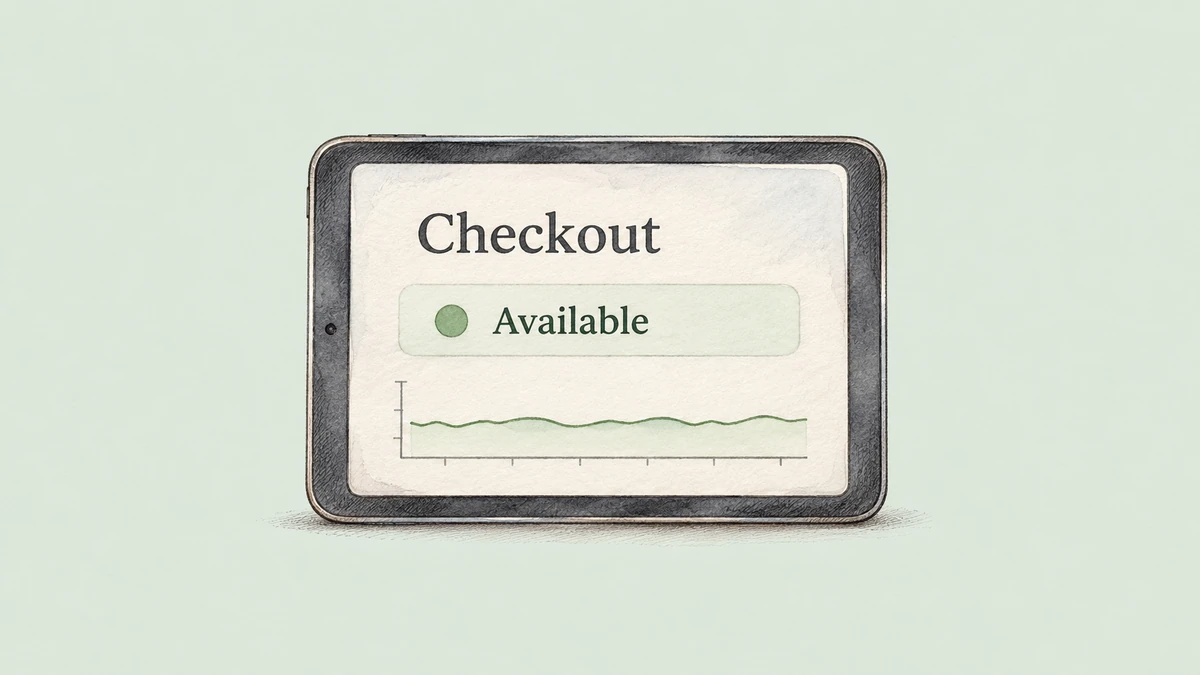
- Availability: Authorized users can get to information and services when they need them. A clinician needs access to your record during an appointment.
The priorities depend on what the system does. A public train timetable doesn't need to be secret, but passengers still need it to be accurate and available.
These goals also explain why protecting a computer involves more than stopping thieves. A mistaken setting that exposes files or an accidental deletion can create a security problem even without an attacker.
Start with the accounts that open other doors
Your email account deserves particular care because other services may send password-reset messages there. Someone who takes it over could read private conversations, impersonate you, or try to gain access to those other accounts.
The British National Cyber Security Centre recommends a strong, separate password for email. A password manager can create and store different passwords so you don't have to memorize them all.
Add two-factor authentication where available: a sign-in check that requires two different kinds of proof, such as a password and a security key—a small physical sign-in device. Two passwords don't count as two factors because both are things you know.
Some services offer a passkey, a digital sign-in key you use through your phone, computer, or a security key. You usually approve its use with your device's unlock code, face scan, or fingerprint.
Passkeys are designed to resist phishing—the use of deceptive messages or websites to trick you into giving up information. The FIDO Alliance explains their design; you still need to protect the device and the account's recovery options.
Five Security Lessons That Apply Beyond the IT Department
Give each safeguard a job
Updates fix software problems, including security weaknesses. Restricting permissions limits what an account can read or change, while antivirus software looks for harmful programs and suspicious activity.
Backups serve another purpose: they give you copies to restore if working files are lost or damaged. Test that you can open and restore those copies; a backup you can't use won't help during a failure.
Keep recovery copies protected from the same attack that could damage the originals. The federal StopRansomware Guide recommends offline backups because ransomware, malicious software used to hold files hostage, may also try to destroy accessible backups.
Someone has to notice and respond
For an organization, cybersecurity needs clear responsibilities as well as working software. Someone must review warnings, decide whether to restrict an affected account or device, and coordinate the return to normal service.
NIST's Cybersecurity Framework quick-start guide covers six areas: governing the work, identifying risks, protecting systems, detecting problems, responding, and recovering. A business can use those areas to spot gaps in its plans and discuss responsibilities with an outside provider.
At home, a practical first check is smaller: confirm that your email has strong sign-in protection and that you know how to recover it if you lose your phone. Then try restoring one important file from backup, so you're checking what works before you need it.
Confidentiality: Who Gets to Read Your Information?
Integrity in Cybersecurity: Keeping Data Trustworthy
Availability: When “Online” Still Isn’t Usable
QUOTE:
"Amateurs hack systems, professionals hack people."