Cyber Incidents: What Happens After a File Is Exposed
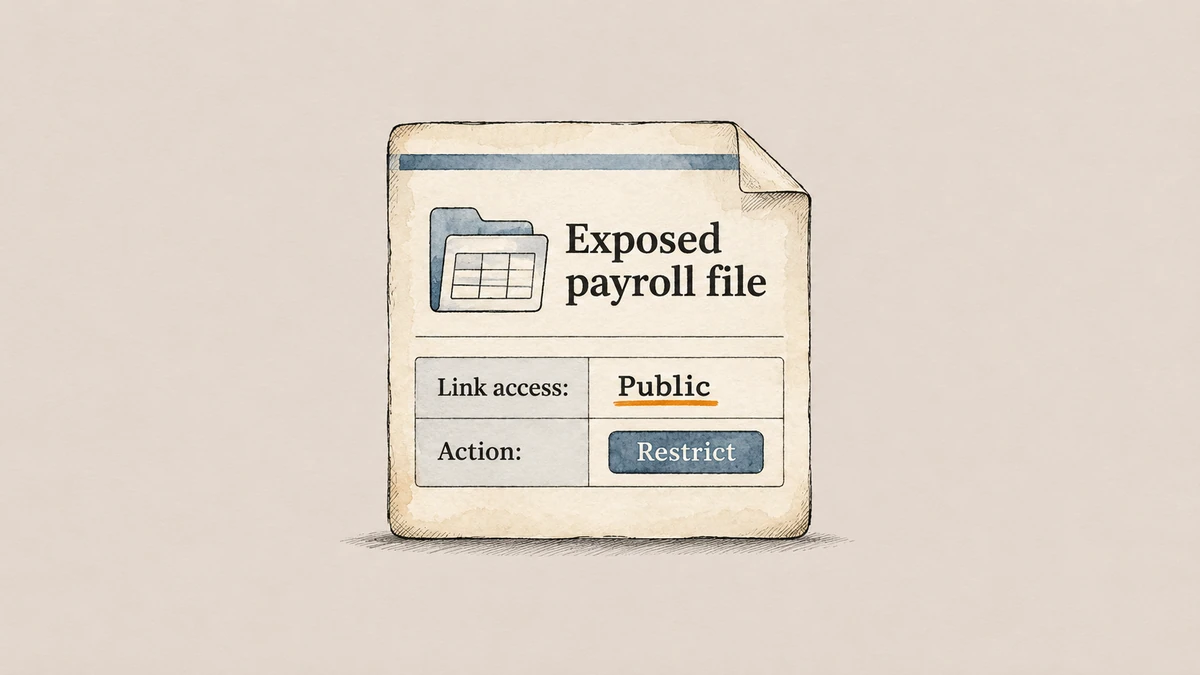
A confidential payroll file can become a cyber incident because of one sharing mistake. Nobody has to break into a computer: the file's owner can accidentally give outsiders a way to open it.
A cyber incident is an occurrence that harms—or poses an immediate threat to—the security of information or computer systems. The National Institute of Standards and Technology's definition also covers violations, or imminent violations, of security policies and related rules.
That security has three familiar jobs: keep private information confidential, keep information accurate and protected from unauthorized changes, and keep services available to the people who need them. Those goals are called confidentiality, integrity, and availability.

- Back up a laptop in minutes, with read speeds up to 1,000MB/s.
- Toss it in a bag without worry: no moving parts and drop protection up to two meters.
- Carry a second copy of your files wherever you go.
Follow one exposed file
Suppose a payroll manager intends to share a spreadsheet with two colleagues. Instead, they create a link that lets anyone holding it open the file, then paste it into a public discussion by mistake.
That sharing option exists in real products: Microsoft explains that an “Anyone” link can be forwarded and opened without signing in. Creating one doesn't automatically publish the file to search engines, but placing it in public gives other people a way in.
Where Your Data Goes After a Breach
In our example, the confidential payroll data is exposed to people who shouldn't have access. Whether anyone actually downloaded it is a separate question the investigation must try to answer.
This distinction matters because a team can know there's an incident before it knows the full damage.
Separate what happened from what might have happened
The first report might contain only a link and a worried message. Investigators need to build a clearer picture without turning guesses into facts.
| Question about the payroll file | Why the answer matters |
|---|---|
| Which information was exposed? | Names and bank details carry different consequences from a public staff directory. |
| How long did the link work? | The exposure window helps narrow the investigation. |
| Could visitors edit as well as read? | The team may need to check whether payment details changed. |
| What evidence of access exists? | Available records may show activity without identifying every visitor. |
Logs—records of activity produced by software—can help establish a timeline. They aren't a perfect recording of everything: the UK's National Cyber Security Centre (NCSC) warns that cloud services may not enable every log or make it available to customers by default.
Missing records don't establish that nobody opened the file. A careful incident update distinguishes confirmed facts, reasonable suspicions, and questions that remain unanswered.

- Find the right command in the middle of an incident without searching the web.
- Carry a defender's reference that fits in a laptop bag.
- Work faster under pressure with the steps already written down.
Close the route, then check the consequences
Containment means limiting further harm. In this example, the authorized team would stop the unintended sharing and check that the exposed link no longer grants access, while preserving the information needed to investigate.
Microsoft notes that deleting an Anyone link revokes access through it. That doesn't pull back a copy someone already downloaded, so closing the link and resolving the incident aren't the same job.
The response depends on what the team finds. Changed payment details would require different follow-up from a file that was only viewable; missing evidence would need to stay visible in the final assessment.
Other incidents call for other containment choices, such as restricting a compromised account or separating an affected computer from a network. There's no universal “unplug everything” rule: stopping one problem can also interrupt an essential service.
What to Do When a Security Incident Hits
Report the mistake while the evidence is fresh
If you discover something like this at work, use your organization's known reporting route promptly. Give the team the location, time, what you did, and what you observed, without spreading the sensitive file further or deleting records to tidy things up.
After the immediate response, the organization should address what made the mistake possible. For this fictional payroll team, that could mean tighter sharing defaults and a clearer process for sending private files.
The NCSC recommends assigning improvements after an incident review. Someone needs to own the fix and check that it works before the next confidential spreadsheet leaves the team.
What Is a Data Breach? Read the Notice, Then Choose Your Next Step
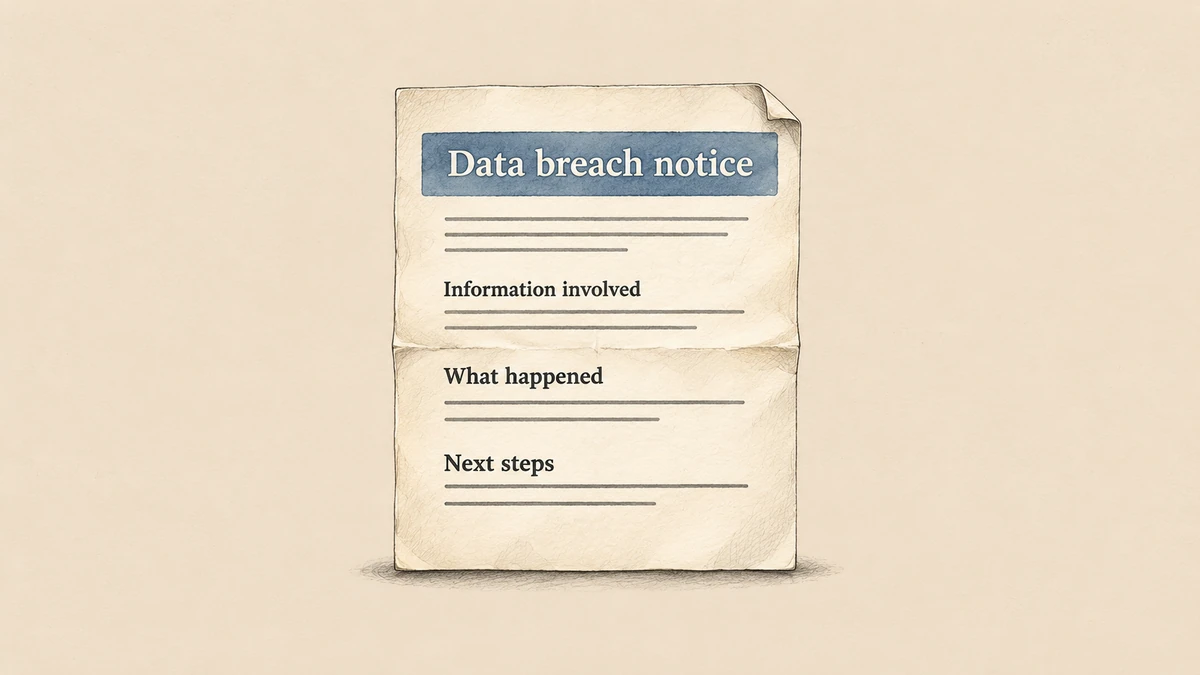
Incident Handling: From a Suspicious Report to a Safer Recovery
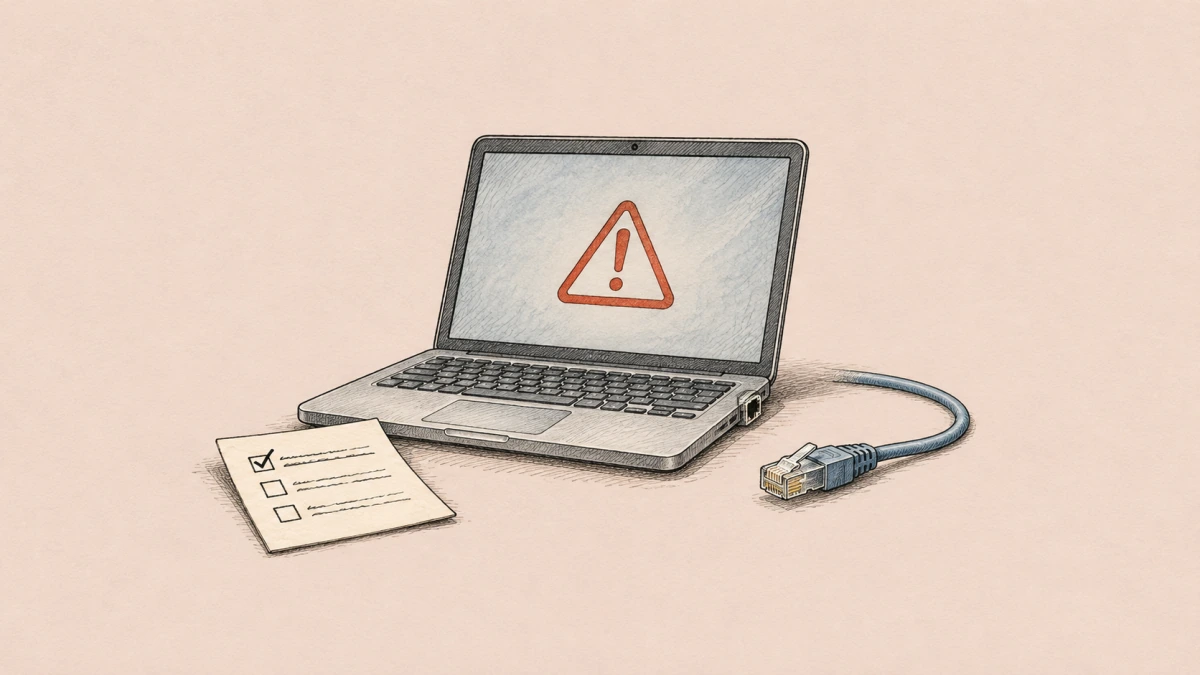
A Response Plan Puts Decisions Within Reach

QUOTE:
"Amateurs hack systems, professionals hack people."