What a CPU Core Does—and When More Cores Help
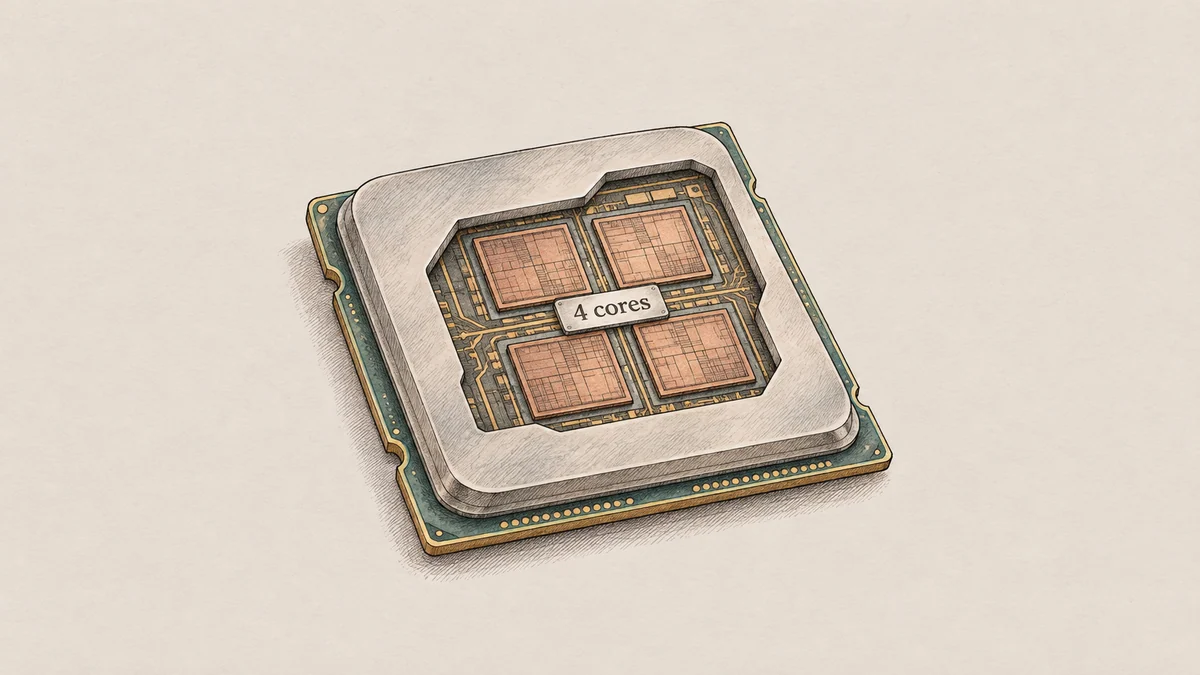
A CPU core is a processing unit inside a computer's main processor that carries out instructions. Multiple cores let the processor work on several streams of instructions at once, when the software has work that can be divided.
CPU stands for central processing unit. It runs instructions from programs, including calculations, comparisons, and decisions about what happens next.
The core count tells you how many of these processing units the CPU contains. It doesn't, by itself, tell you how quickly your particular task will finish.
How several cores share the work
A program's work is organized into threads, which are sequences of instructions that can be scheduled to run. One application can have many threads, handling different parts of its job.
The operating system, such as Windows or Linux, manages the computer's resources and schedules those threads. Microsoft's process-and-thread documentation explains how threads provide the units of execution within running programs.
A single core can switch between tasks, making several applications appear to progress together. With several cores, more work can actually run at the same time.
An application converting a folder of independent images might distribute images across several cores. A calculation that needs the previous step's answer still has to wait for that answer, however many spare cores are available.
CPU Cores vs Threads
Intel's explanation of processor cores connects extra cores with parallel processing: doing suitable pieces of work simultaneously.
Cores and advertised threads aren't the same count
Some processors let a physical core work on more than one software thread at once. This is called simultaneous multithreading, or SMT.
Intel's version is called Hyper-Threading. When supported and enabled, it exposes two logical processors for each participating physical core.
A logical processor is a processor as seen by the operating system when it schedules work. Two logical processors sharing one core still share that core's underlying resources.
| Example specification | What it means |
|---|---|
| Four cores, four threads | Four physical cores, each presenting one logical processor |
| Four cores, eight threads | Four physical cores, each presenting two logical processors |
These are illustrative configurations, not a rule that every processor doubles its core count. The advertised thread count also doesn't limit you to opening that many applications.
Sharing a core's resources can improve how much work it completes, but it doesn't turn that core into two full independent cores.

- Run a test server or a home lab without giving up desk space.
- Start right away with 16GB of memory and a 500GB SSD already inside.
- Drive two 4K screens when it doubles as an everyday desktop.
Why eight cores don't promise twice the speed of four
The software must have enough independent work to use the extra cores. Coordinating that work also takes time, and some tasks spend much of their time waiting for storage, memory, or another component.
NVIDIA's research on game thread counts describes cases where adding worker threads reduces performance. The useful amount depends on the particular game and system.
Cores can also differ within one processor. Some designs combine cores aimed at high performance with smaller cores aimed at efficient work, as Intel explains in its hybrid-processor overview.
Counting them all as interchangeable units hides that difference.
Read performance results alongside the specification
A benchmark is a measured test of performance. A single-thread test emphasizes work using one thread, while a multithread test measures a workload designed to use several.
Look for tests resembling the task you care about: exporting a video, compiling software into a runnable program, or running a particular game. Check the test's result and setup rather than assuming a bigger core count wins every comparison.
Extra cores are useful when they have suitable work to do. The practical measure is whether that work finishes faster or leaves enough processing capacity for your other applications.
What Is Arm? How the Architecture Shapes Chips and Software
CISC: Why One CPU Instruction Can Mean Several Steps
What Is an Interrupt? How a Processor Handles New Events
QUOTE:
"Amateurs hack systems, professionals hack people."