Byte: Why One Character Can Take More Than One Byte
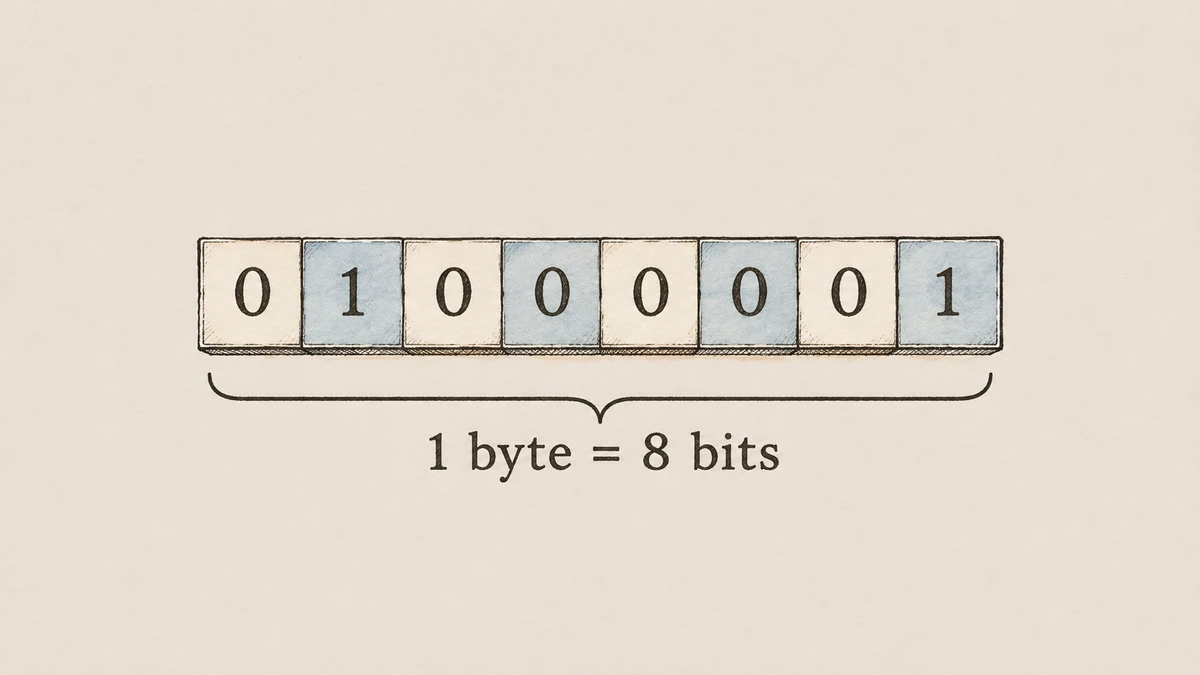
Three letters can take less storage than one emoji. That's because a byte measures digital data, and the symbols you see on a screen don't all need the same amount of it.
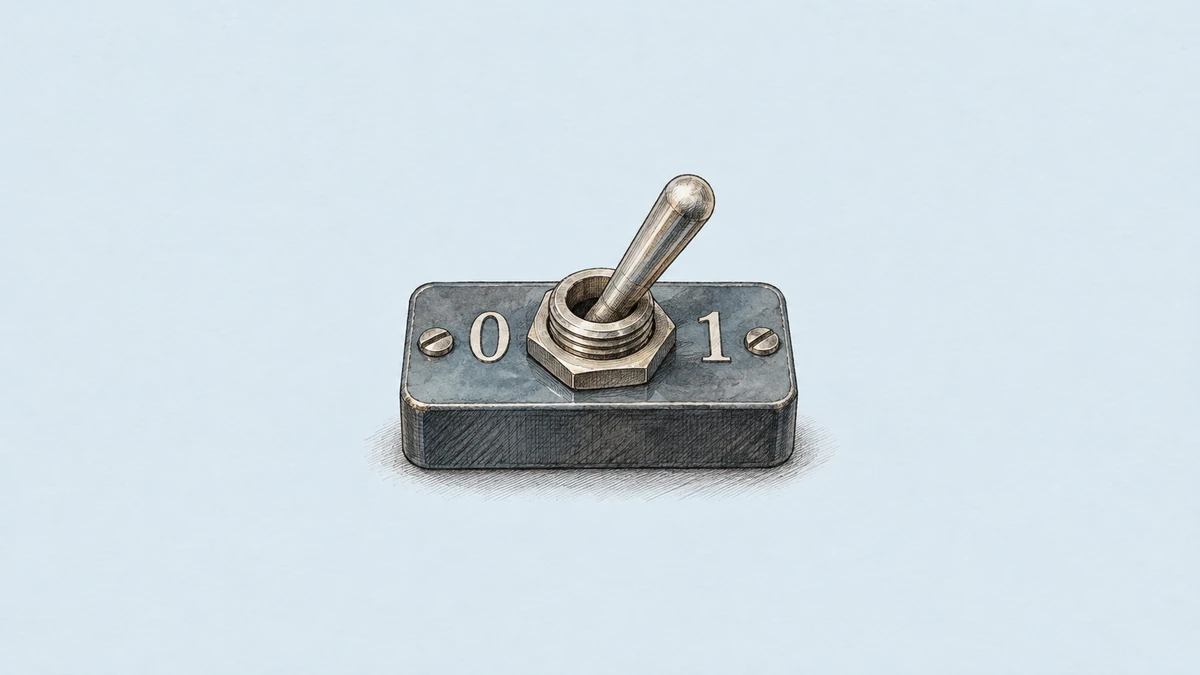
A byte is a group of eight bits, the tiny units that hold either a zero or a one. Computers use bytes to measure everything from a short message to a movie download.
That's the modern definition used by the National Institute of Standards and Technology, or NIST, a United States science and standards agency.
Bits or Bytes: Why the Difference Matters
Eight bits, many possible meanings
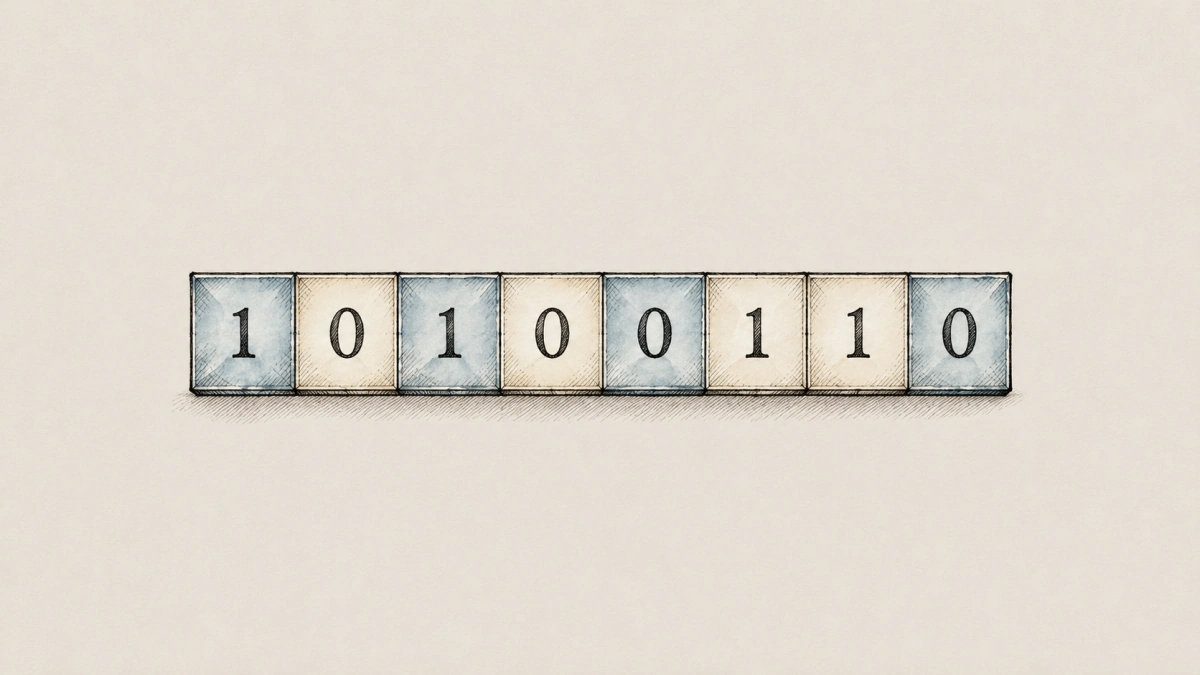
Eight bits can form 256 different patterns. What a pattern means depends on the rules the software is using: it might represent a number, part of a letter, or part of an image.
A byte doesn't carry a little label saying which one it is.
Think of the number 12 on a piece of paper: it could mean a quantity, an age, or a house number. Likewise, software needs a format that tells it how to interpret a file's bytes.
Why one character doesn't equal one byte
An encoding is a set of rules for turning text into data a computer can store. UTF-8, an encoding widely used on the web, gives these examples different sizes:
| Text | Size in UTF-8 |
|---|---|
| A | 1 byte |
| cat | 3 bytes |
| 猫 | 3 bytes |
| 🙂 | 4 bytes |
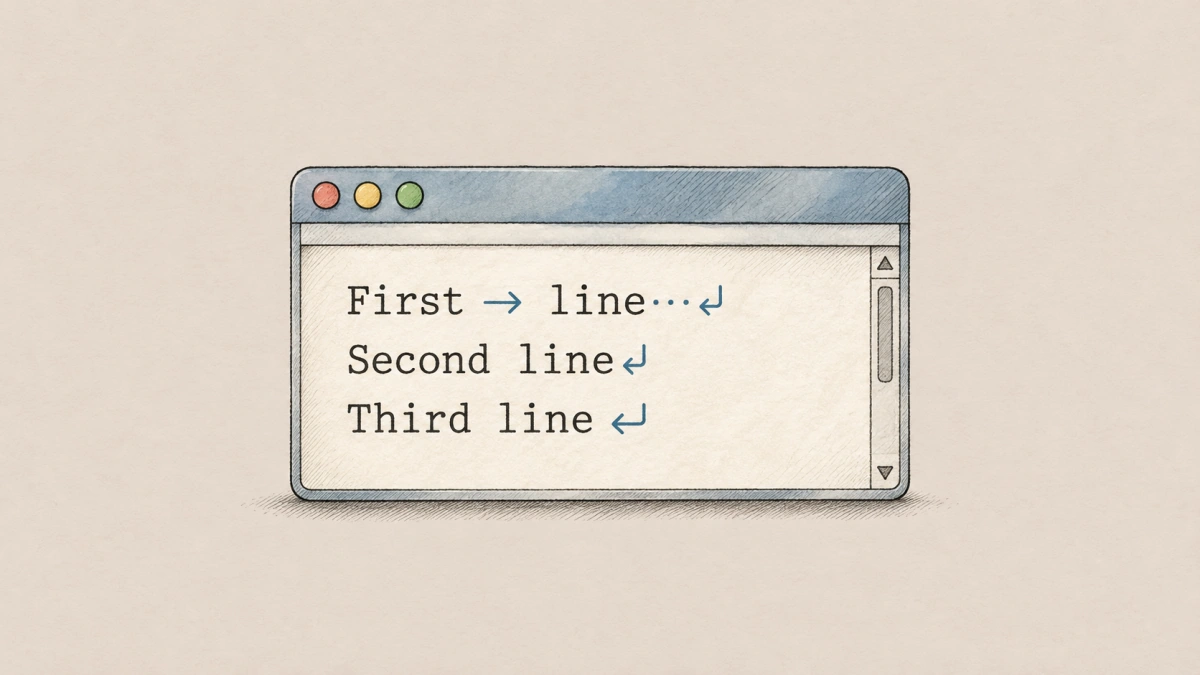
Those counts cover just the displayed text, without quotation marks, spaces, or a line break added around it. The Chinese character 猫 means cat, so the three-letter word and the single Chinese character happen to take the same space here.
UTF-8 uses one to four bytes for each Unicode code point, a number assigned to a character or other text element. The Unicode Consortium explains the encoding rules that let different systems exchange that text.
Even that isn't a one-symbol rule: some things you see as a single character combine several code points. Accented letters and certain emoji sequences can work this way.
So a 1,000-word document isn't a 1,000-byte file. Its letters, spaces, punctuation, encoding, and document format all affect its size.

- Carry a bootable operating system on your keyring.
- Trust it in a pocket or bag: the metal body shrugs off water and knocks.
- Move big files quickly with read speeds up to 300 MB/s.
When the numbers get bigger
In standard decimal units, a kilobyte is 1,000 bytes, a megabyte is 1,000,000, and a gigabyte is 1,000,000,000. Their symbols are kB, MB, and GB.
Binary units use a different ladder: a kibibyte, or KiB, is 1,024 bytes, and a mebibyte, or MiB, is 1,048,576 bytes. NIST's unit guide distinguishes these names so the same abbreviation doesn't have to mean two different amounts.
You'll still encounter software that uses labels loosely. Check which unit a tool means before treating two storage readings as a mismatch.
There's another easy mix-up: B means bytes; b usually means bits. A rate of 80 megabits per second, or Mbps, equals 10 megabytes per second before allowing for extra data used to manage the connection and other speed limits.
Why software needs the right count
Suppose an app sets aside ten bytes for a name but checks only whether the name has ten visible characters. Text that needs several bytes per character could exceed that space.
If the app writes past the space it reserved, that's a buffer overflow. Correct software checks the actual amount of data it needs to store, including anything the format adds.
The same distinction matters at a simpler level when a website sets an upload limit. Your essay's word count tells you how much you've written; its byte count tells the site how much data you're sending.
What Is a Bit? A Small Unit With an Eightfold Catch
Octet: Why an IPv4 Number Stops at 255
Non-Printable Characters: What the Blank Space Is Doing
QUOTE:
"Amateurs hack systems, professionals hack people."