Broadcast Addresses: Who Gets the Message?
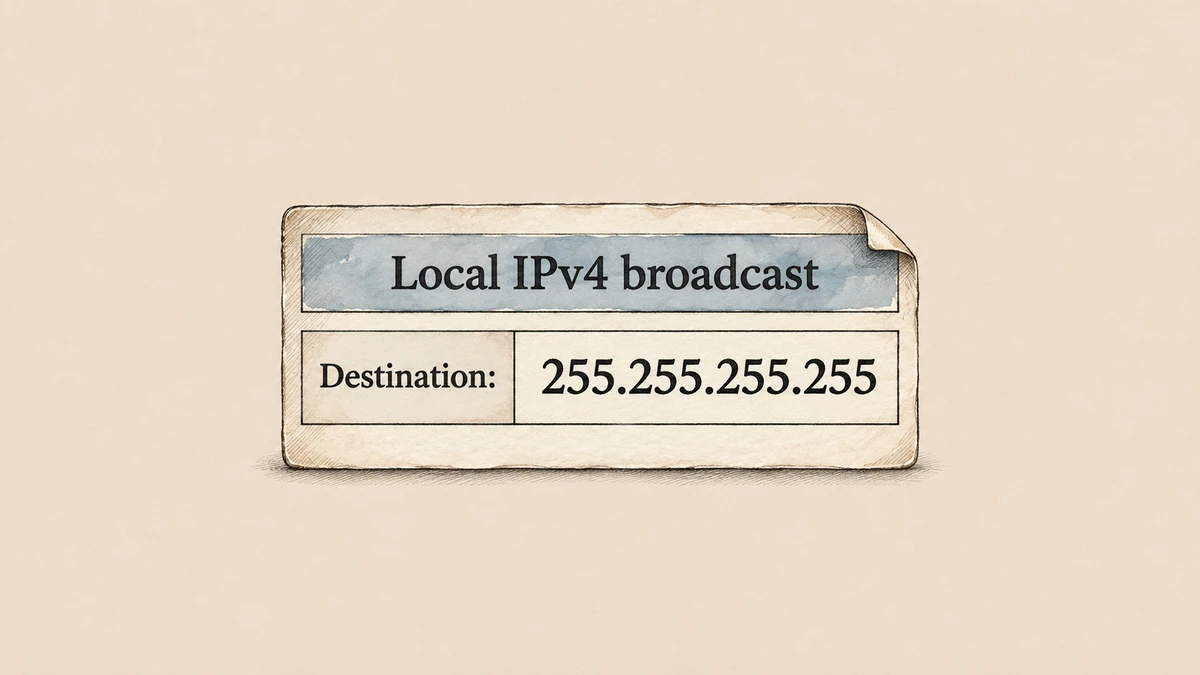
255.255.255.255 looks like an ordinary internet address with unusually large numbers. It actually means something quite different: send this message to the local network, without naming one particular device.
A broadcast address is a destination intended to reach all devices within a defined network scope. That scope matters: a broadcast isn't an announcement to the entire internet, and it doesn't guarantee that every device will receive or act on the message.
You'll encounter broadcast addresses in IPv4, the version of the Internet Protocol whose addresses use four numbers separated by dots. Ethernet, a technology used for local network connections, has its own broadcast address, too.
Two IPv4 addresses with different jobs
255.255.255.255 is the limited broadcast address. Its packets, the small units that carry network data, stay on the connected local network rather than being forwarded by routers to other networks.
A directed broadcast address identifies a particular IPv4 subnet, a defined group of addresses within a network. It combines that subnet's network portion with an all-ones host portion, as described in the IPv4 host requirements.
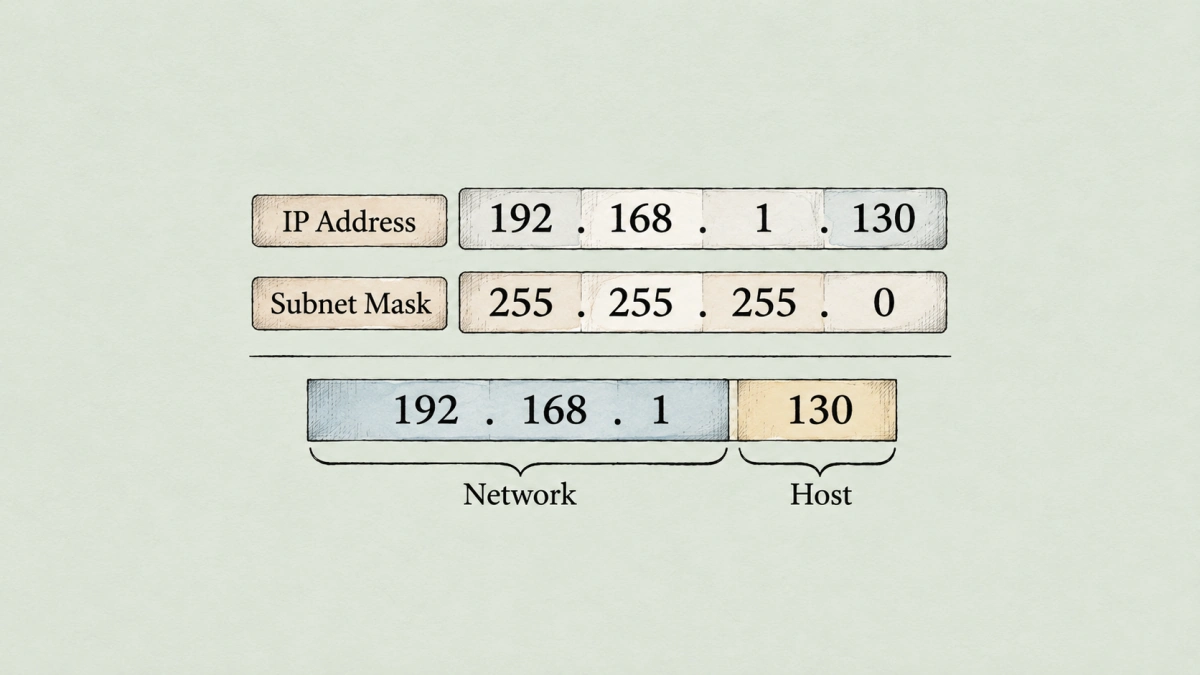
Here's what that means without the shorthand. An IPv4 address contains 32 bits, each a zero or one; a subnet's prefix length tells you how many identify the network, leaving the rest for addresses within it.

- Keep work, guest and smart-home gear apart with up to 32 VLANs on one small switch.
- Copy any port's traffic to your laptop with port mirroring and see what is on the wire.
- Set it up from a web page instead of learning a command line.
For an ordinary IPv4 local subnet, setting all those remaining bits to one gives the highest address in its range:
| Subnet | Complete address range | Broadcast destination |
|---|---|---|
| 192.168.40.0/24 | 192.168.40.0 through 192.168.40.255 | 192.168.40.255 |
| 192.168.40.0/26 | 192.168.40.0 through 192.168.40.63 | 192.168.40.63 |
The slash numbers mean 24 or 26 bits identify the network. The second subnet leaves fewer bits for addresses, so its range is smaller and its broadcast ends in .63, not .255.
In these examples, the first address identifies the subnet and the last is reserved for broadcasts; neither is assigned to an ordinary device. Special two-device links using /31 follow different addressing rules.
Asking for an address before you have one
DHCP, short for Dynamic Host Configuration Protocol, lets a device obtain network settings from a server. When an IPv4 device starts looking for an address, it can broadcast a discovery message to 255.255.255.255.
That solves a practical problem: the device doesn't yet know which server can help. The DHCP specification describes how servers offer an address and the device selects an offer before completing the exchange.
The other computers don't become address servers just because they hear the request. A broadcast delivers a message broadly; the appropriate software decides whether to respond.
A configured DHCP relay, a helper that passes DHCP messages between networks, can reach a server elsewhere. That isn't the same as a router forwarding the original limited broadcast indiscriminately.
One Receiver, a Group, or Everyone?
Ethernet's version, and IPv6's alternative
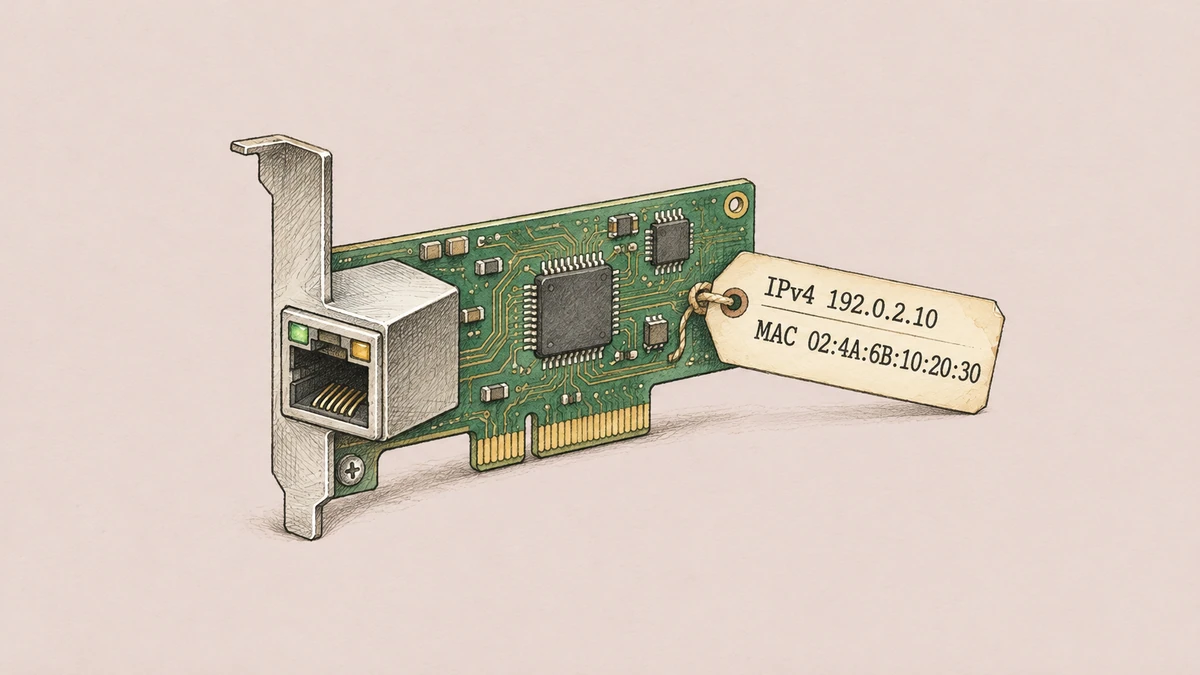
Ethernet's broadcast destination is written FF:FF:FF:FF:FF:FF. It's a MAC address, a local-delivery address, rather than an IPv4 address.
An IPv4 broadcast delivered on its destination Ethernet network uses that Ethernet broadcast destination around the IP packet. The IP-over-Ethernet standard specifies this mapping.
IPv6, the newer Internet Protocol version, has no broadcast addresses. It uses multicast, delivery to an addressed group of devices, for the functions broadcast previously served, as its addressing standard explains.
Why routers don't pass every announcement
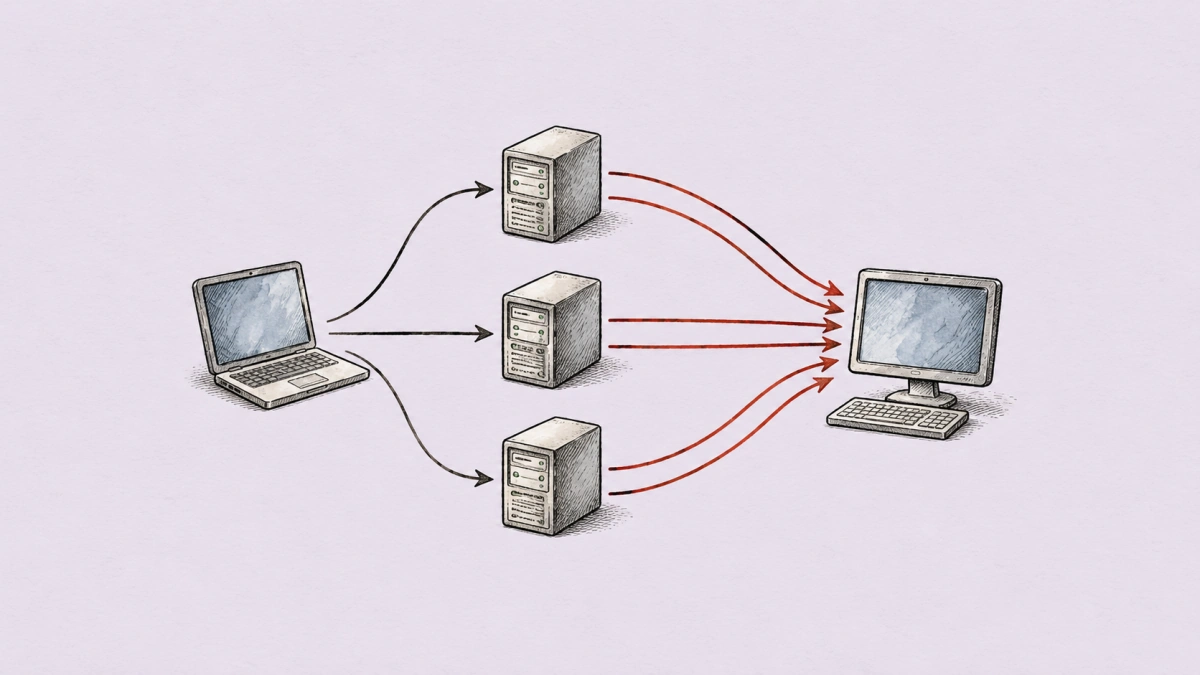
Directed broadcasts can be abused to make many devices send replies toward a victim, multiplying an attack's traffic. That's why the router requirements were changed to block receiving and forwarding directed broadcasts by default.
Ordinary local broadcasts still have useful work to do. If you're checking an address, first identify the protocol, subnet and intended scope; the final number alone can't tell you who should receive it.
Subnet Mask: The Number That Changes Which Addresses Are Local
ARP Explained: Finding the Right Neighbor on Your Network
Smurf Attacks: When a Network Answers the Wrong Computer
QUOTE:
"Amateurs hack systems, professionals hack people."