Behavior Monitoring: What Software Does Can Give It Away
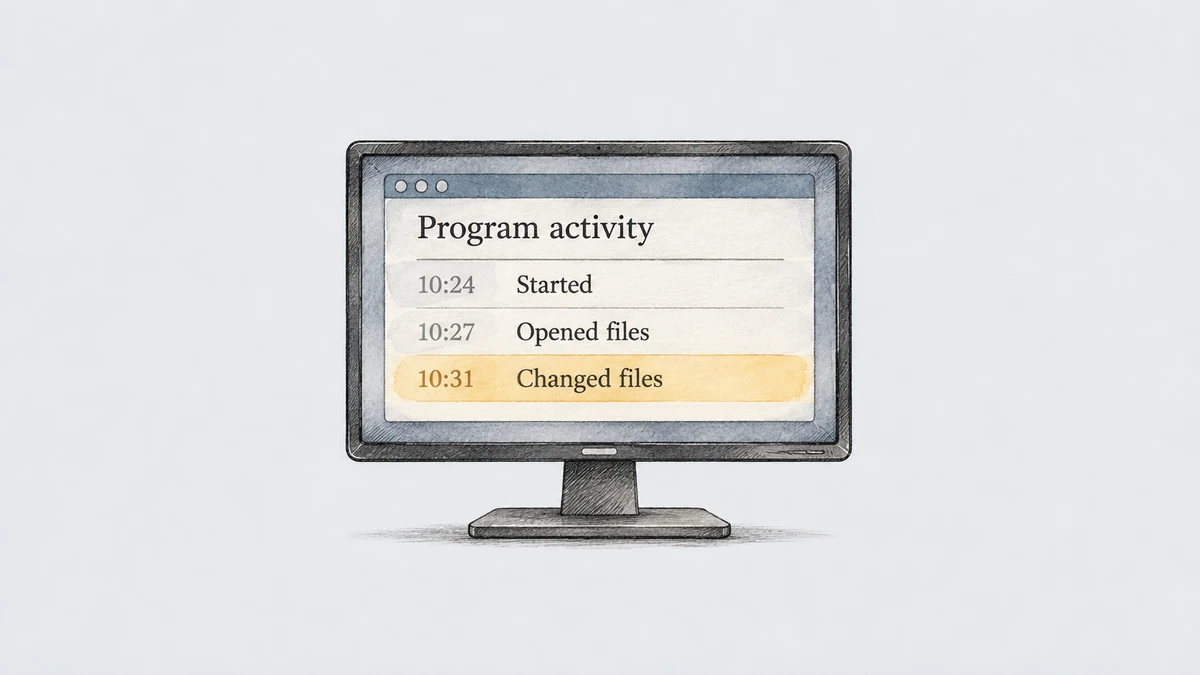
A program may look harmless until it starts changing files. Behavior monitoring examines what software, accounts and devices actually do, looking for activity that deserves a closer look or a protective response.
The information can include programs starting, files changing, accounts signing in and data moving over a network. Microsoft's description of behavior monitoring, for example, covers running programs, file activity and changes to system services.
This can reveal suspicious actions even when a file doesn't match a previously recognized sample of malicious software.

- Stop ransomware and malware before they reach your files.
- Bank and shop in a browser built to keep transactions private.
- Cover five devices, from Windows and Mac to phones.
Patterns can matter more than one action
Consider a document reader that unexpectedly starts a command tool, a program that can tell the operating system to perform tasks. That tool then creates another program and arranges for it to run whenever the computer starts.
In this hypothetical sequence, the relationship between the actions gives investigators more to examine than a file name alone. They'd want to know which document triggered the sequence and whether any approved software was supposed to do that work.
Behavior monitoring can use rules for known suspicious patterns, comparisons with ordinary activity, or both. It doesn't require every action to be new or unusual on its own.
“Different” depends on the comparison
A baseline is a picture of expected activity, built from observations or defined rules. Anomaly detection looks for meaningful departures from that baseline, such as a device sending far more data than it usually does.
NIST's intrusion detection guide explains this approach and its central difficulty: legitimate work changes too.
The same observation can fit several explanations:
| Observation | Possible ordinary explanation | What needs checking |
|---|---|---|
| Many files change in a short time | A planned conversion of document formats | Which program made the changes, and were they expected? |
| Software starts automatically | An approved installation added a startup task | Who installed it, and what does it run? |
| A device sends a large amount of data | A scheduled backup | Where did the data go, and was that transfer approved? |
These are examples to investigate, not rules that prove either safety or an attack.
Some tools use machine learning, software that learns patterns from data, to help make comparisons. That doesn't give the tool knowledge of a person's intentions or turn an account's activity into proof about its owner.
Where AI Can Help an Overloaded Security Team
An alert and a block are different outcomes
A monitor may generate an alert for a person to review, while a protection tool may also stop a program or restrict a connection. Which response occurs depends on the product, its settings and the activity it detects.
A false positive flags harmless activity as a threat; a false negative misses harmful activity. Making detection more sensitive can uncover more attacks while also creating more false alarms, so teams need to examine both results.
An attacker may also behave enough like an ordinary user to avoid standing out. Behavior monitoring examines evidence that exists; it doesn't predict every future attack.
Better evidence makes the alert useful
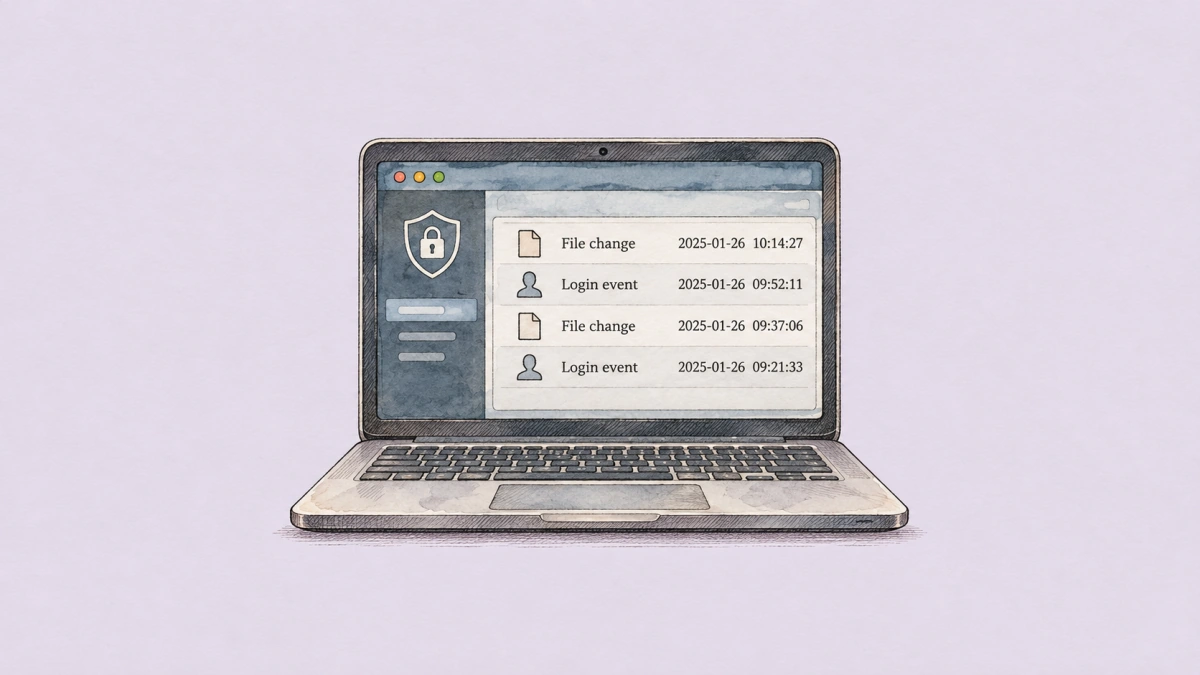
Investigators need records that connect the time, account, device and action. Missing events or mismatched clocks can make an apparent sequence hard to verify.
OWASP's logging guidance covers those useful details while cautioning against recording secrets such as passwords. Access to activity records needs protection too, since those records can reveal sensitive information about people and systems.
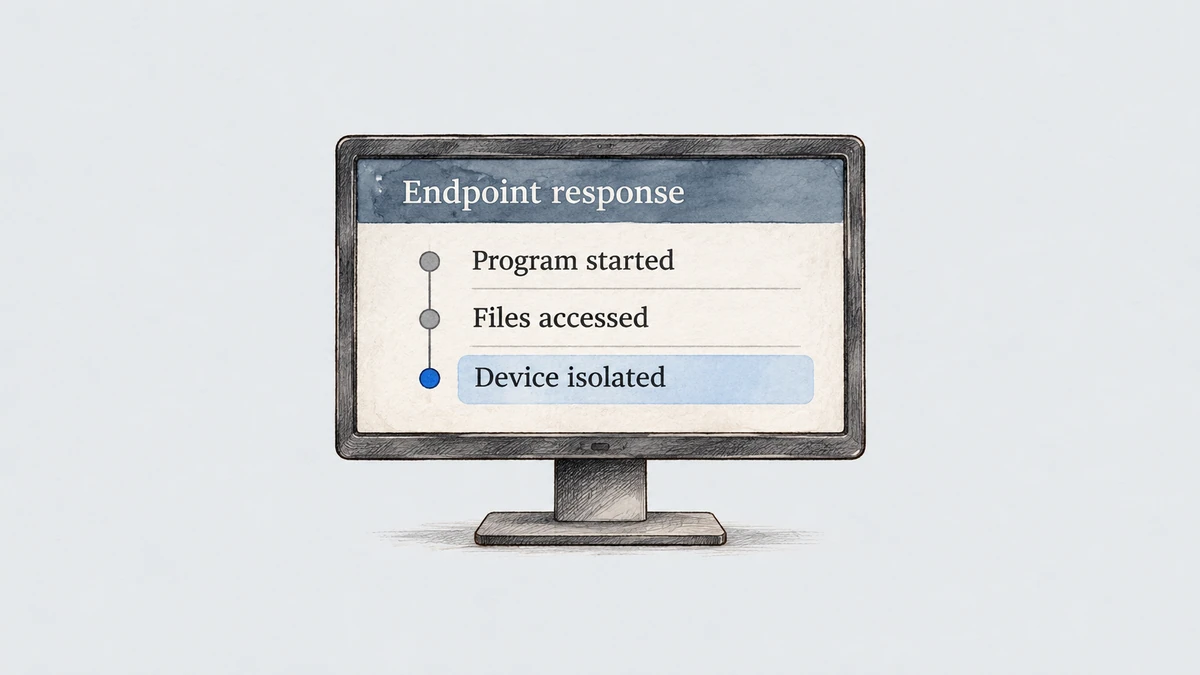
For the document-reader example, a useful alert would show what started the command tool, what happened next and what response was taken. That gives the security team something to investigate and correct, rather than just a score labeled suspicious.
Host-Based Intrusion Detection: What Changed on That Computer?
What Is EDR? The Clues That Give Hackers Away
Attack Signatures: What Security Software Recognizes
QUOTE:
"Amateurs hack systems, professionals hack people."