Business Continuity Planning: Keep Essential Work Moving
Imagine a small employer loses access to its payroll service just before the payment cutoff. The computer problem needs fixing. The staff still need to be paid.
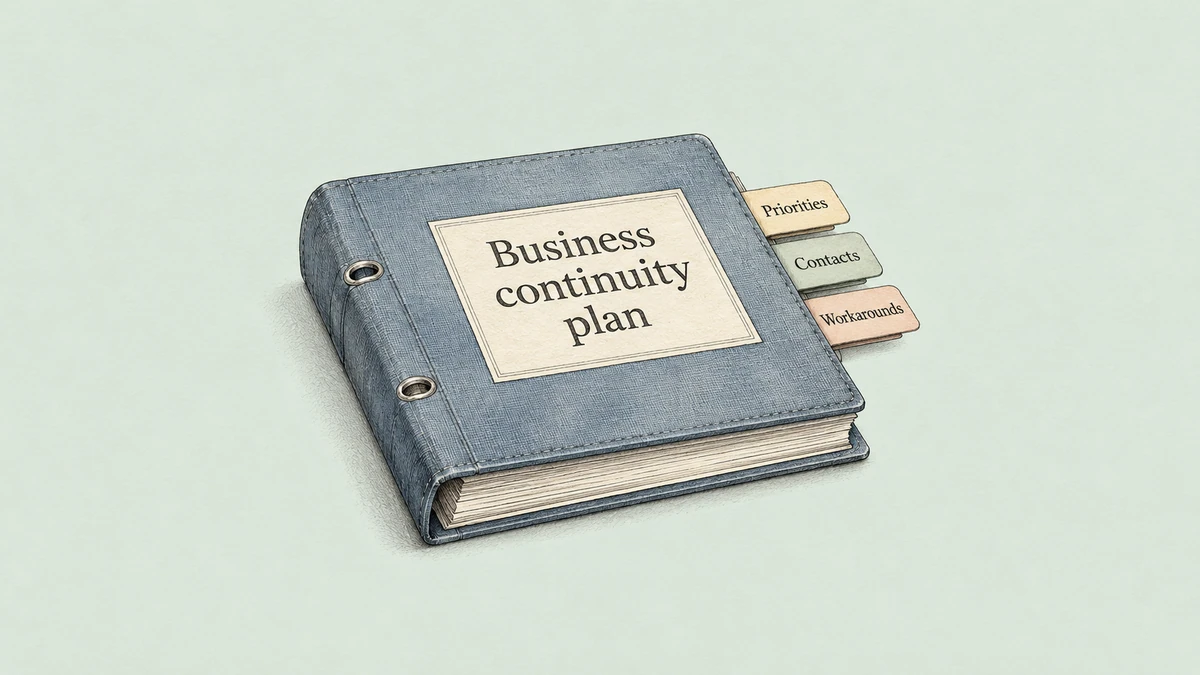
Business continuity planning, or BCP, prepares an organization to carry on essential work during and after a disruption. The resulting document is a business continuity plan, also called a BCP. It sets priorities and arrangements for keeping that work going, sometimes at a reduced level, while normal operations recover.
Payday Changes the Priority
The payroll outage would be inconvenient on many days. Near a payment deadline, the consequences could be more serious. A website redesign can probably wait; paying employees may need attention now.
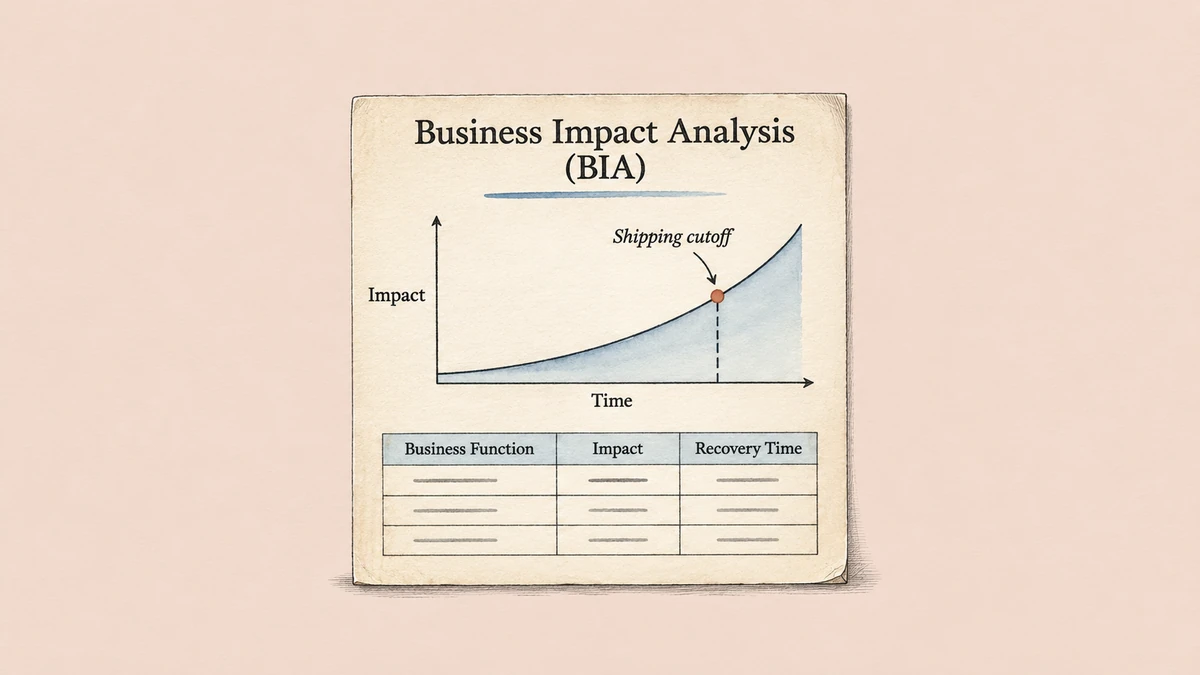
Working through those consequences is a business impact analysis. It examines which activities matter, what they depend on and how disruption or loss would affect them. NIST's business impact guidance puts the organization's work at the center of that analysis.
The questions extend beyond downtime. Altered payroll records could leave the employer unable to calculate correct payments even after access returns. And restoring access won't undo an earlier disclosure of private records.

- Stay online through short outages with battery power for your router and computer.
- Save your work and shut down cleanly instead of losing it to a flicker.
- Charge your phone from the built-in USB port even while the power is out.
A risk assessment considers possible harm and how likely it is. The impact analysis looks more closely at the consequences: whose work stops, what deadline is missed and how the damage changes over time.
The Workaround Has to Reach the People Doing the Work
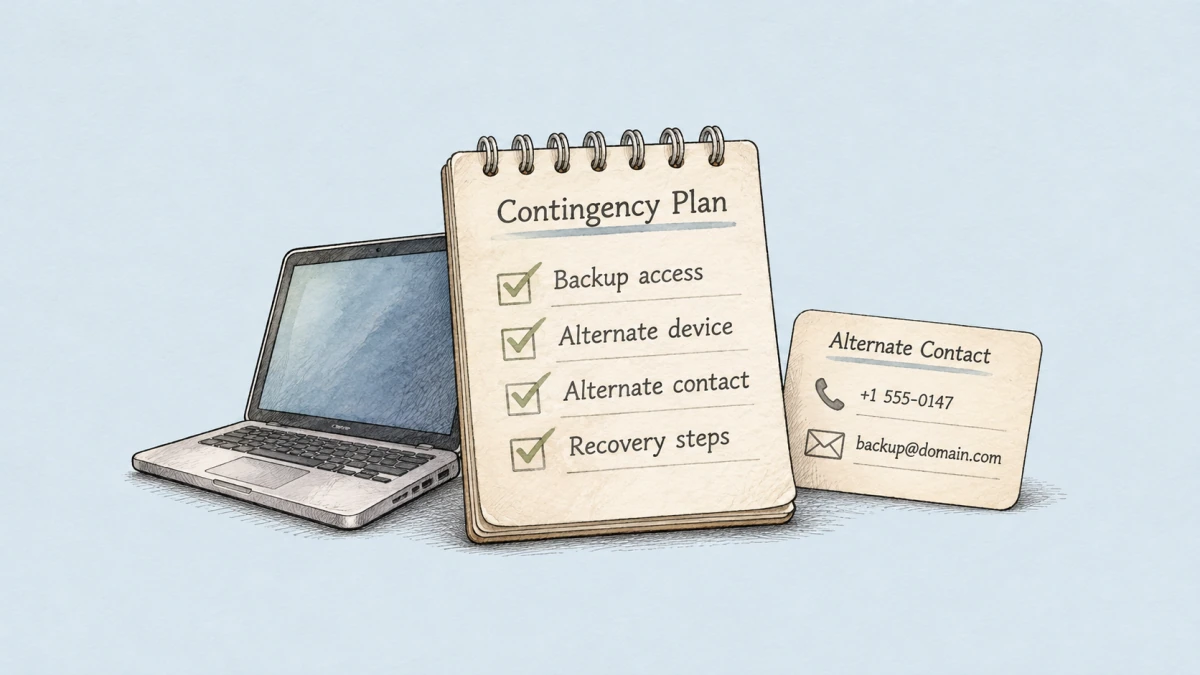
For the hypothetical employer, an approved alternate way to submit payroll would require usable records, someone authorized to approve payments and a way to contact the provider. A second laptop alone wouldn't supply those arrangements.
An unavailable office or a failed supplier can also interrupt work. The Canadian Centre for Cyber Security's planning guidance includes people, alternate locations, suppliers and communications.
Two Targets for Recovering Systems and Data
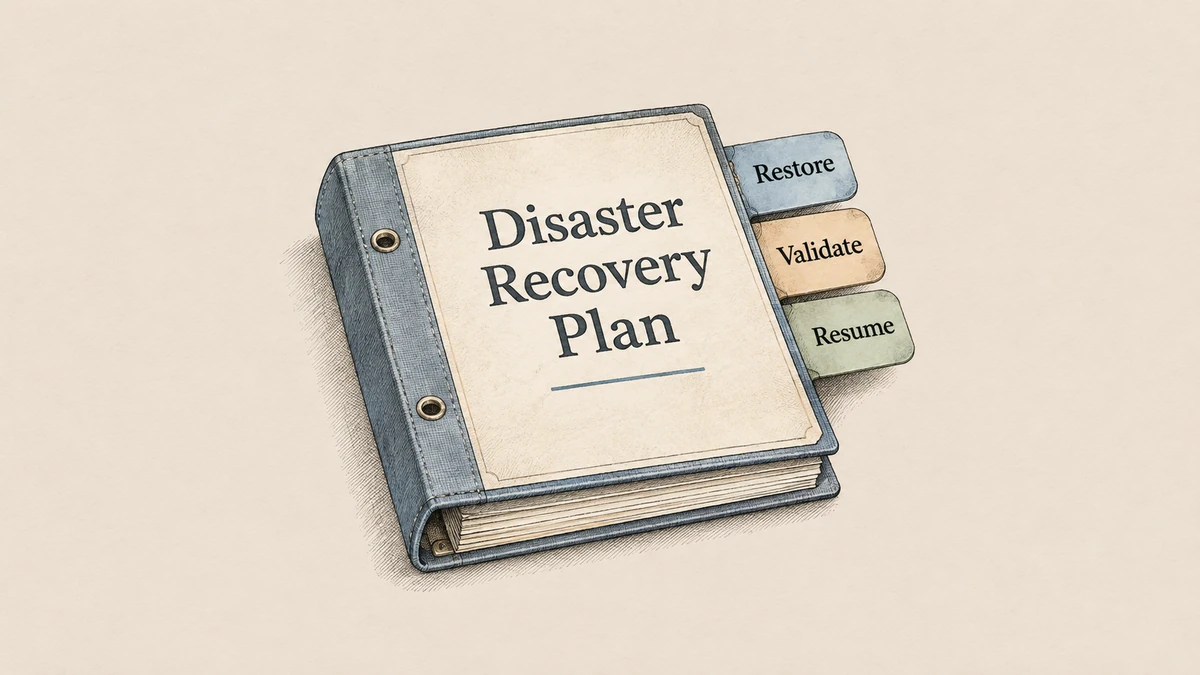
Business priorities give information technology staff, or IT staff, two targets to plan against:
- Recovery time objective, or RTO: the maximum target time a system or resource can be unavailable.
- Recovery point objective, or RPO: how far back data may have to be recovered, limiting how much recent data can be lost.
Suppose a system fails at noon. A two-hour RTO calls for restoring it by 2 p.m. A 15-minute RPO calls for recovered data reaching at least 11:45 a.m.
NIST's contingency planning guide explains these objectives. The organization needs resources and tests to meet them. These example times aren't recommendations for payroll or any other service.
Backup or Disaster Recovery: What's the Difference?
Several Plans May Be Needed at Once
A cyberattack can bring three kinds of work together:
| Work | Purpose |
|---|---|
| Business continuity | Keep essential activities going during the disruption. |
| IT recovery | Restore systems and data. |
| Security incident response | Investigate and limit security harm, then recover safely. |
In the payroll example, a workaround that depends on a system the security team has taken offline needs another route. The people handling continuity and response have to resolve that conflict.
The Canadian guidance recommends exercises and revisions. For a rehearsal, hand the plan to the person covering for the usual payroll approver. Can they find the records and reach the provider? If the plan assumes access they don't have, fix that gap before payday.
Business Impact Analysis: Which Work Needs to Recover First?
User Contingency Plans: How Work Continues During an Outage
Disaster Recovery Plans: How to Bring Your Systems Back
QUOTE:
"Amateurs hack systems, professionals hack people."