Digital Certificates: What Your Browser Can Actually Verify
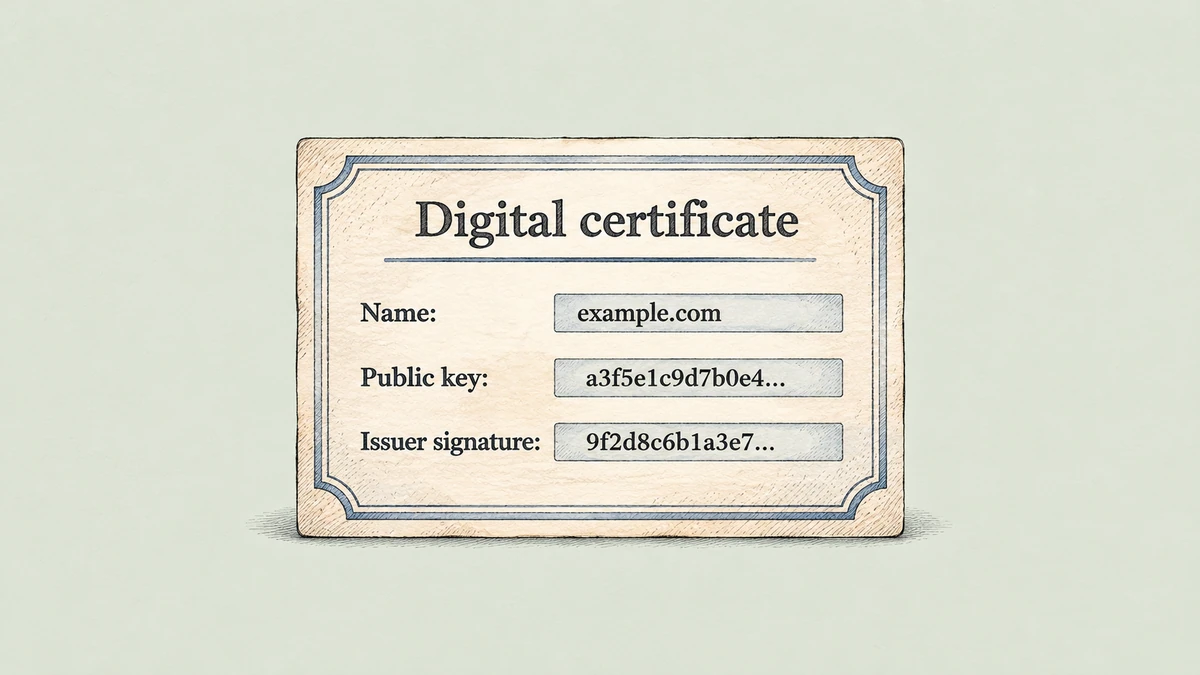
A website can have a valid digital certificate and still be run by a crook. The certificate helps your browser check which site it's connecting to; it doesn't inspect the shop, approve the bargains, or promise that your order will arrive.
A digital certificate is a signed electronic record linking a public key to an identity. For a website, that identity includes a domain name, such as example.com.
Who Vouches for a Website's Certificate?
The public part of a private connection
A public key is a shareable mathematical value paired with a secret private key. In a typical secure website connection, the server uses its private key to prove that it controls the key named in its certificate.
The browser can check that proof using the public key. Copying the certificate alone doesn't give another server the private key or the ability to produce that proof.
This check happens as the browser and server set up TLS, short for Transport Layer Security. TLS then protects their traffic using encryption, which scrambles messages, and checks that detect changes made in transit.
The certificate helps establish who is at the other end; it isn't the secret key used to scramble every page. Mozilla's TLS guide explains how identity checks and the connection's secret keys fit together.
Who signs the certificate?
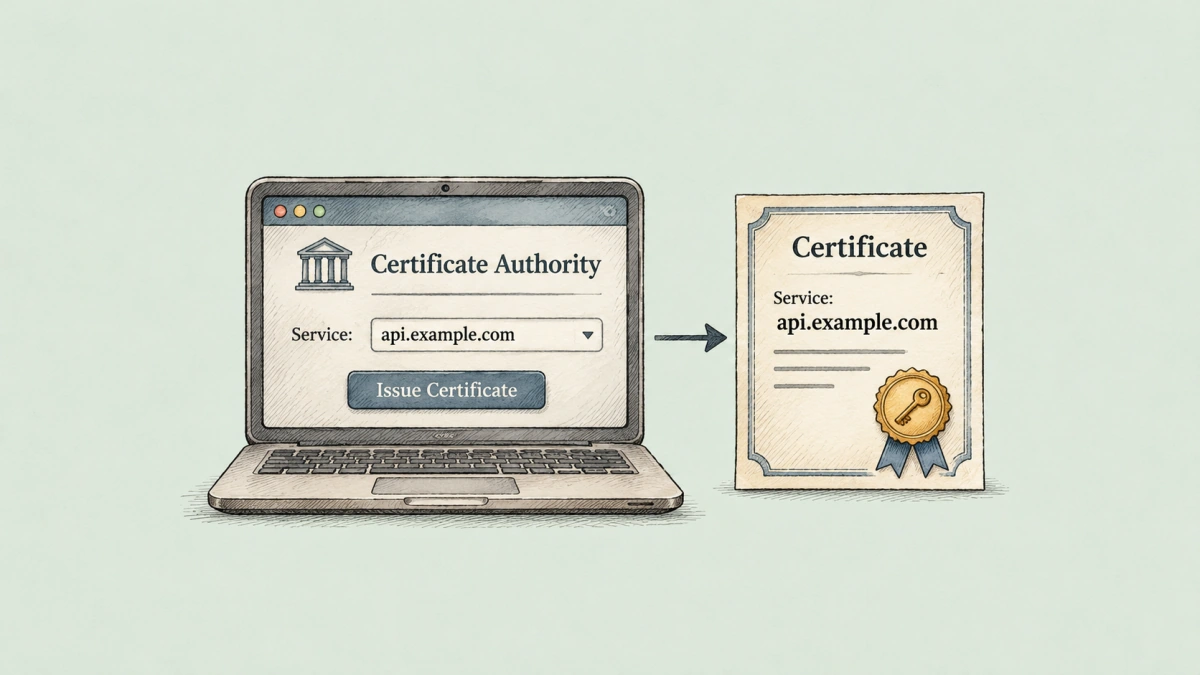
A certificate authority, or CA, issues the certificate after performing the required checks. Its digital signature is a mathematical mark that lets other software verify the issuer and detect changes to the signed record.
For a domain-validated website certificate, the central check is control of the domain. Let's Encrypt describes how an applicant can demonstrate that control by placing specified information on the website or in the domain's technical records.
That doesn't establish the owner's honesty, and it doesn't mean the CA reviewed the site's content.
Browsers follow a chain of trust: the site's certificate leads through issuing certificates to a trusted starting point, usually called a root certificate. That root must already be trusted by the browser or its operating system.
Let's Encrypt's certificate hierarchy shows examples of these chains, including intermediate certificates between websites and roots.

- Sign in to CAC and PIV sites from your own desk instead of driving back to the office.
- Start working the minute you plug it in, with no drivers to install on Windows 10/11 or a recent Mac.
- Slim enough to live in your laptop bag, so your card goes wherever you work.
What the browser checks
The browser checks whether the certificate covers the name you're visiting, whether its dates allow current use, and whether its signatures lead to an accepted source of trust. The certificate also has rules about how its key may be used.
Common certificate fields and validation rules are defined in the X.509 certificate standard. X.509 is the certificate format widely used for this purpose.
An issuer can also revoke a certificate, declaring it unacceptable before its normal expiry date—for example, after its private key is exposed.
How browsers learn about revocations varies. Chromium documents Chrome's use of distributed blocking lists, rather than a live request to the issuer for every certificate it encounters.
The address still matters
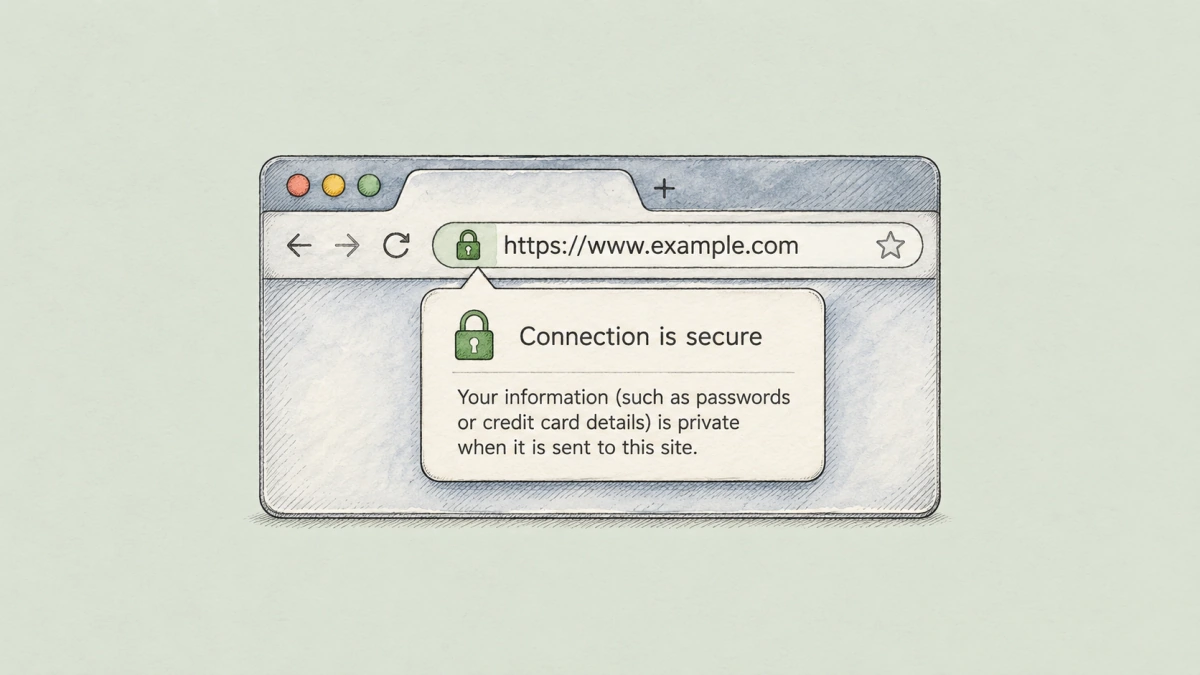
A scammer who controls a convincing lookalike domain can obtain a certificate for that domain. Your browser may correctly verify the connection while you're mistaken about whose business the address represents.
That's why Chrome's team emphasized that connection security doesn't mean a trustworthy website when explaining its move away from the lock icon.
For shopping or banking, check the actual address and use a known bookmark when possible. A valid certificate protects an important part of the visit, while deciding whether to trust the person running the site still takes more evidence.
Public Key Infrastructure: A Certificate Has a Working Life
Certificate Authentication: Why the Private Key Matters
HTTPS: A Secure Connection Can Still Lead to a Scam
QUOTE:
"Amateurs hack systems, professionals hack people."