Authentication: Why Two Steps Aren’t Always Two Factors
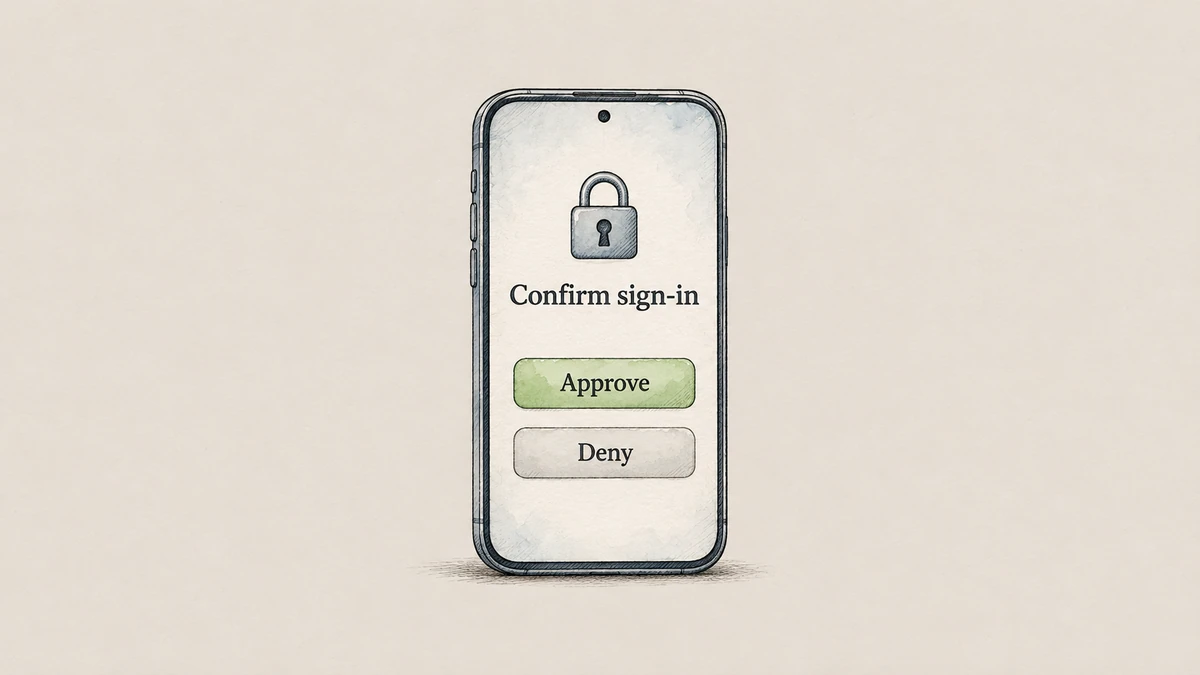
Two passwords don't make two-factor authentication. What matters is the kind of evidence a system checks, not how many boxes it makes you fill in.
Authentication checks a claimed identity using evidence the system can verify. For an online account, that usually means proving control of a password, digital key or other registered authentication method.
It establishes confidence about who or what is connecting. It doesn't decide every permission, and it can't guarantee that the person using an accepted method is its rightful owner.
The three familiar kinds of evidence
An authentication factor is a category of evidence. OWASP’s multifactor guide describes the familiar categories: something you know, something you have and something you are.
| Factor | What it means | Example |
|---|---|---|
| Something you know | Knowledge of a secret | A password or PIN |
| Something you have | Control of a device or authenticator containing a secret | A hardware security key or code-generating app |
| Something you are | A physical characteristic used for a biometric check | A fingerprint or face match |
Multifactor authentication, shortened to MFA, combines different factors. Two-factor authentication, or 2FA, uses two of them; a password followed by a second memorized secret still uses only the knowledge category.
Why a Password Should Not Be Your Only Lock
Two factors don't necessarily require two devices. A security key that requires a PIN can combine possession of the key with knowledge of the PIN.
Biometrics aren't infallible, and different systems have different performance and protections. For the remote authentication covered by NIST’s guidelines, a biometric check must accompany a physical authenticator rather than stand alone.
Extra steps can resist different attacks
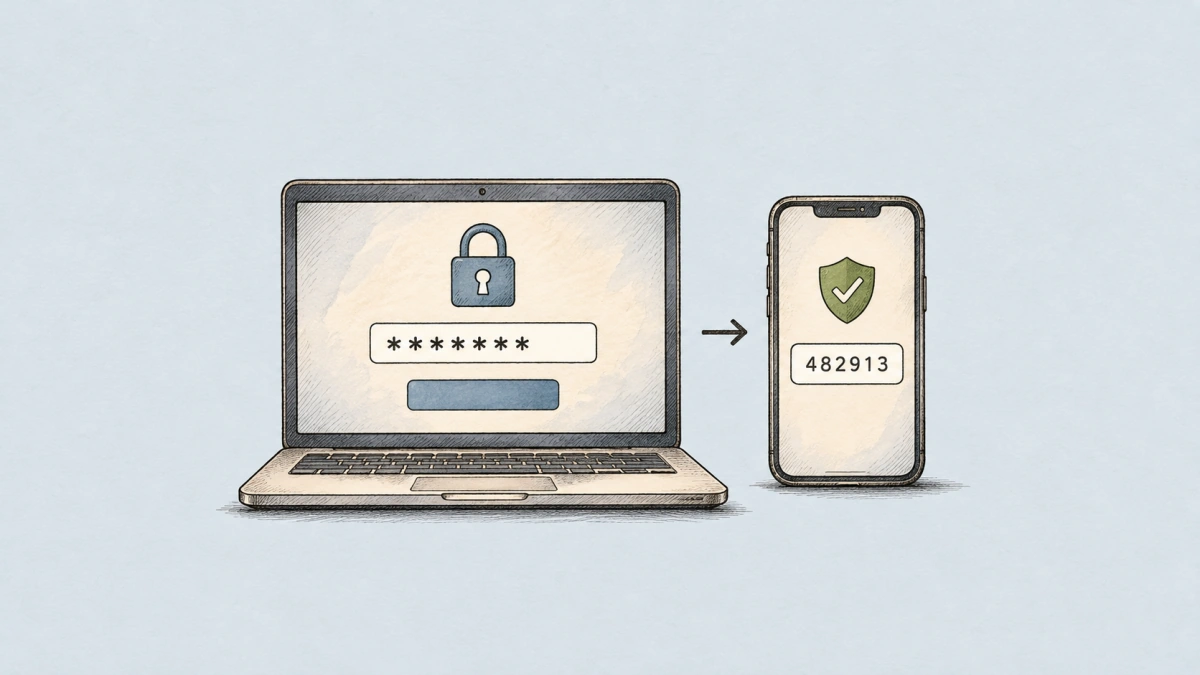
A password plus a one-time code makes a stolen password less useful by itself. The extra check helps because an attacker needs more evidence to complete the sign-in.
But a fake sign-in page can ask for the password and then the current code. If the attacker relays both to the real service quickly enough, the code’s short lifetime may not stop the attempt.
This is phishing: tricking someone into giving information or access to an impostor. NIST distinguishes ordinary extra factors from methods designed to resist this deception without depending on the user spotting the fake.
Passkeys use digital keys linked to the intended website or service. They're designed to resist a look-alike site collecting a reusable password or relaying a manually entered sign-in code.
The FIDO Alliance describes passkeys as an alternative to password-based sign-in. A passkey used with a device PIN or biometric check can provide multiple factors within one short interaction.
That doesn't make the whole account immune to attack. A compromised device, a stolen signed-in session or a weak recovery process can create other routes into the account.

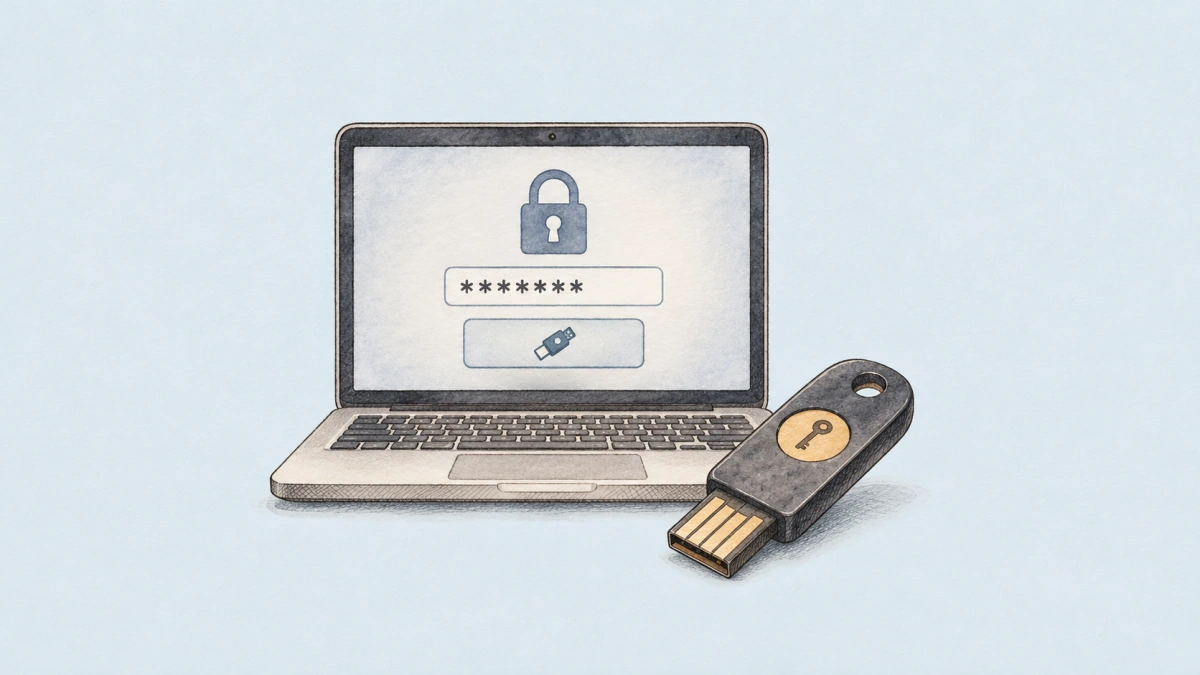
- Make a stolen password useless without the key in your hand.
- Plug into a USB-C laptop or tap it against your phone.
- Use one key across Google, Microsoft, Apple and many more accounts.
The login box is one part of the system
Authentication begins with enrollment, when the service connects an account to an authentication method. Letting an intruder register their own key would give them a valid method even if later sign-ins were checked perfectly.
Recovery needs similar care. OWASP’s recovery guidance calls for protections such as unpredictable, expiring reset tokens, which are temporary secrets used to approve a reset.
After sign-in, a session lets the application recognize your continuing requests. Often, your browser holds a session identifier in a cookie—a small piece of data the site asks the browser to store and send back.
OWASP’s session guidance explains why that identifier needs protection. If someone steals a usable session identifier, they may be able to act through the session without repeating the original sign-in checks.
Authorization is another distinct check: it decides what the authenticated account may do. A receptionist and a payroll manager can both sign in successfully while receiving different access to salary records.
When comparing authentication options, consider the attack each method resists and how the account handles enrollment, recovery and active sessions. Counting sign-in screens won't tell you how well those pieces work together.
Two-Factor Authentication: A Stolen Password Isn’t Enough
Two-Step Authentication: Count the Proof, Not the Prompts
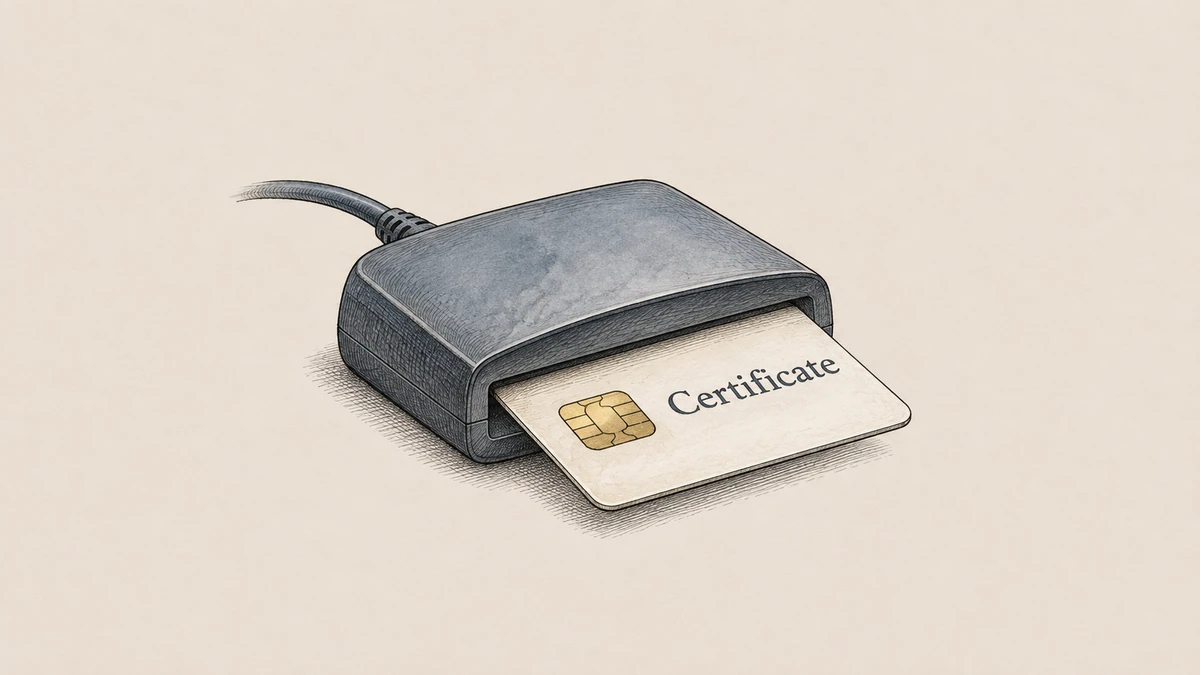
Certificate Authentication: Why the Private Key Matters
QUOTE:
"Amateurs hack systems, professionals hack people."