ARP Explained: Finding the Right Neighbor on Your Network
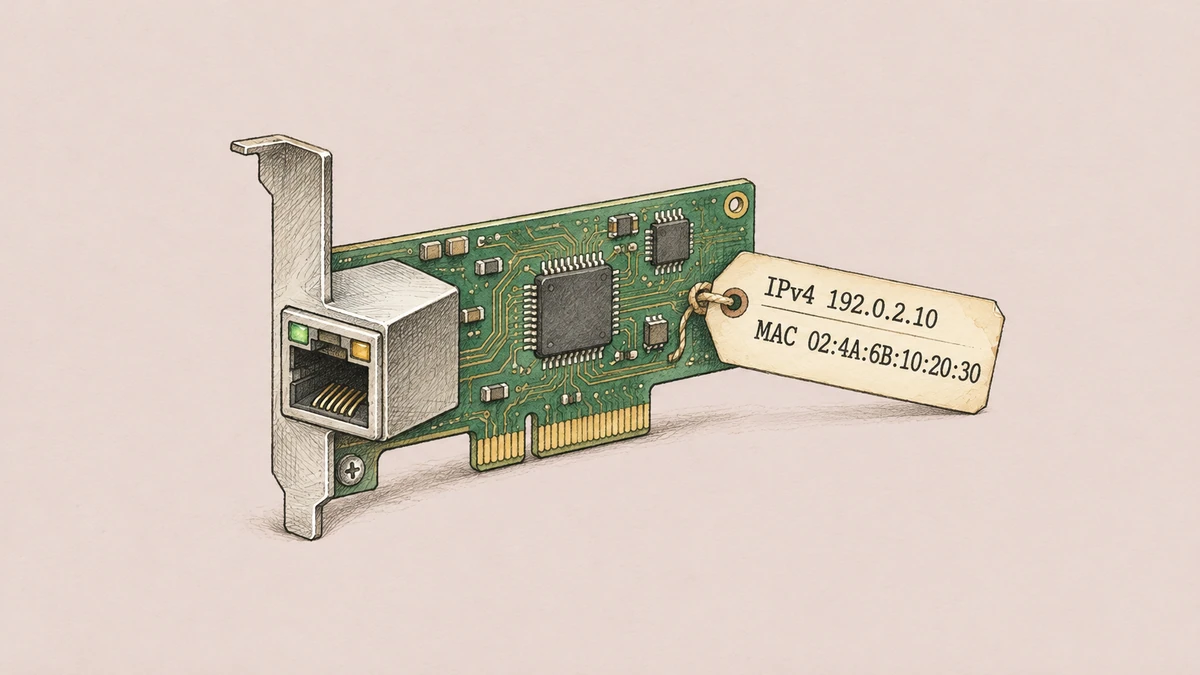
Your laptop may know a printer's IP address and still need one more detail before sending it data: the address used for local delivery. On a typical IPv4 network, ARP finds that missing piece.
ARP stands for Address Resolution Protocol. Its common job on wired Ethernet and wireless Wi-Fi networks is to match an IPv4 address, a numerical Internet Protocol address, with the MAC address used to deliver data on the local link.
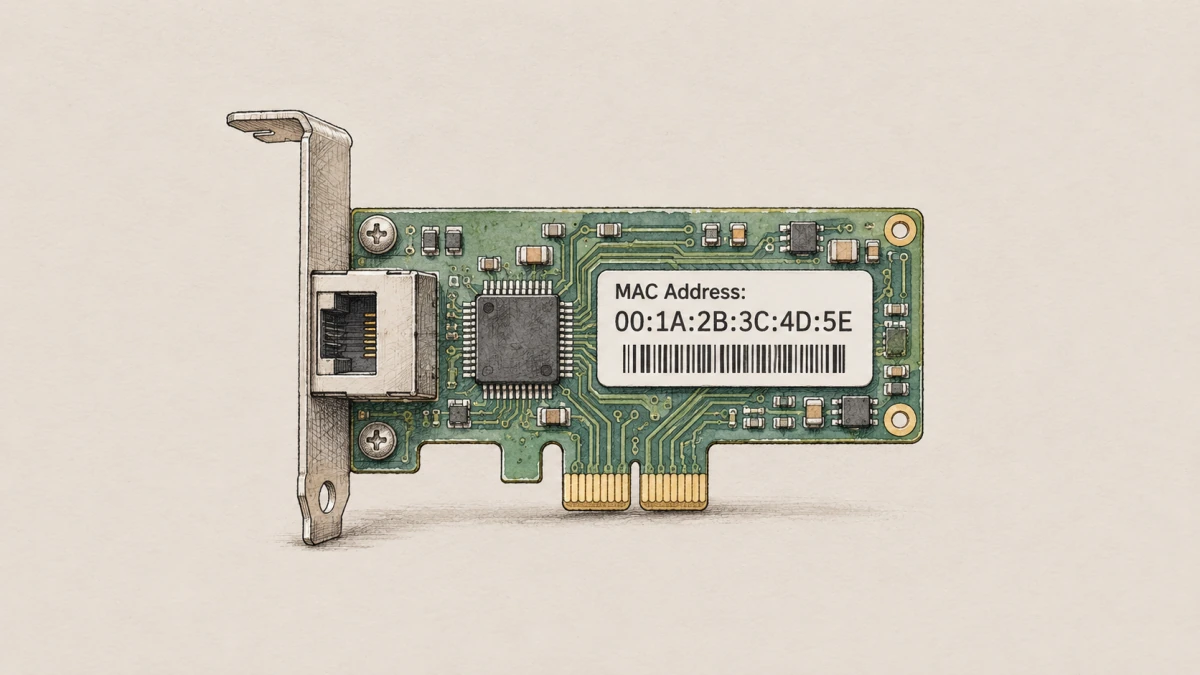
MAC stands for Media Access Control, and the address identifies a network interface—the part of a device that connects to a network. IP addressing helps decide where information should go; the local delivery address helps get it to the next nearby recipient.
How Your Computer Finds Its Neighbors
Asking the neighbors
Suppose your computer needs to reach a printer on the same local network. It knows the printer's IPv4 address but doesn't have a current matching MAC address saved.
The ordinary ARP exchange works like this:
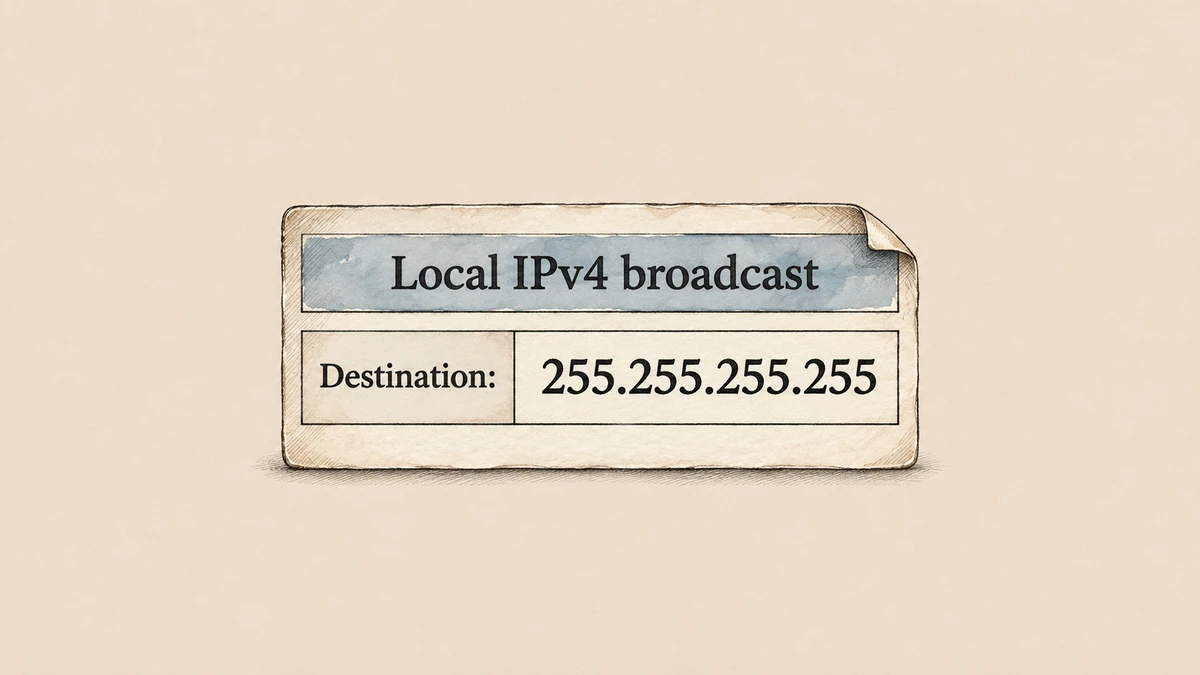
- The computer sends a broadcast, a message addressed to all devices on that local network segment, asking which device has the printer's IP address.
- The printer replies with its MAC address.
- The computer saves the match and uses it for local delivery.
An ARP cache is the temporary table of address matches a device has learned. Keeping it avoids asking the same question before every transmission.
The ARP specification describes the request, reply and address-table process. ARP supplies addressing information; it doesn't by itself set up a printing session or guarantee that the print job succeeds.
For a distant website, the nearby address is your router's
The printer example changes when the destination is outside the local network. Your computer first decides which next hop, the next device along the route, should receive the traffic.
Usually that's a router, which forwards data between networks. On an IPv4 local link, your computer can use ARP to find that router interface's MAC address.
It doesn't broadcast an ARP request across the internet to discover the distant website's MAC address. Ordinary routers keep those local broadcasts from traveling between networks.
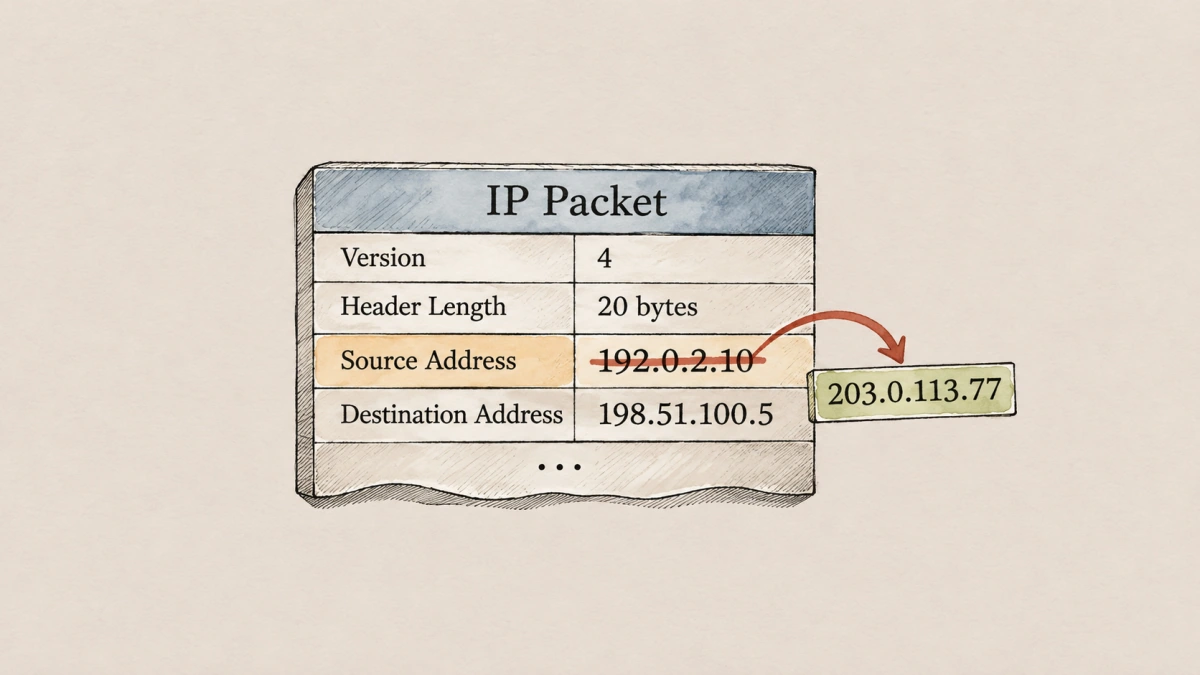
Two layers of addressing make this possible. The IP packet, a unit of network data, identifies the destination; a local frame, the wrapper carrying that packet over the link, identifies the nearby delivery target.
The next router can build a different local wrapper for the next leg. The faraway destination and the nearby recipient therefore don't have to be the same device.

- Keep work, guest and smart-home gear apart with up to 32 VLANs on one small switch.
- Copy any port's traffic to your laptop with port mirroring and see what is on the wire.
- Set it up from a web page instead of learning a command line.
ARP replies can be dishonest
ARP doesn't provide a built-in check proving that a device owns the address it claims. An attacker on the local network can try to send false mappings that direct traffic toward the wrong machine.
That's ARP spoofing; corrupting the stored mappings is also called ARP cache poisoning. It can redirect or interrupt traffic, although redirecting an encrypted connection doesn't automatically make its contents readable.
Some managed switches, devices that connect machines within a local network, support Dynamic ARP Inspection. This feature checks ARP messages against trusted address mappings and rejects ones that fail its rules.
Cisco's documentation explains that protection and the trusted information it depends on. It requires suitable equipment and correct configuration; it isn't something ARP supplies on its own.
IPv6 uses a different neighbor-finding system
IPv6 is the newer version of the Internet Protocol, with many more possible addresses than IPv4. It uses Neighbor Discovery for tasks including finding the local delivery address, rather than using ARP.
The IPv6 Neighbor Discovery specification explains how it covers functions handled by ARP and other mechanisms in IPv4. A device using both versions can therefore use different discovery methods for different traffic.
For any ARP lookup, keep the local question in view: which nearby interface should receive this frame? For a local printer it may be the printer itself; for a distant site it's usually the router handling the next step.
MAC Addresses: Getting Data to the Next Device
Broadcast Addresses: Who Gets the Message?
IP Spoofing: The Trouble With a False Return Address
QUOTE:
"Amateurs hack systems, professionals hack people."