Zombie Computers: When Your Device Takes Orders From Someone Else
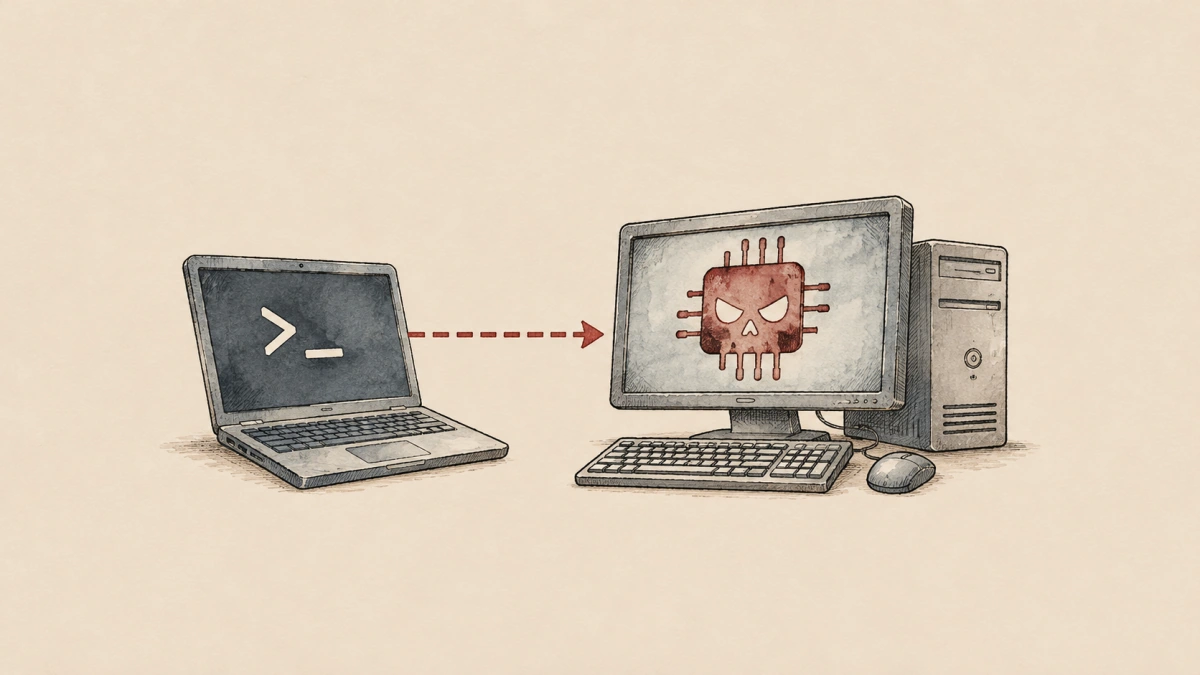
A zombie computer is an informal name for a compromised machine being used for someone else's malicious activity. Harmful software lets an attacker direct work on it remotely, often without its owner's knowledge.
The computer doesn't need to look broken. Imagine someone editing a family video while a separate program sends unwanted network requests at an attacker's direction. The owner's work and the misuse can happen on the same machine.
Malware is software made for harmful purposes. Here, it enables unauthorized activity, including receiving remote commands: instructions sent from another system. What those commands can accomplish depends on the program, its access and the machine it has compromised.

- Catch the threats a built-in antivirus can miss.
- Get blocked from malicious sites before they load.
- Protect your devices around the clock, not only when you run a scan.
One device inside a larger operation
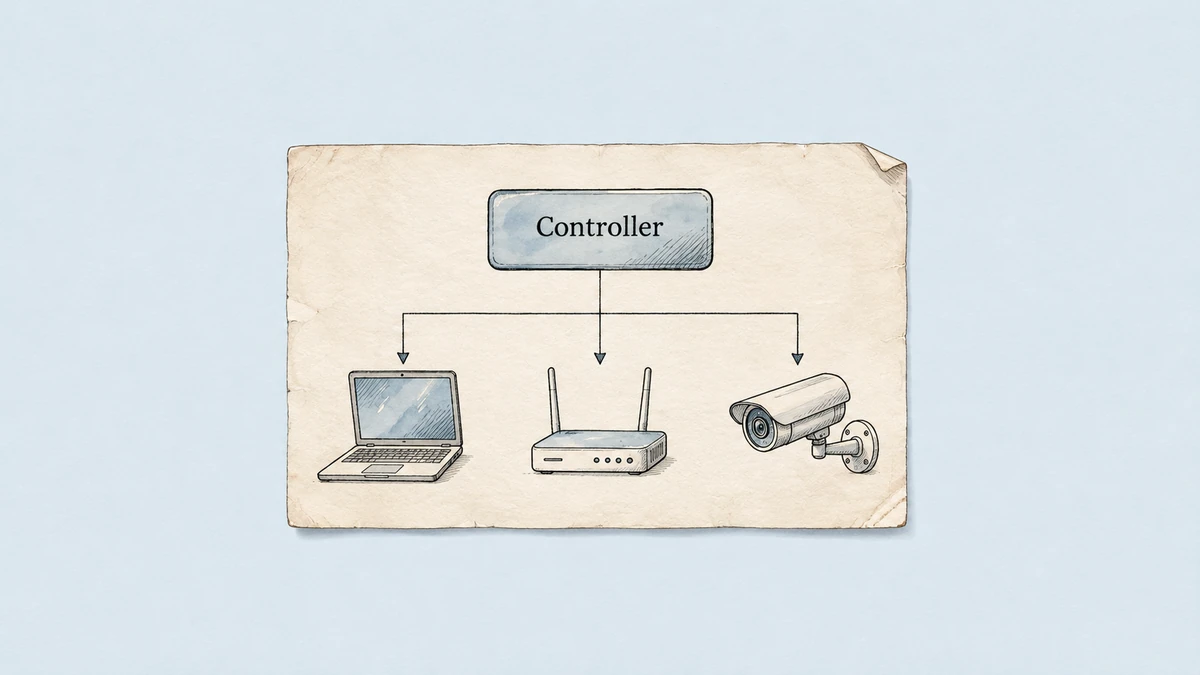
A botnet is a network of hijacked devices used together for malicious activity. “Zombie” describes an individual co-opted machine; “botnet” describes the coordinated collection.
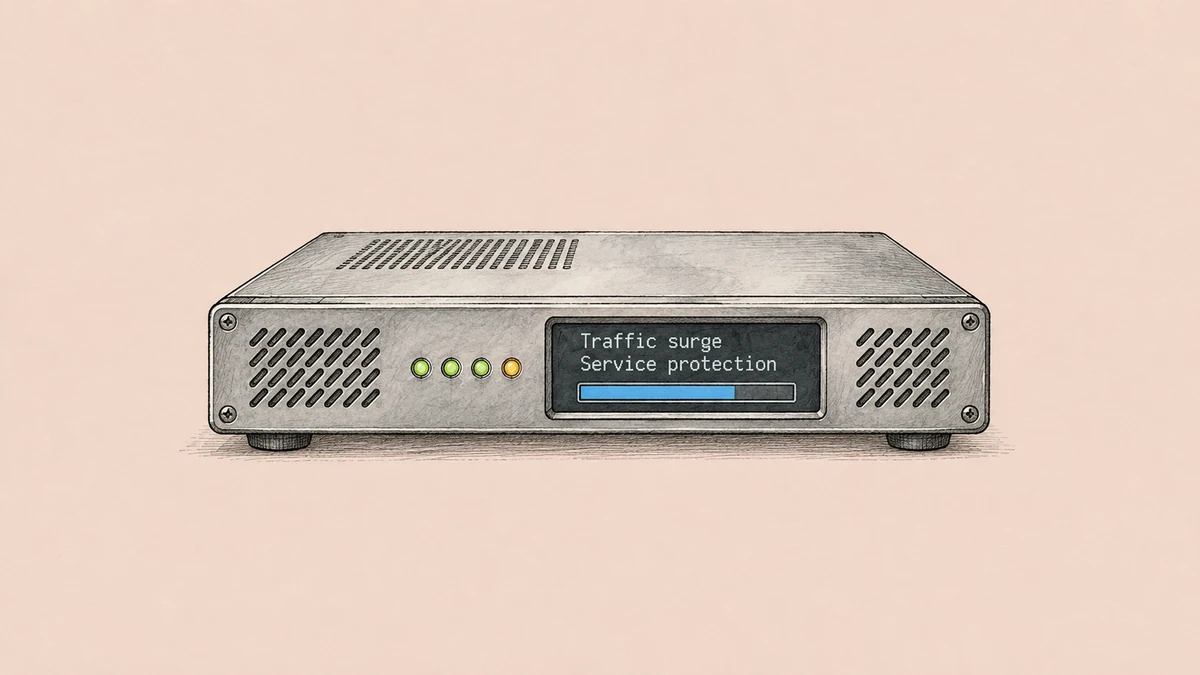
One possible job is a distributed denial-of-service attack, or DDoS. Many devices send traffic or requests intended to make a service too slow or unavailable for legitimate users. The computers supplying that traffic can belong to people who have no connection to the intended victim.
The Internet Security Glossary describes the zombie term in this setting and notes its informal nature.
A device participating in a DDoS attack is one example of misuse, not the definition of every botnet's purpose. The shared feature is that someone has co-opted devices for activity their owners didn't authorize.
It doesn't have to have a keyboard
Routers and other connected equipment can be recruited, too. A joint September 2024 security advisory documented compromised routers, firewalls, network storage and other internet-connected devices used in botnet operations.
Protecting those devices takes more than avoiding suspicious attachments on a laptop. The advisory recommends software and firmware updates, changing default passwords, disabling unnecessary services and replacing equipment that no longer receives support. Firmware is the built-in software that runs a device.
A service left open for remote management is a different concern from a harmful program downloaded by a user. Defenses need to match the device and the route an attacker could use. Desktop security software isn't a universal repair for every kind of network equipment.
What Exactly Is a Zombie Army?
Recovery has to reach the cause
A slowdown or an unusual connection can prompt investigation, but neither establishes by itself that a device has become a zombie. Looking normal doesn't establish that it's clean, either.
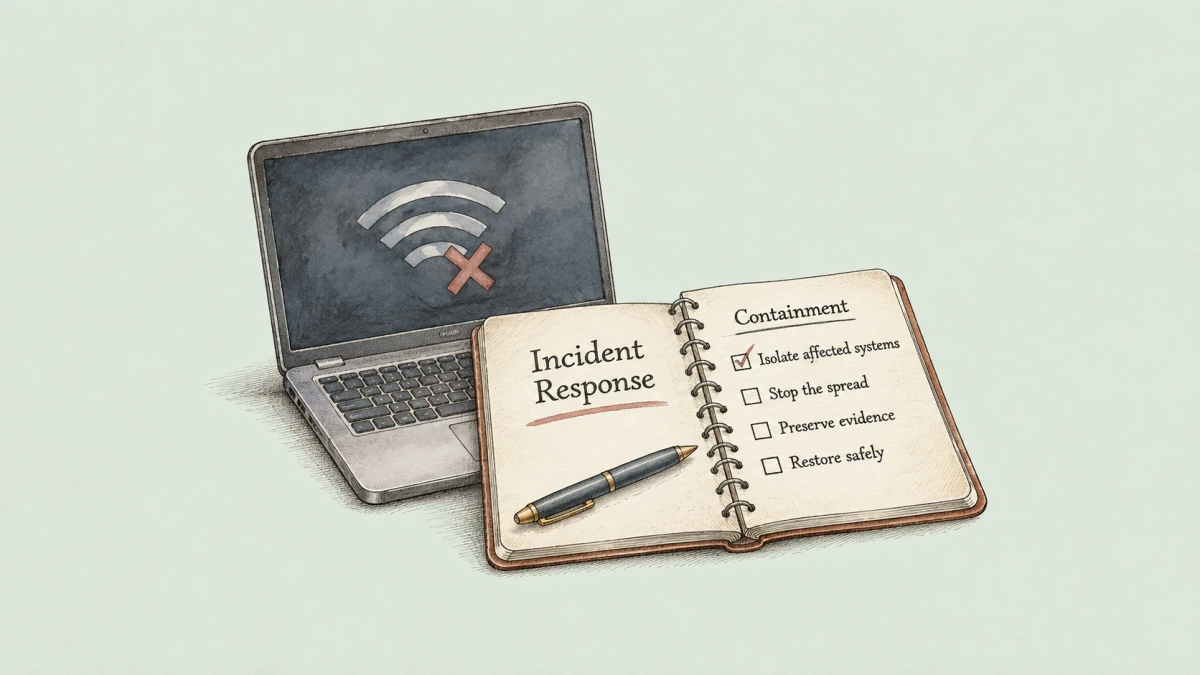
For suspected compromise, the U.S. Federal Bureau of Investigation's (FBI's) botnet guidance includes isolating affected devices and, for confirmed compromises, restoring or rebuilding them from a known good state. Recovery also needs to address exposed account credentials, such as passwords.
The order of those actions matters when investigators need to preserve evidence. An employee should involve the organization's security team; for personal equipment, the recovery procedure needs to fit the device and its maker's guidance. Erasing or rebuilding first can remove evidence someone needed to examine.
A quick reboot doesn't establish that the problem is gone. If the original weakness or exposed access remains, getting the device back to its owner's normal work may still leave it available for someone else's.
Botnets: When Other People's Computers Become an Attack Tool
Distributed Denial of Service: Beyond Blocking IP Addresses
Incident Response: Why the Right Action Depends on the Attack
QUOTE:
"Amateurs hack systems, professionals hack people."