WEP: Why a Longer Password Cannot Fix This Wi-Fi Protection
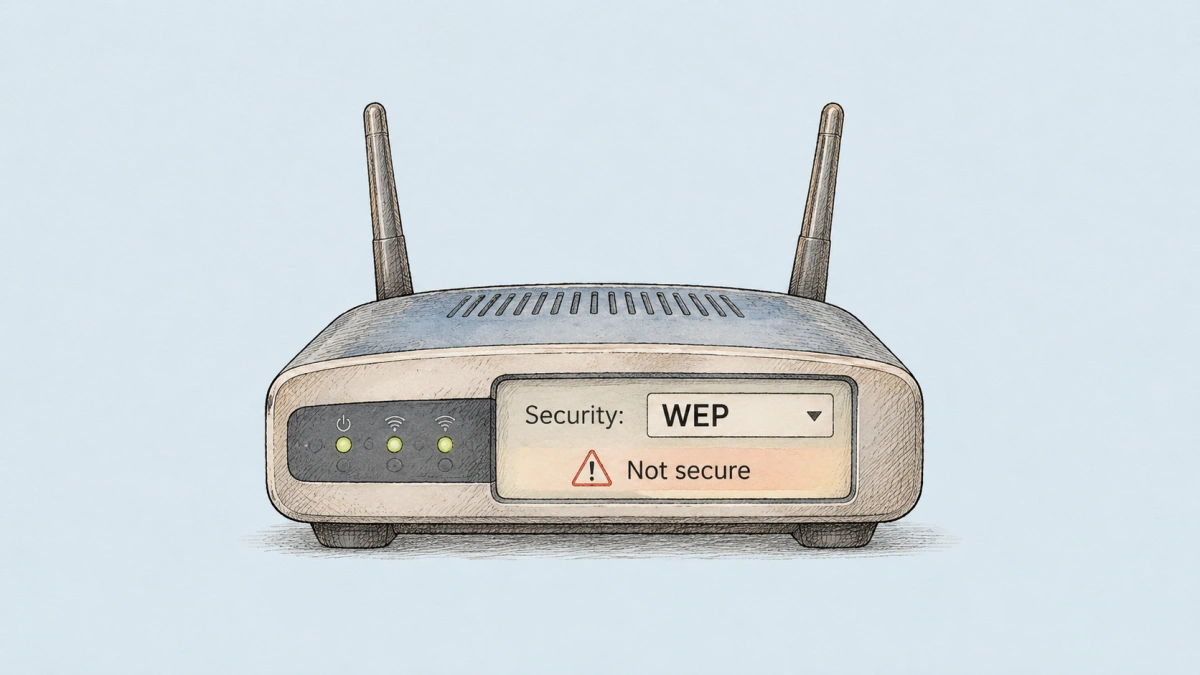
Wired Equivalent Privacy, or WEP, is an obsolete method for protecting traffic on a wireless network. It encrypts data, but weaknesses in its design undermine that protection. Giving it a stronger password doesn't repair the design.
Wi-Fi sends information by radio. WEP was meant to keep someone receiving those transmissions from reading or altering the protected information. The problem was in how its parts worked together.

- Give every phone, laptop and TV a steadier connection with Wi-Fi 6.
- Stop the buffering at busy hours, with room for many devices at once.
- Replace an aging router and get stronger coverage across more of your home.
When the scrambling pattern repeats
WEP combines a shared secret key with another value supplied for each packet, a unit of transmitted data. That extra value is called an initialization vector, or IV. It isn't a second secret; it travels with the protected packet.
An encryption method called RC4 uses the key and IV to produce a stream of values that scrambles the data. This keystream needs to avoid dangerous reuse. If the same key and IV are used again, the same scrambling stream returns.
WEP's IV is only 24 bits long. A bit is a single one or zero, so the field has a limited set of possible values. Repeated IVs under the same key allow an observer to compare transmissions protected with the same stream, exposing relationships that the encryption was supposed to conceal.
There's a second weakness. WEP attaches a checksum, a value calculated from data to check for changes. Its checksum doesn't use a secret key. Its mathematical properties allow an attacker to alter protected data without the checksum revealing the tampering.
These aren't recent discoveries. Nikita Borisov, Ian Goldberg and David Wagner described the failures in their original 2001 research.
Breaking Wi-Fi encryption doesn't unlock every other layer
An encrypted website connection can protect information separately from the radio link. HTTPS uses Transport Layer Security, or TLS, to secure communication between the browser and the server handling that connection.
The TLS protocol provides confidentiality and protection against undetected changes without depending on the underlying network to keep the contents secret.
Defeating WEP doesn't, by itself, decrypt a correctly established HTTPS connection. That separate layer of encryption protects the website exchange; it doesn't repair the wireless network or a compromised device.
WEP, WPA, WPA2 or WPA3: Which Should You Use?
Replace the security mode
A password change can't enlarge WEP's IV field or replace its faulty integrity check. The repair is to use a supported security method instead of WEP.
Apple's current router guidance recommends WPA3 Personal where supported, with compatibility choices such as WPA2/WPA3 or WPA2 Personal (AES) where needed. Original WPA is also obsolete; it isn't an appropriate modern replacement simply because it came after WEP.
Check what both the router and connecting devices support. If an old device only works with WEP, preserving that connection can mean preserving the weakness. The device's needs shouldn't quietly decide the security setting for everything else sharing the network.
Cryptanalysis: How Codebreakers Find the Weak Spots
Wi-Fi: The Connection Before the Internet Connection
Deauthentication Attacks: Why Wi-Fi Can Accept a Fake Disconnect
QUOTE:
"Amateurs hack systems, professionals hack people."