Web of Trust: What a Website Safety Rating Can Tell You
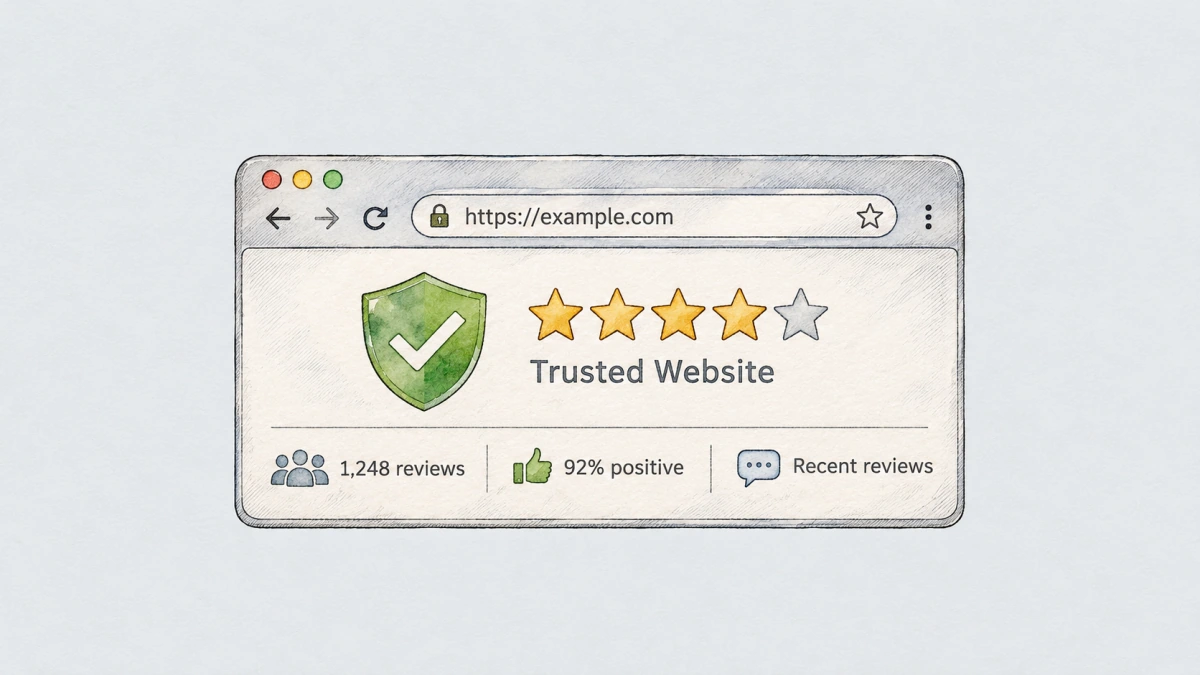
The shopping basket is full. The price looks good. Before you give an unfamiliar website your address and card details, though, you want some reason to trust the people behind it.
Web of Trust, also called WOT, is a website reputation service that offers ratings and warnings through a browser extension. A browser is the app you use to visit websites. An extension is an add-on that gives it extra features.
A site's reputation reflects what people and other available signals suggest about its trustworthiness. WOT can add useful information to your decision, but a favorable rating can't promise that your parcel will arrive or that every page is safe.

- Make a stolen password useless without the key in your hand.
- Sign in with a tap instead of typing a code.
- Protect Google, Microsoft, Apple and more than 1,000 other accounts.
What Goes Into the Reputation Check
WOT's official Chrome Web Store listing describes website ratings, community reviews and warnings about suspicious sites. Users can also request a review of a site that hasn't been rated.
The developer says it uses computer-based checks and human review to help identify misleading testimonials. That's a description of its approach, not a measured promise about how often it gets the answer right.
As a visitor, you get extra evidence: someone else may have encountered a problem you haven't seen yet. A warning can give you a reason to pause before entering information or downloading a file.
It helps to separate the questions you're trying to answer. Is this shop likely to deliver what it advertises? Is the page trying to steal a password? Is an article's advice accurate? These are different problems. A site's overall reputation doesn't settle all of them.
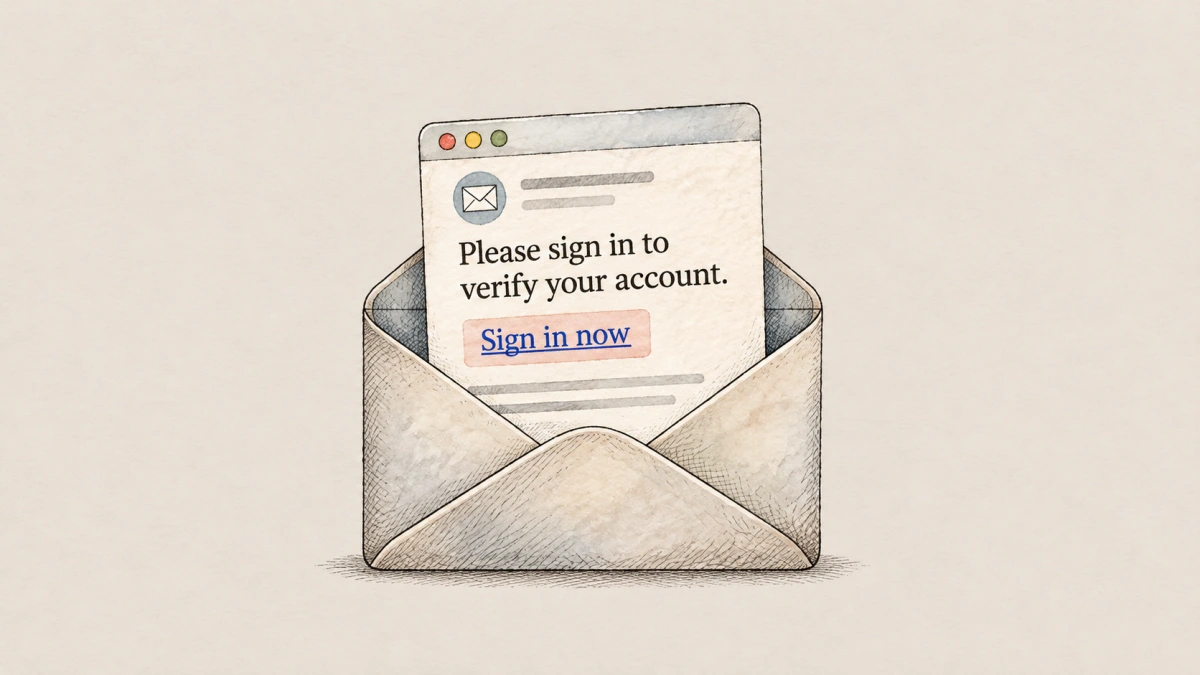
Phishing, for example, is an attempt to steal information by pretending to be someone trustworthy. A fake sign-in page can ask for the same details as the genuine service. A reputation warning may help you avoid it, but the rating isn't a substitute for checking whose website you're visiting.
Read Past the Rating
Imagine you're considering a camera from a shop you've never used. WOT shows a favorable reputation result. That gives you something to consider; it doesn't complete the purchase decision.
Read the reasons people give for their reviews. A comment about a pleasant-looking website tells you less about delivery than a detailed account of receiving an order. Check more than one source, too. The U.S. Federal Trade Commission's online shopping guidance recommends looking beyond star ratings and considering whether reviews could be misleading or fake.
Who Vouches for a Website's Certificate?
An unrated site needs a different interpretation. It means you're missing reputation evidence. The site may be a legitimate new business; it may also be a place you shouldn't trust with payment details. “No rating” doesn't answer that question either way.
Likewise, a negative review deserves context. Does it describe a late parcel, an unresolved refund or a page pretending to be another company? Each concern may affect your decision differently. Don't turn a summary label into more certainty than the evidence supports.
A warning gives you a reason to investigate or walk away.

- Catch the threats a built-in antivirus can miss.
- Get blocked from malicious sites before they load.
- Protect your devices around the clock, not only when you run a scan.
A Secure Connection Can Still Reach a Dishonest Shop
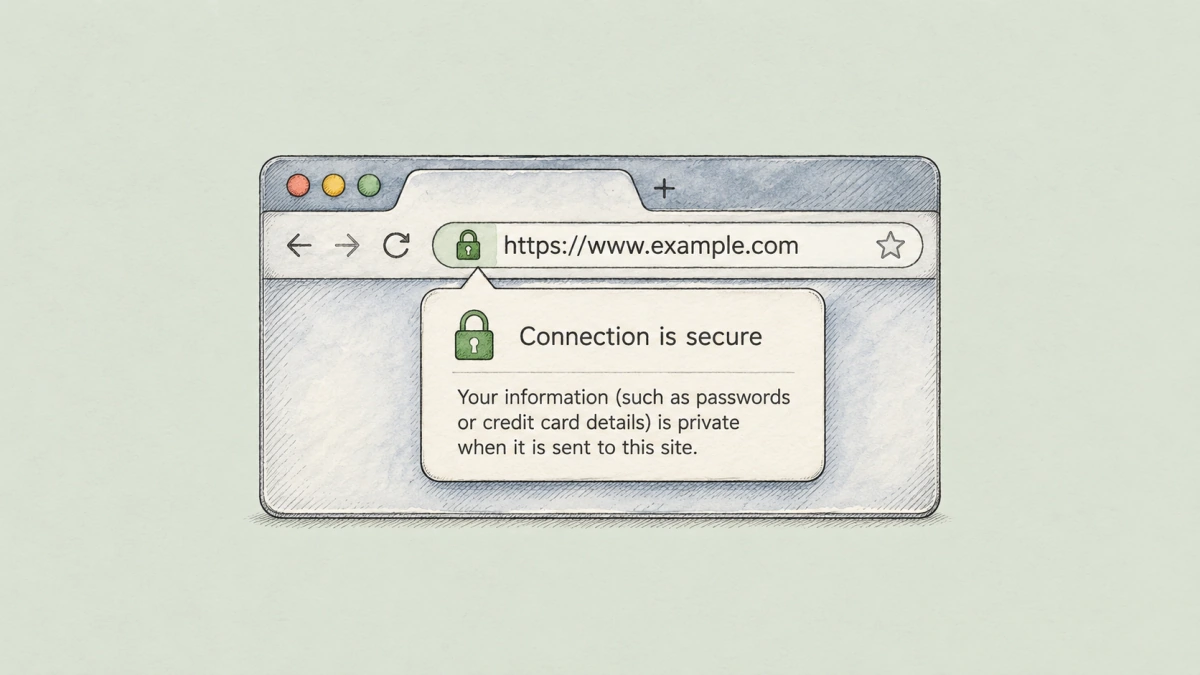
Another reassuring signal can be misunderstood: HTTPS, the protected form of the connection between your browser and a website.
HTTPS uses encryption to scramble information in transit so outsiders can't simply read it as it travels. It doesn't decide whether the person running the site is honest. The FTC explicitly warns that an encrypted website can still belong to a scammer.
Think of the difference at the camera shop. Protecting your order while it travels to the seller matters. It won't force that seller to send the camera.
Before buying, check the site's actual address, its contact details, and its delivery and return terms. If you're following a message that claims to come from a company you already know, open the company's site using an address you trust. Don't let a reassuring badge or rating do all the work.
These checks serve different purposes. Reputation helps you weigh past reports and available signals. Connection security protects information on its journey. Your decision still depends on what you're being asked to hand over and what could happen if the recipient misuses it—part of the broader question of cybersecurity risk.
PGP Encryption in Three Minutes
The Extension Gets Access, Too
WOT adds a second decision: whether you want to install the extension itself.
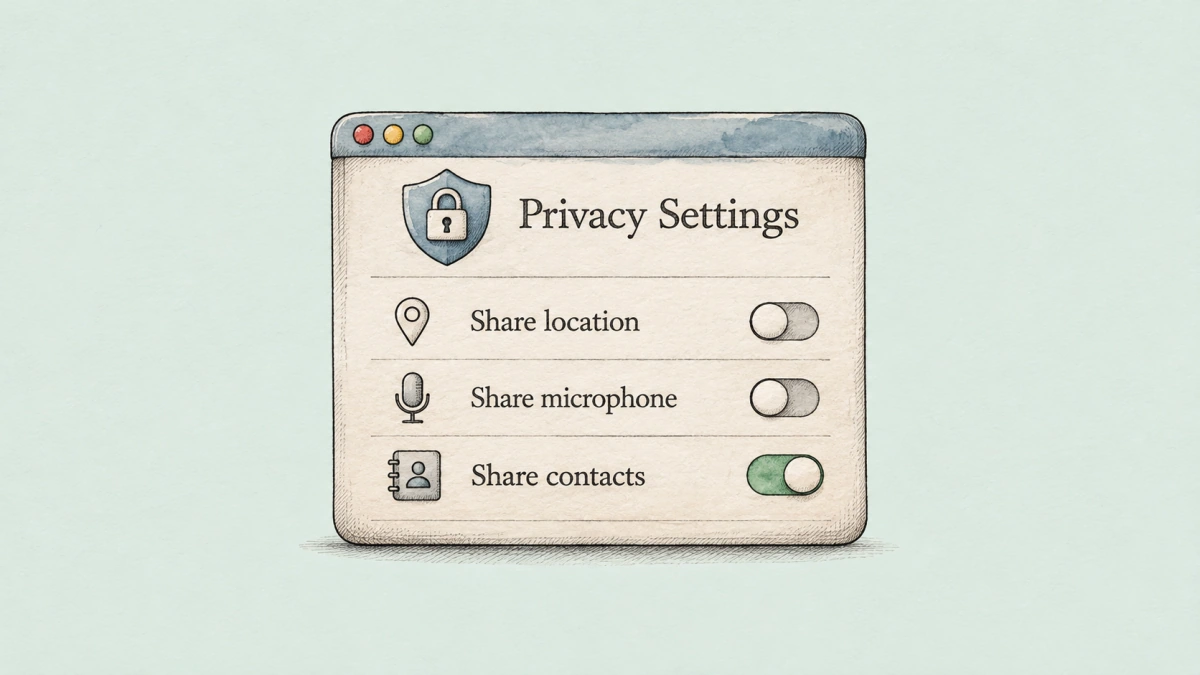
Its Chrome store disclosure lists collection of web history and website content. The developer says browsing-data collection supports its reputation and protection features. Those disclosures are worth reading before installation, along with the requested permissions and privacy policy.
Permissions are the access an extension asks your browser to grant. Consider whether that access fits the job you want the tool to do. A safety feature and a privacy tradeoff can exist in the same product.
The listing also notes in-app purchases. Check what the offered version includes rather than assuming every feature is free. Features and terms can change, so use the current listing when deciding what to install.
Why the Name Also Appears in Cryptography
There's a separate meaning of web of trust in cryptography, the use of mathematical methods to protect information.
In that setting, people vouch for the connection between someone's identity and a public key. A public key is shareable data used for tasks such as checking digital signatures. A digital signature lets others check that the matching private key was used to sign a message or record. The owner keeps that private key secret.
The GNU Privacy Handbook explains how endorsements from trusted people help others judge whether a public key belongs to its named owner. That use of the phrase concerns keys and identities. WOT's website ratings concern browsing decisions.
Back at the checkout, the decision is practical. If the reviews are thin, the address looks wrong or the delivery terms don't make sense, you can leave the camera in the basket. A favorable reputation score doesn't obligate you to buy.
HTTPS: A Secure Connection Can Still Lead to a Scam
Phishing: Check the Request, Even When You Know the Name
Privacy: What Happens to Your Data After You Share It?
QUOTE:
"Amateurs hack systems, professionals hack people."