VirusTotal: How to Read the Report Before Trusting the File
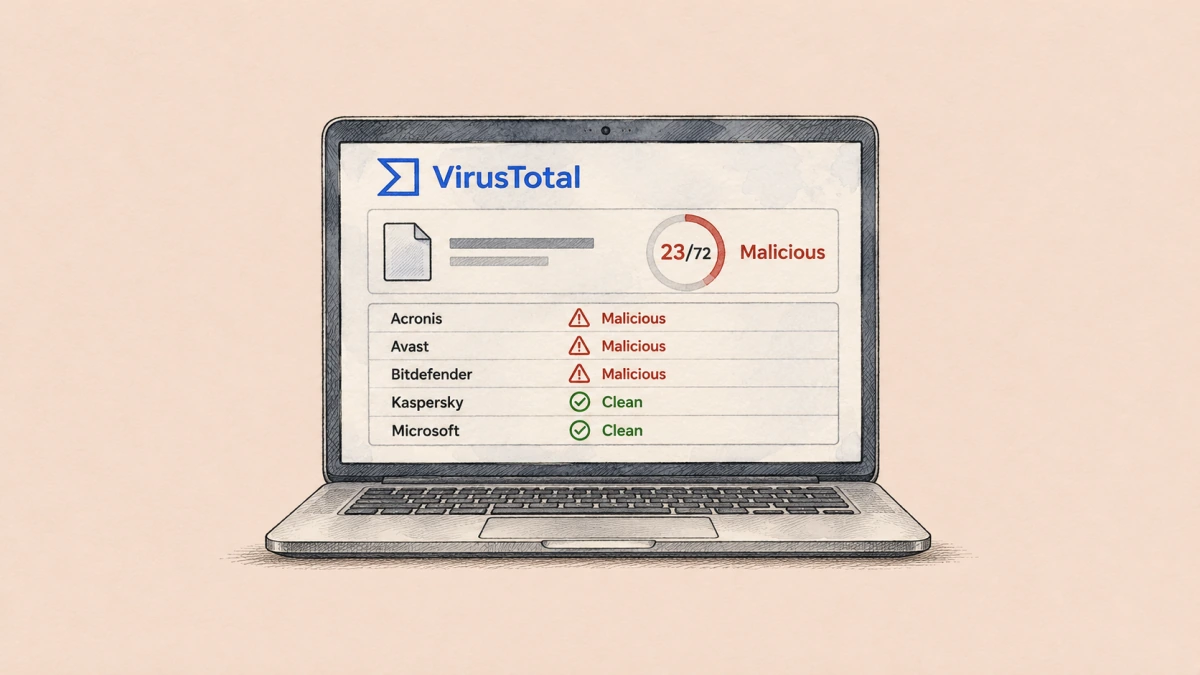
VirusTotal is a service that gathers security-tool results and other analysis for files and web addresses. Its reports bring several sources of evidence together, including detection labels from participating antivirus engines. The report helps investigate an item; it doesn’t certify that opening it is safe.
An engine is the scanning component that examines an item and returns a result. Different engines can disagree. One may flag a file as harmful while another reports no detection.
Looking up information and submitting a file aren't the same action.
An upload can put the contents into circulation
VirusTotal's description of its standard service explains that reports are shared with its community. Submitted file and page contents may also be shared with partners and premium customers.
A document doesn't lose its sensitive contents because someone is checking it for malware—software designed to cause harm. Before submitting a confidential attachment, customer record or private link, check whether you may share it under those rules.

- Catch the threats a built-in antivirus can miss.
- Get blocked from malicious sites before they load.
- Protect your devices around the clock, not only when you run a scan.
One alternative is to look for an existing report using the file's hash: a calculated value representing its contents. VirusTotal documents retrieving file reports by hash.
That lookup sends an identifier rather than uploading the file's contents. It still sends a query to the service. If no report is returned, there's simply no existing report available from that lookup; it isn't evidence that the file is harmless. A hash function identifies data for comparison, rather than judging its behavior.
Read beyond the detection count
Check what the engines actually reported and when the analysis was performed. A report describes the analysis available at that point, not a permanent property of the file.
A false positive is a harmless item flagged as harmful. A false negative is a harmful item that isn't detected. Both possibilities matter when interpreting disagreement. One detection isn't automatically an error, and a row of non-detections doesn't establish safety.
The tally also isn't a fair league table for antivirus products. VirusTotal warns against that comparison: the scanning components, settings and purposes used by the service can differ from those of full products installed on a device.
Compare the report with where the file came from, what it claims to be and other evidence about its behavior.
Is Windows Defender Good Enough?
Private Scanning is a separate workflow
VirusTotal also offers Private Scanning. Its documented workflow avoids distributing those submissions to third parties, but it doesn't include the standard multi-antivirus or URL-scanning partner verdicts.
It's a different submission route with different outputs, not a privacy switch that silently changes an ordinary upload. Submitting the same item through the standard route would still bring that route's sharing rules into play.
For a sensitive file, look for an existing report or use an approved internal analysis process. Getting more detection labels isn't worth accidentally distributing the document you're trying to protect.
Antivirus Software: What a Clean Scan Really Tells You
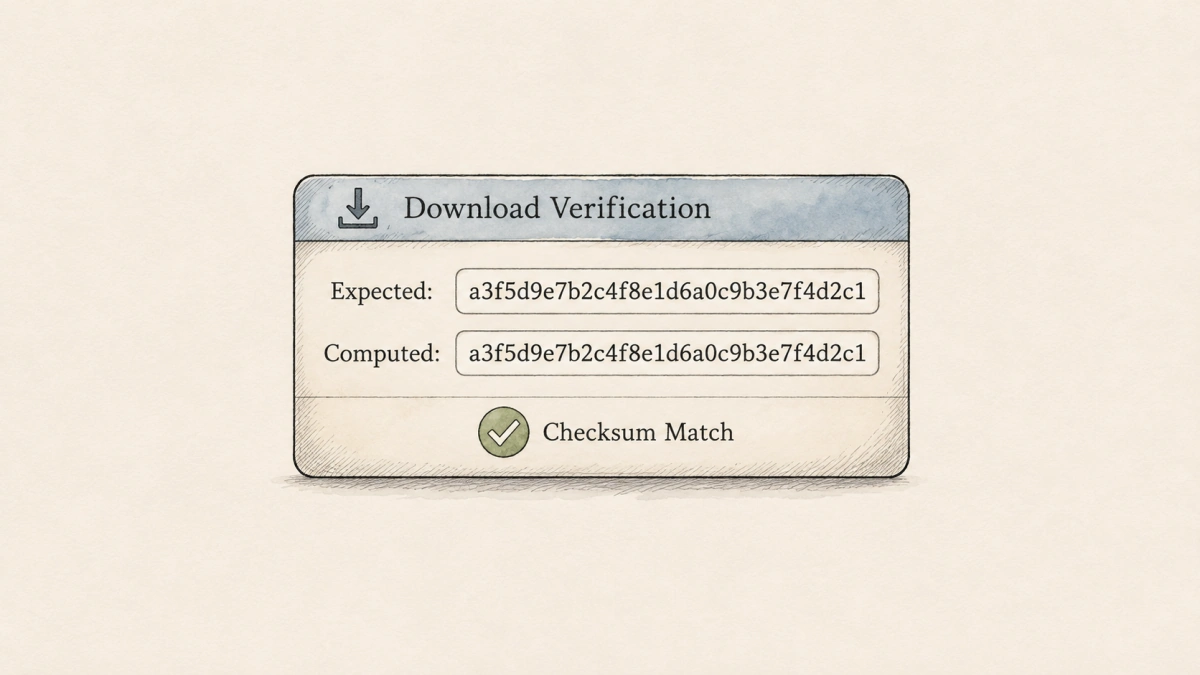
Hash Values: What a Matching File Fingerprint Proves
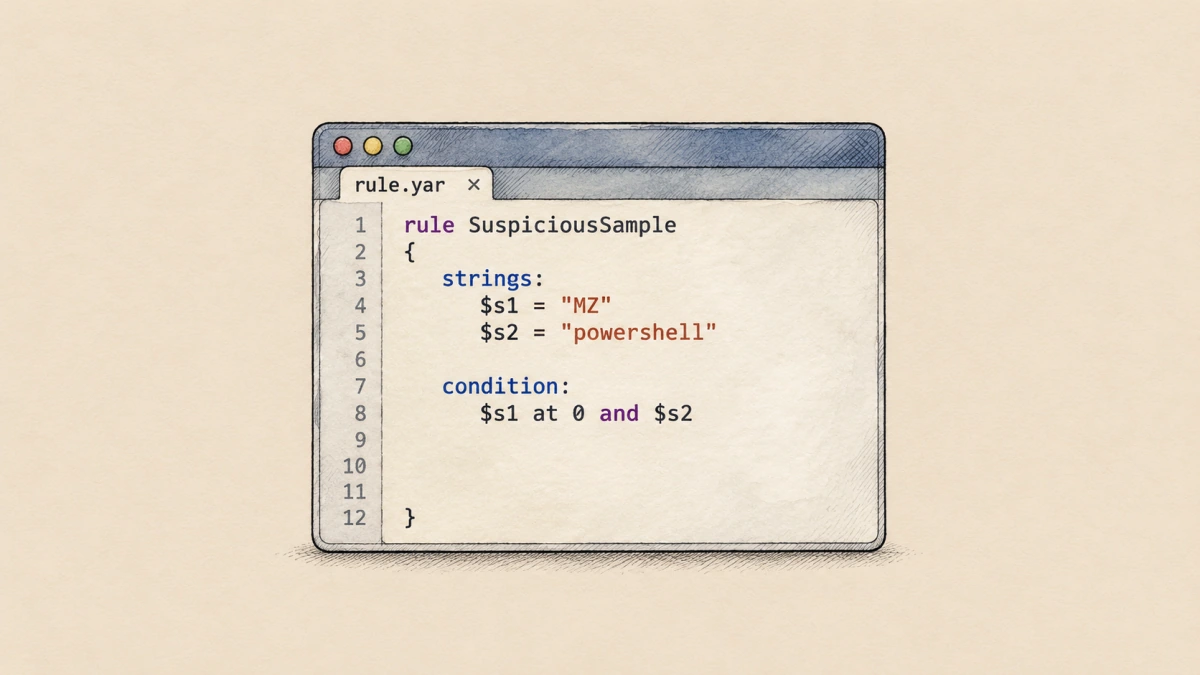
YARA Rules: Read the Condition Before You Trust the Match
QUOTE:
"Amateurs hack systems, professionals hack people."