Telnet: Why Ordinary Sessions Expose What You Type
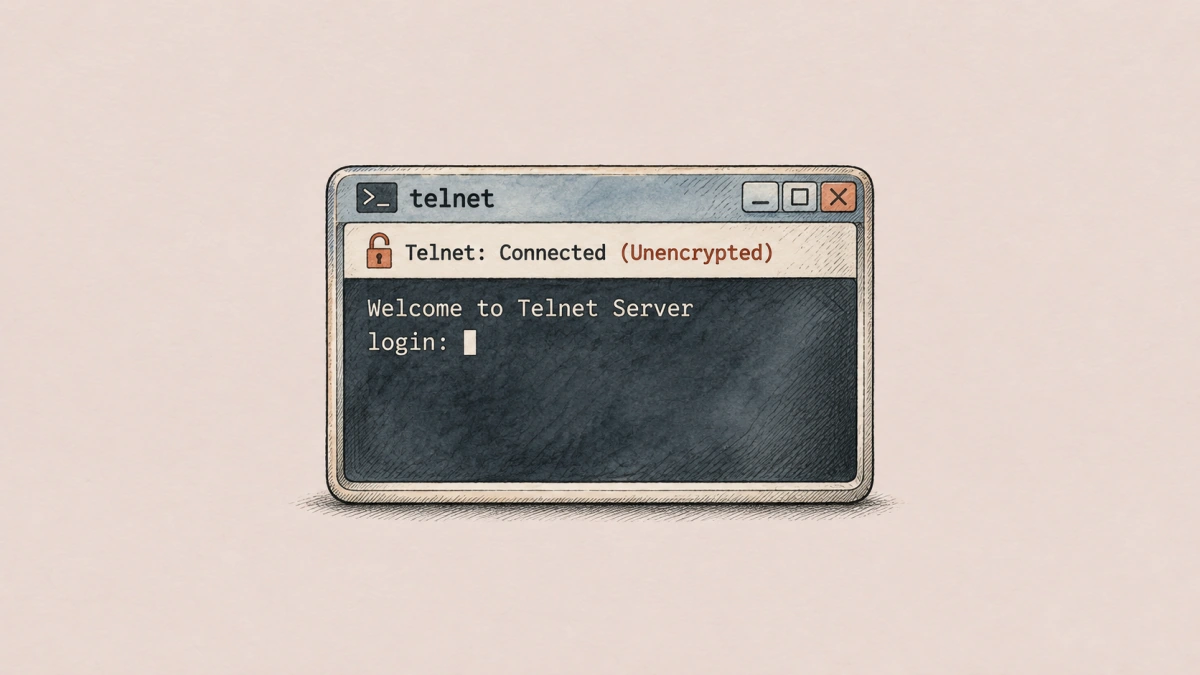
Telnet is a protocol for text-based communication with a remote system. It lets a program on one computer send typed input to a program on another and receive text in return. In an ordinary Telnet session, that conversation travels without encryption.
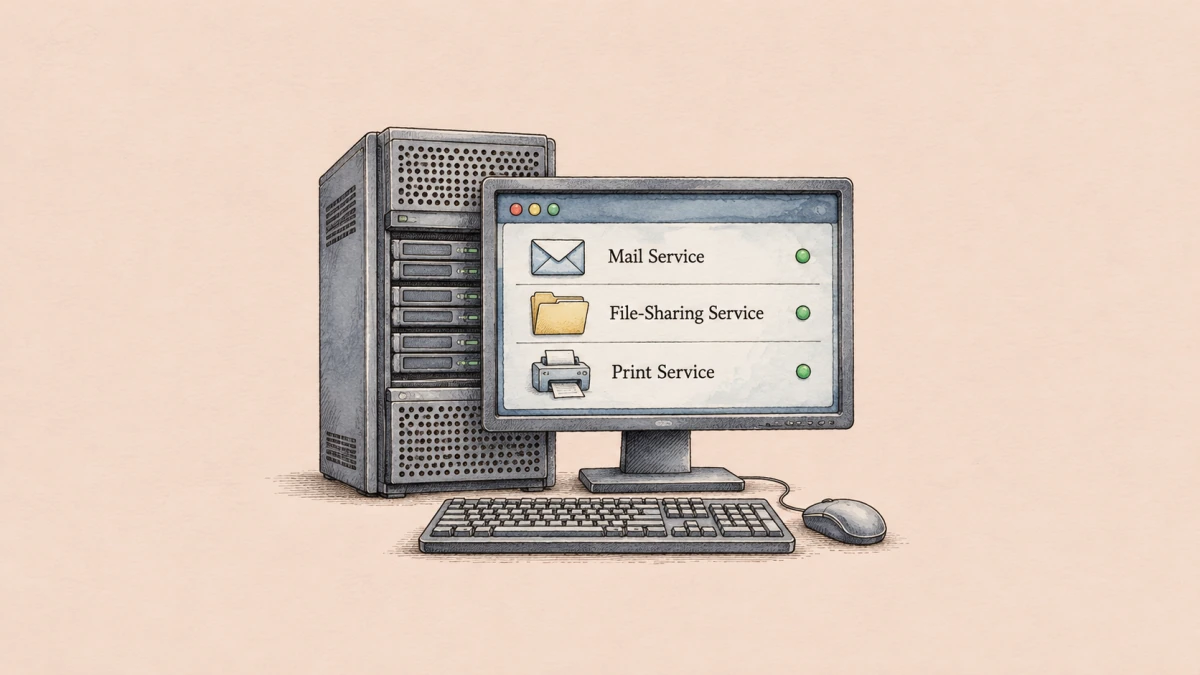
A protocol supplies the communication rules. A Telnet client is the program the user runs to start the connection. A Telnet server is the program on the remote system that accepts it.
The result can feel like sitting at the remote computer's terminal, even though the work and the keyboard are in different places.

- Configure a router or switch straight from your laptop's USB port.
- Get back into a device you can't reach over the network.
- Use it with Windows, Mac or Linux, so one cable covers every laptop you own.
A common language for unlike terminals
Telnet's base specification, published in 1983, describes a Network Virtual Terminal. This is a common representation for terminal input and output, so the two systems don't have to use identical terminals internally.
Each side translates between its local way of handling text and the common representation. The protocol also lets the sides negotiate options, meaning they can agree to use supported additional behavior.
The Telnet specification carries that two-way exchange over TCP, short for Transmission Control Protocol, which supplies connection-based communication between programs.
Suppose an administrator uses a remote terminal to request a list of files in a directory. The remote program performs the work and returns the text result. The characters cross the connection in both directions; the client isn't itself running the remote system's commands locally.
What travels alongside the commands
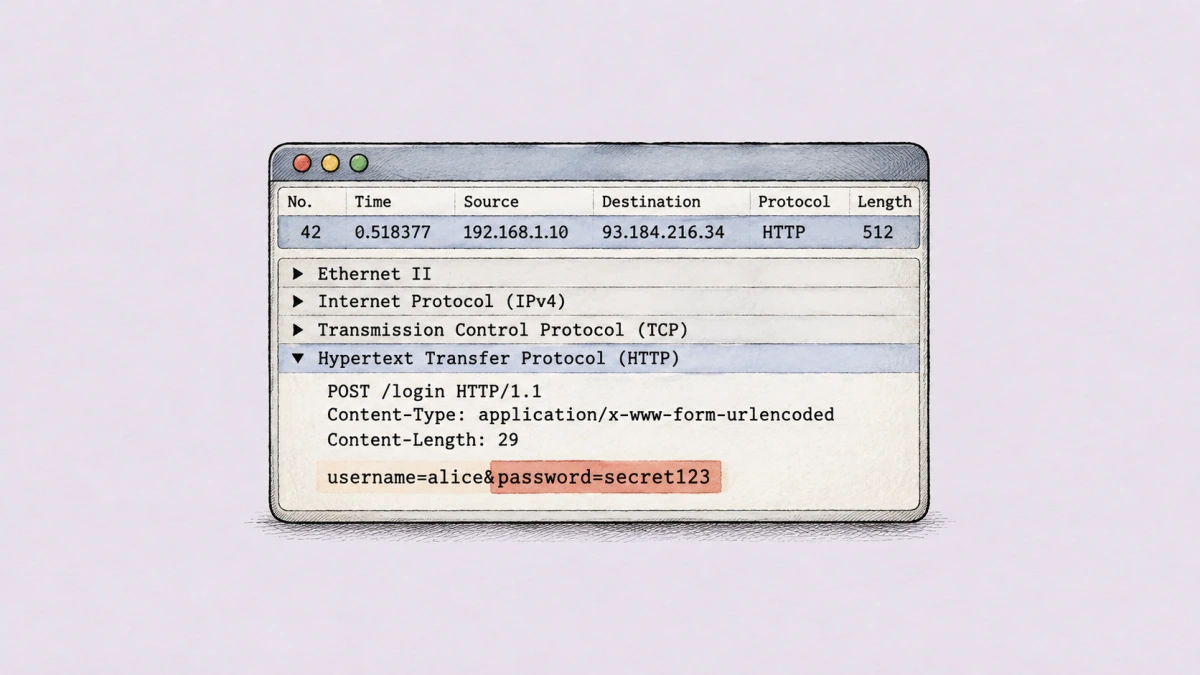
If an ordinary Telnet login asks for a username and password, those values travel through the same unencrypted conversation. Someone able to observe the traffic may be able to read them, along with commands and responses.
Encryption protects information from being read without the appropriate secret. A local network doesn't add that protection to Telnet merely by being local. The question is what protects the traffic along its path.
In joint communications-infrastructure guidance issued in December 2024, U.S. and international security agencies recommend disabling unnecessary or plaintext services, including Telnet, and using protected management methods.
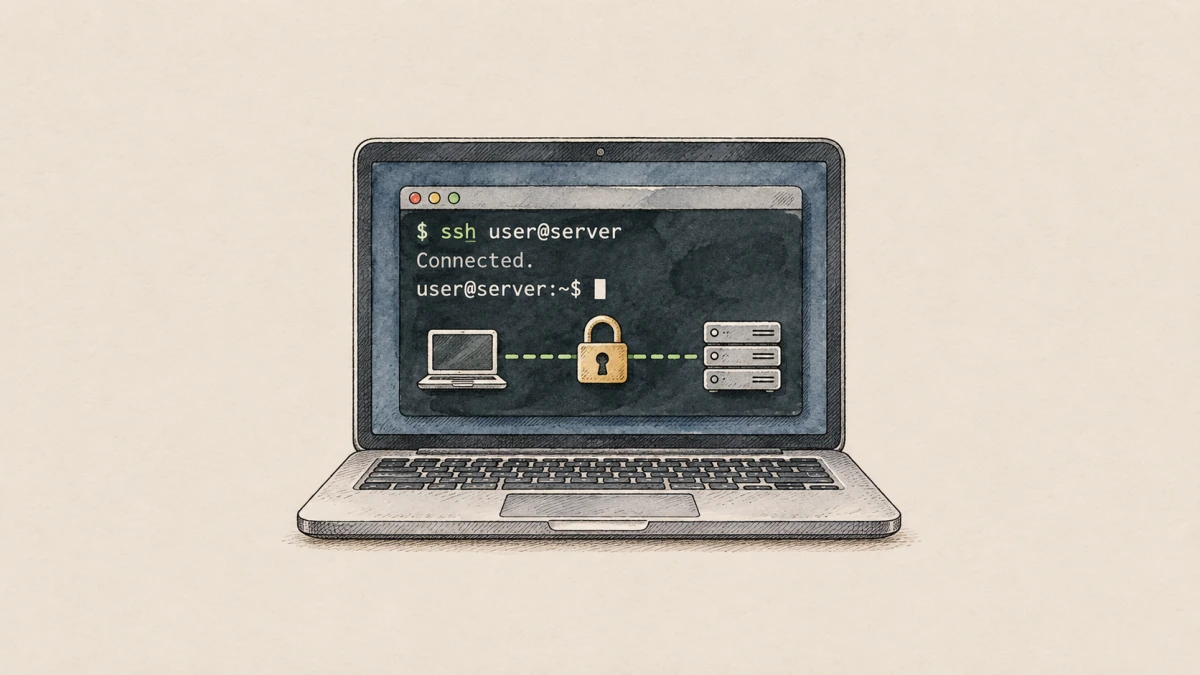
SSH, or Secure Shell, protects remote login with encryption and checks for unauthorized changes. It also authenticates the server, helping establish which remote system the client is talking to. Checking the user's identity is a separate part of the exchange.
The SSH architecture describes these separate jobs. A text window can look much the same to the user while the connection underneath provides substantially different protection. Supported SSH administration is the relevant replacement, with its identity checks and configuration properly maintained.
Two Remote Logins, One Crucial Security Difference
Client tools and listening services are separate
A Telnet client can also be used to try a connection to a particular network port, a numbered destination for traffic. Success establishes that a connection to that port worked at that time. It doesn't establish that every part of the network or the application is healthy.
Likewise, removing a Telnet client from a laptop doesn't disable a Telnet server listening on another machine. One sends a request; the other accepts requests.
Replacing Telnet requires changing the remote service as well as the local tool. Credentials and commands can then use the protected connection, with the old unencrypted service disabled.
SSH Checks Both Ends of a Remote Login
Password Sniffing: Who Can Read a Secret in Transit?
Network Services: One Computer Asks, Another Does the Job
QUOTE:
"Amateurs hack systems, professionals hack people."