Tampering: An Unauthorized Change Can Still Look Normal
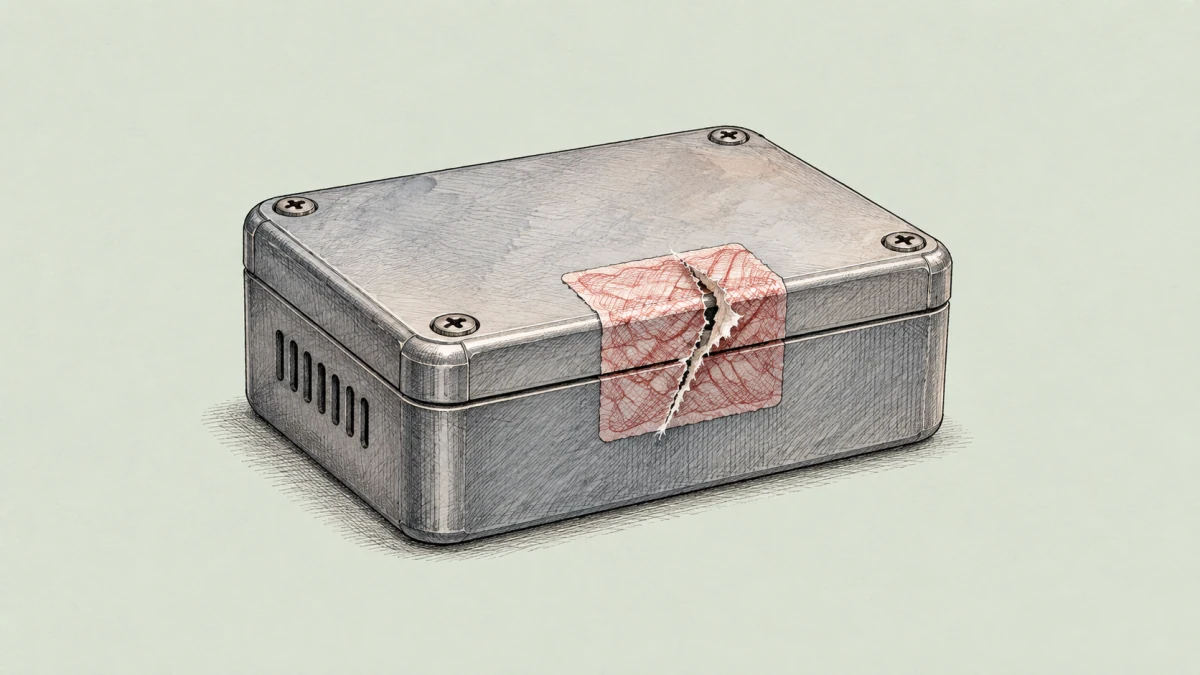
Tampering is an intentional, unauthorized change to data, a system or its intended behavior. The altered information may still look normal and be accepted by a program. The problem is that someone has changed something they weren't entitled to change.
The National Institute of Standards and Technology's definition of tampering includes systems, components, behavior and data. That separates it from a legitimate correction or an accidental corruption.
All three may change a file. Intent and authority help explain which kind of change occurred. Integrity, the broader concern, involves protecting information against improper changes or destruction, whether deliberate or accidental.
Why Do Hashing Algorithms Keep Changing?
The browser doesn't set the price
Imagine an online shop whose browser sends an item number, quantity and price to the server when someone places an order. A server is a program that provides a service to another program, here the shopper's browser.
An attacker changes the submitted price. The new value still looks like a price: it is a valid number, just not the amount the shop intended to charge.
If the server accepts that value without checking the shop's rules, the system can process an unauthorized price as though it were ordinary input. The page doesn't need to crash. The order may appear to proceed normally.
The software-security organization OWASP describes this mechanism as web parameter tampering. A parameter is a value supplied to a program, such as a quantity or a record identifier.
The server must decide which values and actions are allowed. Checking that a price is a number doesn't establish that it is the correct price. A value coming from the browser isn't automatically authoritative merely because the shop's own page originally displayed it.
Match the protection to the change
Tampering can also affect stored files, information traveling between systems or data being used by a running program. MITRE's description of data manipulation distinguishes these locations and the ways altered information can mislead decisions or hide activity.
They call for different protections. Restricting file permissions reduces who can modify stored information. Checking the rules on the server addresses an unauthorized submitted value. Protecting a communication path addresses changes along that path; it doesn't settle whether the sender supplied a permitted value in the first place.

- Stop a stranger from plugging a drive into a computer you leave unattended.
- Lock ten ports at once, and open them again with the included key.
- Keep dust out of the ports you rarely use.
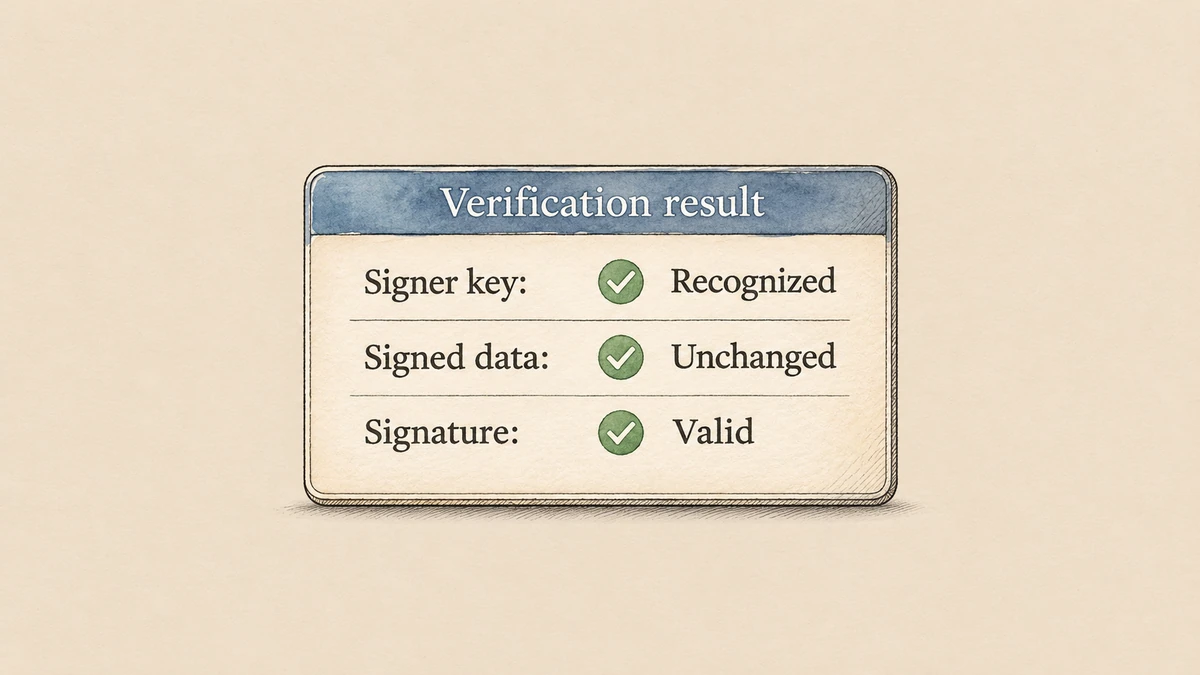
A digital signature offers another kind of check. It uses mathematical evidence tied to particular data and a signing key, a secret value used to create the signature. Proper verification can reveal that the signed content has changed.
That check concerns origin and integrity. It doesn't make the information unreadable, and a valid signature doesn't establish that the original contents were harmless. A person with the signing key can sign harmful material too.
Recovery copies have a separate role. Protected backups kept away from the affected system can help restore data, but those copies need protection against alteration themselves.
At the shop's checkout, checking integrity means more than accepting a number that looks valid. The server needs to use the shop's authorized price to decide what the customer owes.
Data Integrity: How to Keep Records and Their Connections Reliable
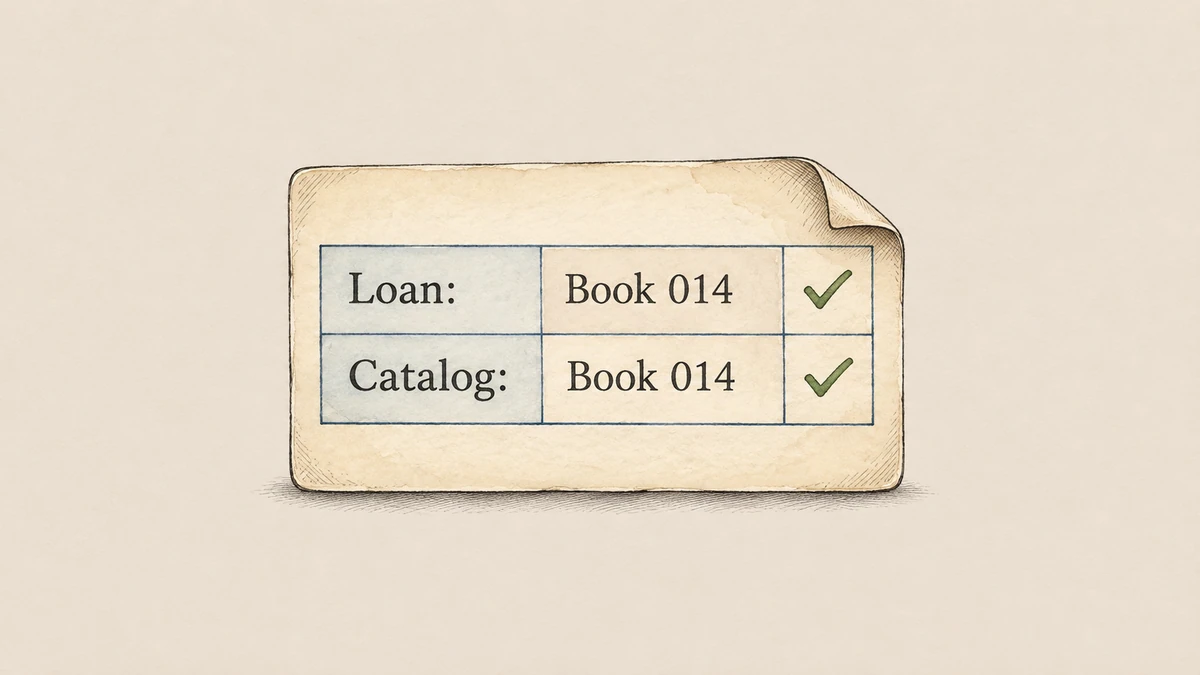
Digital Signatures: What a Verified File Actually Tells You
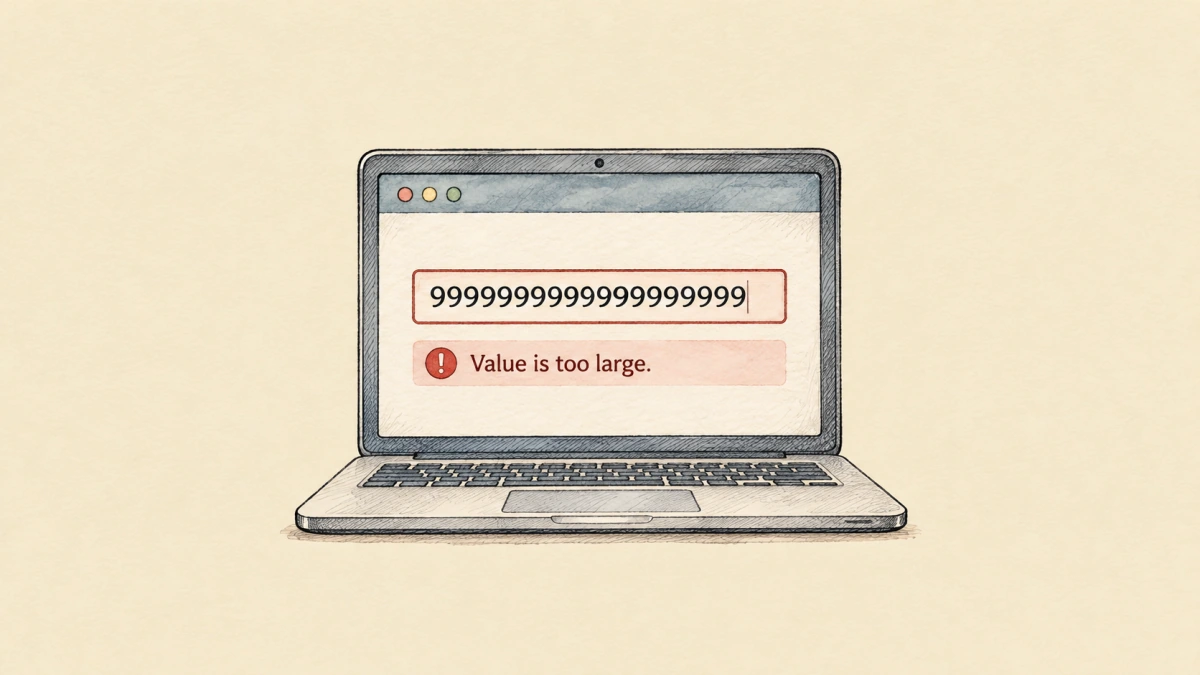
Input Validation Attacks: When Software Accepts the Wrong Data
QUOTE:
"Amateurs hack systems, professionals hack people."