System Integrity: Is the Computer Still Doing Its Intended Job?
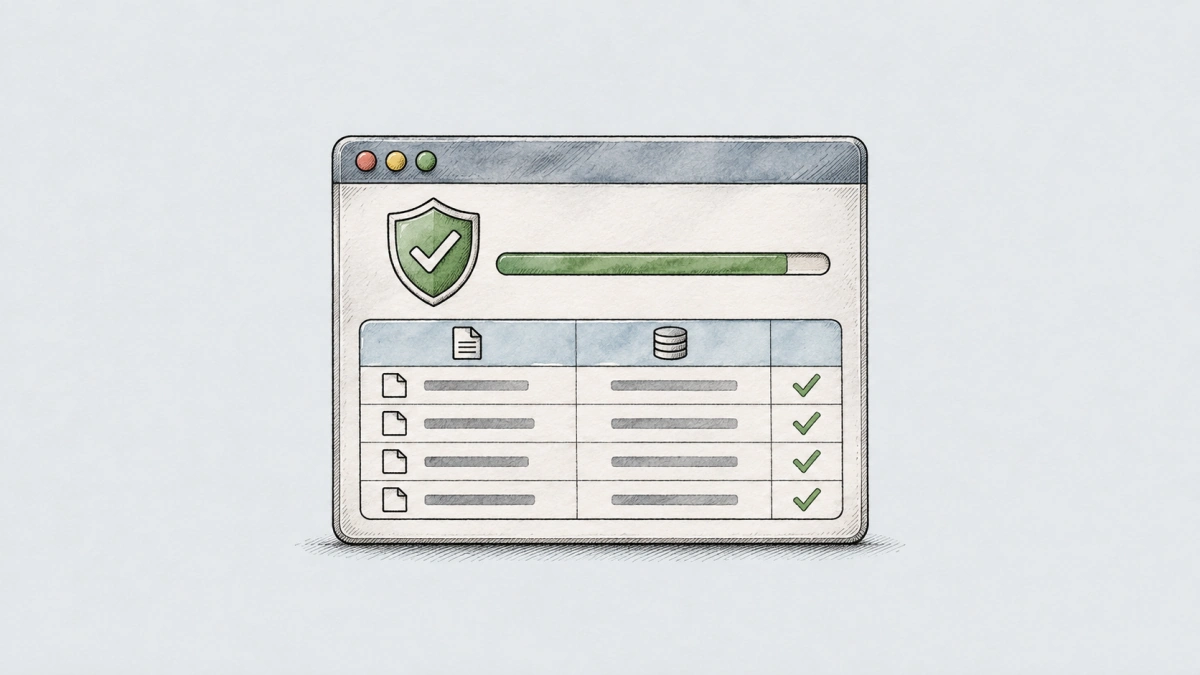
System integrity means a system does its intended job without interference from unauthorized changes. Those changes may be deliberate or accidental. A computer that starts normally can still have lost an important part of that integrity.
Suppose a document service is meant to let readers open files while allowing only editors to change them. A mistaken setting gives readers editing permission. The service still starts, displays documents and accepts requests. Its behavior has nevertheless changed in a way that defeats an intended rule.
The National Institute of Standards and Technology's definition focuses on the system performing its intended function. That is broader than checking whether particular records remain intact, the concern of data integrity. It also differs from confidentiality, which concerns keeping information from unauthorized readers.
Why Do Hashing Algorithms Keep Changing?
A change needs an explanation
Preserving integrity doesn't mean freezing a system forever. An approved update can repair a weakness or add needed behavior. The important questions are whether the change was authorized and whether the required functions still work.
That requires some knowledge of the intended setup. A configuration is the collection of settings, software versions and relevant components that shape a system's behavior. A baseline records an approved reference setup against which changes can be understood.
In the document-service example, a comparison might reveal that a permission setting differs from the baseline. A change record could then show that someone deliberately approved a new editing role—or that the difference has no approved explanation.
Configuration management connects those jobs by tracking intended settings, actual settings and changes between them. The institute's security-controls catalog describes reviewing changes, considering their security effects, implementing approved changes and checking the results.

- Stop ransomware and malware before they reach your files.
- Bank and shop in a browser built to keep transactions private.
- Cover five devices, from Windows and Mac to phones.
A repair should therefore include checking the behavior that prompted concern. Reversing the setting matters; confirming that a reader can no longer edit matters, too.
What an integrity check actually covers
Integrity tools can look for unauthorized changes in selected software, firmware or information. Firmware is software built into a device to control its basic operation. The selection matters: checking certain files doesn't inspect every setting or every activity on the machine.
A passed check is evidence about what was examined. If the document files match their trusted copies but the permission settings were outside the check, the editing problem could remain undiscovered.
An alert also needs context. An approved update, an accidental alteration and deliberate tampering may each change something being monitored. The response depends on identifying which happened and what it affected.
Restoration follows the same logic. Bringing back an older copy may repair an unwanted change, but “older” doesn't automatically mean suitable or clean. The restored system still needs validation against its intended setup and behavior.
Readers can read, editors can edit, and the people maintaining the service can account for how those permissions got there.
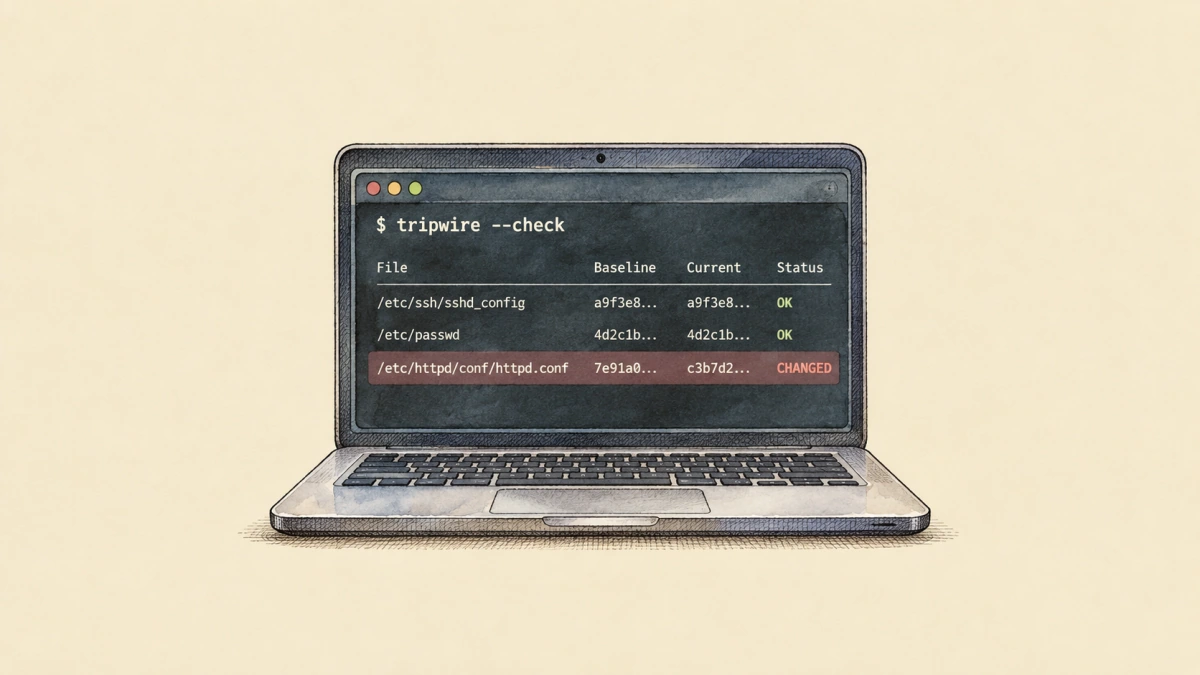
Tripwire: A File Changed. Was It Supposed To?
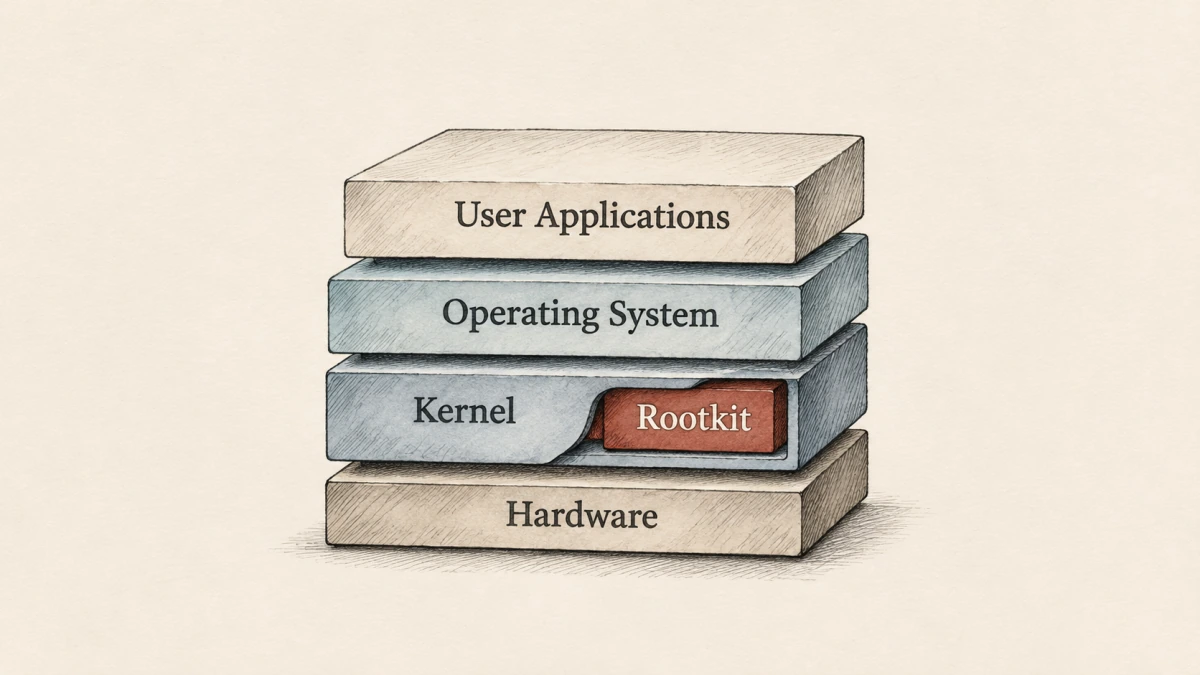
Rootkits: When a Computer Gives a Doctored Answer
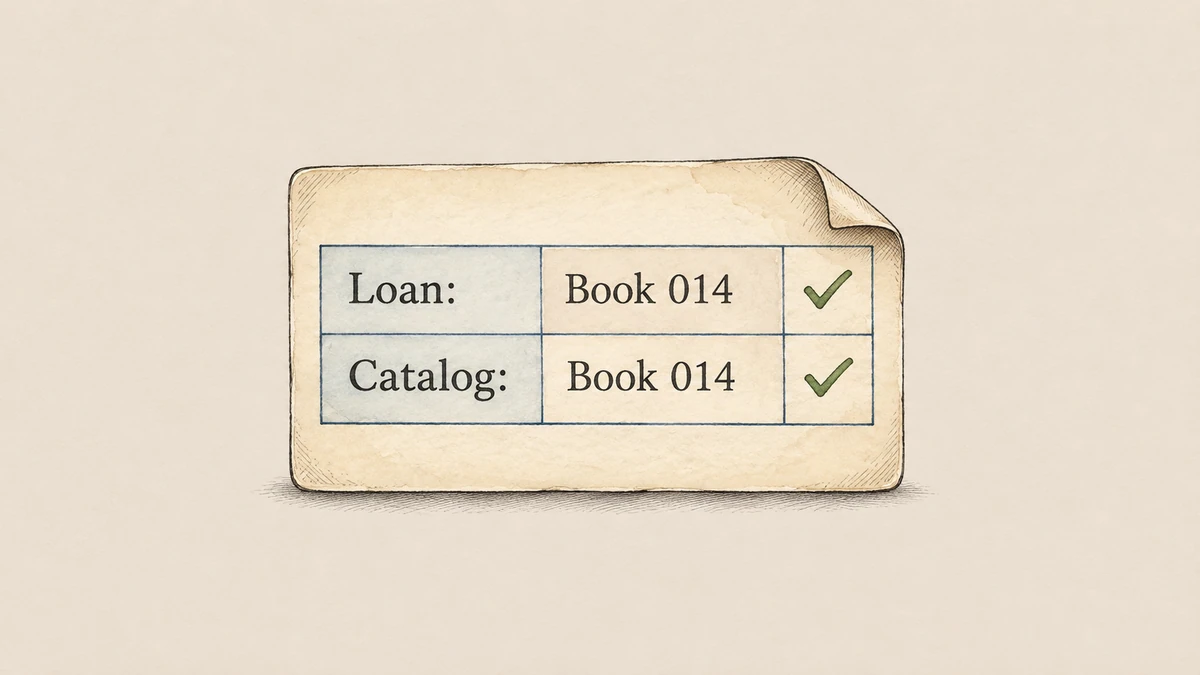
Data Integrity: How to Keep Records and Their Connections Reliable
QUOTE:
"Amateurs hack systems, professionals hack people."