Spoofing: When a Familiar Appearance Claims the Wrong Identity
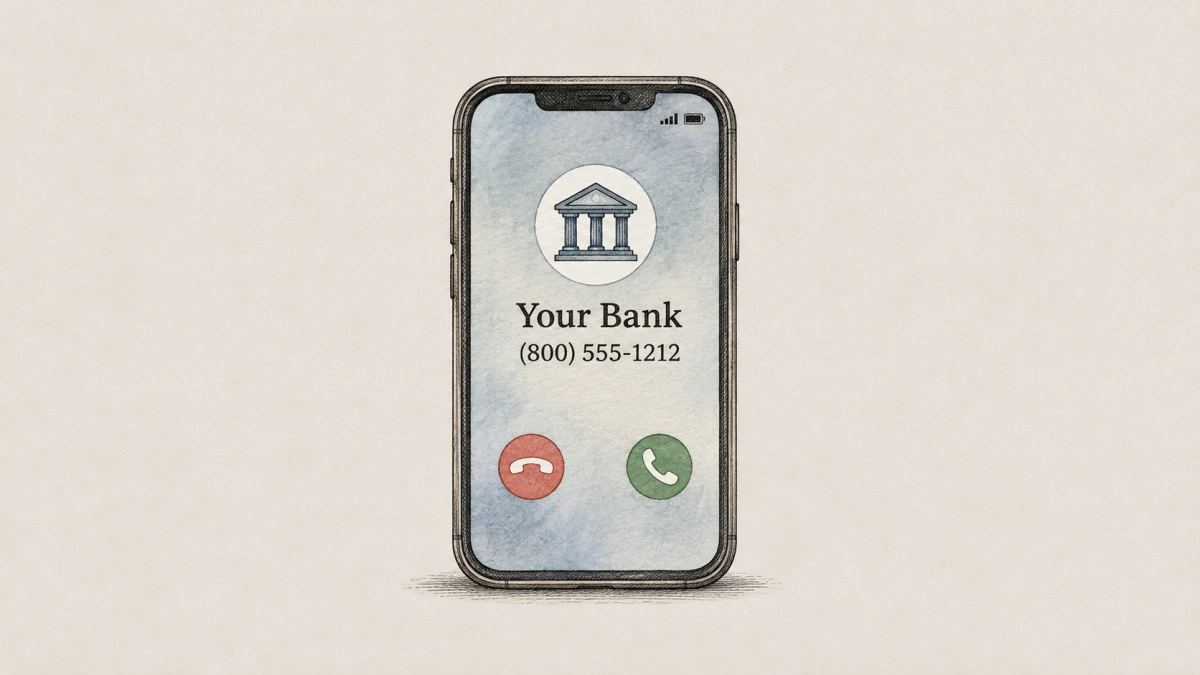
Spoofing falsifies an apparent identity or origin to mislead a person or system. A message, call or website can present itself as someone the recipient knows, borrowing trust that belongs elsewhere.
To say someone has spoofed an identity is to describe the same activity. A familiar appearance can make that false claim easier to believe.
A copied logo is a claim about an organization. A displayed caller number is a claim about where a call came from. Neither becomes reliable merely because it looks right. The National Institute of Standards and Technology's glossary describes impersonation that can influence both human and computer decisions.
Pretending to Be Someone Else Online
A secure connection can reach the wrong website
Suppose a page copies the appearance of a service you use and asks you to sign in. Its colors and logo may be familiar. Its actual internet name may belong to someone else.
A browser's address bar identifies the site being visited. That name is more useful evidence about the destination than the artwork inside the page, because the artwork is part of what the site supplies.
HTTPS protects communication with the addressed site. It doesn't establish that the site is the organization its logo claims to represent. A deceptive page can have a protected connection too.
Chrome's connection-security guidance makes this distinction: even with a secure connection, check the site name and take care with sensitive information. Browser symbols describe the connection; their appearance can vary by version and device.
A digital certificate helps a browser check the identity associated with a connection. It doesn't inspect a site's business claims. The connection can be doing its job while the page is deceiving its visitor.
Check outside the presentation
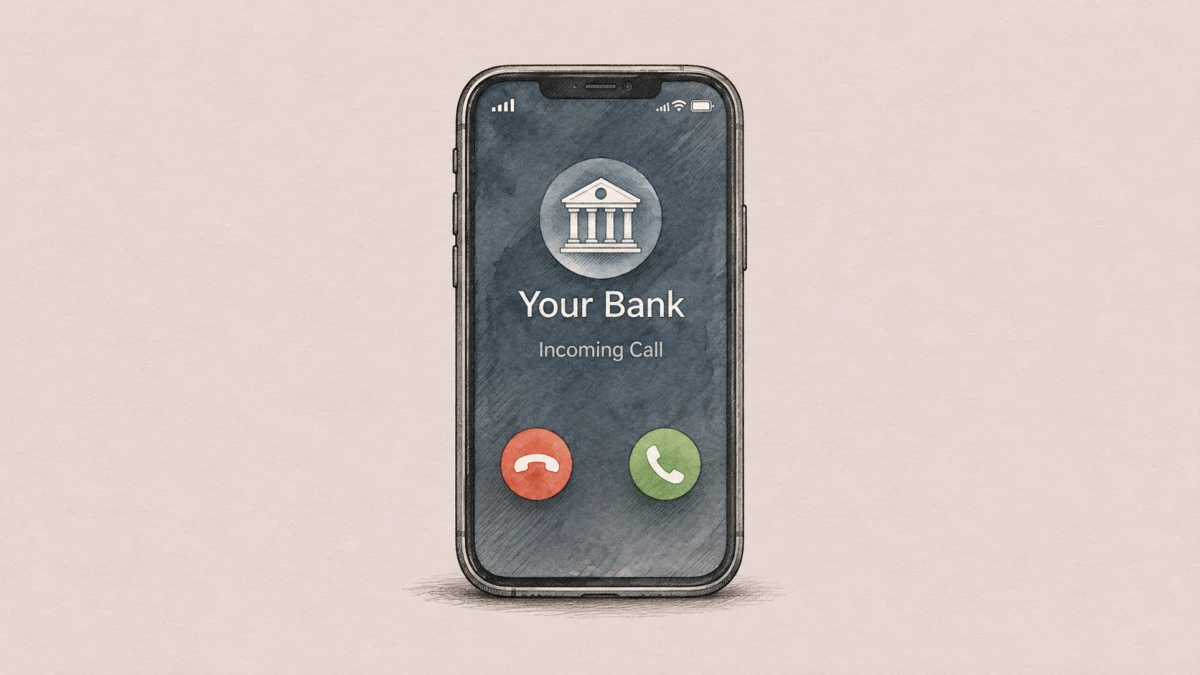
For a suspicious call claiming to come from a business, the number on the screen is part of the presentation being checked. Asking the caller to confirm it doesn't supply an independent source.
The Federal Trade Commission's impersonation guidance recommends contacting the claimed organization through information independently known to be genuine. A displayed business or government caller ID can be faked.
For a questionable web request, reaching the service through its known address follows the same principle. The suspicious message doesn't get to choose both the claim and the route used to confirm it.

- Make a stolen password useless without the key in your hand.
- Sign in with a tap instead of typing a code.
- Protect Google, Microsoft, Apple and more than 1,000 other accounts.
Spoofing can help a phishing attempt
Phishing is deceptive contact meant to prompt a harmful action, such as revealing account information or opening harmful material. Spoofing can make that request look credible, but the two terms describe different parts of the attempt.
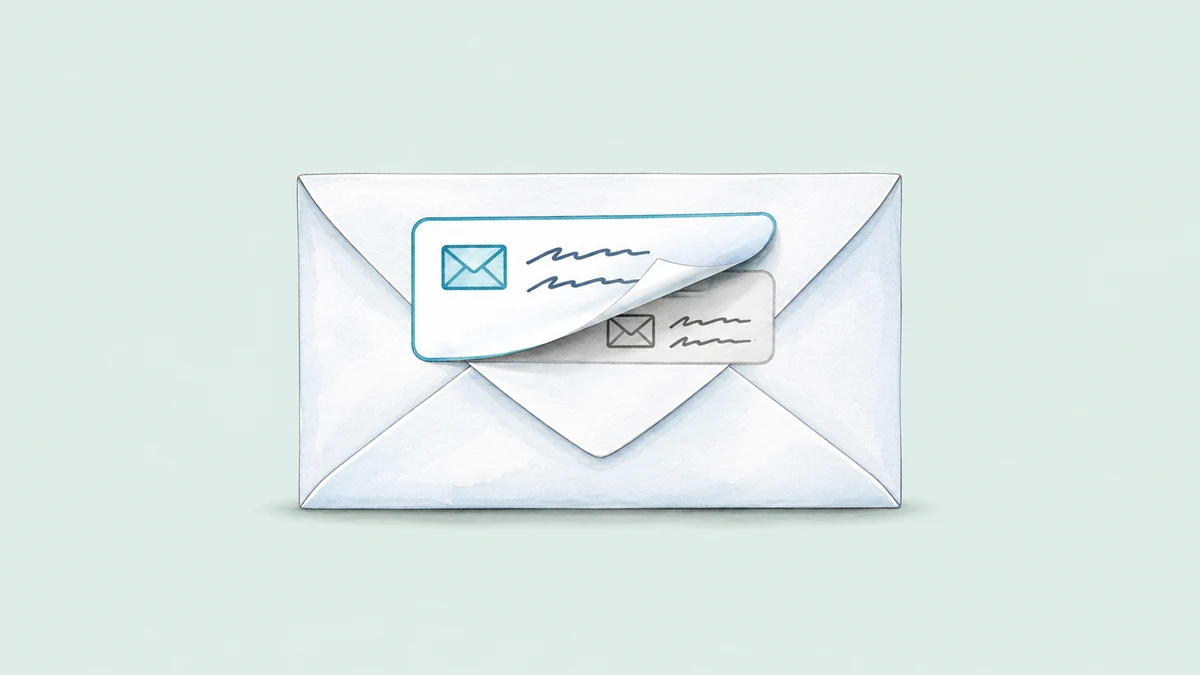
Phishing can also use a real account an attacker has compromised, including an ongoing email conversation. MITRE documents that possibility. No forged sender address is required in that case.
If a colleague's account has been taken over, confirming its address won't remove the attacker from the conversation.
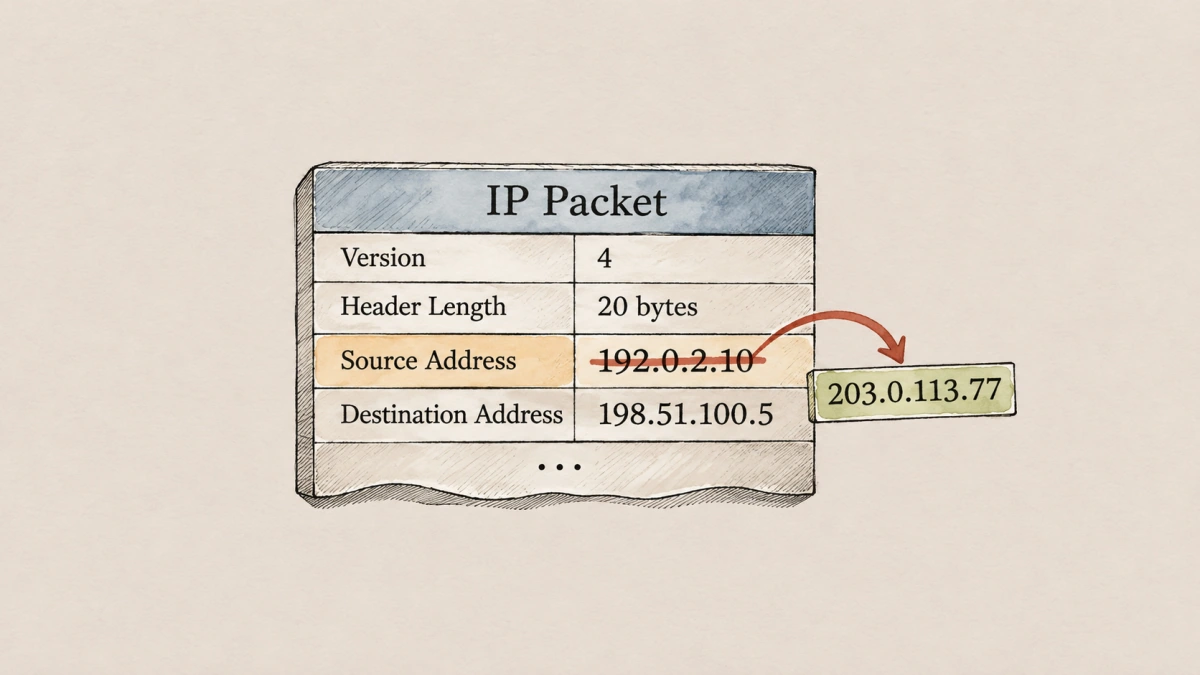
IP Spoofing: The Trouble With a False Return Address
Vishing: Why a Caller Wants Your Sign-In Code
Does Email Spoofing Mean You’ve Been Hacked?
QUOTE:
"Amateurs hack systems, professionals hack people."