SPAN Ports: Giving a Traffic Recorder a Better View
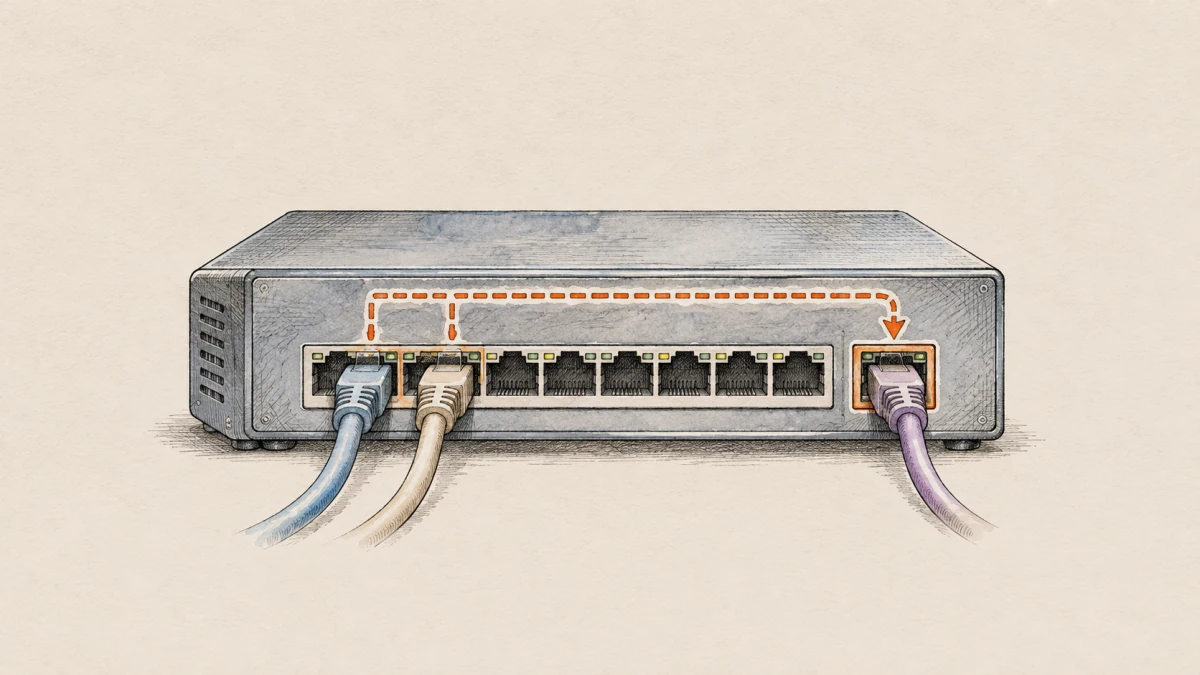
A SPAN port receives copies of selected network traffic so a monitoring tool can examine it. SPAN stands for Switched Port Analyzer; the feature is also called port mirroring. It is the monitoring function sometimes meant by “spanning port,” rather than Spanning Tree Protocol.
A network switch connects devices and forwards traffic toward its destination. A recorder plugged into an unrelated ordinary port needn't see a conversation between two other devices. Port mirroring gives the recorder a deliberate observation point.
The switch copies the selected traffic to a destination port, where an analyzer can receive it. The original traffic still has its own forwarding path. The analyzer is examining a copy rather than becoming the place every original message must pass through.
See What Your Computer Is Really Sending
Decide which conversation the copy should show
Suppose an administrator wants to examine communication involving one server. They could select the switch port used by that server as a SPAN source and connect a recorder to the SPAN destination.
The words source and destination here describe the mirroring setup. The source supplies traffic to copy. The destination receives the copies.
The selection can also specify direction: traffic entering the switch at the source, traffic leaving there, or both. Some configurations select a virtual local area network, or VLAN: a logical grouping of ports or devices into a separate network. That selects a group rather than individual ports.
Cisco's SPAN documentation explains these choices for the switch platforms it covers. The available combinations and restrictions depend on the equipment.
For the server investigation, choosing only one direction could leave out the replies that explain a request. Selecting a different port could leave out the relevant conversation entirely. A traffic capture is a view from somewhere, not a recording of everything the network did.
The copy can lose details
The monitoring path has a carrying capacity. If the selected traffic produces more copies than the destination can send, some copies may be lost. Cisco documents this behavior for particular switch architectures, along with other platform-dependent performance effects.

- Keep work, guest and smart-home gear apart with up to 32 VLANs on one small switch.
- Copy any port's traffic to your laptop with port mirroring and see what is on the wire.
- Set it up from a web page instead of learning a command line.
A packet is a small unit of network data. If one is missing from the capture, the original may still have reached its destination. Losing the monitoring copy and losing the original are different events.
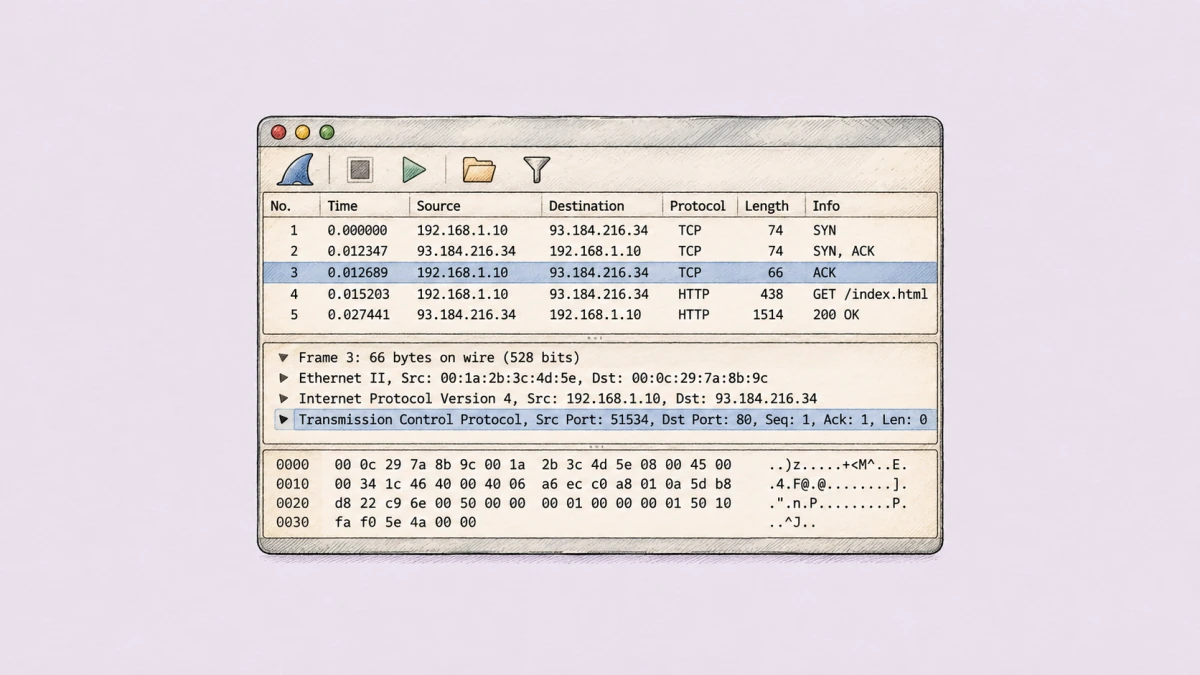
The tool receiving the copies has limits too. A packet sniffer captures network data for inspection. Wireshark is one such analyzer: its user guide explains that it displays packet details, but isn't itself an intrusion detection system and doesn't manipulate network traffic.
Other monitoring systems may add analysis or response features. The mirror alone supplies traffic copies; it doesn't establish that an attack was recognized or blocked.
Before using a capture to explain a failure, its observer needs to know what was selected, which directions were copied and whether the monitoring path kept up. Otherwise, a gap in the recorder's view can be mistaken for a gap in the conversation.
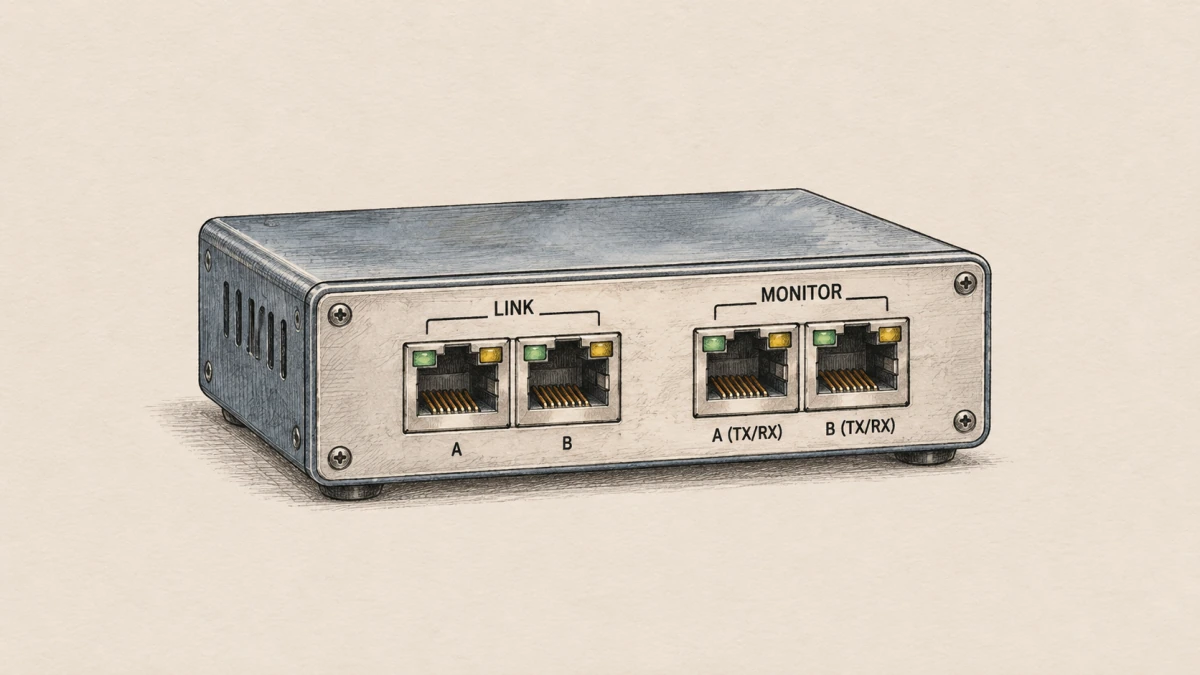
What Are Network Taps? What a Copy of Traffic Can Reveal
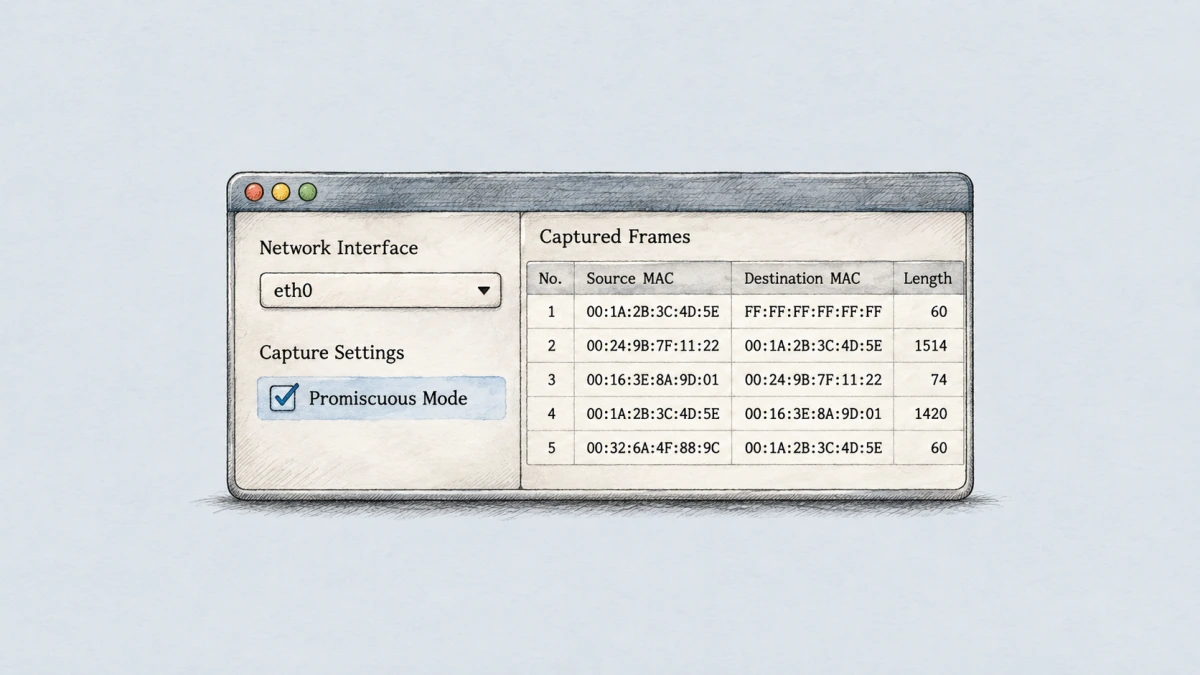
Promiscuous Mode and the Packets Your Computer Never Sees
Packet Sniffing: What a Record of Network Traffic Can Reveal
QUOTE:
"Amateurs hack systems, professionals hack people."