What a Malware Signature Actually Matches
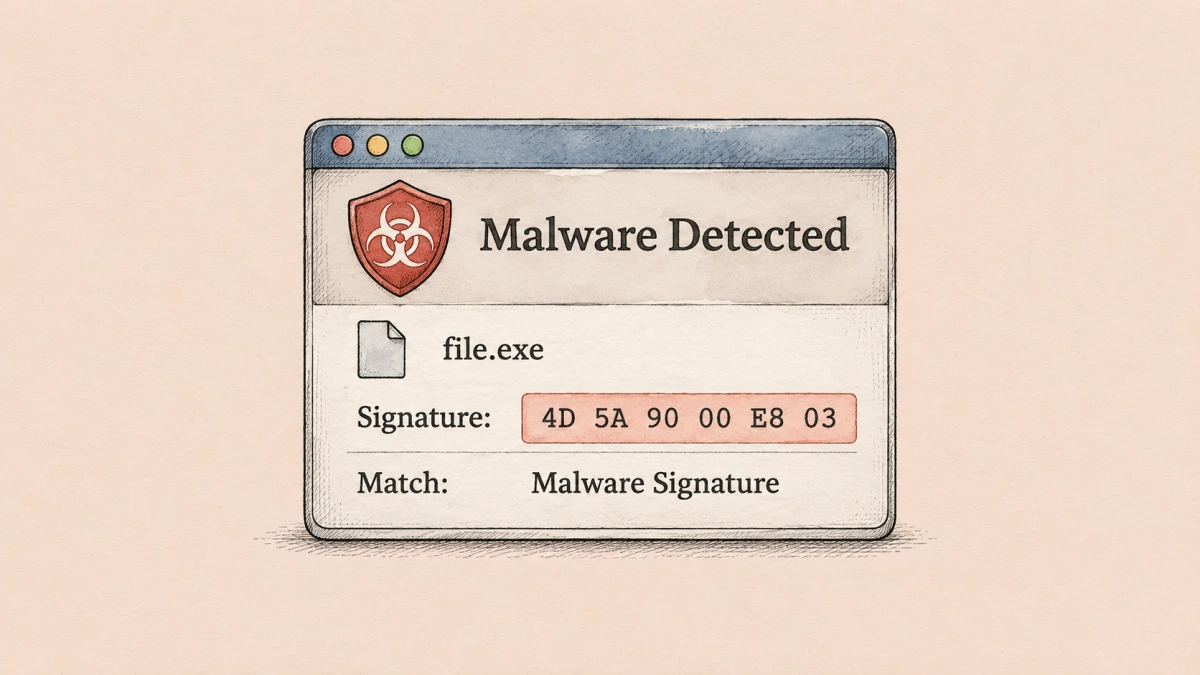
In malware detection, a signature is a pattern that a security tool looks for when examining files or activity. The pattern corresponds to a known threat or unwanted behavior. This meaning is different from a digital signature used to check who signed a document or software package.
Malware means harmful software. A detector compares what it observes with its available signatures and reports matches. The result depends on what the rule describes and what the tool was able to inspect.
The U.S. National Institute of Standards and Technology (NIST) intrusion-detection guide describes signature matching as a way to identify possible incidents. The word “possible” matters: recognizing a pattern and establishing the full circumstances are different tasks.

- Stop ransomware and malware before they reach your files.
- Bank and shop in a browser built to keep transactions private.
- Cover five devices, from Windows and Mac to phones.
A whole file or a smaller piece
One kind of signature uses a hash, a compact value calculated from data. The detector calculates a file's hash and compares it with values associated with known files. A hash function supplies that repeatable calculation.
Other signatures examine smaller sequences of bytes, the units in which files store data. A rule can look for particular contents or allow some variation around the parts that matter.
ClamAV, an antivirus project, documents both approaches. Its signature documentation describes hash-based signatures and body-based rules that match byte patterns, including flexible pattern matching. It also supports hashes of sections within executable files, the files that contain programs.
These are different levels of specificity. A whole-file hash rule checks a value calculated from the file's entire contents. A smaller pattern can remain present when other parts of a file change. A rule can therefore recognize a previously unseen variant if that variant still meets the rule's conditions.
Calling every signature a unique fingerprint misses this range. Some rules are deliberately broader than an exact match to one file.
A changed pattern and an accidental match
A narrow rule can miss something that changes outside its expectations. If a rule looks only for a particular filename, renaming the file can defeat that check. The NIST guide uses this kind of example to explain why the rule's actual conditions matter.
Is Windows Defender Good Enough?
A broader rule has a different concern: harmless material might satisfy it too. A false positive is a match or alert that incorrectly flags benign activity. A false negative is a threat the detection misses.
Updating signatures changes the set of patterns a tool can recognize. It doesn't establish that every possible threat has been covered or that every reported match is an infection. The surrounding evidence still matters.
A match also isn't a removal action. Antivirus software may block, isolate or remove a detected item according to its capabilities and settings. The statement that a rule matched doesn't, by itself, confirm that any of those responses succeeded.
Two signatures can protect different parts of the same system
ClamAV supplies its collection of detection signatures in a digitally signed container. That uses the other meaning of the word.
The digital signature helps verify the supplied collection. The detection signatures inside it tell the scanning engine which patterns to look for. One protects confidence in the rules being delivered; the others help recognize the material being scanned.
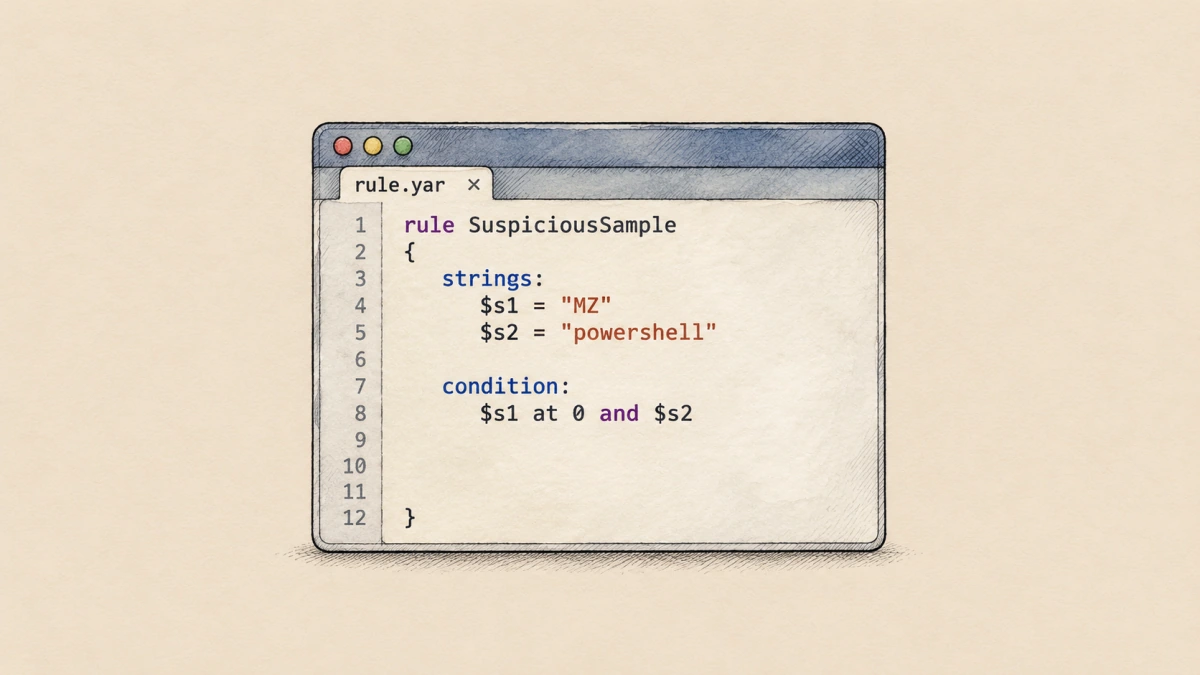
YARA Rules: Read the Condition Before You Trust the Match
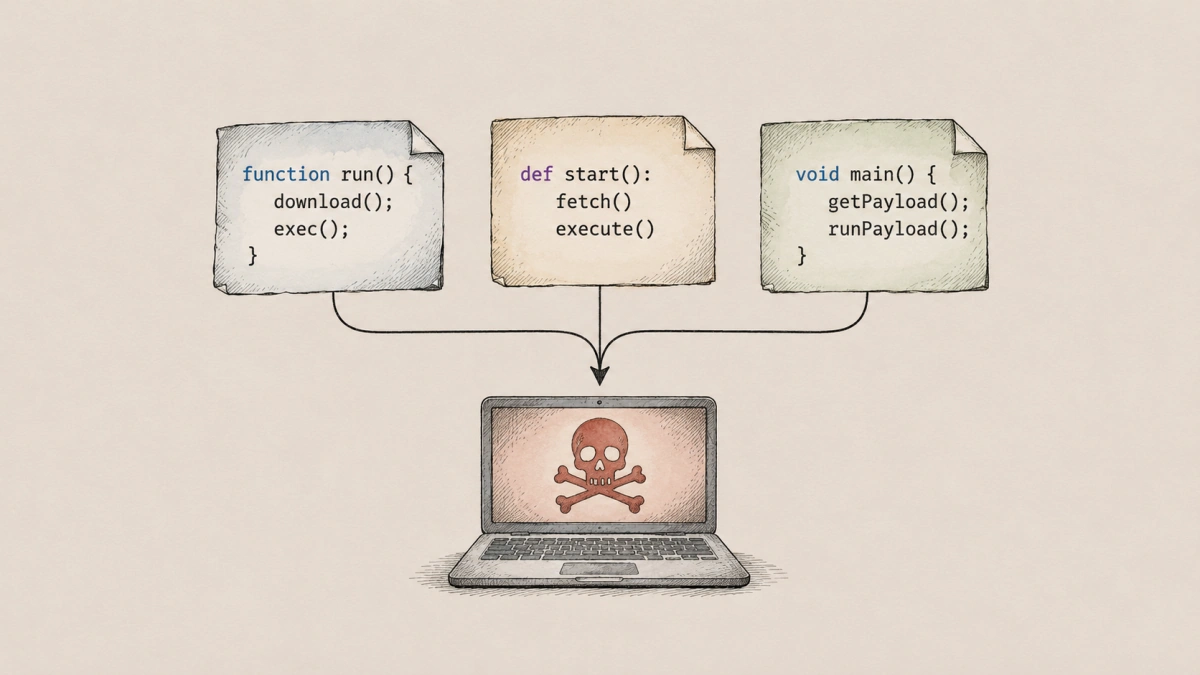
Polymorphism: New Code, the Same Harmful Job
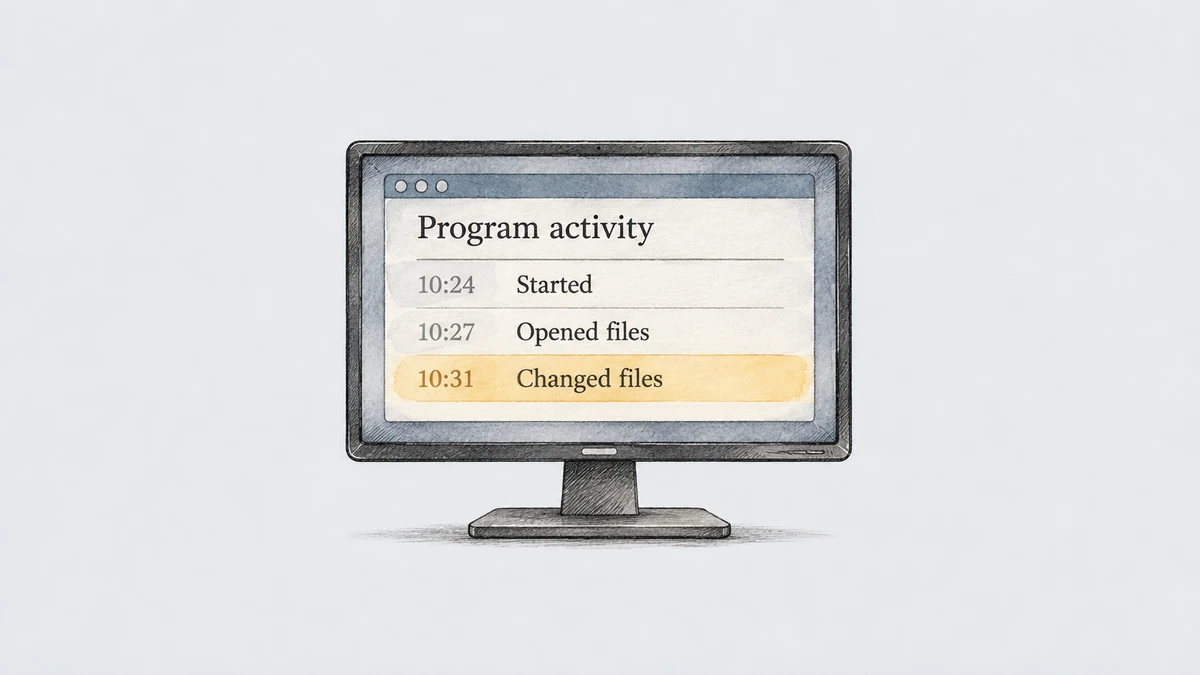
Behavior Monitoring: What Software Does Can Give It Away
QUOTE:
"Amateurs hack systems, professionals hack people."