Network Segments: Separating Devices With Clear Rules
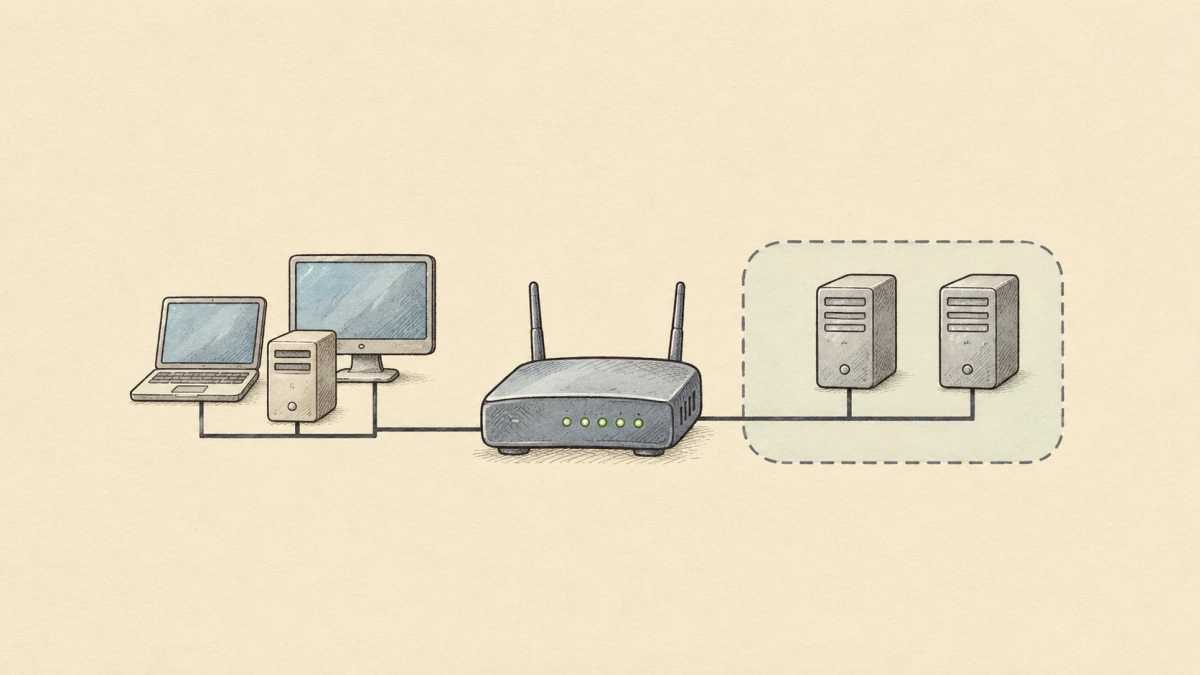
A visitor at a small office might need an internet connection to check email. They don't need a route to the computer holding the payroll records.
That's a good reason to create a network segment: a portion of a network separated from other portions, either through physical equipment or through settings on shared equipment. A network is a group of devices that can communicate with one another. Dividing it into parts is called network segmentation.
For security, the division needs rules about which connections can cross it. Giving visitors a Wi-Fi network called “Guest” won't keep them away from payroll records unless the setup blocks those connections. What can each group of devices actually reach?
How One Switch Becomes Several Networks
Decide Who Needs to Connect
Imagine the small office has visitor devices, staff laptops, a shared printer and a computer holding payroll records. Putting everything into one unrestricted network would let devices attempt connections to systems they have no business using.
The office could instead define permissions like these:
| Connection | Intended rule |
|---|---|
| Visitors using the internet | Allow ordinary internet access |
| Visitors reaching office computers | Block |
| Visitors using the office printer | Block |
| Staff laptops using the shared printer | Allow printing |
These are example permissions, not instructions for a particular router. The actual rules would also need to account for the services that keep the office working.
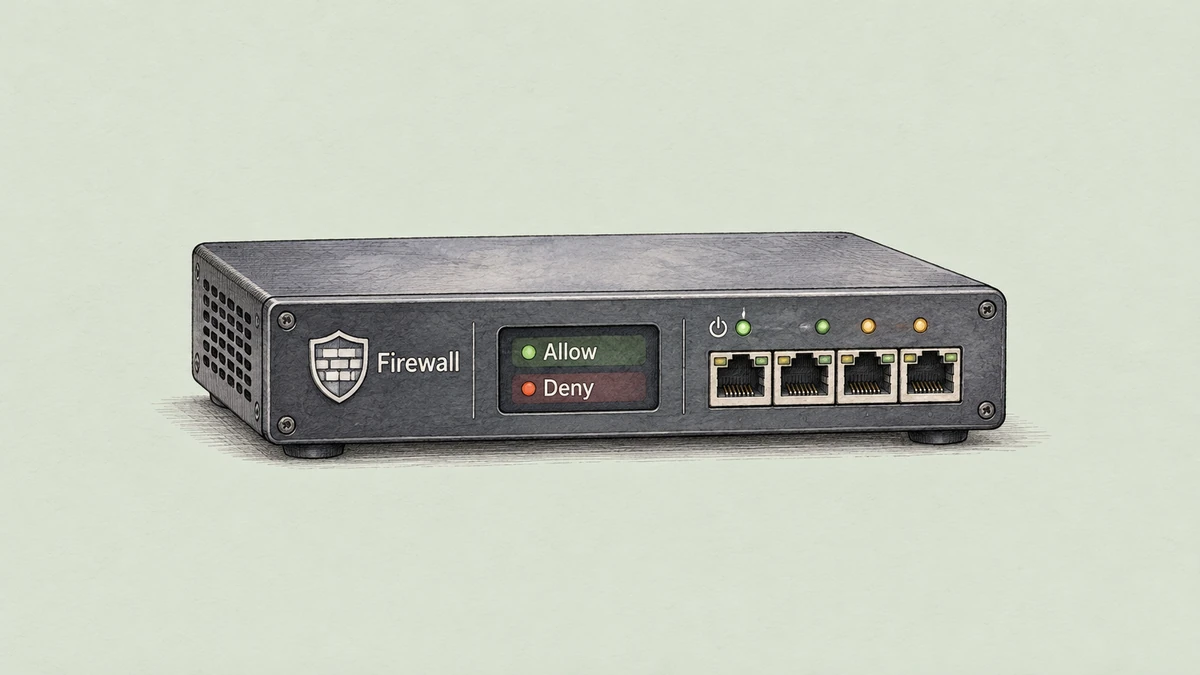
A firewall can enforce such rules by allowing or blocking network traffic, the information devices send to one another. A firewall may run in dedicated equipment or as software. Other network controls can enforce restrictions, too.
The printer row shows why segmentation isn't simply a plan to disconnect everything. Staff still need to print. The aim is to permit the connections required for the job while restricting the rest.
Cisco's explanation of network segmentation describes this combination of defining permissions, enforcing them and monitoring what happens. Drawing separate boxes on a network diagram handles none of those tasks by itself.
Shared Equipment, Separate Networks
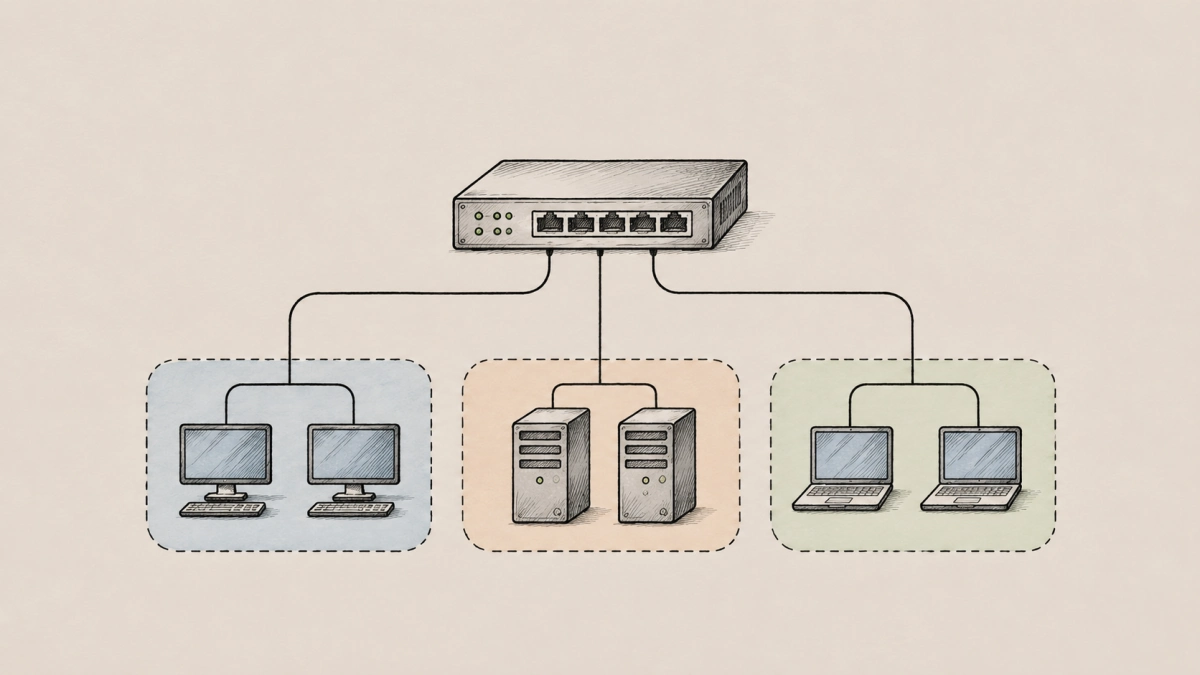
Physical separation can use distinct equipment and connections. Logical separation lets different groups share equipment while remaining separate parts of the network.
One tool for logical separation is a VLAN, short for virtual local area network. It groups devices into a separate local network using configuration settings, so the grouping doesn't have to follow a separate set of cables.

- Keep work, guest and smart-home gear apart with up to 32 VLANs on one small switch.
- Copy any port's traffic to your laptop with port mirroring and see what is on the wire.
- Set it up from a web page instead of learning a command line.
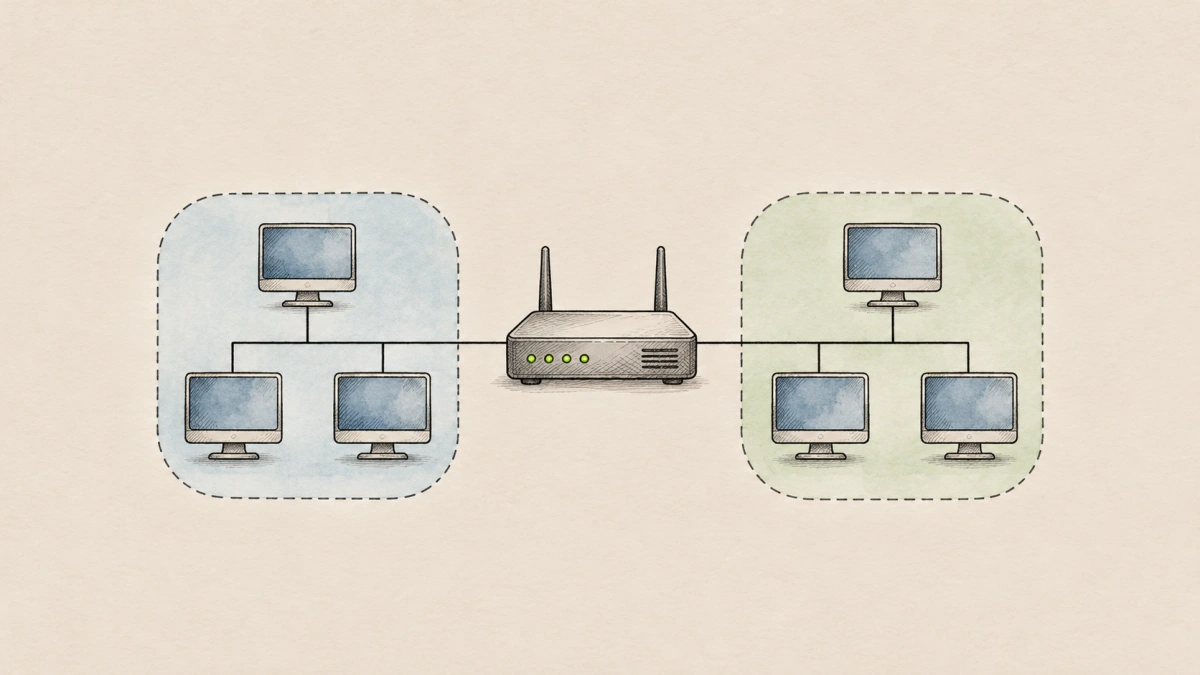
Another term you'll encounter is subnet. An IP address is a number used to identify where network traffic should go. A subnet groups part of an address range into a smaller network. This helps organize how devices communicate and how traffic travels between networks.
VLANs and subnets help describe how the network is arranged. They don't, on their own, establish every security restriction an organization needs.
A router, a device that passes traffic between networks, may connect those separate groups. If its rules allow unrestricted communication between them, the division won't block that communication. A security boundary needs controls that enforce the intended restrictions.
The same caution applies to Wi-Fi names. Two names in the list on your phone don't tell you whether devices on those networks can reach one another. The underlying configuration decides that.
There's also a separate meaning of the word segment. In TCP, or Transmission Control Protocol, which sets rules for carrying data between computers, a segment is a unit of data being sent. The TCP specification's glossary defines that usage. A TCP segment isn't a section of the network.
What Is a DMZ, and Why Put Servers There?
How Far Could an Attack Travel?
Suppose a visitor's laptop is already infected with malware, meaning harmful software. Connecting it to a properly restricted guest segment can reduce the systems that malware can reach.
That matters because an attacker who takes over one device may try to reach others. Security teams call this lateral movement: moving from an initial foothold to other systems in the network.
Segmentation can block some of those routes. It doesn't remove the malware from the visitor's laptop. And rules separating visitors from staff don't necessarily separate one visitor's device from another. Those are different restrictions to consider.
An allowed connection can also remain a route for an attack. A system accepting that connection might have a software flaw, or an attacker might use stolen account details to gain access through a permitted path. A mistake in a rule can open a path that should have been closed.
This is why “the sensitive files are on another segment” isn't enough to establish that they're safe. The devices, accounts and permitted connections still matter. NIST's guidance on access controls makes the broader point that a device's network location alone shouldn't make it trusted.
Segmentation can limit an attack's reach. The size of that limit depends on the rules and whether they hold up in practice.
- Skip the install: pfSense Plus comes preloaded, so you can start writing rules right away.
- Get a firewall, router and VPN in one silent box that sips power.
- Keep receiving pfSense Plus updates for the life of the product.
Put the Rules to a Test
Start with the intended permissions in plain language. For the office example, visitors should reach the internet and be blocked from private office systems. Staff should still reach the printer.
On a network you manage, check those expectations from devices in the relevant segments. Confirm both sides: the connections people need should work, and the connections you've forbidden should fail. One failed connection doesn't prove that every route is blocked, so the checks need to cover the actual restrictions you're relying on.
Revisit them when the network changes. A new printer, a new application or a temporary exception can change what devices are allowed to reach. Monitoring and reviewing the rules help reveal when the setup no longer matches the plan.
If a guest can still open the office's private shared files, the intended separation hasn't been achieved. Renaming the guest network won't close that access.
Network Segmentation: How Far Can One Intruder Go?
Subnet: Where an Address Group Ends and Routing Begins
What Does a Firewall Actually Protect You From?
QUOTE:
"Amateurs hack systems, professionals hack people."