Sandboxing: Deciding What a Program Can Reach
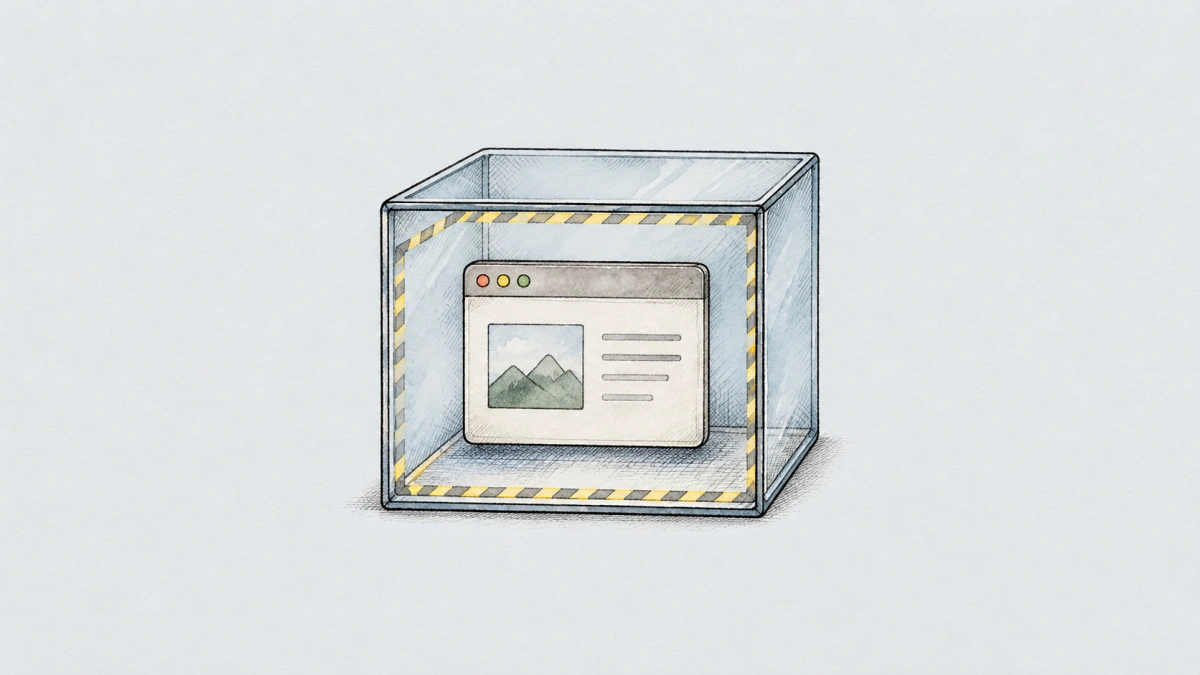
Sandboxing places enforced limits on running software: which files it may reach, which system functions it may use and what it may change. It can contain a program being tested, but it can also restrict part of an application you use every day.
A sandboxed program may be prevented from opening private files while still being allowed to contact a network or write to a particular shared folder.
Those allowed actions are permissions. They determine what the program can do inside the boundary, including actions that may have consequences outside it.

- Run a test server or a home lab without giving up desk space.
- Start right away with 16GB of memory and a 500GB SSD already inside.
- Drive two 4K screens when it doubles as an everyday desktop.
A restricted program still needs to get work done
A running program is called a process. The operating system can limit what that process may access, rather than give it the full set of powers available to the person using the computer.
That is the idea behind least privilege: give software the permissions it needs for its task, and keep unnecessary powers out of reach. If something goes wrong inside the program, fewer resources should be available for it to damage or expose.
Chromium, the open-source browser project, provides an example of sandboxing during ordinary use. Its sandbox design describes using operating-system protections to restrict a process even if an attacker has taken control of that process.
In the Windows architecture documented there, a restricted process can request help from a more privileged broker. The broker is another component that checks requests and carries out permitted operations. This lets software perform necessary work without handing the restricted part unrestricted access.
The distinction is between asking for an operation and having the authority to perform it. The rules governing the broker decide which requests succeed.
That arrangement also explains why sandboxing isn't limited to testing suspicious downloads. Software can process untrusted content as part of its normal job. Restrictions help contain the consequences if that processing goes wrong.
The shared folder is still a real folder
Windows Sandbox illustrates how deliberate exceptions change the protection. Microsoft provides controls for networking, clipboard access and folders shared between the ordinary computer and the sandbox. The ordinary computer is called the host in this arrangement.
How a Sandbox Keeps a Bad Page Contained
Suppose you make a host folder available inside the sandbox so a program can read a document. If the folder is writable, the program has also been given a route to change the files there. Its location inside the sandbox doesn't cancel that permission.
Microsoft's Windows Sandbox configuration guidance specifically warns that changes to writable shared folders can remain after the sandbox closes. The temporary environment can disappear while the changed document stays changed.
Network access creates another connection to consider. Microsoft warns that enabling it can expose resources on the surrounding network. Software doesn't have to modify a file on the host to affect something beyond its temporary desktop.
A sandbox restricts a program without guaranteeing that everything it does is harmless. Its protection depends on the implementation and the rules being enforced. Giving a program access to an important folder remains a consequential decision, even when the window around the program is labeled “Sandbox.”
Malicious Code: The Unwanted Instructions in Useful Software
Honey Clients: The Test Browsers That Go Looking for Trouble

Least Privilege: Give Each Account the Power Its Work Needs

QUOTE:
"Amateurs hack systems, professionals hack people."