Possession: Holding a Device and Proving Control
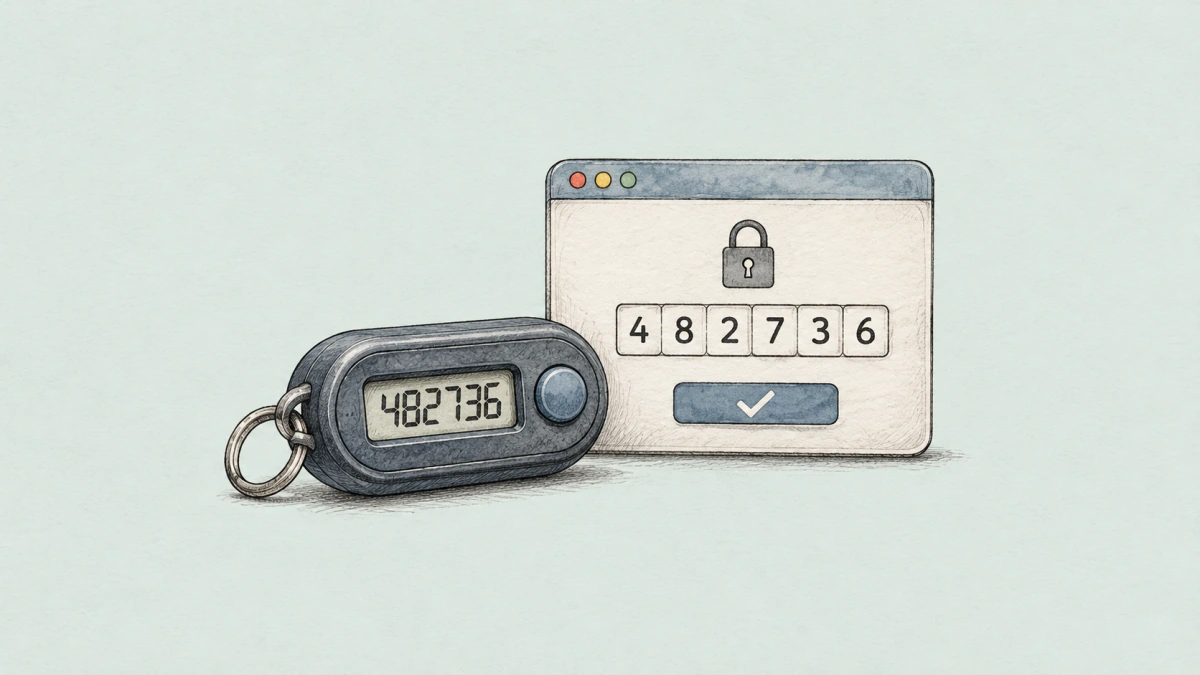
Suppose a laptop goes missing. Its files are protected by encryption, which stores them in a form designed to be unreadable without the right key. The organization has lost control of the computer. Whether someone can read its files is another question. Those two findings can matter separately, even though they began with the same lost device.
In asset security, possession concerns custody or control of something, such as a device. In a login system, the same word appears in the phrase possession factor: something you have, such as a hardware security token, that can supply proof when you sign in.

- Make a stolen password useless without the key in your hand.
- Sign in with a tap instead of typing a code.
- Protect Google, Microsoft, Apple and more than 1,000 other accounts.
Losing the device and exposing the files
The VERIS framework, which provides a way to describe security incidents, distinguishes loss of intended custody from disclosure of confidential information. Its security-attributes guidance uses this separation to describe incidents more precisely.
For the missing laptop, the organization knows it has lost control of the device. It doesn't yet know whether anyone has read the files. Investigators must examine how the files were protected; calling them encrypted doesn't establish that the protection held. An incident record can keep those findings separate.
Confidentiality concerns keeping information from unauthorized readers. Possession concerns control of the asset. Losing one can threaten the other, but they needn't fail in exactly the same way.
“Something you have” must do something
Authentication is the process of checking proof supplied during sign-in. A hardware security token can be an authenticator, a device that supplies that proof, and a possession factor. The token holds a cryptographic key registered for use with an account. A cryptographic key is data used in mathematical security operations; here, it helps the token produce evidence that a service can check.
The service doesn't merely ask whether the person says they have a token. It checks the output produced when that authenticator participates in the sign-in process.
The National Institute of Standards and Technology's digital identity guidelines distinguish this from a remembered password. The password is something you know. The usable key-holding device is something you have.
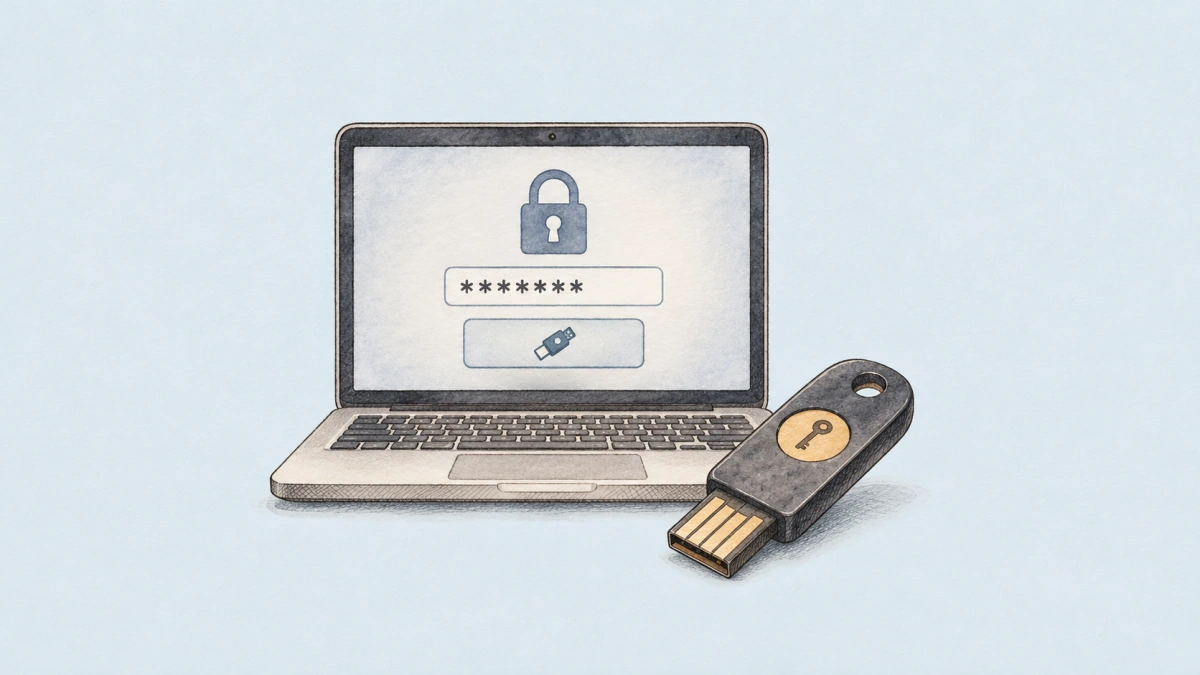
Why a Tiny USB Key Can Protect an Online Account
A PIN, or personal identification number, can serve another role: locally unlocking use of a protected authenticator. Someone holding the device may still be unable to activate it without that PIN. The details depend on the authenticator and the sign-in method.
Two remembered secrets, such as a password and a PIN supplied as separate knowledge checks, remain in the same factor category. Their number alone doesn't turn one into a possession factor.
The guidelines define possession and control of an authenticator through the ability to activate and use it. Holding the device is not enough if you can't use it to produce the required proof.
Even successful authentication leaves the service's permission rules to apply. A token may let an employee sign in while their account remains unable to open a restricted folder. Proving control of the token gets the account through a check; it doesn't grant every action the system supports.
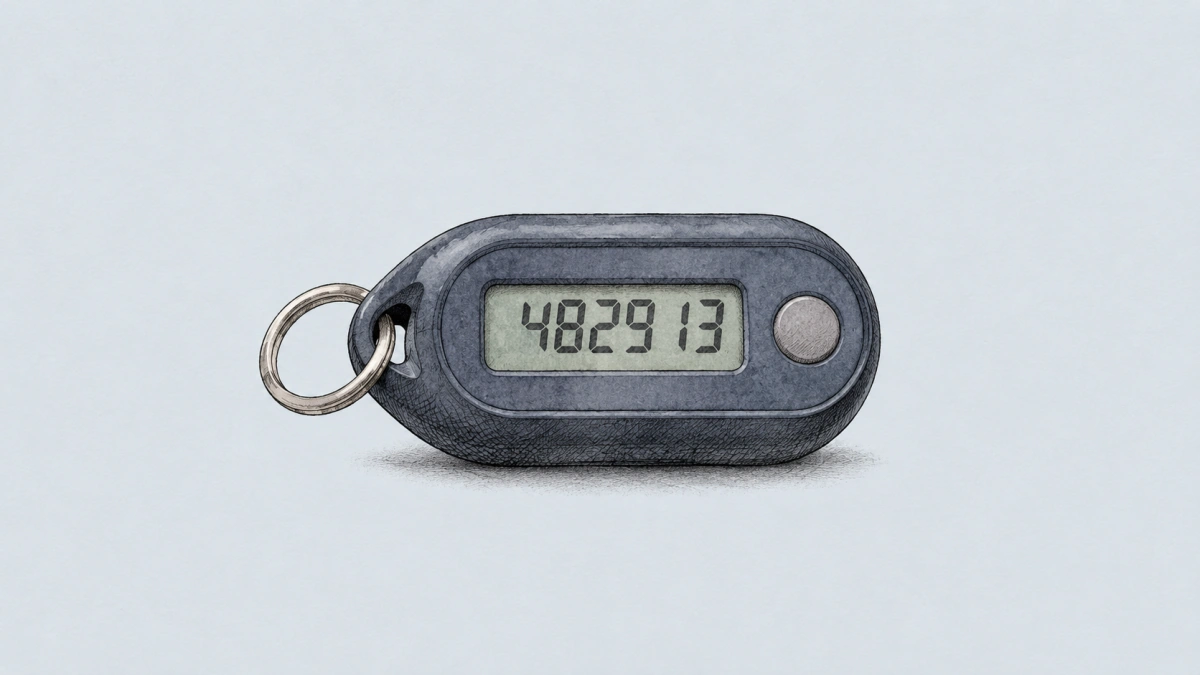
Token Devices: The Secret Behind the Changing Code
Two-Factor Authentication: A Stolen Password Isn’t Enough
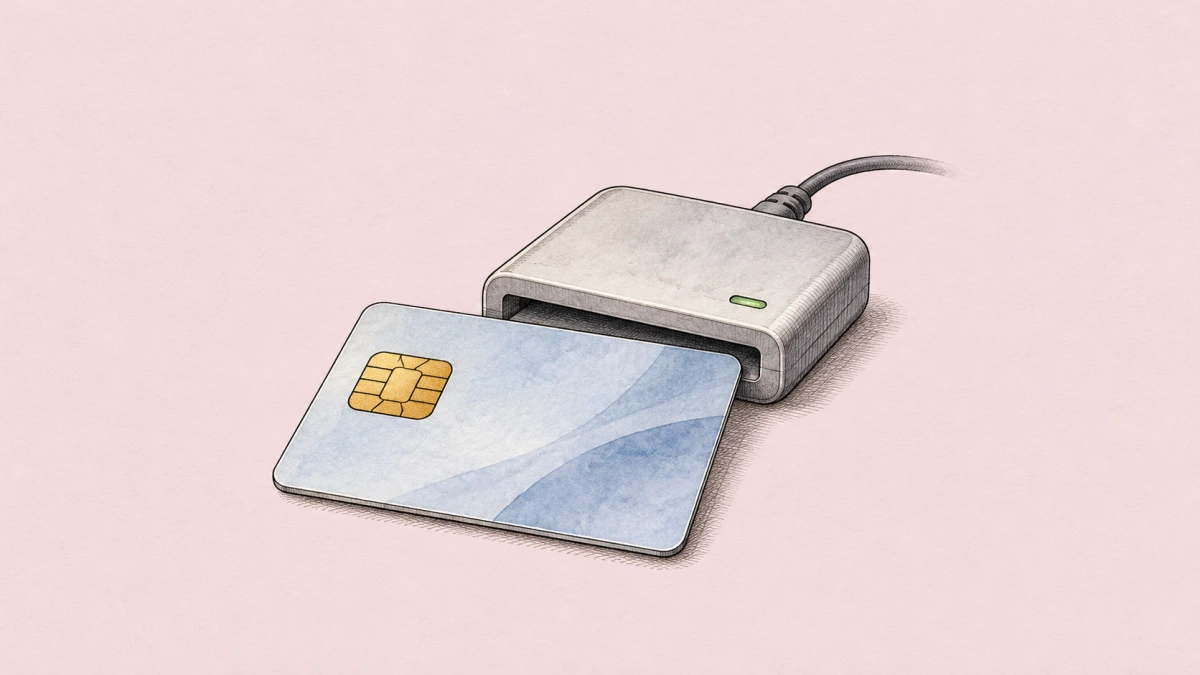
Smartcards: The Chip Can Keep the Secret and Do the Work
QUOTE:
"Amateurs hack systems, professionals hack people."