Man-in-the-Middle Attacks: An Encrypted Login Can Reach the Wrong Site
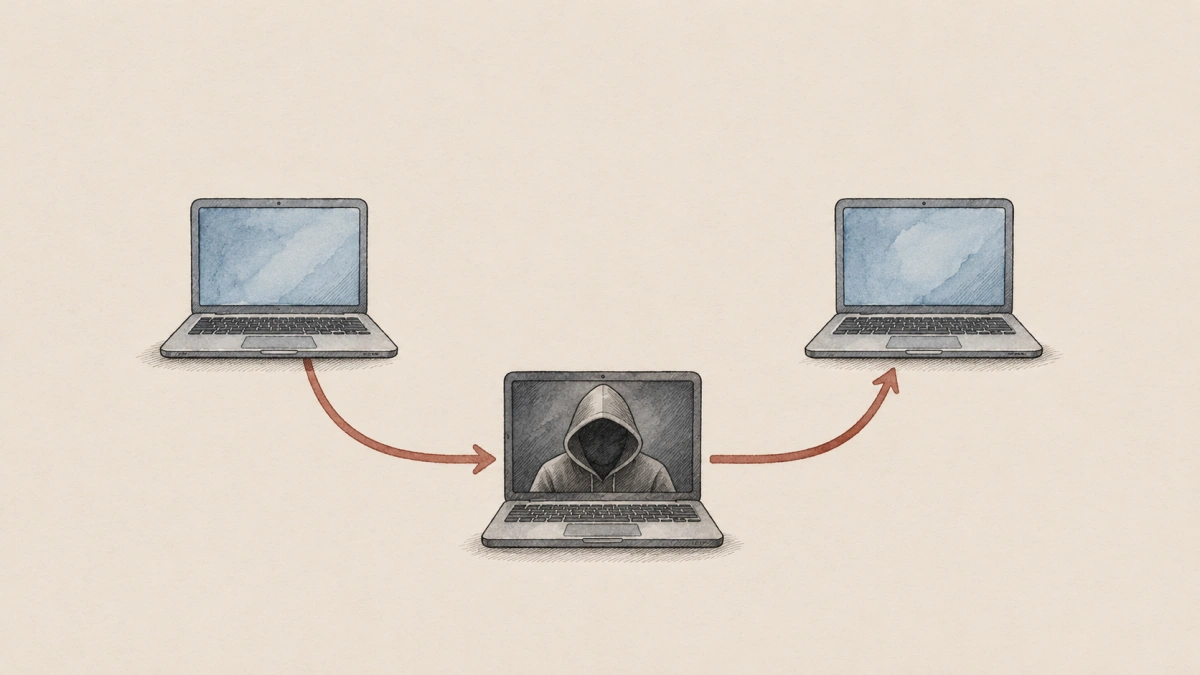
Imagine sending a message to a service while an attacker secretly receives it first, changes part of it and passes it on. The reply takes the same detour. Both sides may see a working conversation while the attacker controls what travels between them.
That invented exchange shows a man-in-the-middle attack, often shortened to MitM. The name adversary-in-the-middle, or AiTM, describes the same central idea: an attacker occupies a position between communicating parties to intercept or alter their exchange.
The National Institute of Standards and Technology's definition focuses on that position. The attacker must be involved in the communication between the parties.
Who's Sitting Between You and the Website?
Being on the route is not enough
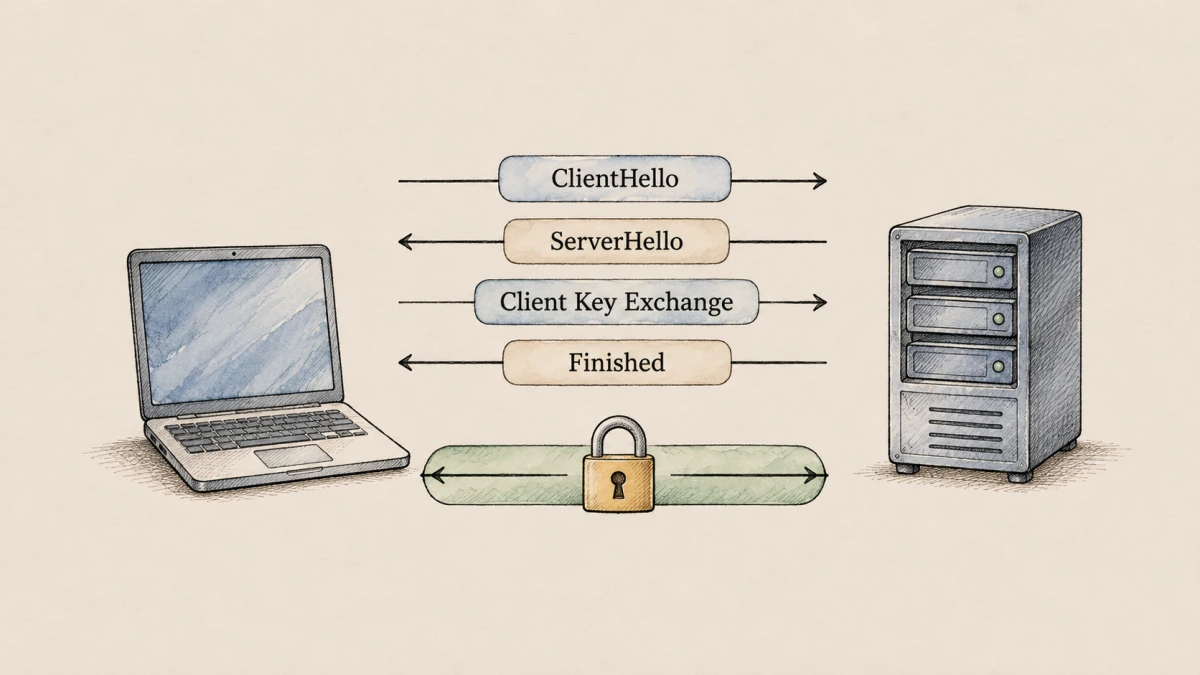
Transport Layer Security, or TLS, protects the exchange. For a web connection, it checks the identity of the service receiving the connection, keeps the content private and detects unauthorized changes. HTTPS uses TLS for web connections.
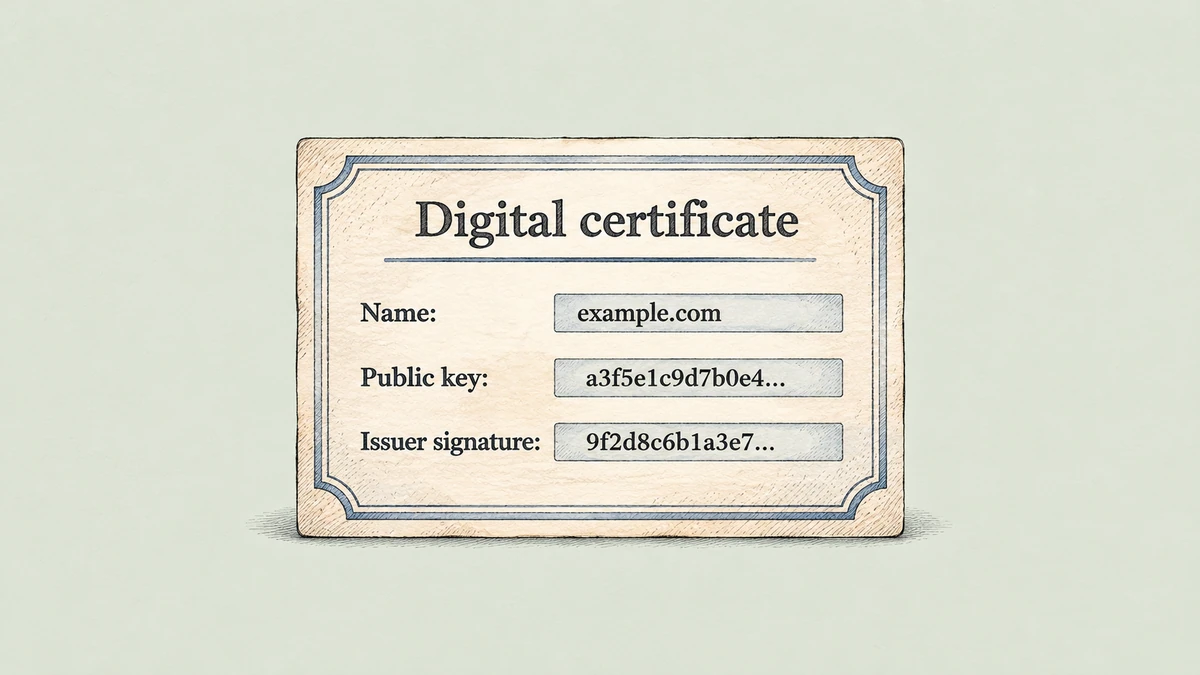
During the opening handshake, the browser and server agree on how to protect the connection and establish the keys used to encrypt its contents. Checking the server’s identity helps the browser determine who will receive that information.
That design expects the route itself to be hostile. The TLS 1.3 specification addresses an attacker who controls the network. Joining public Wi-Fi therefore does not automatically expose the contents of properly protected HTTPS pages or the passwords sent through them.
Authentication is essential here. Encryption between your browser and the intended service can defeat an intermediary's attempt to read the exchange. Encryption between your browser and an attacker gives that attacker a protected way to receive what you send.
A phishing site can create two protected connections
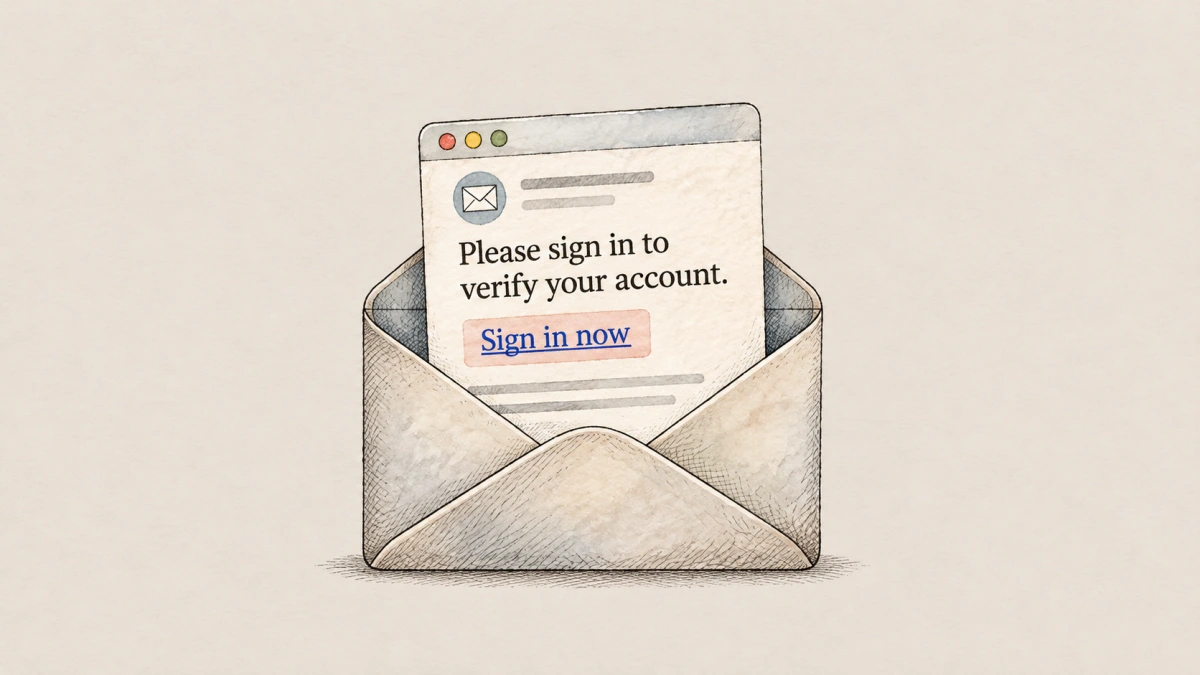
Microsoft's July 2022 investigation documented sites that acted as proxies, relaying sign-in traffic to a genuine service. The visitor connected to the attacker's site; that site made its own connection to the real one.
Visitor ↔ attacker's site ↔ genuine service
Each link had its own TLS protection. The attacker’s site was a participant in both connections, able to receive the content carried by each. The sites captured passwords and session cookies. A session cookie helps a service recognize a browser that has already signed in; stolen cookies enabled account access after victims completed authentication.

- Turn sketchy hotel and airport Wi-Fi into your own private network in minutes.
- Put every device you own behind your VPN at once, with nothing to install on each one.
- Block ads and trackers for everything connected with the flick of a switch.
The visitor had been deceived about which site was receiving the sign-in. The attack did not break TLS encryption. Phishing supplied the misleading site, and session theft supplied access beyond the initial login.
Multi-factor authentication adds checks beyond a password, but some methods remain vulnerable to this relay and session theft. The same Microsoft report recommended phishing-resistant methods, including the FIDO2 authentication standard and certificate-based authentication, alongside access policies and monitoring. The choice of sign-in method can therefore change what the attacker is able to reuse.
Check who is receiving the sign-in
Open the service through its known address and check the website address before signing in. A copied logo does not change who receives the password.
An unexpected certificate or identity warning also matters. It concerns the identity check on which the protected connection depends. Continuing without resolving it can discard an important part of that protection.
TLS Protects the Connection. The Destination Still Gets the Data.
Digital Certificates: What Your Browser Can Actually Verify
Phishing: Check the Request, Even When You Know the Name
QUOTE:
"Amateurs hack systems, professionals hack people."