Link-Jacking: When a Familiar Link Takes a Detour
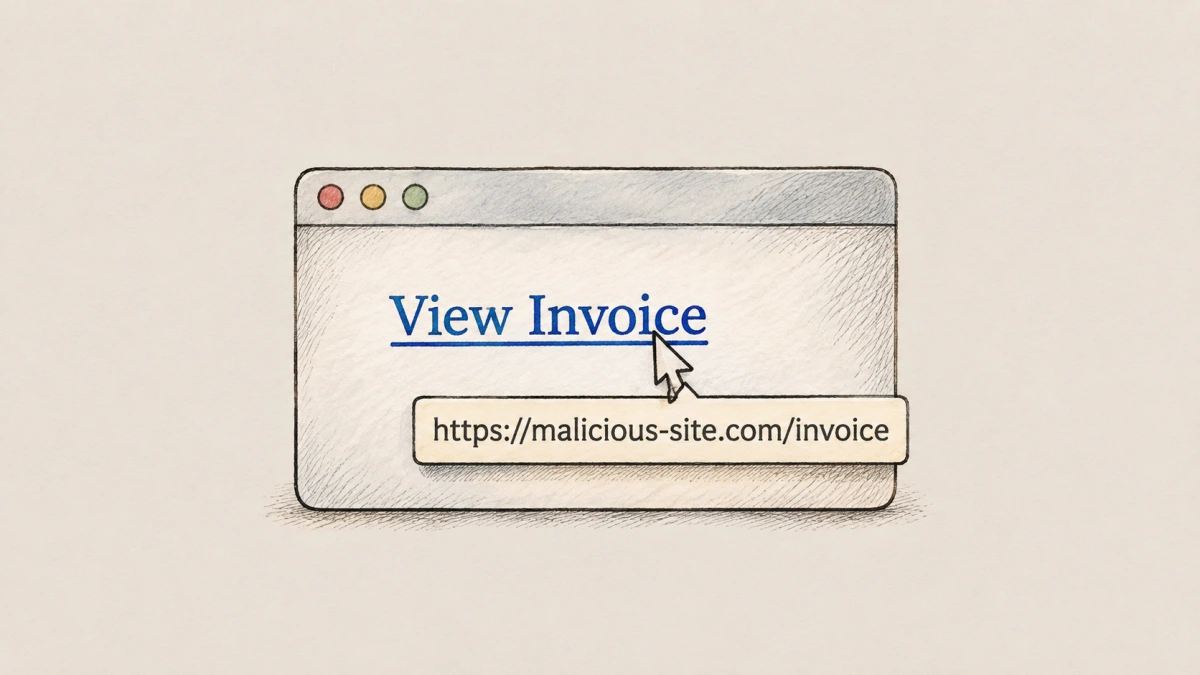
A familiar website address can be the first stop on a trip to a fake login page. The browser reaches the genuine site, receives instructions to go somewhere else and follows them. If an attacker chose that second destination, the familiar address has helped make the journey look trustworthy.
Link-jacking is an informal term for manipulating where a link takes someone. Published glossaries use it in different ways; Guardio's definition describes redirecting website links to another site. Here, the focus is on a link diverted from the destination its reader expects.

- Catch the threats a built-in antivirus can miss.
- Get blocked from malicious sites before they load.
- Protect your devices around the clock, not only when you run a scan.
The detour a genuine site can provide
A redirect tells a browser to move to another address. Websites have legitimate reasons to use one. The problem begins when a site lets outside input choose that address without checking it properly.
This is an open redirect, also called an unvalidated redirect. A site may have intended to help visitors reach another page, yet its feature accepts a destination selected by an attacker. The attacker can exploit that behavior without rewriting the site's stored code. The application-security organization OWASP explains the mechanism in its redirect guidance.
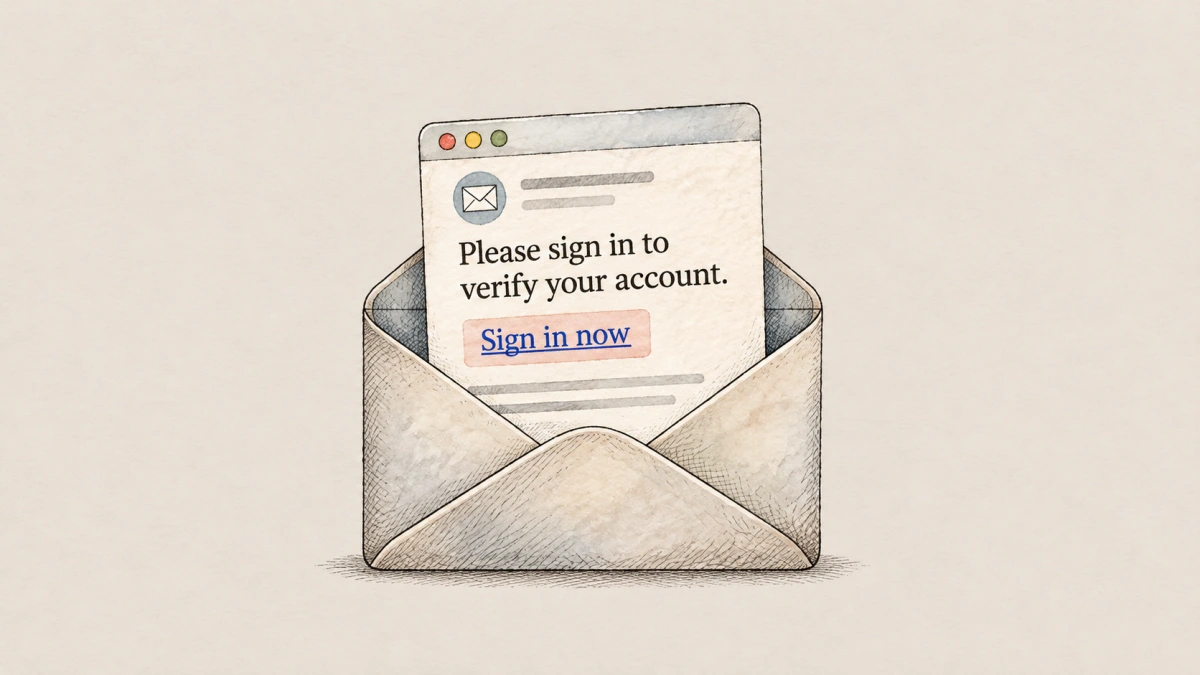
Suppose an unexpected message asks someone to resolve a problem with an account. Its support link first visits a genuine site. An unsafe redirect then sends the browser to a page made to resemble the company's sign-in screen.
The visitor may recognize the first address and carry that trust to the second page. Entering a password there would give information to the fake site. A different destination might try to persuade the visitor to download harmful software.
For website operators, OWASP favors destinations the site controls. One design lets the server map a short destination name to an approved address. Where outside addresses are necessary, the site needs to break the supplied address into its parts and check them against an explicit list of allowed destinations.
The similar-sounding attack with a hidden control
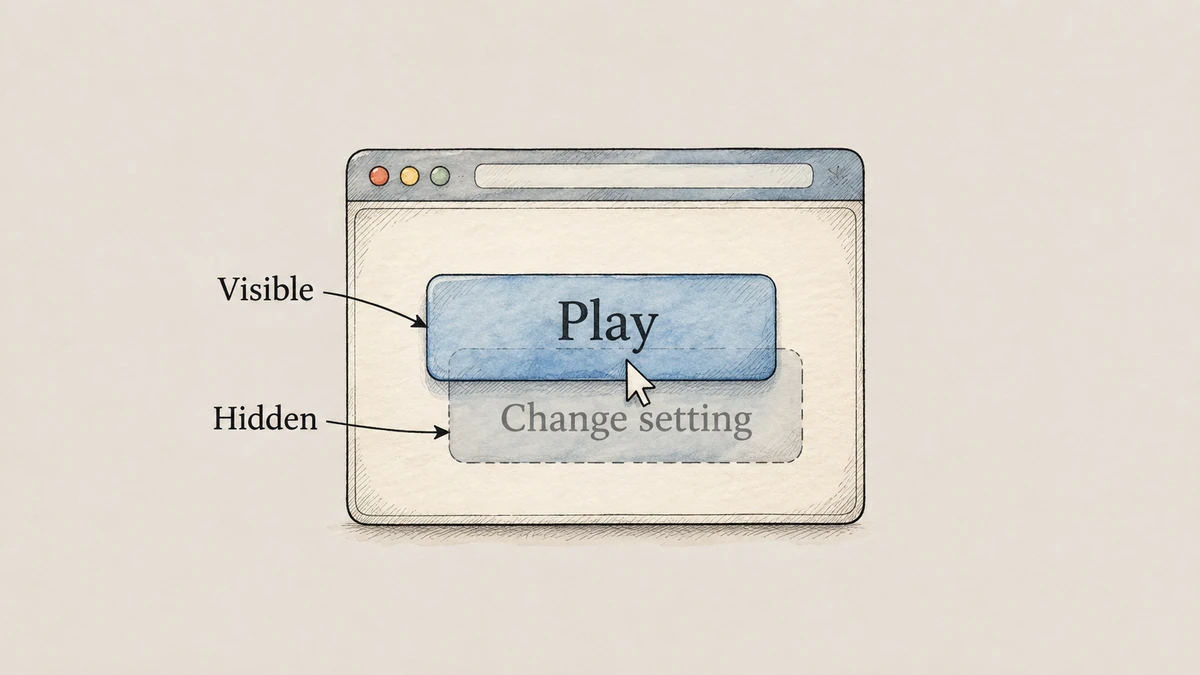
Link-jacking is easy to confuse with clickjacking. The latter has a more specific mechanism: hidden or misleading interface layers make a click activate a control the person did not intend to use.
With the redirect example, the problem is where the browser goes. With clickjacking, the problem is what a click actually operates. Phishing describes the deception used to obtain information or induce an unsafe action, such as the fake login page. An attack may combine these techniques.
A website can restrict whether another page may embed its interface to help prevent clickjacking. Those restrictions do not fix a redirect that still accepts any destination an attacker supplies.
How a Phishing Message Tries to Fool You
Take a different route to the account
An unexpected request to fix an account is a reason to reach the company independently. The U.S. Federal Trade Commission (FTC) recommends using a website or telephone number known to be genuine, rather than the contact details in the message.
If you followed a suspect link and harmful software may have been downloaded, the FTC advises updating security software and running a scan.
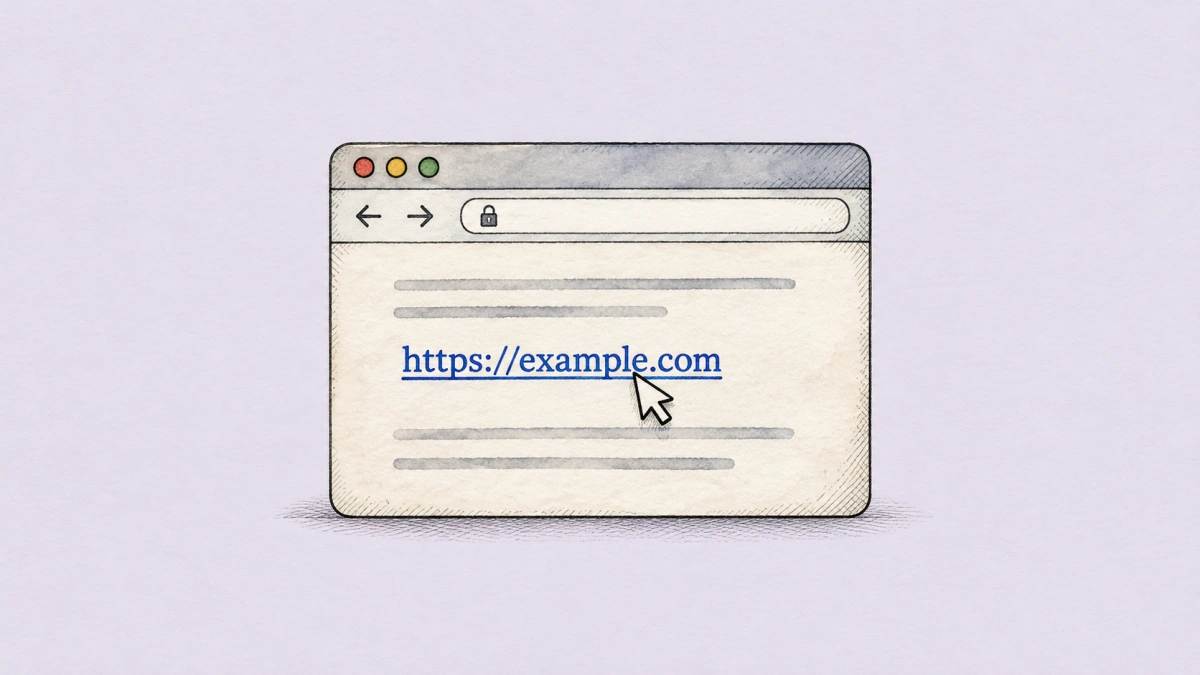
Hyperlinks: The Words You See and Where They Really Lead
Phishing: Check the Request, Even When You Know the Name
Clickjacking: The Hidden Button Behind the Click You Meant
QUOTE:
"Amateurs hack systems, professionals hack people."