IaaS: Rent the Infrastructure, Keep Track of the Responsibilities
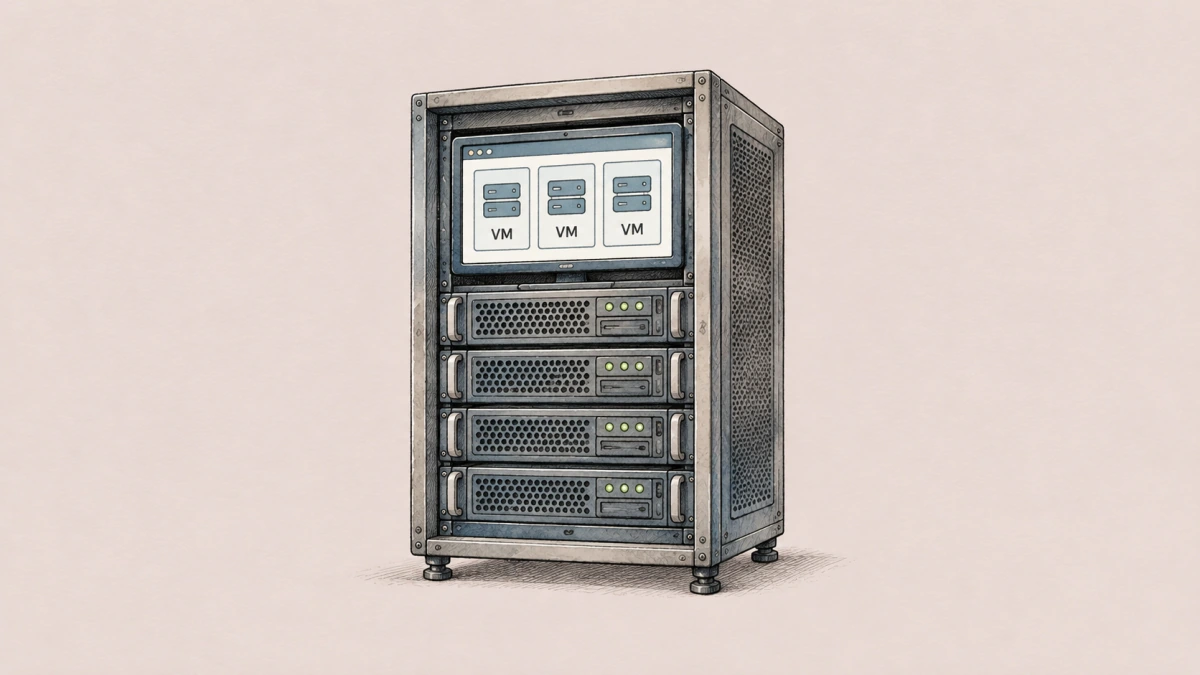
IaaS lets you rent the computing resources needed to run your own software. The cloud provider looks after the physical equipment; you still manage much of the software and access you put on top.
The name means Infrastructure as a Service. You obtain processing power, storage, and network capabilities through a cloud service instead of buying and maintaining all the underlying equipment yourself.
The National Institute of Standards and Technology's cloud definition describes IaaS as a model in which customers can run operating systems and applications on resources supplied by a provider.
What Is Infrastructure as a Service?
What you're renting—and what you still run
A common IaaS resource is a virtual machine, a software-based computer running on physical hardware. You can install an operating system, the core software that manages a computer's resources, and then install your applications.
That gives you considerable control, including responsibility for maintaining what you've installed. The usual division looks like this:
| Task | Typical responsibility in IaaS |
|---|---|
| Maintain physical servers and the data center | Provider |
| Maintain the software that creates virtual machines | Provider |
| Update the operating system inside your virtual machine | Customer |
| Secure installed applications and their data | Customer |
| Decide who can access resources | Customer |
| Configure rules allowing or blocking network connections | Customer |
The details depend on the service and any additional management you've purchased. Amazon Web Services' shared-responsibility model, for example, assigns customers the operating-system updates, installed software, and network-rule configuration for its EC2 virtual servers.
If a rented server runs an old operating system, the provider may keep the hardware working while that software stays vulnerable. Whoever maintains the virtual machine needs to install security updates and check that the applications still work.
How IaaS differs from other cloud services
Platform as a Service, or PaaS, gives you an environment for deploying applications while the provider manages more of the underlying software, including the operating system. You still need to manage your application's code, configuration, and access.
Software as a Service, or SaaS, provides a ready-made application, such as an online office tool. Your organization manages its use, data, and user access instead of installing the application's operating system.
Microsoft's responsibility comparison sets out these differences. A business can use all three models for different parts of its work.
IaaS is useful when you need control over the operating system or installed software. That control also means the work of managing those layers remains somewhere in your organization or with a contractor you engage.

- Learn what the cloud provider handles and what stays your job.
- Build practical AWS skills while you prepare for the entry-level exam.
- Get comfortable with cloud terms before your first project or interview.
Capacity can shrink; responsibilities don't disappear
Cloud resources can be added or released as demand changes, subject to the service's limits. That flexibility can avoid buying equipment for every temporary increase in workload.
It doesn't make every resource free when you're finished using an application. Storage and other retained resources can keep generating charges even after a virtual machine stops.
For example, AWS's instance-state guide says storage charges continue for retained EBS volumes—the virtual disks attached to its servers—when an EC2 instance is stopped.
Before running an important system on IaaS, assign owners for updates, access permissions, backups, and the bill. Renting the infrastructure changes who maintains the equipment; it doesn't remove the need to look after the service built on it.
Cloud Computing: What You Rent—and What You Still Manage

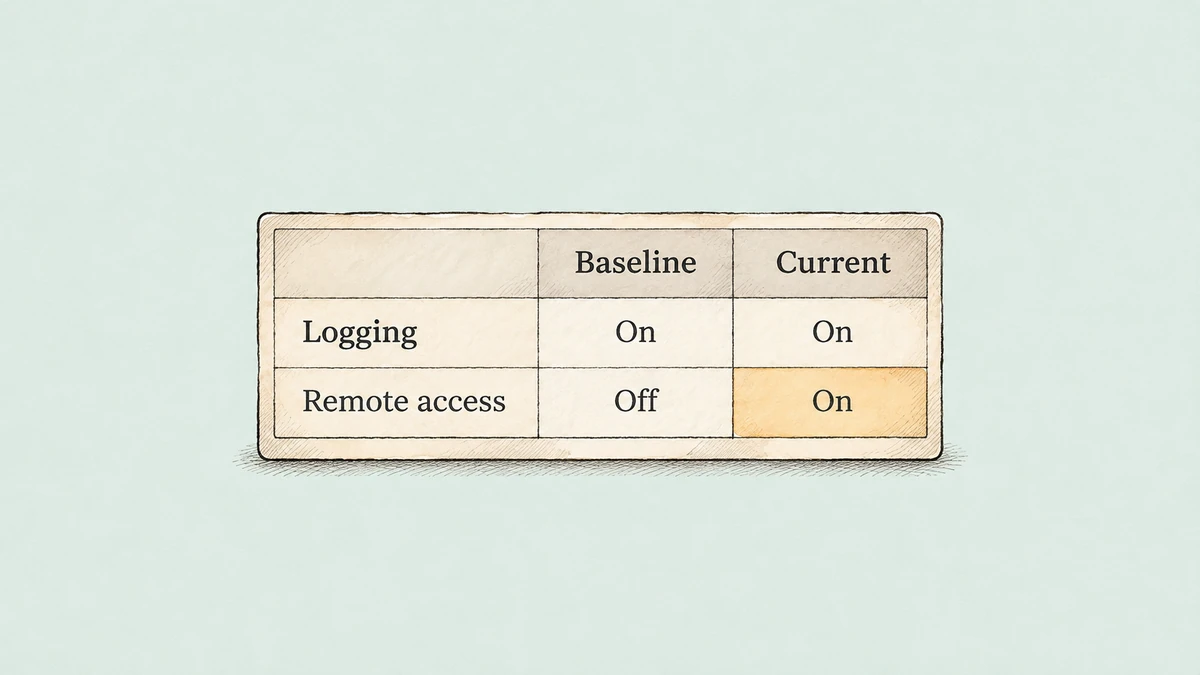
Configuration Management: Stop Losing Track of System Changes
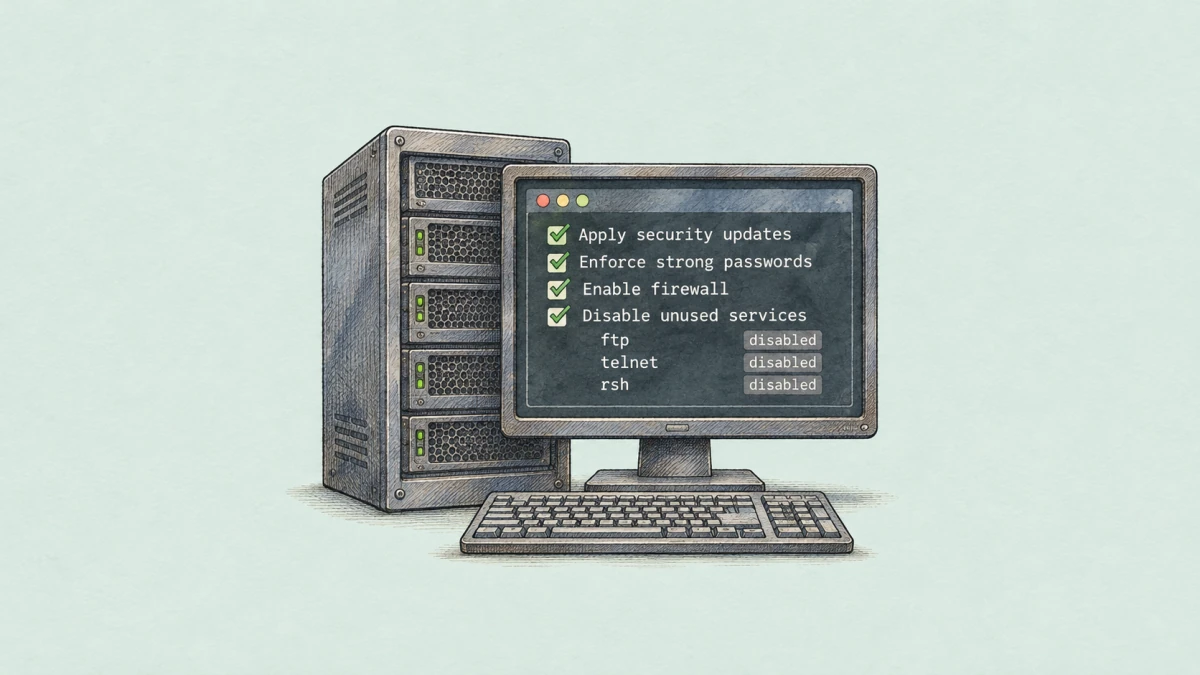
System Hardening: Closing the Openings You Don’t Need
QUOTE:
"Amateurs hack systems, professionals hack people."