Hash Values: What a Matching File Fingerprint Proves
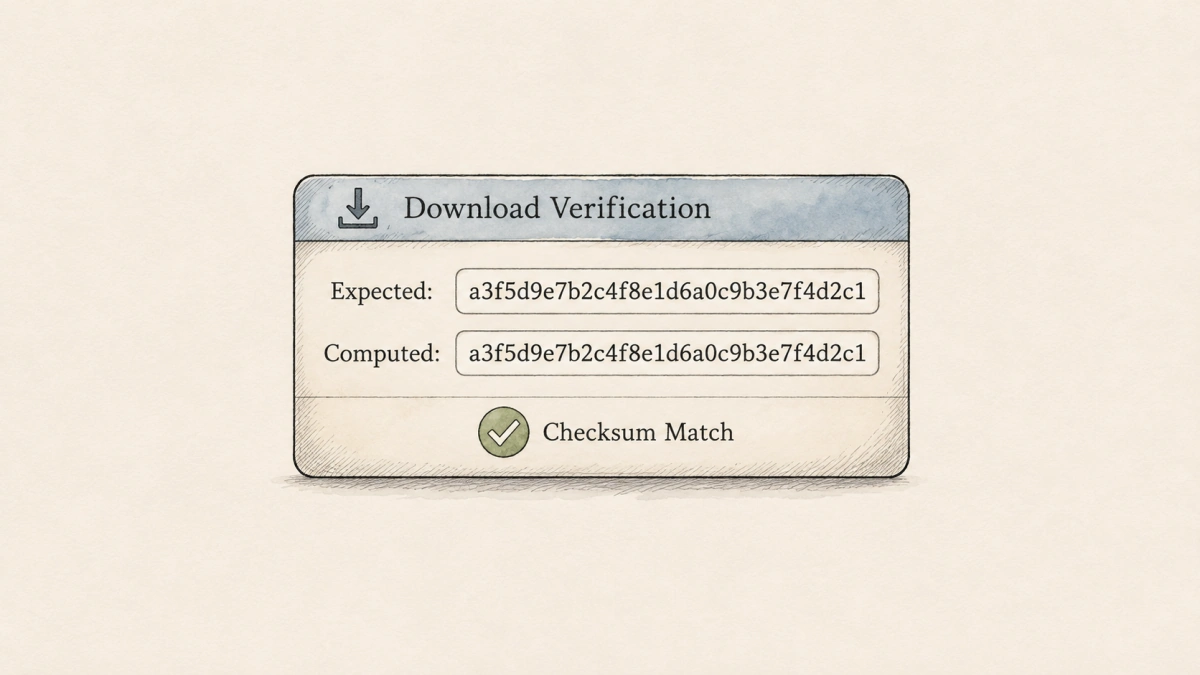
The long string beside a download button isn't a password or a product code. If it's labeled SHA-256, it's probably a hash value: a calculated result you can use to check whether your copy matches the publisher's file.
A hash function is the mathematical procedure that produces the value, also called a digest. You supply data, such as a file, and the procedure returns a compact result.

- Carry a bootable operating system on your keyring.
- Trust it in a pocket or bag: the metal body shrugs off water and knocks.
- Move big files quickly with read speeds up to 300 MB/s.
What those letters and numbers represent
SHA-256 produces 256 bits of output, commonly written as 64 hexadecimal characters. Hexadecimal uses 0–9 and a–f, with each character representing four bits, or four ones and zeros.
For example, hashing the exact five letters hello, with no space or line break afterward, produces:
2cf24dba5fb0a30e26e83b2ac5b9e29e1b161e5c1fa7425e73043362938b9824
That's the complete SHA-256 value, not an encrypted version of the word. You can't unpack it to recover the original text.
Hashing hello followed by a line break gives a different result. A detail you barely notice on screen can change the bytes, the units of data, that the function actually reads.
Compare the contents, not the filename
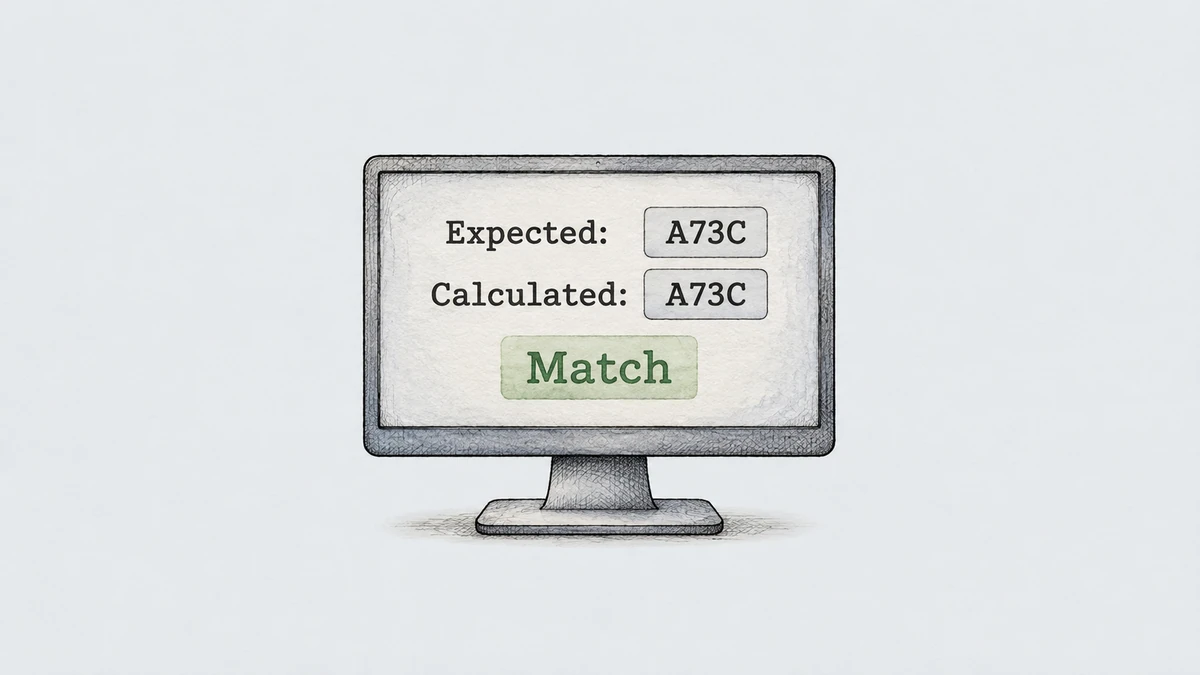
For a file check, both values must use the same algorithm and cover the same data. A SHA-256 value won't match a SHA-512 value just because both were calculated from the same file.
Compare the full value, not merely its beginning or end. Uppercase A–F and lowercase a–f represent the same hexadecimal values.
Microsoft's Get-FileHash tool calculates a digest from a file's contents rather than its name. Renaming a file therefore doesn't change that content hash, while editing the file can.
Different values prove the compared inputs differ, assuming the calculations were performed correctly. Matching values from a strong cryptographic algorithm provide strong evidence of a match, but they aren't a mathematical guarantee of uniqueness.
Two different inputs sharing one result is called a collision. Guidance from the National Institute of Standards and Technology (NIST) treats resistance to finding collisions as a security requirement, not a claim that collisions cannot exist.
Why Do Hashing Algorithms Keep Changing?
The reference value needs a trustworthy source
Suppose an attacker changes a software download and replaces the hash shown beside it. Your computer can calculate a perfect match for that malicious replacement.
This is why the reference matters as much as the calculation. Obtain it through the publisher's trusted channel, and follow any instructions for checking a digitally signed list of hashes.
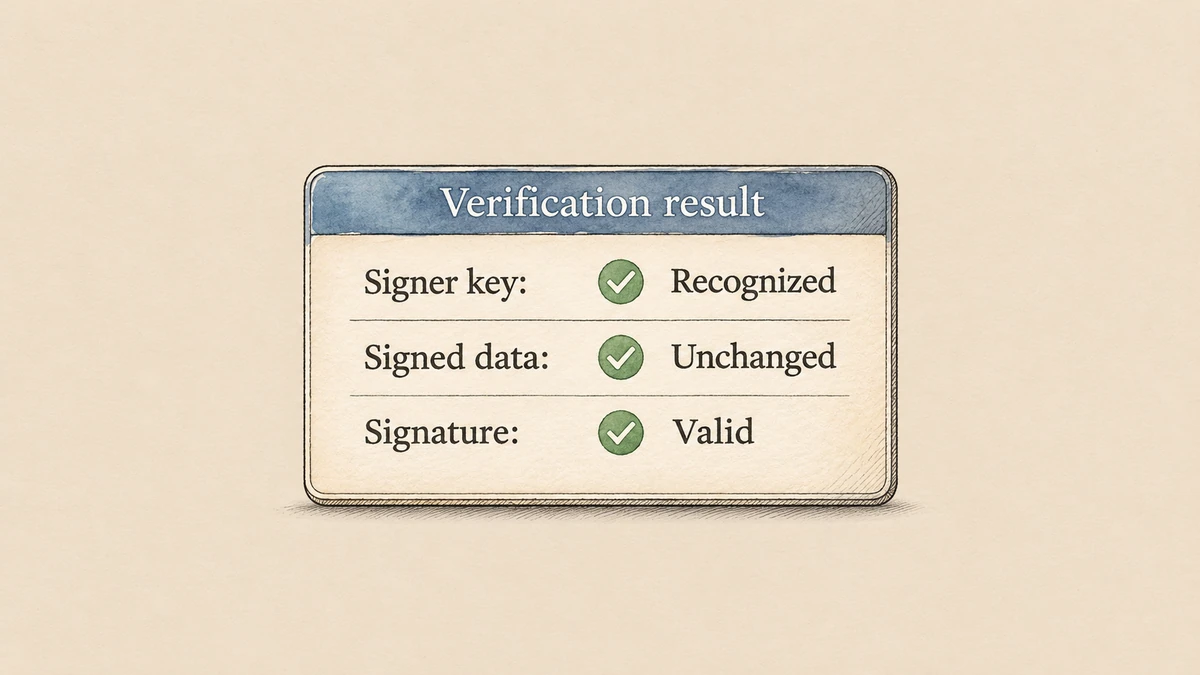
Ubuntu's download-verification process, for example, checks the signature on a list of expected values before comparing the downloaded file with that list. The signature check and the content comparison answer different questions.
A digital signature is a cryptographic proof created with a secret signing key and checked with its corresponding public verification key. With a trusted connection between that key and the publisher, it helps establish who signed the data, as described in NIST's Digital Signature Standard.
A bare hash value isn't a digital signature, and it doesn't certify that a file is safe to run.
When the values don't match
Stop before opening or installing the file and check that you have the right version and reference value. An incomplete download, a changed release, an accidental edit, or deliberate tampering could explain the difference.
The mismatch tells you that something differs; it doesn't identify the cause. Get a fresh copy from the publisher's trusted source and verify it again.
Checksum: What a Matching Number Can—and Can't—Tell You
Digital Signatures: What a Verified File Actually Tells You
Chain of Custody: Can You Account for Every Copy of the Evidence?
QUOTE:
"Amateurs hack systems, professionals hack people."