What Is Grayware? The Unwanted Extras on Your Device
Grayware is software flagged for unwanted or intrusive behavior that doesn't fit neatly into a security vendor's malware category. It may work exactly as advertised while doing other things you didn't bargain for.
The mild-sounding label isn't a promise that the software is harmless, especially when private information or control of your device is involved.
A warning label with fuzzy edges
Security companies don't all draw the same boundary. Palo Alto Networks, for example, uses grayware for software it judges intrusive but not malicious.
You'll also see PUA, meaning potentially unwanted application, and PUP, meaning potentially unwanted program. These labels overlap with grayware in everyday use, but the detection rules depend on the security product.

- Catch the threats a built-in antivirus can miss.
- Get blocked from malicious sites before they load.
- Protect your devices around the clock, not only when you run a scan.
Microsoft's PUA categories include software that inserts advertisements, bundles extra programs, or sends activity information elsewhere for marketing research. A PUA alert describes a classification; it doesn't establish that every flagged program steals passwords.
The opposite mistake matters, too: treating every spying program as a minor nuisance. Spyware secretly gathers information, and software that steals sensitive data can be malware, meaning software designed to cause harm.

The extras can become the main event
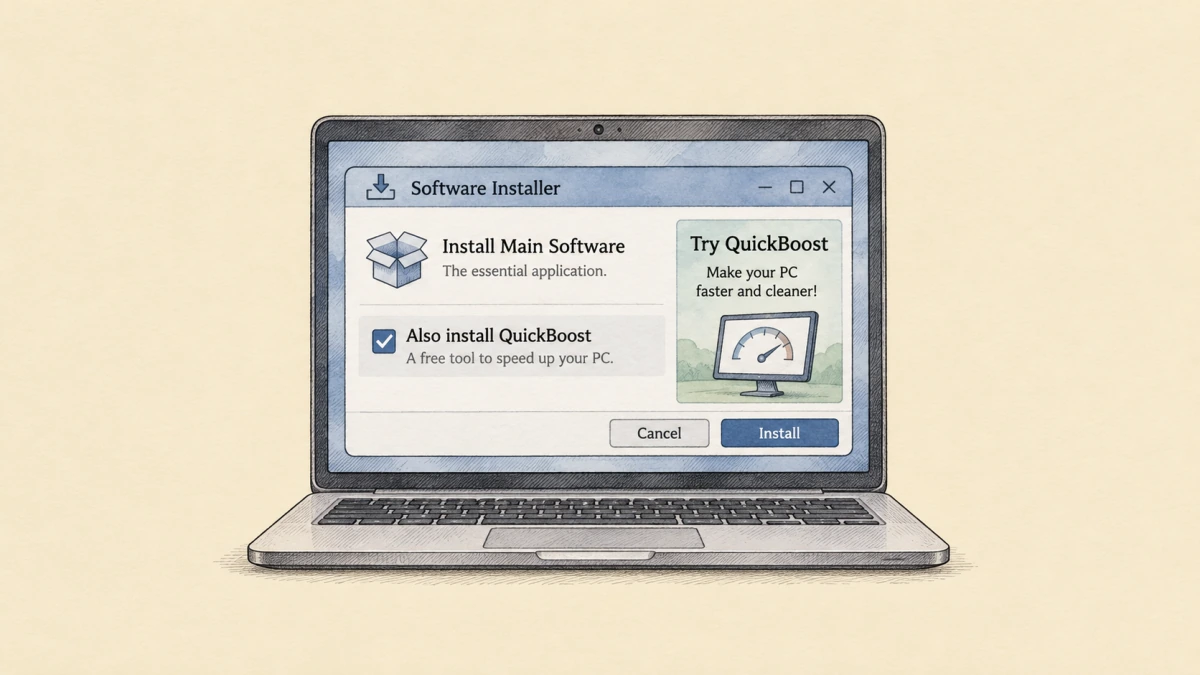
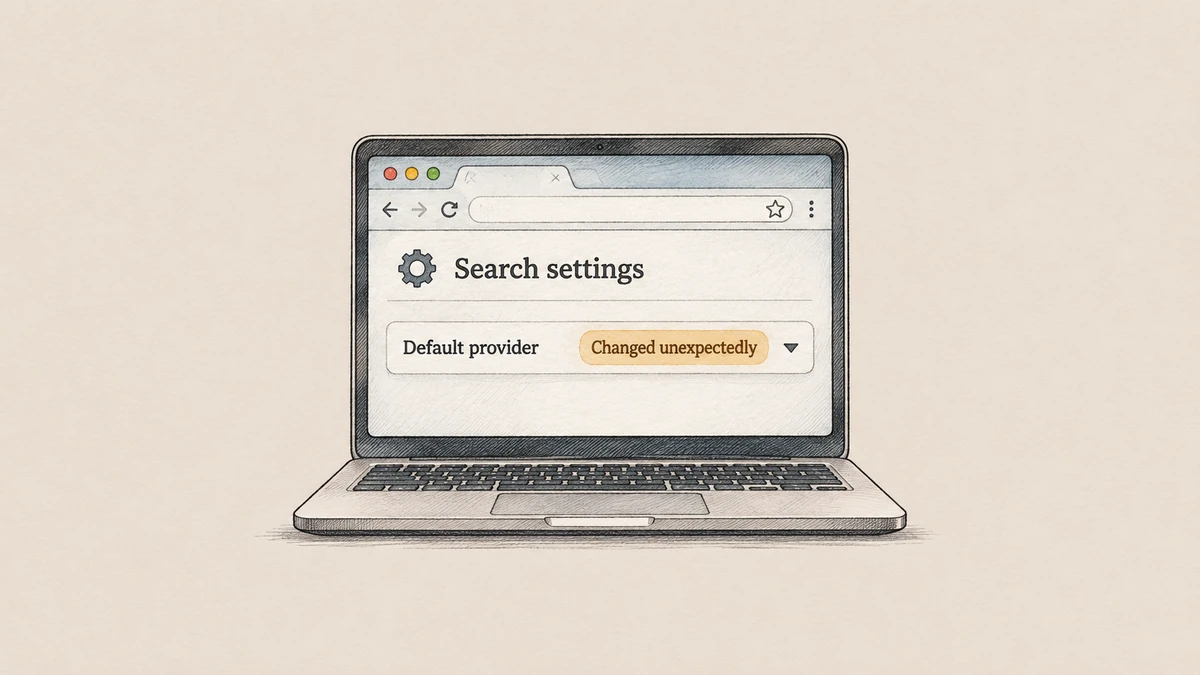
Consider a hypothetical document converter whose installer also offers a browser add-on. The converter might work perfectly while the add-on changes your search provider and fills pages with advertisements.
That pairing is called bundling: distributing additional software with the program you came for. Bundling isn't automatically deceptive, but hiding the extra installation or making it difficult to refuse is a different matter.
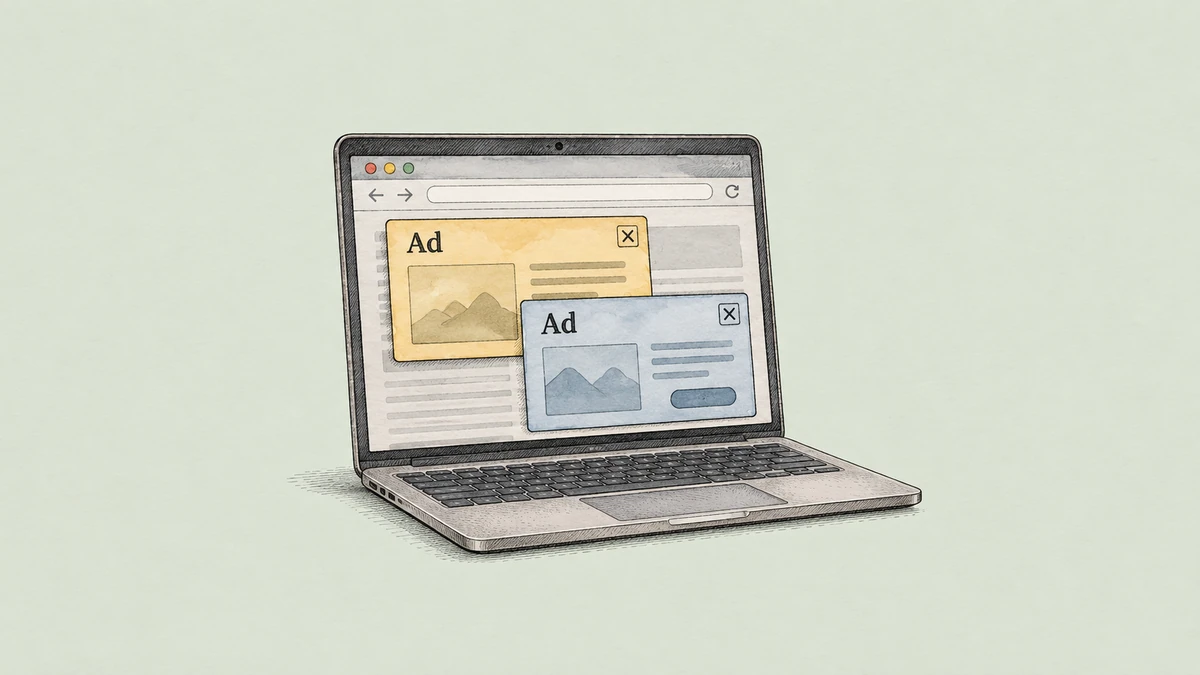
Adware displays advertising, sometimes outside the app that installed it. An ad-supported program you knowingly chose isn't automatically dangerous; unexpected ads, misleading warnings, and changes you can't undo deserve closer attention.
Free software isn't the dividing line, either. The useful questions are what the program does, what you've agreed to, and whether you're still in control.
Consent needs to mean something
Google's unwanted software policy identifies warning signs such as undisclosed extra programs, hidden collection of personal information, and difficult removal. It calls for clear choices about installation and significant changes to your system.
A long agreement doesn't make a surprise welcome. Look for a clear explanation of the data collected, the settings changed, and the way to reverse those changes before accepting an offer.
When an alert names a program you recognize
A program can be useful and still contain an unwanted extra, so read the detection details before dismissing an alert about a name you recognize.
Use your device's normal uninstall controls for software you don't want, and check browser add-ons and settings for related changes. On a work device, ask your support team to review the alert before removing an approved application.
Get Rid of a Browser Hijacker in Three Steps
Your security product may offer a separate setting for blocking potentially unwanted applications. Microsoft's guidance also distinguishes blocking a detected app from removing it, so an alert alone doesn't mean cleanup is finished.
If the program returns or the changes persist, run an updated security scan and get help investigating. The goal is a device that follows your choices, not simply a quieter warning screen.
Adware: When the Ads Won't Leave You Alone
Spyware: The Device Works, but Someone Else May Be Watching
Browser Hijackers: Why Your Search Settings Won't Stay Put
QUOTE:
"Amateurs hack systems, professionals hack people."