Fully Qualified Domain Names: What the Whole Name Tells You
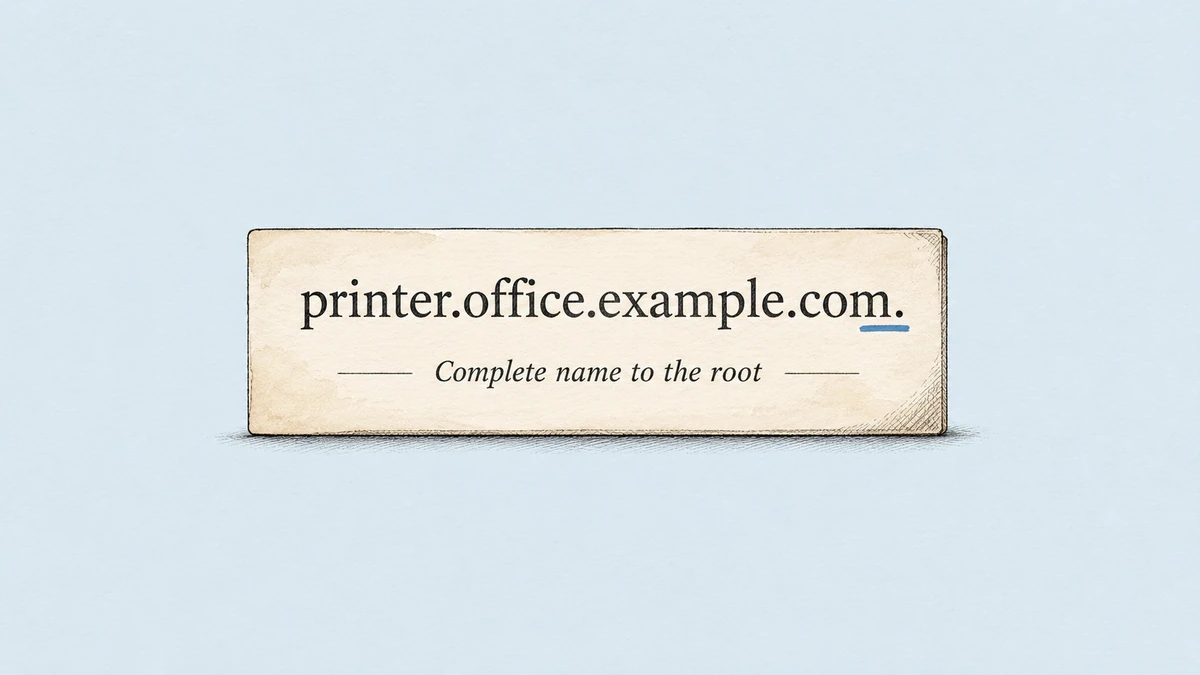
“Printer” might be enough of a name inside one office, but it leaves plenty unsaid. A fully qualified domain name, or FQDN, spells out a name's place in the Domain Name System all the way to its root.
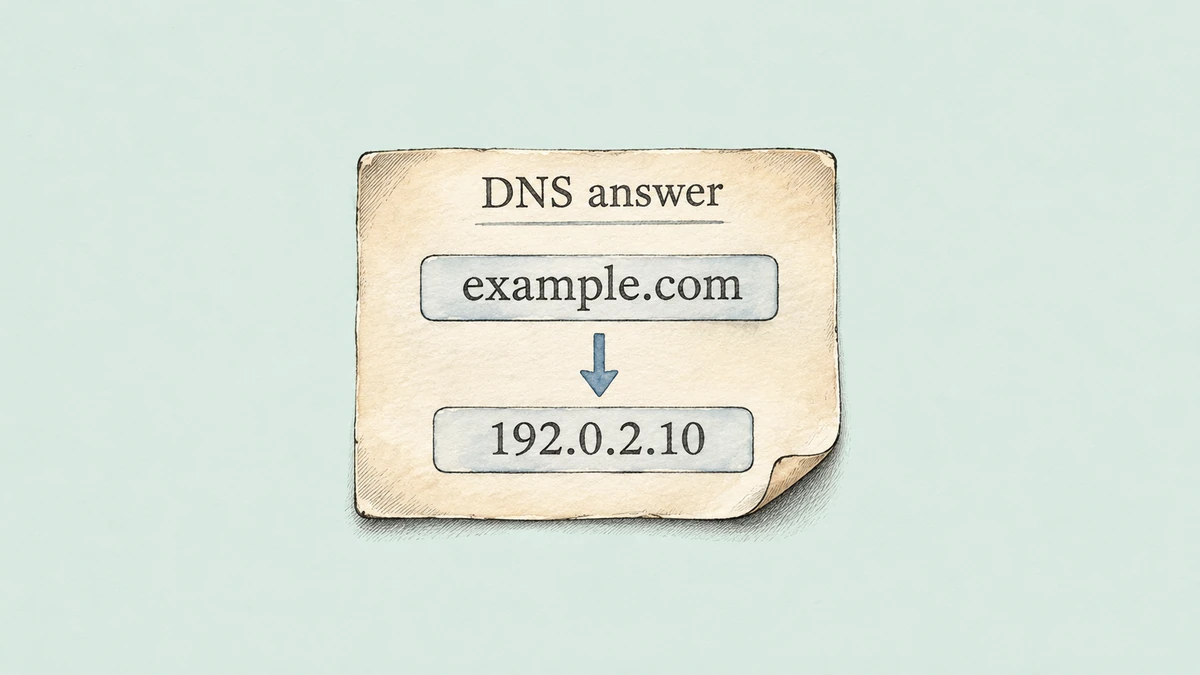
The Domain Name System, usually called DNS, connects names with information such as IP addresses—the network addresses used to reach devices and services. An FQDN supplies the complete name to look up; it isn't the address of a particular webpage.
Follow the name from right to left
Take www.example.com. as an example. Its parts, called labels, describe increasingly specific positions when you read from right to left:
- The final dot represents the root, the top of the DNS hierarchy.
comis a top-level domain, one level below the root.exampleidentifies a name beneathcom, giving usexample.com.wwwidentifies a name beneathexample.com, giving uswww.example.com.
The DNS specification describes names as paths through a tree. Each added label on the left takes you farther down a particular branch.

- Learn how networks really work, from cabling to routing, in one book.
- Prepare for the N10-009 exam with a guide written for it.
- Keep it on the shelf as a reference long after the test.
There's no rule that an FQDN must have four visible parts or begin with www. example.com. can be complete on its own, while printer.accounts.example.com. adds two more levels beneath it.
Nor does every name identify one physical computer. DNS names can identify services and hold different kinds of records, and a name's position alone doesn't tell you what service is available there.
The final dot does a real job
You'll usually see the example written as www.example.com, without the trailing dot. People commonly call that an FQDN too, although the current DNS terminology standard explains that the strict written form includes the root's terminating dot.
The distinction becomes useful when software works with relative names, which rely on an assumed ending. A short name such as printer could be interpreted as printer.accounts.example.com in one office and something else in another.
Some systems use a search list of domain endings to try when a name isn't written as absolute. The Linux resolver documentation describes one such system; a resolver is the software that performs name lookups.
In DNS configuration, the trailing dot can tell software that the name is complete and no local ending should be added. Follow the particular tool's instructions, since settings screens don't all accept names in the same form.
What Happens When You Type a Web Address?
An FQDN names something; a URL asks for a resource
Consider this illustrative web address:
https://www.example.com/reports/
The FQDN is www.example.com. The entire address is a URL, short for Uniform Resource Locator.
Here, https specifies the secure web protocol—the communication rules the browser should use—and /reports/ is the path requested from the web service. Those pieces aren't part of the DNS name, as Mozilla's URL guide explains.
A fully qualified name also doesn't promise public access. A company can use complete names in private DNS that only its own devices can look up, and even a publicly known name may lead to a service requiring permission.
When a setup form asks for an FQDN, it normally wants the complete name, not a whole URL with https:// and a page path. Keeping those separate prevents a small naming mistake from becoming a long troubleshooting session.
What You Actually Get When You Register a Domain Name
How DNS Finds an Answer Without One Giant Directory
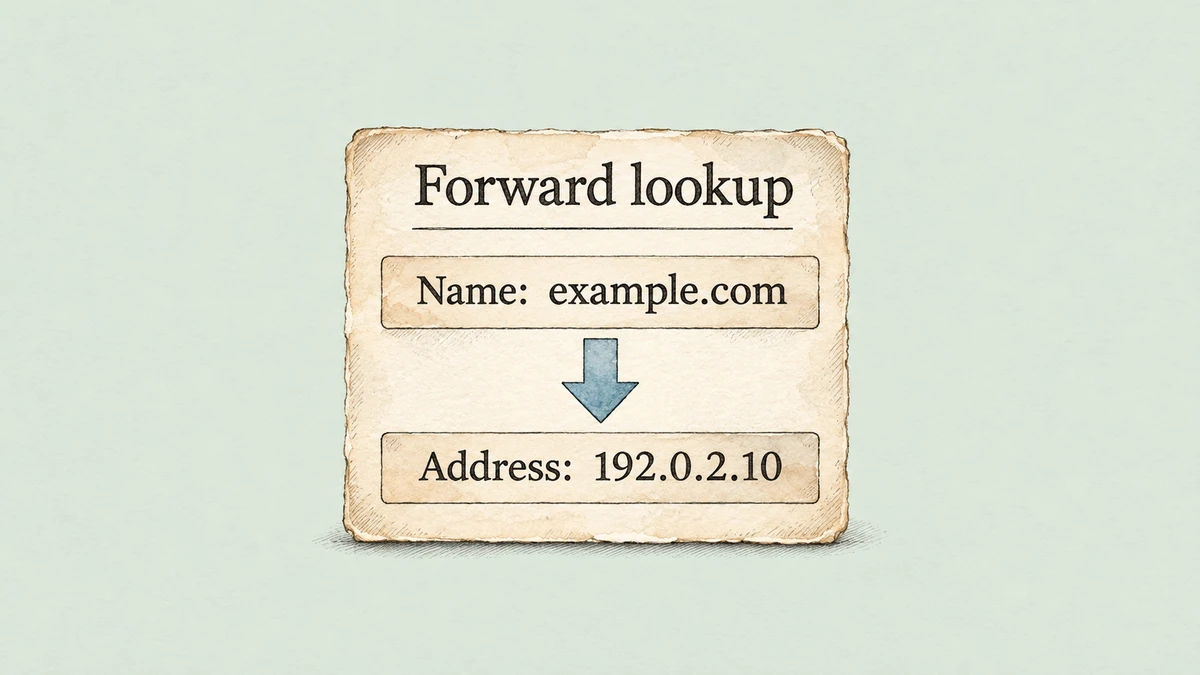
Forward Lookup: How DNS Finds an Address for a Name
QUOTE:
"Amateurs hack systems, professionals hack people."