Data Exfiltration: How Information Leaves Without Disappearing
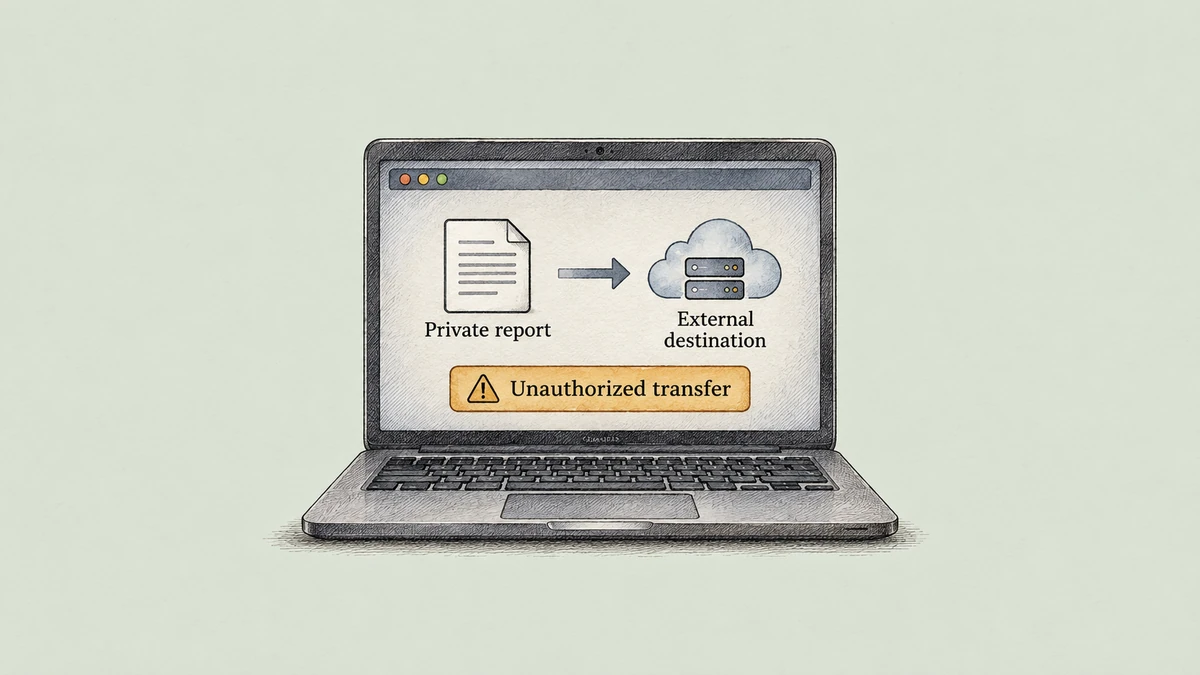
Your files can still be right where you left them while an unauthorized copy is somewhere else.
Data exfiltration is the unauthorized transfer of information out of a system or organization. It can involve a criminal using stolen access or someone misusing access they legitimately have.
The transfer doesn't require deleting the original, and the information doesn't have to be published for it to have been taken.
The exit can be an everyday service
A company might allow staff to upload documents to an online storage service. The same service can also receive an unauthorized upload to an account controlled by an attacker.
MITRE's catalog of attacker behavior documents this abuse of legitimate web services. A familiar destination can make a transfer less conspicuous, so the service's name alone doesn't explain who received the files or whether the transfer was approved.
Other routes change where investigators need to look:
- A removable drive can carry copied information away without an internet upload.
- A transfer between accounts at the same cloud provider can happen without passing through an office's internet connection.
- An unauthorized email attachment can send a copy through a service employees use every day.
A cloud provider hosts computing or storage services that customers use remotely. MITRE describes transfers to another account within the same provider, as well as removal through physical devices.

- Stop a stranger from plugging a drive into a computer you leave unattended.
- Lock ten ports at once, and open them again with the included key.
- Keep dust out of the ports you rarely use.
Watching one network exit won't reveal every route information can take.
What would show that a copy left?
A large outgoing transfer is a clue, not a verdict. It might be an approved backup, while a small file containing important secrets could leave without a dramatic traffic spike.
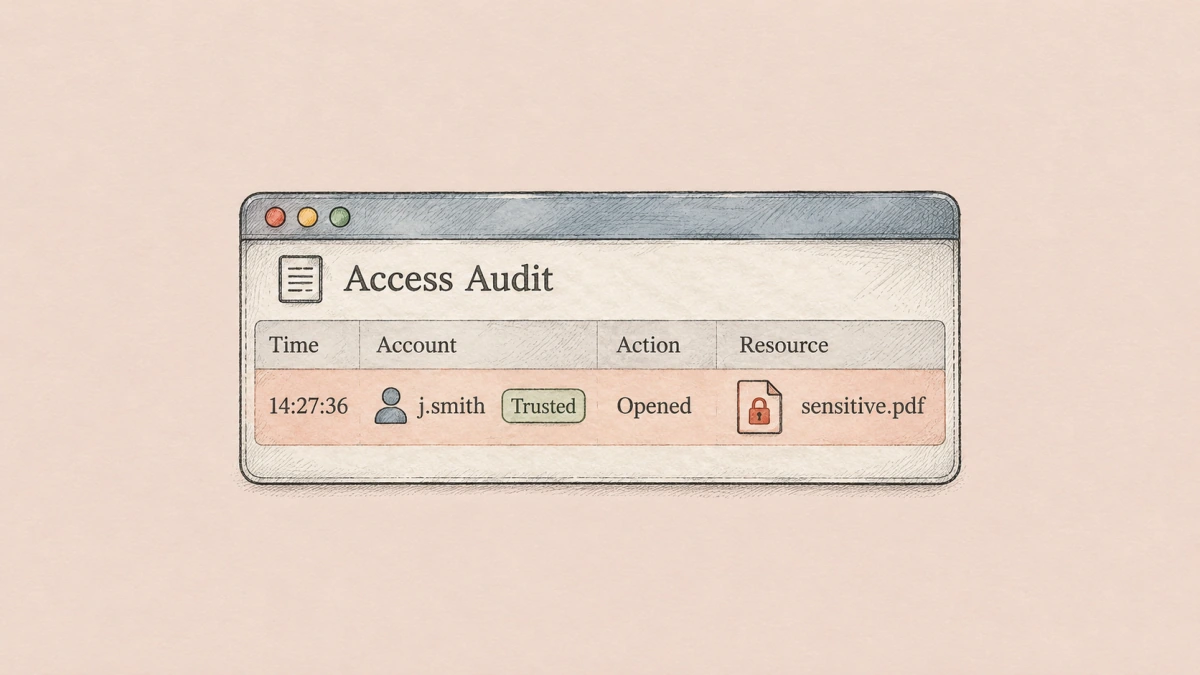
Investigators look for related evidence: which account accessed the information, whether an export completed, what destination received the transfer and what permissions allowed it. Application, device and cloud-service records can answer different parts of that question when they're available.
An export is a copy of information taken out of an application's usual working format, such as downloading customer records into a spreadsheet.
An encrypted connection transforms data into a form that requires a special data value, called a key, to read. HTTPS, the protected form of web communication, can therefore carry an unauthorized upload whose file contents a network observer can't inspect.
That makes the records from the sending application and receiving service especially useful; a destination and the amount of data sent may not identify which files moved.
How Software Stops Data From Walking Out the Door
Reduce access and control where copies can go
Start with who can read or export sensitive information. An account that doesn't need an entire customer database shouldn't automatically receive permission to download it.
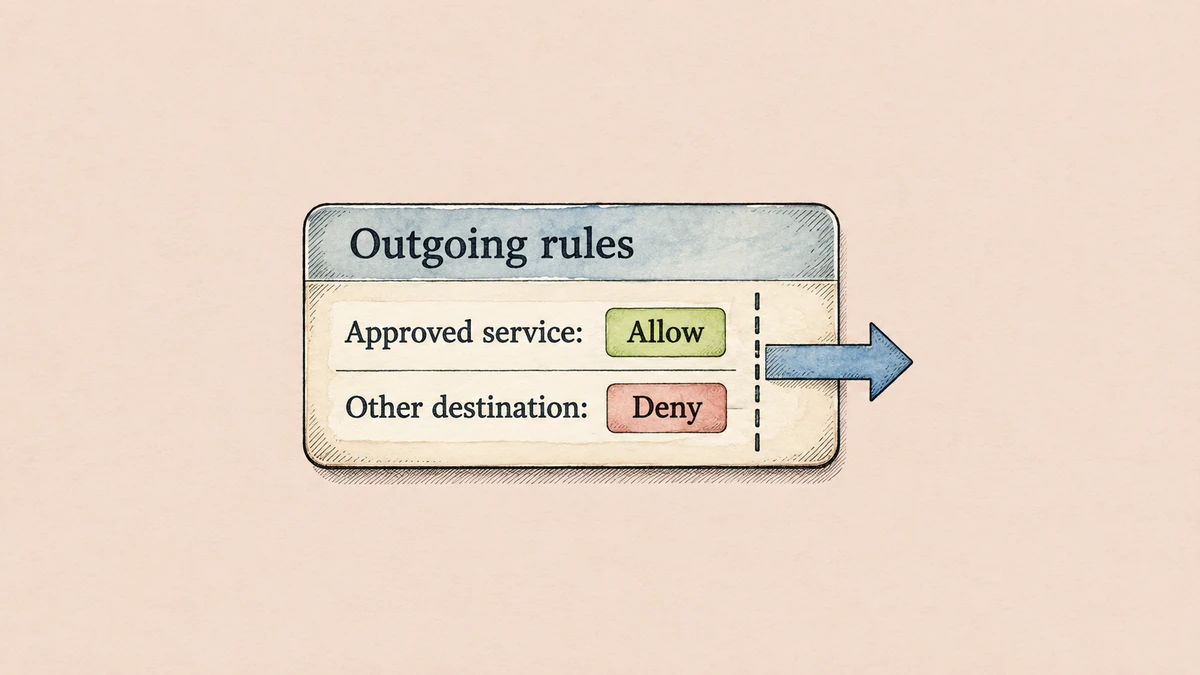
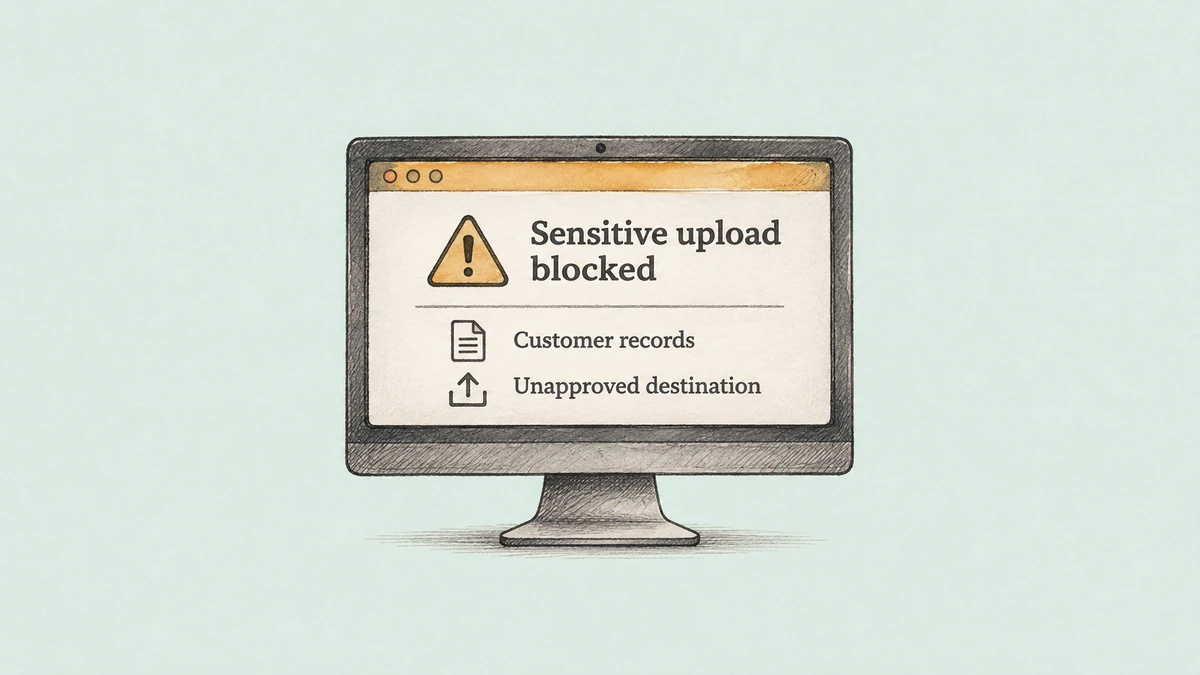
Organizations can also restrict unapproved destinations, review external sharing and control removable-device use where appropriate. The measures should match the actual paths the information can take.
Encryption of stored files helps in some situations, but it doesn't stop an attacker who can use an authorized application to read those files. OWASP, an application-security nonprofit, explains why protection must match the kind of access you're trying to prevent.
Containment and assessment are different jobs
If you suspect exfiltration at work, report it through the organization's incident process so the responsible team can investigate and limit further transfers. Containment means taking steps to limit ongoing harm.
The UK's National Cyber Security Centre recommends keeping records of decisions, actions and the information available or missing during the response. Those records help separate a suspected transfer from one the evidence supports.
Removing access can stop further copying, but it can't guarantee that a recipient gives up copies already obtained. The response still has to establish what left, who may have received it and what consequences follow from that information being exposed.
Egress Filtering: Decide What Your Network Can Send Out
Data Loss Prevention: What Gets Blocked—and What Doesn't?
Insider Threats: When Trusted Access Can Cause Harm
QUOTE:
"Amateurs hack systems, professionals hack people."