Encode: How Data Gets a Format Computers Can Use
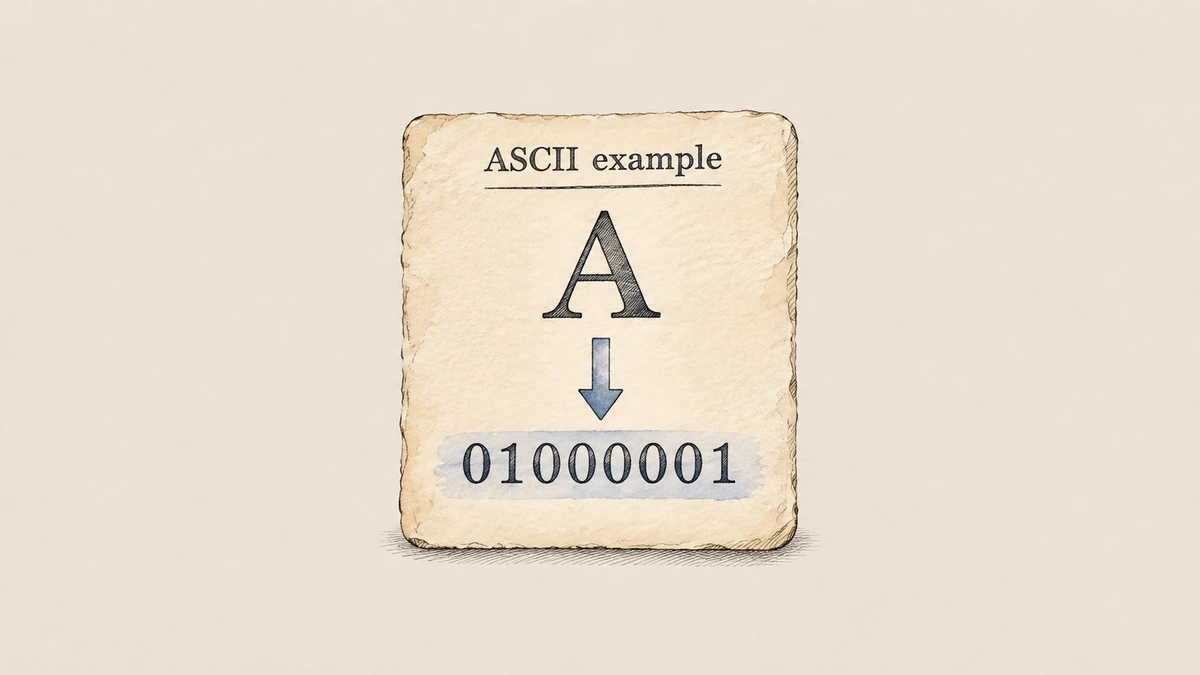
To encode data is to represent it in a format a system can store, transmit or interpret. The format supplies rules for what the symbols mean, whether you're saving a letter, sending a file or preparing a video.
Start with a character
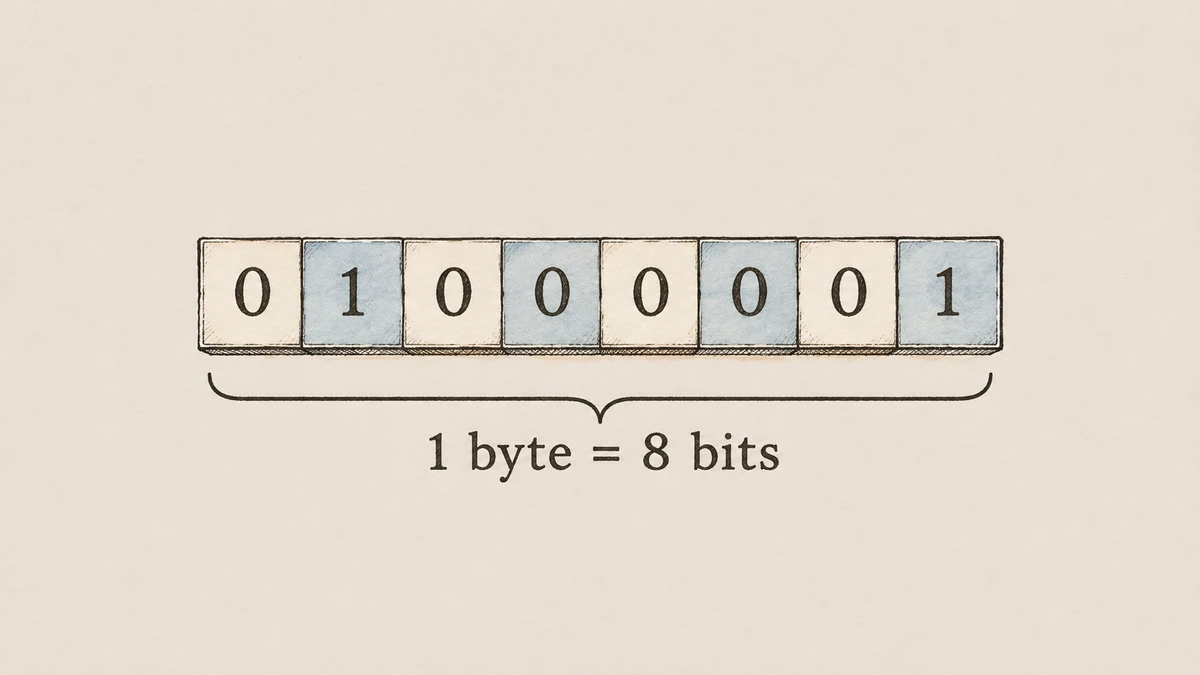
A computer stores text as bytes, small units of digital data. A character encoding defines how those bytes represent letters and other symbols, as Mozilla's explanation describes.
In UTF-8, a widely used character encoding, the character é is represented by the two bytes C3 A9. Those byte values are written here in hexadecimal, a number system using the digits 0–9 and the letters A–F.
That's one character represented by two bytes, not two letters. Software needs to apply the matching decoding rules to display it correctly.
If it interprets the bytes using a different character encoding, the text may come out wrong even though the stored bytes haven't changed. Agreeing on the format is part of making text usable.
Bytes can become printable text, too
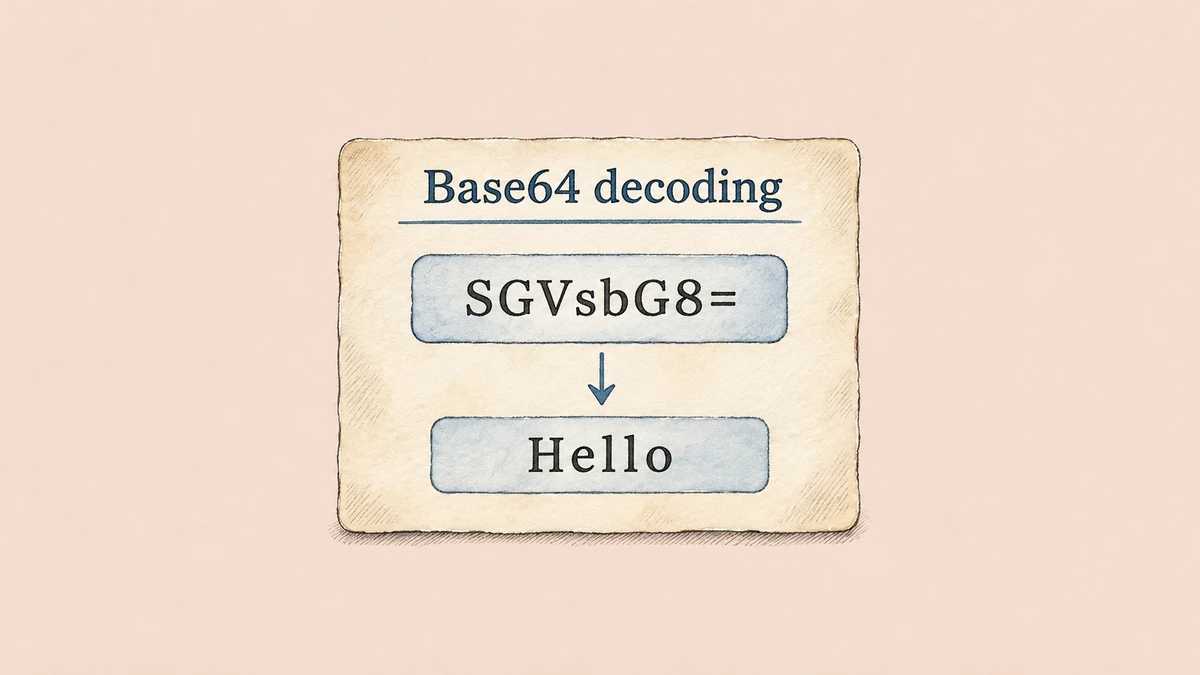
Base64 solves a different problem: representing arbitrary bytes with a limited alphabet of text characters. A system can use it to carry file data through a channel designed for text.
For example, the three bytes spelling cat become:
Y2F0
Decoding that Base64 representation recovers the same three bytes. It doesn't require a password.
Mozilla's Base64 reference notes that the format generally increases data size by about a third. In this small example, three input bytes become four text characters; Base64 isn't a way to squeeze a file smaller.
A photograph encoded this way remains photograph data after decoding. You'll still need software that understands the image format to display it.

- See what two chips are saying to each other instead of guessing.
- Debug eight signal lines at the same time.
- Capture fast signals with sampling up to 24MHz.
Web addresses have their own rules
A filename containing a space, such as trip notes.txt, can appear in a web-address path as trip%20notes.txt. The %20 represents the space's byte value using percent-encoding.
This format writes a byte as a percent sign followed by two hexadecimal digits. The web-address syntax standard defines that representation and distinguishes ordinary data from characters with structural roles, such as a slash between path segments.
Software must encode the correct part of an address using the appropriate rules. Changing every punctuation mark indiscriminately can change how the address is interpreted, rather than make it safer.
How One Standard Fits Every Character on Earth
Format, size and secrecy are separate questions
Media encoding may involve compression, which reduces the amount of data needed. Lossless compression preserves enough information to recover the original exactly; lossy compression discards some information to save space.
That means encoding doesn't always promise a perfect copy of the original after decoding. The promise depends on the format and settings being used.
An MP4 file also illustrates another distinction: it's a container that holds media, not the name of one compression method. A codec is the method used to encode and decode an audio or video stream inside it, as Mozilla's media-format guide explains.
Encoding alone doesn't prove that data is authentic, intact or private. The Base64 standard specifically warns against mistaking encoded passwords for protected secrets.
Encryption uses a key—a special data value—to protect information from unauthorized reading. You can encrypt data and then encode the encrypted result for transport.
Decoding then removes the outer representation; the information remains encrypted until the appropriate key is used.
Decode Explained: Why Unreadable Data Isn't Always Secret
Non-Printable Characters: What the Blank Space Is Doing
Byte: Why One Character Can Take More Than One Byte
QUOTE:
"Amateurs hack systems, professionals hack people."