Drive-by Downloads: Can a Web Visit Infect Your Device?
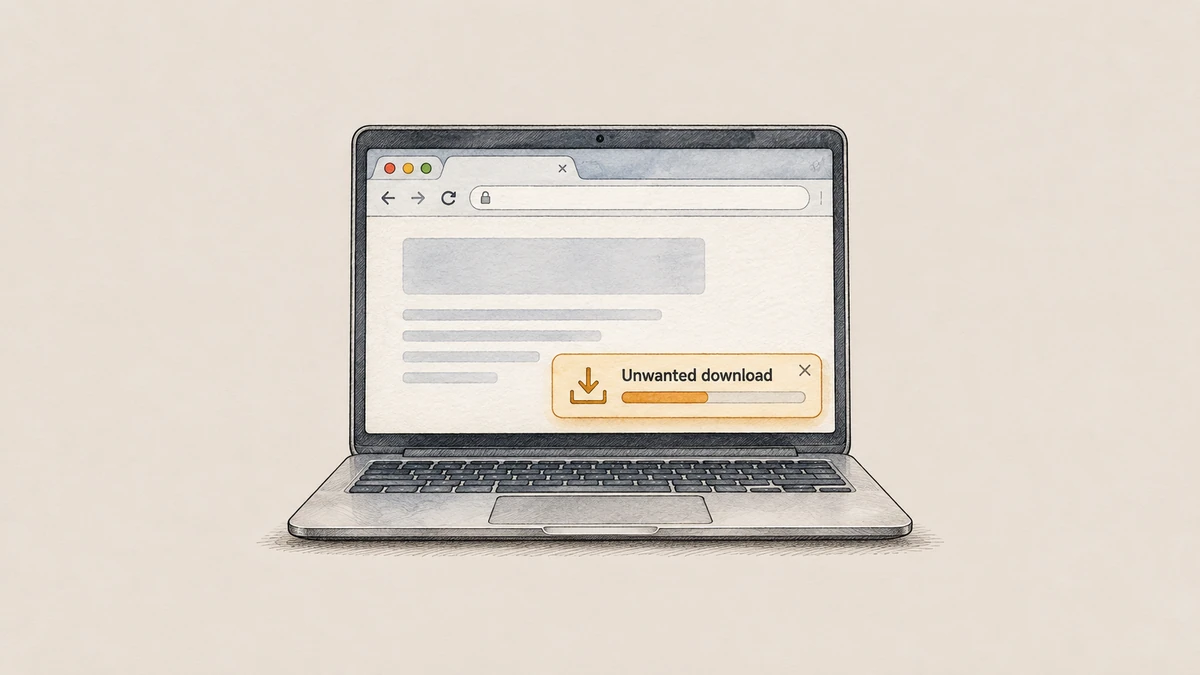
A malicious webpage can exploit a flaw in your browser without persuading you to install anything. In a successful drive-by attack, visiting the page can be enough to start the trouble.
A drive-by download delivers malicious or unwanted software through a web visit without the person's informed agreement. It's a delivery method, not a particular kind of malware, the name for software designed to steal, damage or gain unwanted access.

- Catch the threats a built-in antivirus can miss.
- Get blocked from malicious sites before they load.
- Protect your devices around the clock, not only when you run a scan.
The attack may arrive inside an ordinary page
The page doesn't have to belong to an obvious scam site. Attackers may compromise a legitimate website or insert harmful content through an advertising service used by that site.
Malicious advertising is called malvertising. A page can load content from several sources, so recognizing the website's name doesn't establish that every part of the page is safe.
MITRE's account of drive-by compromise describes attacks delivered through compromised sites and advertisements. The broader term “compromise” refers to gaining unauthorized access, whether or not you notice a downloaded file.
Exploit code is a set of instructions that takes advantage of a software weakness. In this kind of attack, the browser processes hostile content, and a suitable flaw may let that content do something the browser should have prevented.
Downloading and running aren't the same event
Browsers routinely download page text, pictures and scripts—small programs that make websites work. Those normal activities aren't automatically drive-by attacks.
Likewise, an unexpected file appearing in your downloads doesn't by itself prove its instructions ran. A successful attack needs a way to execute the harmful code, such as exploiting vulnerable software or getting you to open something deceptive.
Browsers also use protective boundaries. A sandbox limits what the part of a browser displaying web content can access or change on the computer, as the Chromium sandbox design explains.
That can contain damage from one flaw, but an attacker may combine several flaws to cross those boundaries.
A real example involved iPhones
In 2019, Google's Project Zero researchers described hacked websites that attacked visiting iPhones. Successful attacks installed monitoring software, and the researchers found combinations of browser and operating-system flaws involved in the campaign.
The report concerned specific software versions and vulnerabilities, not a claim that every iPhone or every visitor was infected. It showed why “I didn't press Install” isn't enough to rule out an attack.
When Attackers Wait for You to Come to Them
Reduce the openings, then take warnings seriously
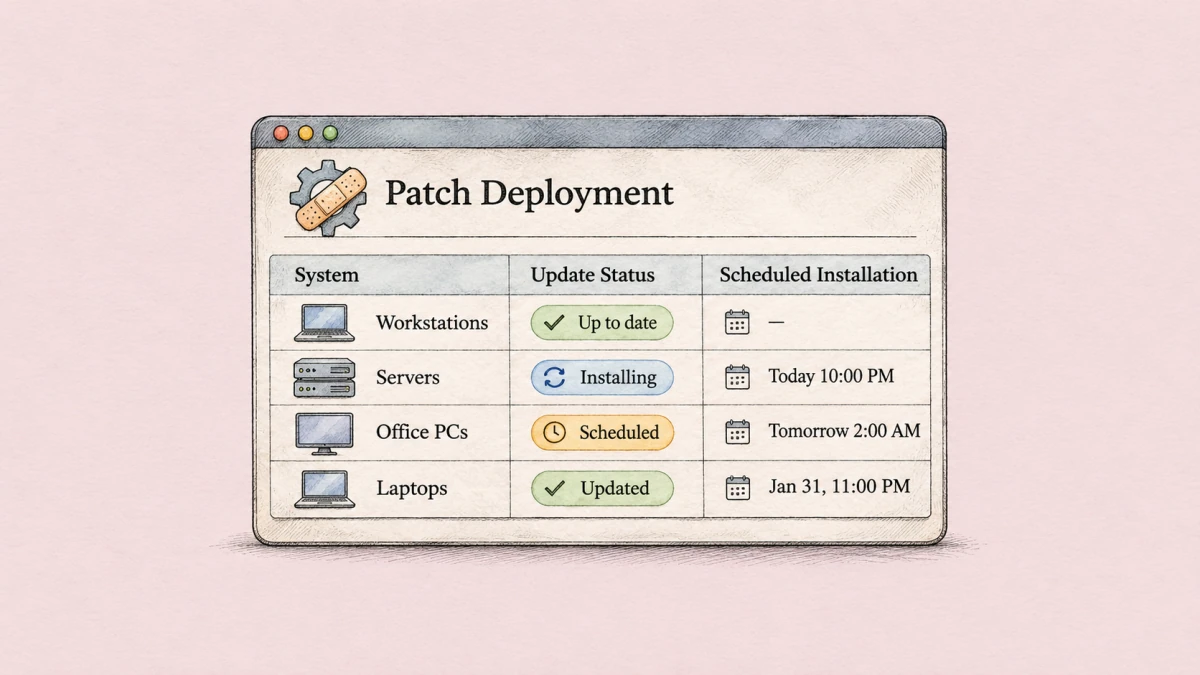
Keep the browser and operating system supported and updated. A downloaded update may still be waiting for a restart: Chrome's update instructions explain when a relaunch is needed to apply it.
Use the browser's own update controls or the device's trusted update service. An unexpected webpage telling you to install a browser update isn't a reason to run the file it supplies.
Leave browser security checks enabled and read the actual warning. Chrome distinguishes dangerous, suspicious and insecure downloads, so a warning doesn't always mean it found the same kind of problem.
If a page triggers an unwanted download, don't open the file just to find out what it is. Close the page and review the browser or security software's notice; on a work device, report the event through your support process.
If you opened an unexpected program or see persistent unwanted changes, use your device's trusted security tools and recovery guidance. A blocked download, a saved file and confirmed malicious code running on the device call for different responses.
Malvertising: A Familiar Ad Can Lead Somewhere Else
Watering-Hole Attacks: When a Familiar Website Becomes the Trap

Patch Management: Getting a Security Fix Onto Every System That Needs It
QUOTE:
"Amateurs hack systems, professionals hack people."