Decrypt: How Keys Turn Encrypted Files Back Into Usable Data
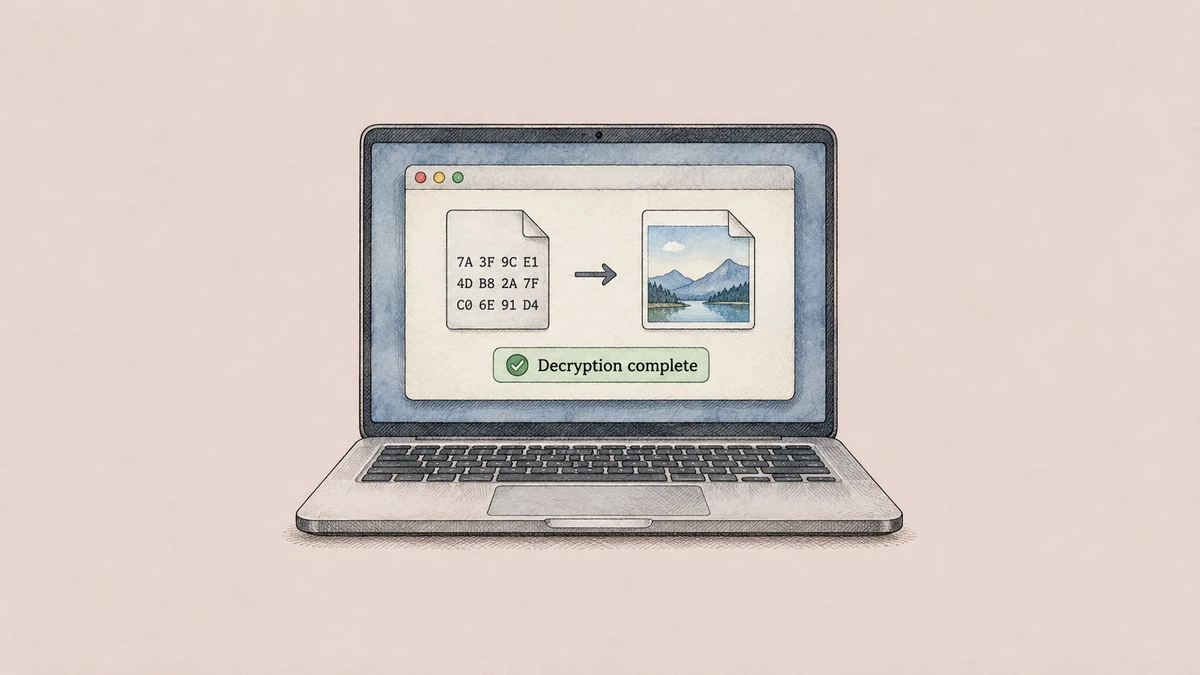
To decrypt a file is to turn its encrypted contents back into usable data with the appropriate key. The result might be a photograph, a spreadsheet, or a program—not just a readable message.
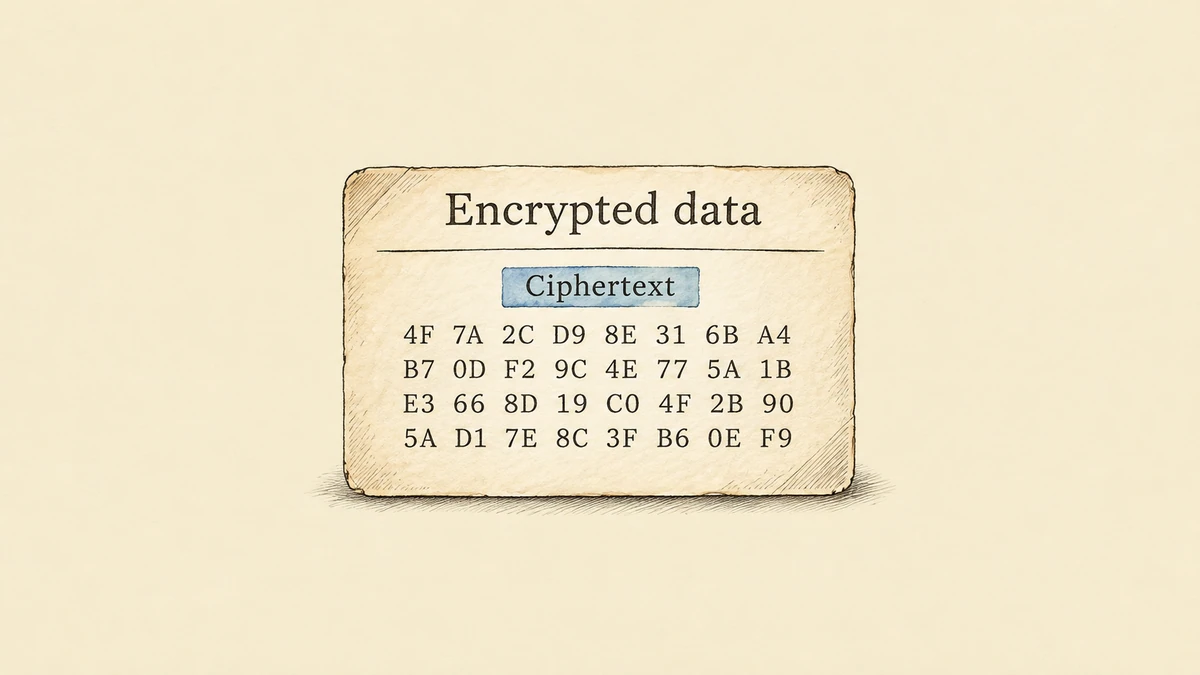
The encrypted form is called ciphertext; the original, unencrypted form is called plaintext. The National Institute of Standards and Technology defines decryption as the transformation between them using a cryptographic method and key.
The key does the mathematical work
A key is a value used by an encryption method, also called an algorithm. It determines the particular transformation needed to recover the original data.
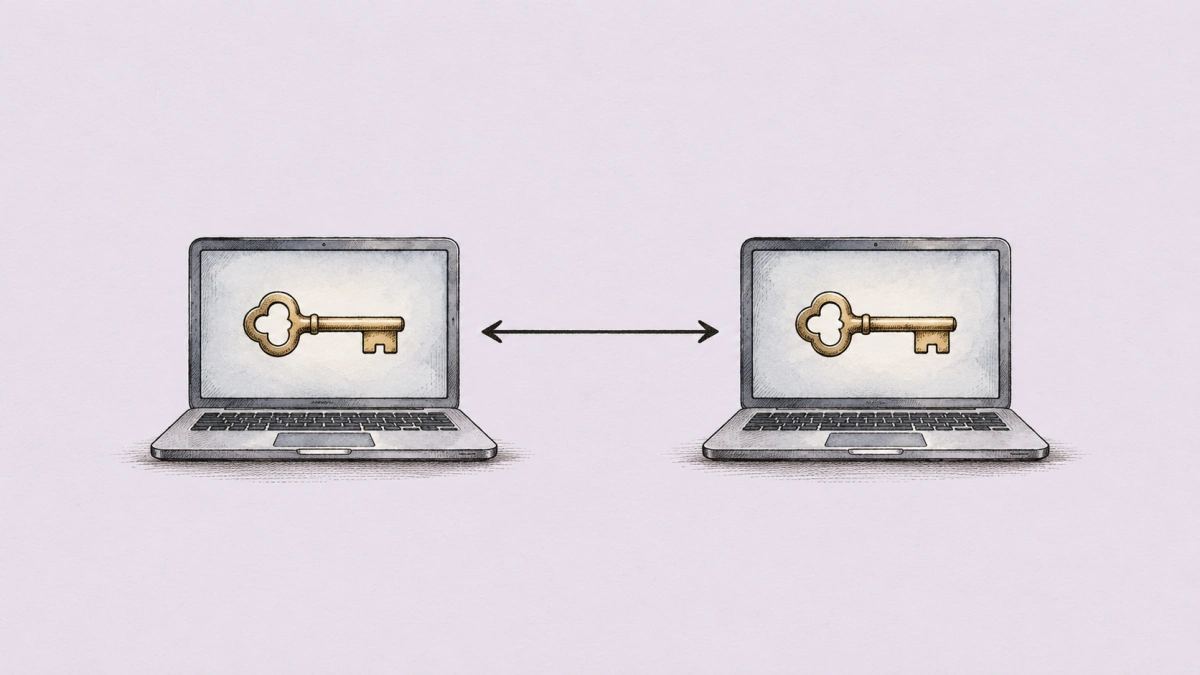
In symmetric encryption, the same secret key is used to encrypt and decrypt. In public-key encryption, data encrypted for a recipient using their public key is decrypted using the corresponding private key, which the recipient keeps secret.
Those are different arrangements; a sender doesn't always share a decryption password with the receiver.
A password and an encryption key aren't necessarily the same thing, either. Software can process a password to produce a key or use it to unlock access to a key stored elsewhere.
Two Keys: One You Share, One You Guard
Mozilla's key-derivation documentation describes a method for generating key material from a password. The password is the input a person can remember; the software handles the cryptographic value it needs.
Much of it happens without a password prompt
When you browse a website over HTTPS, the browser and the server establish an encrypted connection. HTTPS is the secure form of the web's communication protocol, and it commonly uses Transport Layer Security, or TLS, to protect the exchange.
The TLS specification describes how the connection establishes keys and uses them to protect traffic. The endpoints decrypt incoming information so they can use it.
That process is separate from the website checking whether your account password is correct. Transport encryption protects the exchange; it doesn't by itself decide which account you're allowed to enter.
The data is also available to the endpoint once decrypted. Encrypting it on the journey doesn't make it unreadable to the application receiving it.

- Carry sensitive files on a drive that stays locked without your PIN.
- Unlock it on any computer, with no software to install.
- Lose it without losing sleep: the contents are encrypted in hardware.
If your own file won't open
Start with the application or device that created the encrypted data. Its format and recovery process matter; an arbitrary “decrypt file” service can't promise to open every encrypted file.
Possible causes include a wrong key, damaged contents, or software using the wrong encryption settings. Browser decryption documentation, for example, distinguishes unsuitable keys from other failures during the operation.
Unreadable contents alone don't prove encryption. A compressed file, an image opened as text, or a damaged document can also look meaningless in the wrong program.
If the data is encrypted, look for the recovery options arranged when protection was enabled. On a managed work device, that may mean contacting the organization's support team.
For example, Microsoft's BitLocker guidance explains how to locate a saved recovery key for an encrypted Windows drive. Depending on setup, it may be associated with a Microsoft account, a work account, a printout, or removable storage.
Microsoft also says its support staff can't recreate a lost BitLocker recovery key. Resetting the device is not file recovery: it removes the files.
Recovery needs preparation
An encrypted backup only helps if you can also recover the key or other information required to open it. Store recovery material securely and check that the documented recovery process works before you need it.
If both the usable key and every recovery route are gone, properly implemented encryption may leave the data inaccessible. Finding the right saved recovery material is a much better plan than expecting someone to crack the encryption later.
Encryption Keys: The Small Secrets Your Files Depend On
Ciphertext: What Encrypted Data Hides—and What It Doesn't
A Symmetric Key Has a Life Beyond the Encrypted File
QUOTE:
"Amateurs hack systems, professionals hack people."