Cyberattacks Explained: How Phishing, Ransomware, and Outages Connect
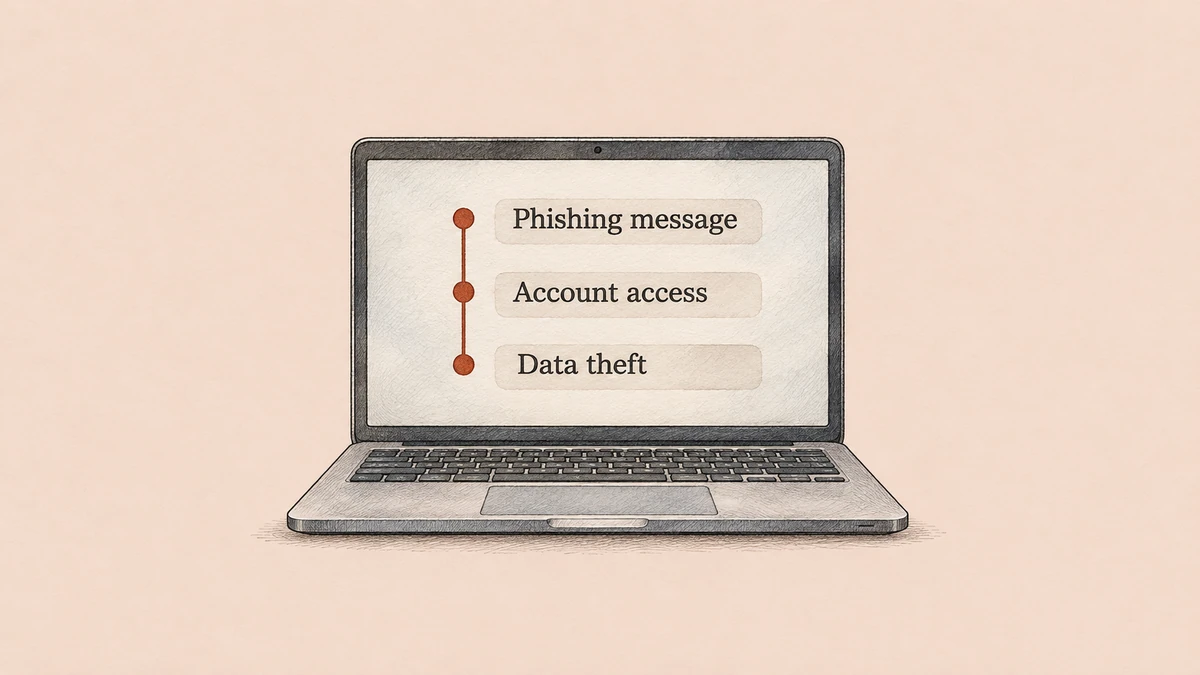
Phishing, ransomware, and denial of service describe different parts of how a cyberattack works. Several can appear in the same incident, so knowing what each label means helps you understand what actually happened.
A cyberattack is a malicious attempt to gain unauthorized access to digital systems or to steal, change, destroy, or disrupt information and services. The attempt can fail and still be an attack; success isn't part of the definition.
The National Institute of Standards and Technology's cyberattack glossary entry covers this broad range of actions. Stealing a private document and knocking a public website offline are different attacks with different consequences.
When Does a Cyberattack Become an Act of War?
The labels answer different questions
Some attack terms describe how a person is deceived, others name a tool, and others describe the harm the attacker wants to cause.
| Term | What it tells you | A plain example |
|---|---|---|
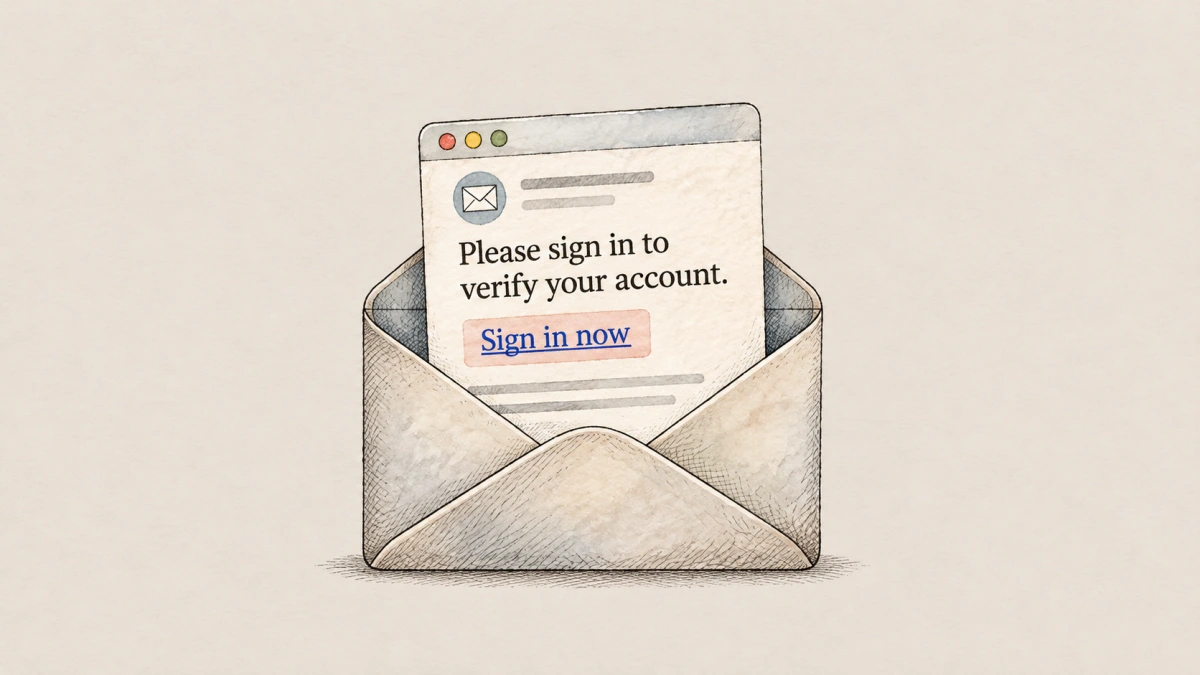
| Phishing | A deceptive message tries to get someone to act | A fake sign-in notice asks for your password |
| Malware | Harmful software is involved | A program secretly copies files |
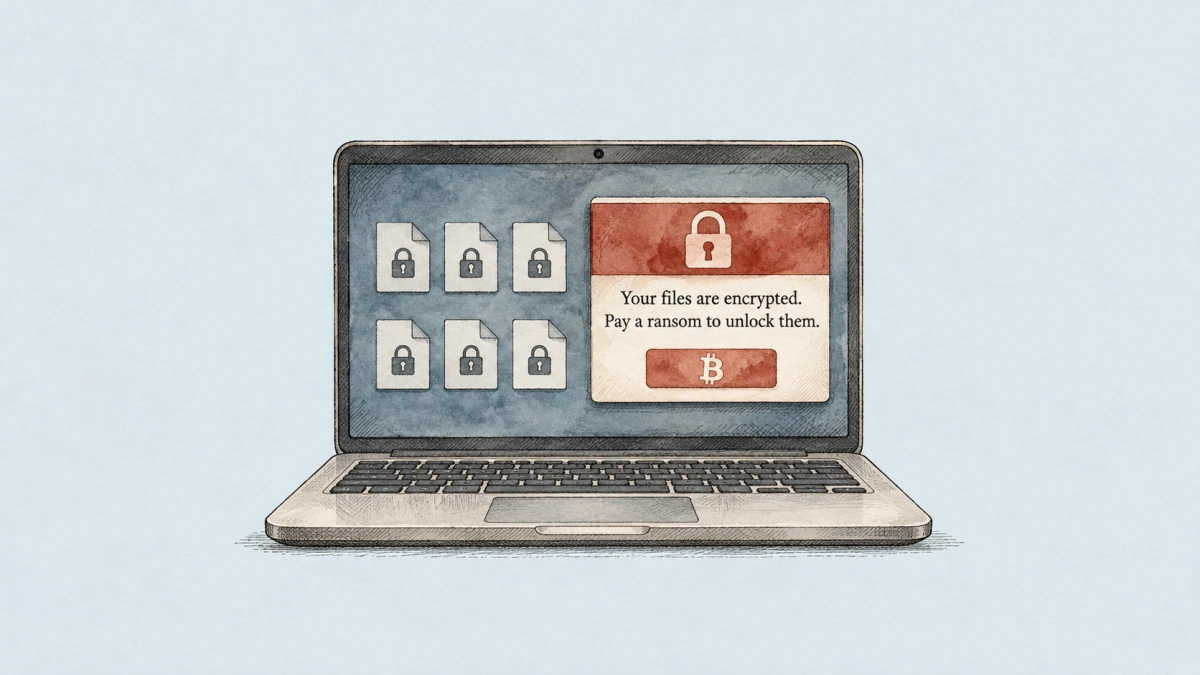
| Ransomware | Malware holds data or systems hostage for payment | Files become unreadable and a ransom demand appears |
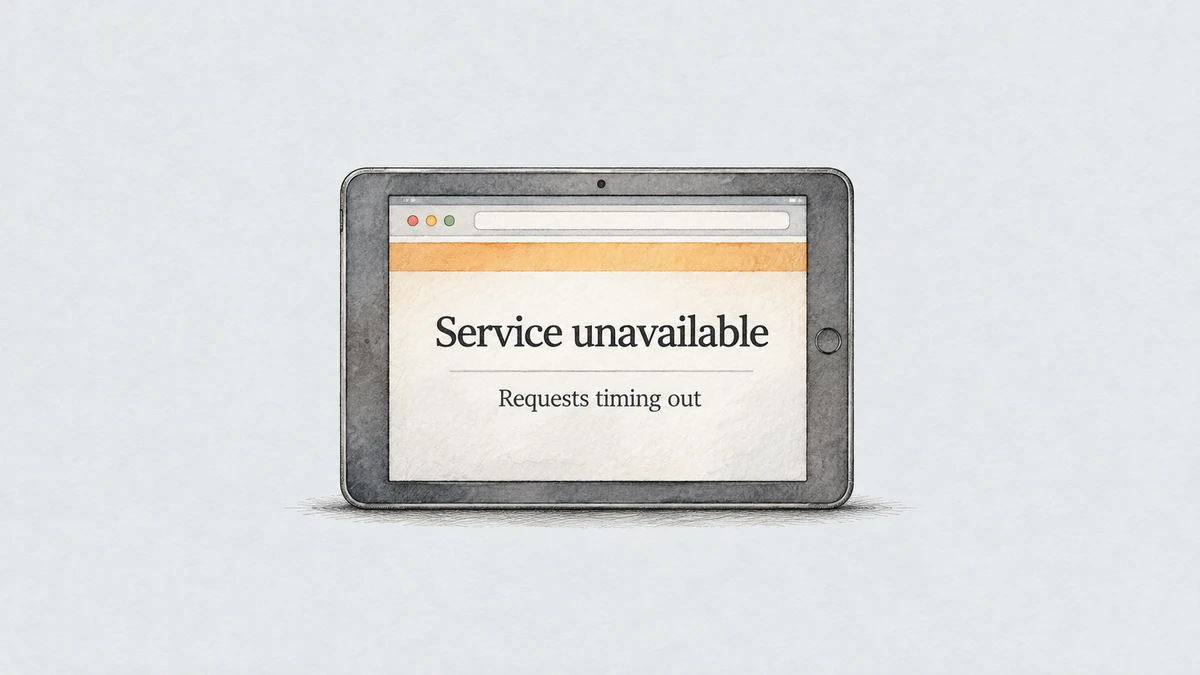
| Denial of service, or DoS | An attack makes a service unavailable or difficult to use | Excessive traffic overwhelms an online store |
Phishing can lead to malware, but it can also aim directly at account access. The British National Cyber Security Centre (NCSC) explains in its phishing guidance why defenses need to cover both malicious messages and what happens after someone responds.
For example, a fake payroll email might lead a worker to a counterfeit sign-in page. If the worker supplies a password, the attacker may try to use it on the real service; no harmful download is required for that attempt.
One attack can cause several kinds of damage
Ransomware often encrypts files, turning them into unreadable data that needs a key to restore. The criminal demands payment for that key, but the damage may extend beyond the locked files.
The federal StopRansomware Guide describes attackers stealing data and threatening to publish it as well. Some extortion attacks use stolen data alone, without deploying ransomware.
That distinction matters during recovery. Restoring a clean backup can return missing files, but it doesn't retrieve copies the attacker has already taken.
A denial-of-service attack has a different immediate aim: stopping people from using a service. Many online attacks do this by overwhelming a system or its connection, as the NCSC explains in its DoS guidance.
If the traffic comes from many sources, the attack is called distributed denial of service, or DDoS. A store can suffer a serious outage this way even if the attacker never signs in or reads a customer record.

- Stop ransomware and malware before they reach your files.
- Bank and shop in a browser built to keep transactions private.
- Cover five devices, from Windows and Mac to phones.
Match the protection to the method
Because attacks work differently, protection needs several layers. Filtering suspicious messages, fixing software weaknesses, restricting account permissions, and preparing recovery copies each address different opportunities for harm.
Software updates can close known flaws that attackers could exploit. Two-factor authentication adds a second kind of sign-in proof, such as a security key—a physical sign-in device—alongside a password, making a stolen password alone less useful.
Neither measure promises that every attack will fail. The broader work of cybersecurity also includes noticing suspicious activity and having people ready to respond.
If you're reporting something suspicious at work, describe what you saw and when it happened, then use your organization's reporting channel. A message asking for a password, a changed file, and an unavailable service give an investigator more to work with than the label “we've been hacked.”
Phishing: Check the Request, Even When You Know the Name
Ransomware: The Demand After the Files Stop Opening
Denial of Service: How an Attack Makes a System Unusable
QUOTE:
"Amateurs hack systems, professionals hack people."