Cyber Threat Intelligence: Turn Warnings Into Better Decisions
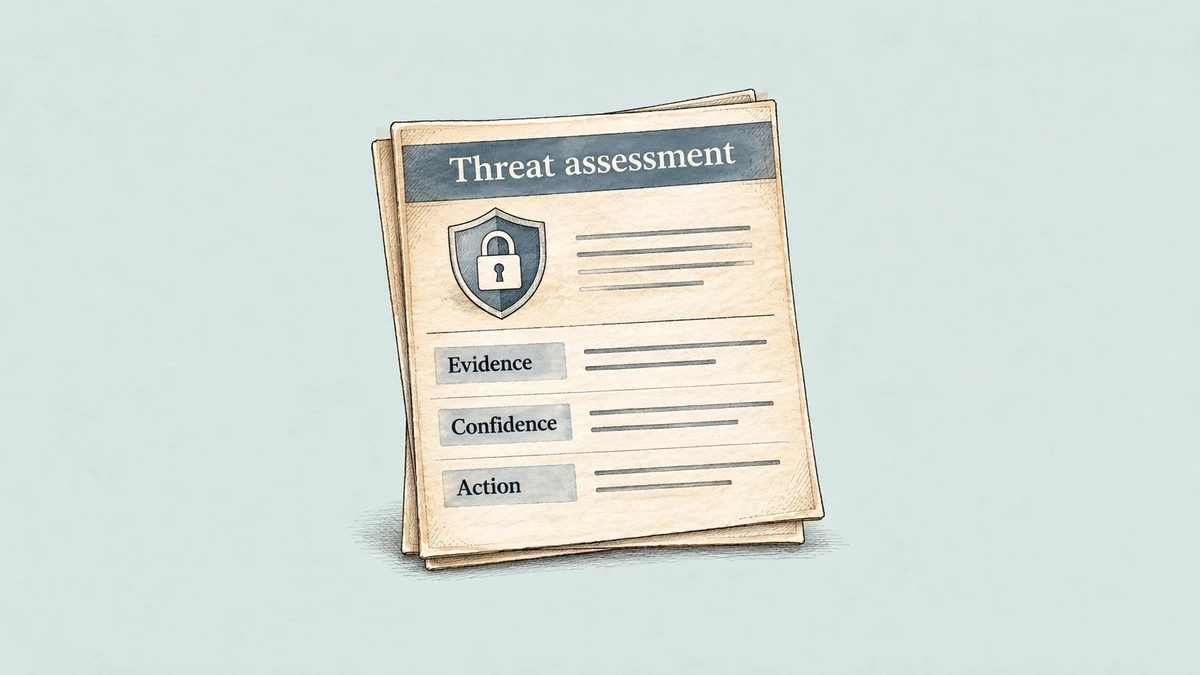
A list of suspicious internet addresses doesn't tell you which ones matter to your organization. Cyber threat intelligence adds the context: what was observed, how reliable the evidence is, and what you can do with it.
Cyber threat intelligence, or CTI, is analyzed information about threats to digital systems. It can describe an attacker's behavior, explain a software weakness being abused, or help a team decide where to spend its limited time.
The analysis is what earns the word intelligence: someone has checked the information, connected it with other evidence, and considered its meaning. The National Institute of Standards and Technology makes that distinction in its guide to sharing cyber threat information.
Why Does It Take 200 Days to Spot a Breach?
A warning becomes a decision
Suppose a software maker reports that criminals are exploiting a flaw in its file-sharing product. Your organization uses that product, so the security team checks which version is installed and whether outsiders can reach it.
The team finds an affected version on an internet-facing server—a computer that accepts connections from outside the organization. Now the warning has a local meaning: someone needs to arrange the fix and check for signs that the weakness was already used.
A second organization might use a different product and have no immediate work to do. The same report can justify an urgent response in one place and a brief note in another.
That example is fictional, but it captures the job: combine outside knowledge with what you know about your own systems. Forwarding a frightening headline to everyone leaves that work unfinished.
Different readers need different details
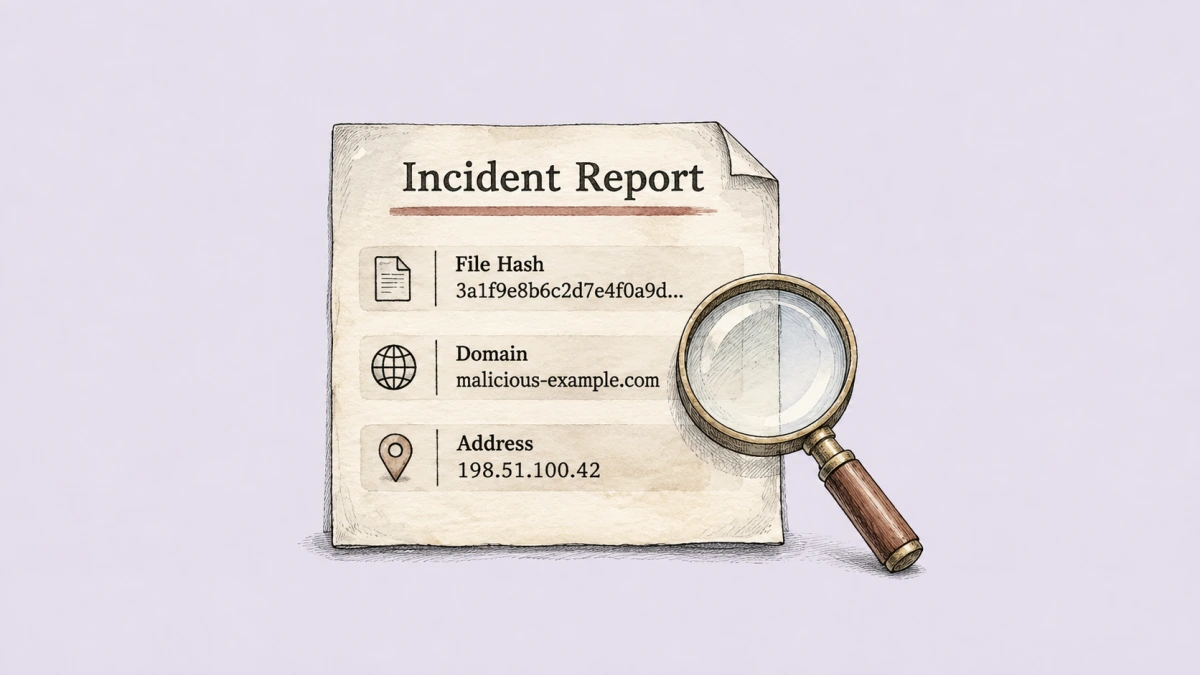
An investigator may need an indicator of compromise, or IOC: an observable clue associated with malicious activity. Examples include the address of an attacker's server or a distinctive file found on an infected computer.

- Run a test server or a home lab without giving up desk space.
- Start right away with 16GB of memory and a 500GB SSD already inside.
- Drive two 4K screens when it doubles as an everyday desktop.
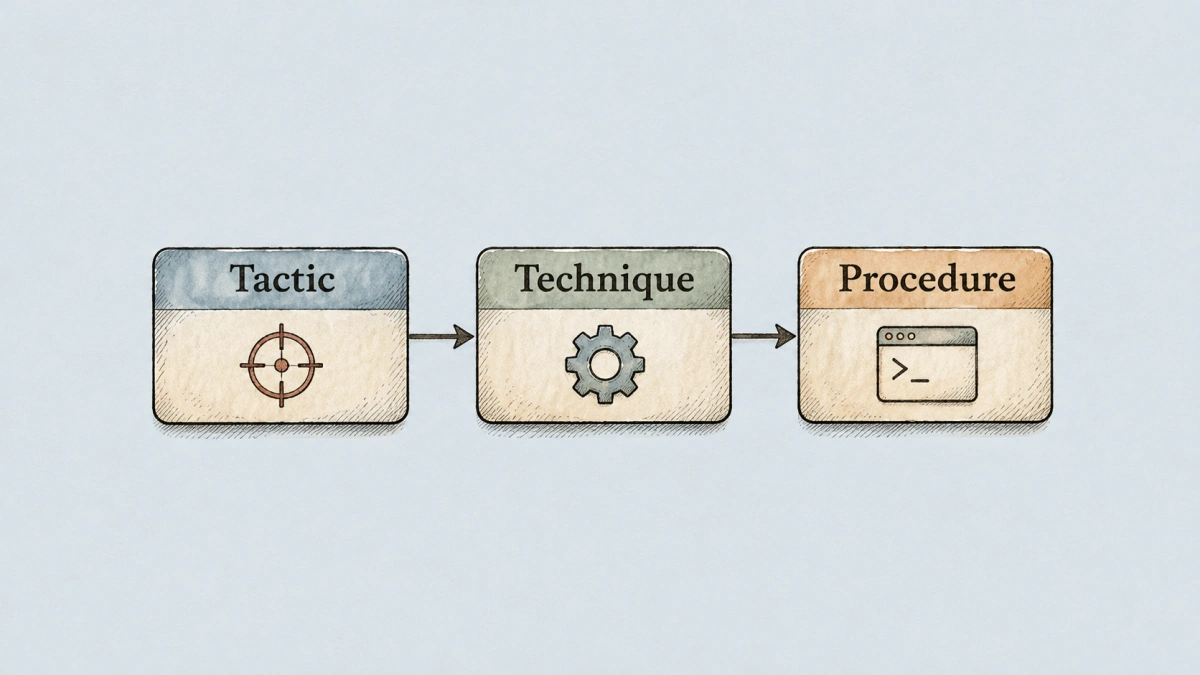
A defender building alerts may need the behavior behind those clues, such as an account gaining extra permissions and then copying many files. A business leader may need an assessment of which services face the greatest exposure and why.
The British National Cyber Security Centre (NCSC) describes this range in its threat intelligence guidance. A useful report gives its intended reader enough detail to act without burying the decision in technical scraps.
How Defenders Learn What Threats Exist
Check the date, the evidence, and the fit
An indicator isn't a permanent guilty verdict. Attackers move between servers, and an address once linked to malicious activity may later serve legitimate users.
That's why a team should check when a clue was last observed before using it to block traffic. The NCSC warns that outdated, low-confidence indicators can cause defenders to flag innocent addresses.
For a report you're considering, ask:
- Where did this come from? A direct observation and a repeated rumor deserve different weight.
- How certain is the conclusion? A report should separate what was observed from what the analyst thinks it means.
- Does it apply here? Check the affected software, services, users, and conditions.
- What decision does it support? Name the investigation, fix, alert, or planning choice it could change.
Those questions also help you judge a paid feed—a regularly updated stream of threat information. Thousands of entries aren't much help if your team can't connect them to its work.

- Learn where investigators look for public information most people miss.
- See what a stranger could find out about you, and fix it.
- Work from one organized reference instead of scattered blog posts.
Sharing comes with boundaries
Information can come from your own system records, software vendors, researchers, or trusted peers. Sharing what you learn can help others recognize related activity, but a report may contain sensitive details about people or an investigation.
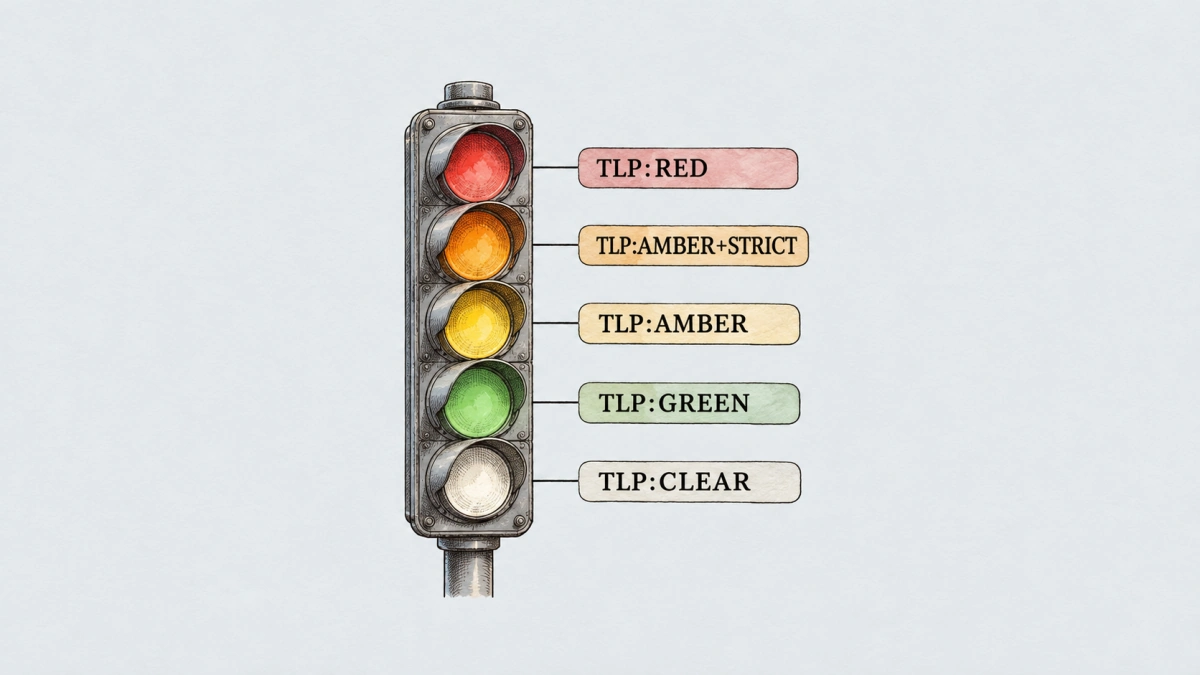
The Traffic Light Protocol, or TLP, uses labels to state who may receive shared information. Check the label and any extra restrictions before forwarding a report; a restricted briefing isn't automatically public just because it arrived in your inbox.
You can begin with one question your team needs answered, such as which known threats affect a service you're about to launch. Choose sources for that question, record the decision they helped you make, and use the result to improve the next assessment.
Indicators of Compromise: What an IOC Match Really Means
TTPs: Describing What an Attacker Did, at Three Scales
Traffic Light Protocol: Who Can You Share a Warning With?
QUOTE:
"Amateurs hack systems, professionals hack people."