Cyber Infrastructure: The Systems Behind a Simple Click
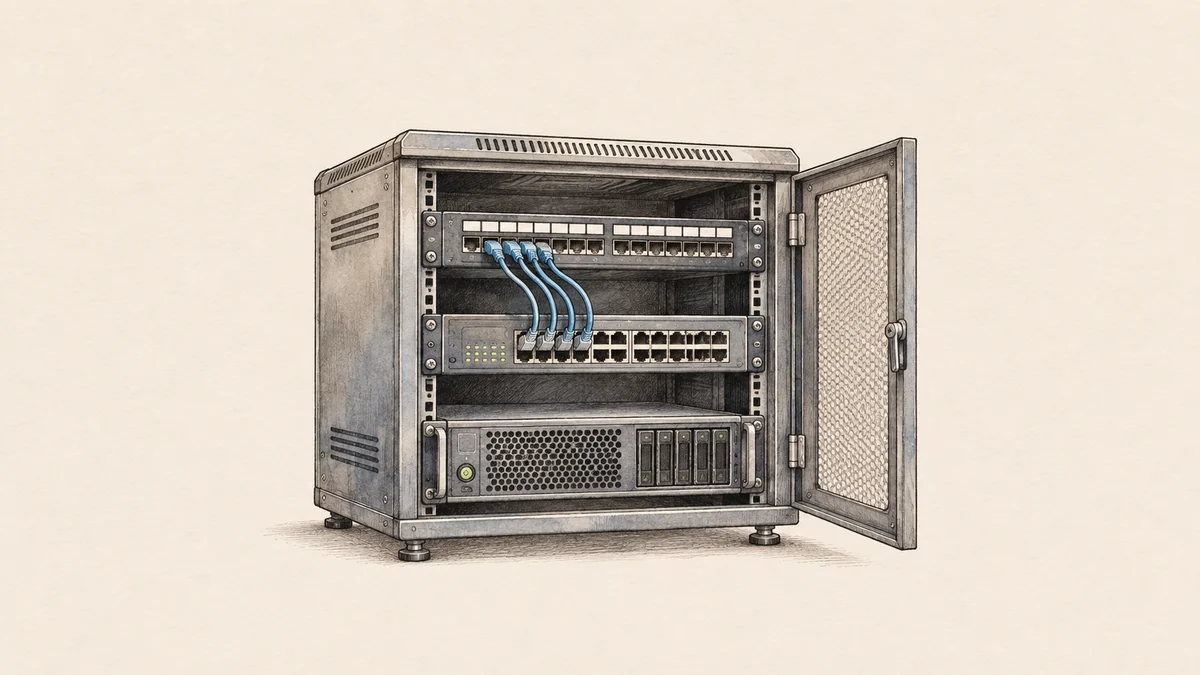
The screen says your appointment is booked, but the screen didn't do all the work. Behind that small confirmation sits cyber infrastructure: the connected equipment, software, information, and services that make digital activity possible.
The term covers much more than the public internet. An office's private network, a factory's computerized controls, and a cloud provider's equipment can all be part of cyber infrastructure.
The United States Cybersecurity and Infrastructure Security Agency includes these kinds of systems in its Infrastructure Resilience Planning Framework. Resilience means being able to withstand disruption and recover from it.
The Whole Internet, Explained in Nine Minutes
One booking, several systems
Consider a fictional repair shop that takes appointments online. Its website is the visible part of a service that relies on several other parts doing their jobs.
| Part of the service | What it contributes |
|---|---|
| Customer's device and network connection | Sends the booking request and receives the result. |
| Website software | Shows available times and handles the customer's choices. |
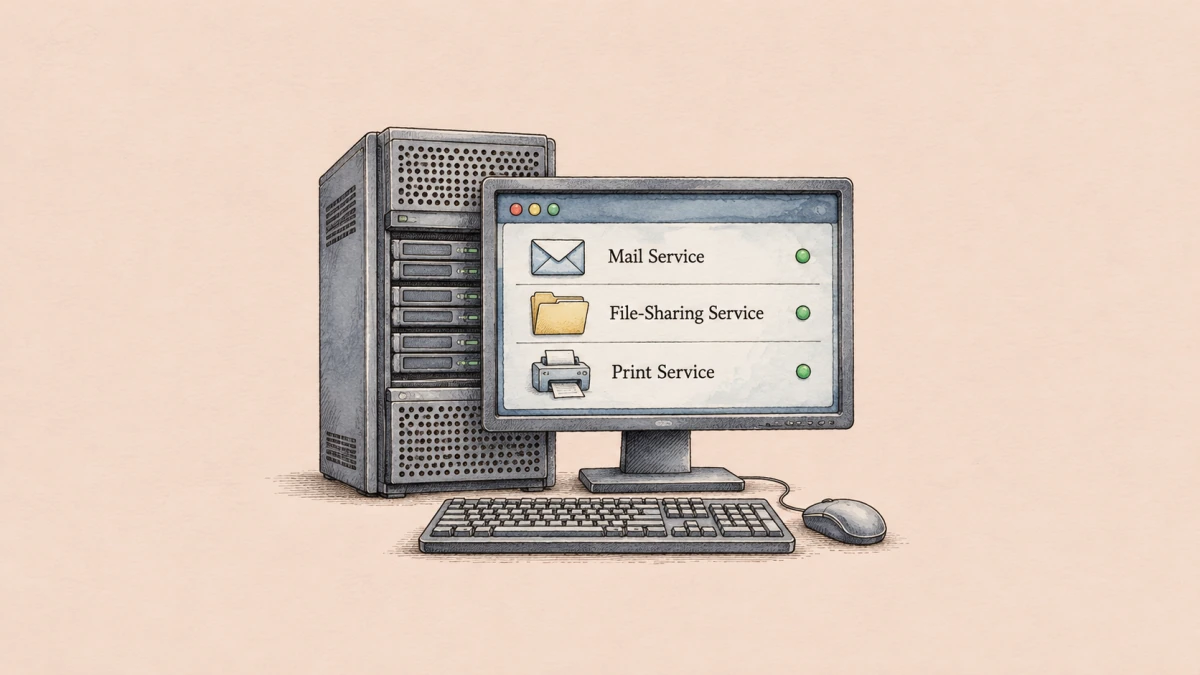
| Server | A computer or software system that responds to requests from other computers. |
| Database | An organized store of information, such as appointment times and customer details. |
| Staff sign-in service | Checks who is signing in before allowing access to the appointment system. |
| Supporting facilities | Supply electricity, cooling, and physical space for the equipment. |
There are less visible services, too. The Domain Name System, or DNS, helps translate a readable website name into the numerical internet address a computer uses to reach it, as internet naming organization ICANN explains.

- Keep work, guest and smart-home gear apart with up to 32 VLANs on one small switch.
- Copy any port's traffic to your laptop with port mirroring and see what is on the wire.
- Set it up from a web page instead of learning a command line.
If the shop's name can't be resolved to a usable address, a new visitor may never reach the booking page. The appointment database could be perfectly healthy while the service still fails for that customer.
“In the cloud” still means somewhere physical
Cloud computing lets an organization use computing resources over a network, usually from a provider. The shop may rent a booking service instead of running a server in its back room, but the provider still needs equipment, buildings, power, and people to operate them.
Responsibility is divided, too. Amazon Web Services' shared-responsibility model assigns protection of its underlying cloud infrastructure to the provider, while customers retain duties that vary with the service they choose.
With some services, the customer must maintain the operating system—the basic software that manages a computer—and its applications. With more fully managed services, the provider handles more of that work, but the customer still has responsibilities for its data and who can access it.
For the repair shop, a practical question is who can change employee permissions—the rules governing what each account can do. Paying a provider doesn't automatically tell the shop whether a former employee's account has been removed.
What Does 'the Cloud' Really Mean?
Find the parts that several services share
A dependency is something a system needs in order to work. Mapping dependencies helps explain why one failure can knock out services that appear unrelated.
Suppose the shop's booking system and invoice tool both rely on the same staff sign-in service. If that service fails, buying a second invoice application might not help if it uses the same sign-in route.
Shared connections and power supplies can create similar problems. A spare device offers limited protection if it depends on the same failed component as the original.
This is why an infrastructure inventory needs more than a list of laptops. It should connect services with the equipment, accounts, suppliers, and other systems they rely on, with a named person responsible for keeping that information current.

- Stay online through short outages with battery power for your router and computer.
- Save your work and shut down cleanly instead of losing it to a flicker.
- Charge your phone from the built-in USB port even while the power is out.
Start with the service you can't afford to lose
The UK's National Cyber Security Centre recommends documenting networks, key systems, and their configurations—the settings that control how they work. That information helps responders understand what's affected when something goes wrong.
For a small organization, start by tracing one essential service from the person using it back through its dependencies. Record who operates each part, who can repair it, and what work could continue if it stopped.
The repair shop may discover an abandoned administrator account with broad control over its systems, or an untested backup—a saved copy used for recovery. Understanding the infrastructure turns an abstract security budget into a specific job someone can complete.
Network Services: One Computer Asks, Another Does the Job
Information and Communications Technology: What ICT Includes
IT Assets: Finding the Computers That Need a Fix
QUOTE:
"Amateurs hack systems, professionals hack people."