Cryptojacking: When Someone Else Uses Your Computing Power
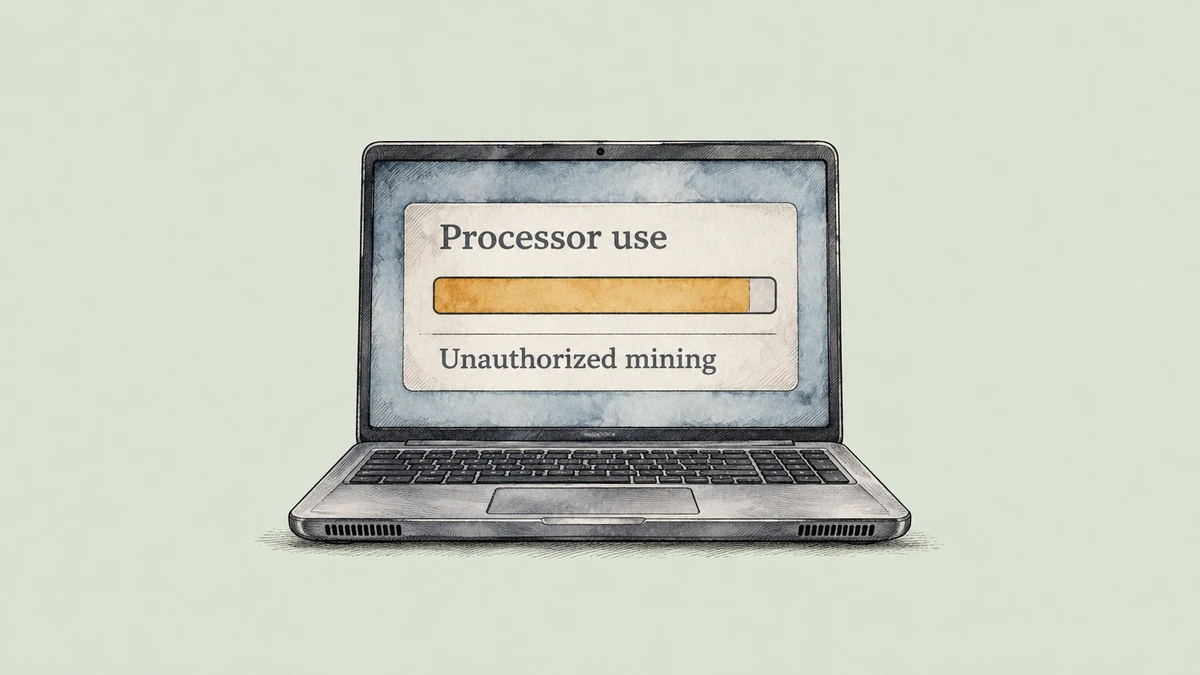
Cryptojacking makes your computer work for someone else without your permission. The attacker uses its processing power to mine cryptocurrency, while you pay through electricity, slower performance, or an unexpectedly large cloud bill.
Cryptocurrency mining uses computers to compete at solving mathematical puzzles on certain digital-currency networks. Successful work can earn rewards and help add new batches of records to the network; not every cryptocurrency uses mining.
Running a miner with the owner's informed permission is different from hijacking their resources. The unwanted use is what makes it cryptojacking.
The miner can run in several places
A computer may acquire mining software through a fake download, an exploited software flaw, or another malicious program. The miner can then run in the background alongside the owner's normal applications.
In a browser, a webpage can run JavaScript, a programming language used to make pages interactive, that performs mining work. Microsoft's research on mining techniques distinguishes browser miners from software running elsewhere on the device.
Closing the page can stop mining that's confined to that page. It won't remove a separately installed miner or an unwanted browser extension, which is an add-on that changes browser behavior.
Is That Website Mining Coins on Your Computer?
Cloud accounts offer a larger target: rented computing resources that an attacker can charge to somebody else's account. A virtual machine is a software-based computer running on a provider's hardware, and stolen account credentials may let an attacker create many of them.
Microsoft's investigation of cloud cryptojacking describes attackers using account-management features to deploy mining resources. The victim doesn't need to own cryptocurrency or have mining software on their personal laptop.
A busy processor is a clue, not a verdict
Possible signs include sustained processor use, louder fans, unusual battery drain, or slower applications. On a cloud account, an unexplained rise in resource use or spending may be more revealing than anything happening on your desk.
These signs also have innocent explanations, such as video editing or a software update. Check what is consuming resources and whether that activity belongs there before deciding it's a miner.
On a personal computer, tools such as Task Manager on Windows or Activity Monitor on a Mac show running programs and their resource use. A program's name alone doesn't prove it's legitimate, because malicious software can imitate familiar names.
For cloud systems, review new virtual machines, account activity, access permissions, and spending alerts. Google's mining-attack guidance recommends distinguishing expected heavy computing work from unauthorized use.

- Catch the threats a built-in antivirus can miss.
- Get blocked from malicious sites before they load.
- Protect your devices around the clock, not only when you run a scan.
Remove the access that made the mining possible
If a personal device looks infected, update its security software and run a scan. For a work device, report the findings to the security team, which may need activity records before it changes or rebuilds the system.
A cloud-account incident needs more than shutting down the unwanted machines. Follow the provider's response process to disable exposed credentials, investigate other activity, and close the weakness that let the attacker in.
Credentials are the passwords, keys, or other proofs used to gain access. Google's compromised-credential guide explains that changing a password alone may leave some existing access tokens valid; an access token is a digital credential software uses to make authorized requests.
Also check for other unwanted access. In a May 2026 investigation, Microsoft described fake software downloads that installed miners and established remote access, allowing attackers to connect to the computer again.
Keeping software updated, obtaining programs from their real publishers, and limiting who can create cloud resources reduces opportunities for this abuse. Alerts for unusual activity or spending can help you spot a problem before the next bill arrives.
A quiet fan after cleanup is welcome, but the investigation should establish how the miner got there and whether the attacker can return.
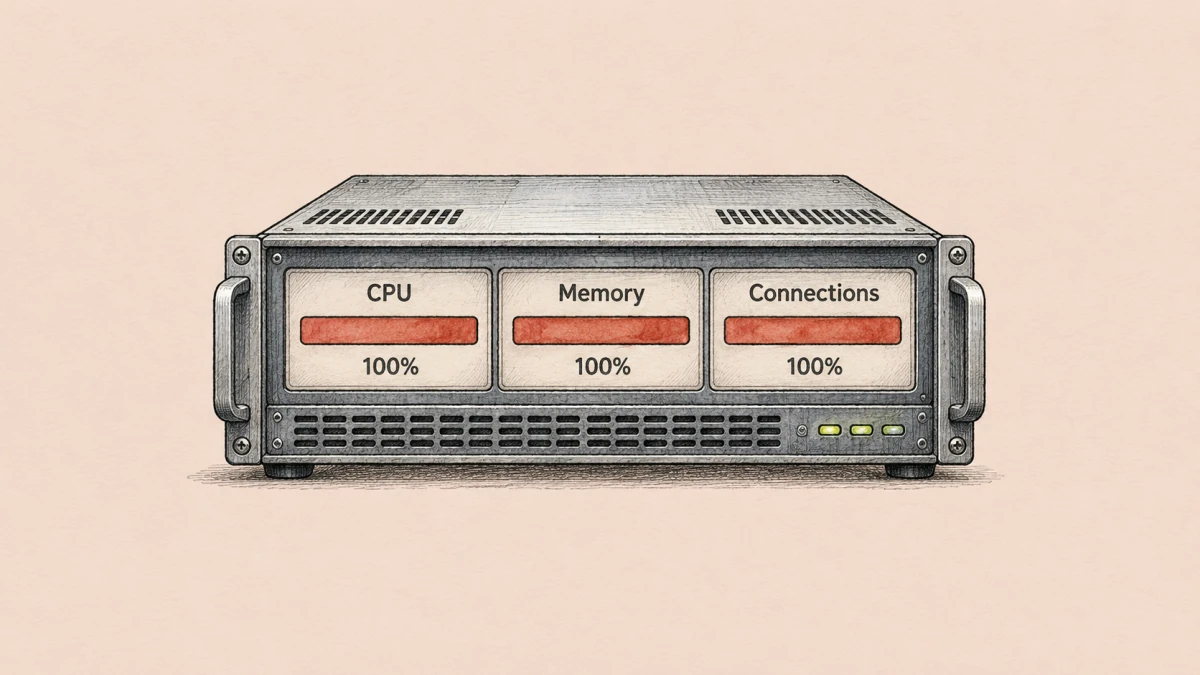
Resource Exhaustion: The Missing Capacity That Stops the Work
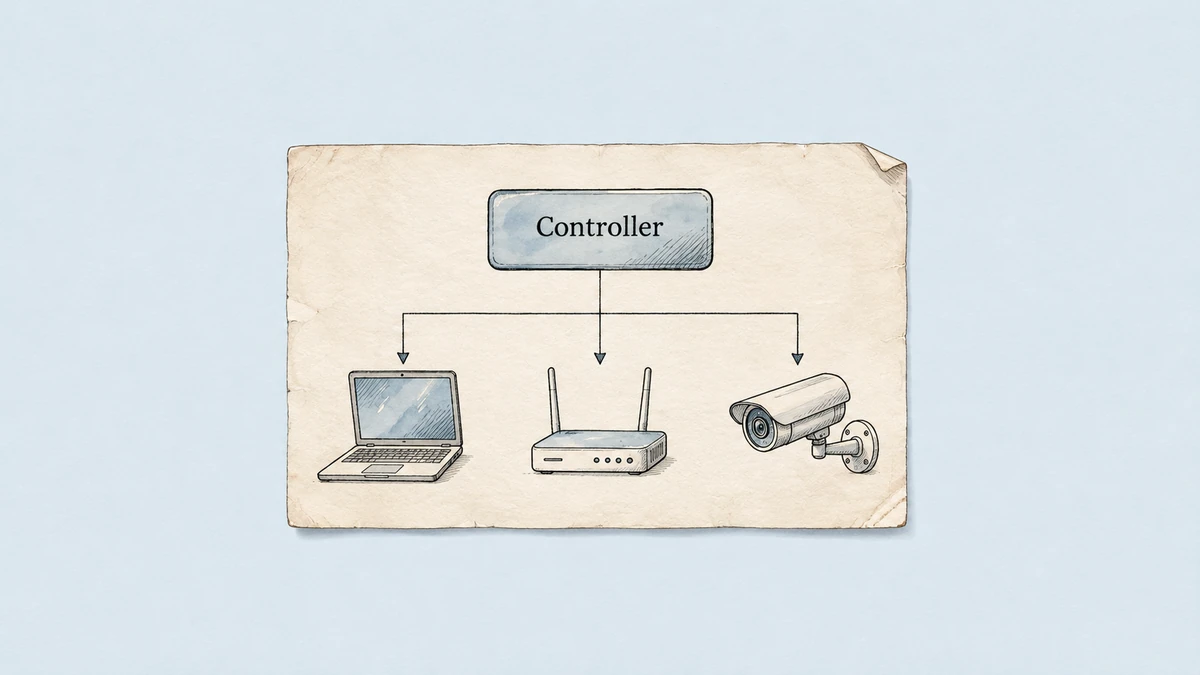
Botnets: When Other People's Computers Become an Attack Tool
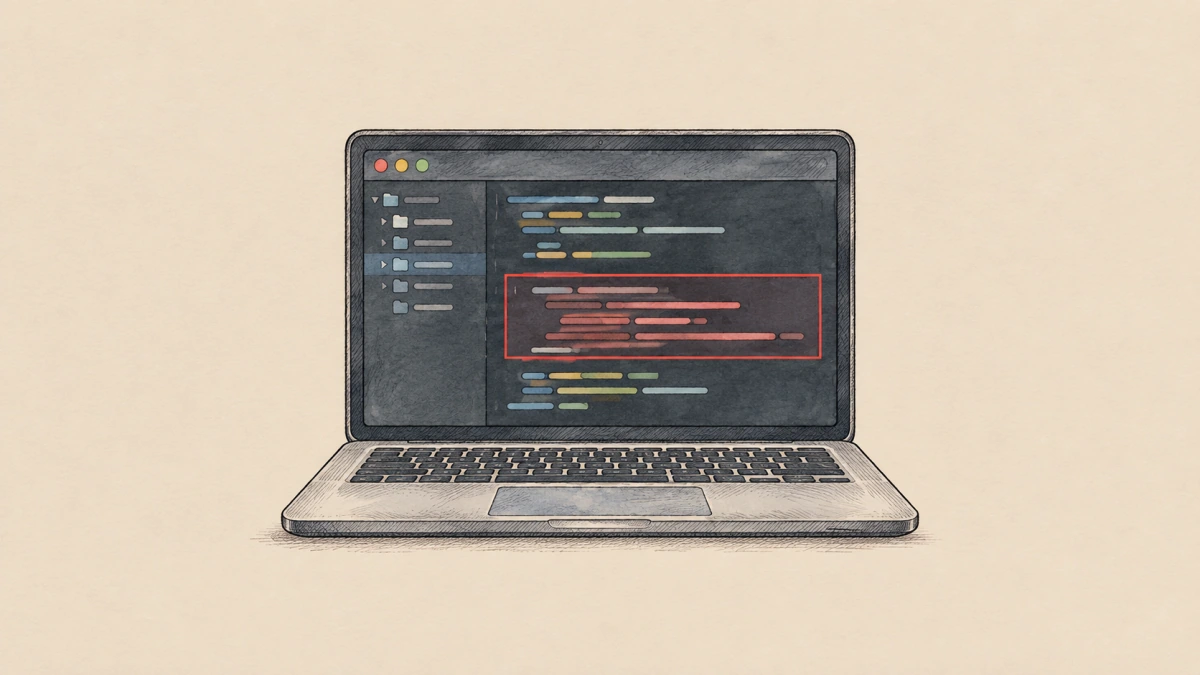
Malicious Code: The Unwanted Instructions in Useful Software
QUOTE:
"Amateurs hack systems, professionals hack people."