Cryptography: What Protects Your Data—and Where It Stops
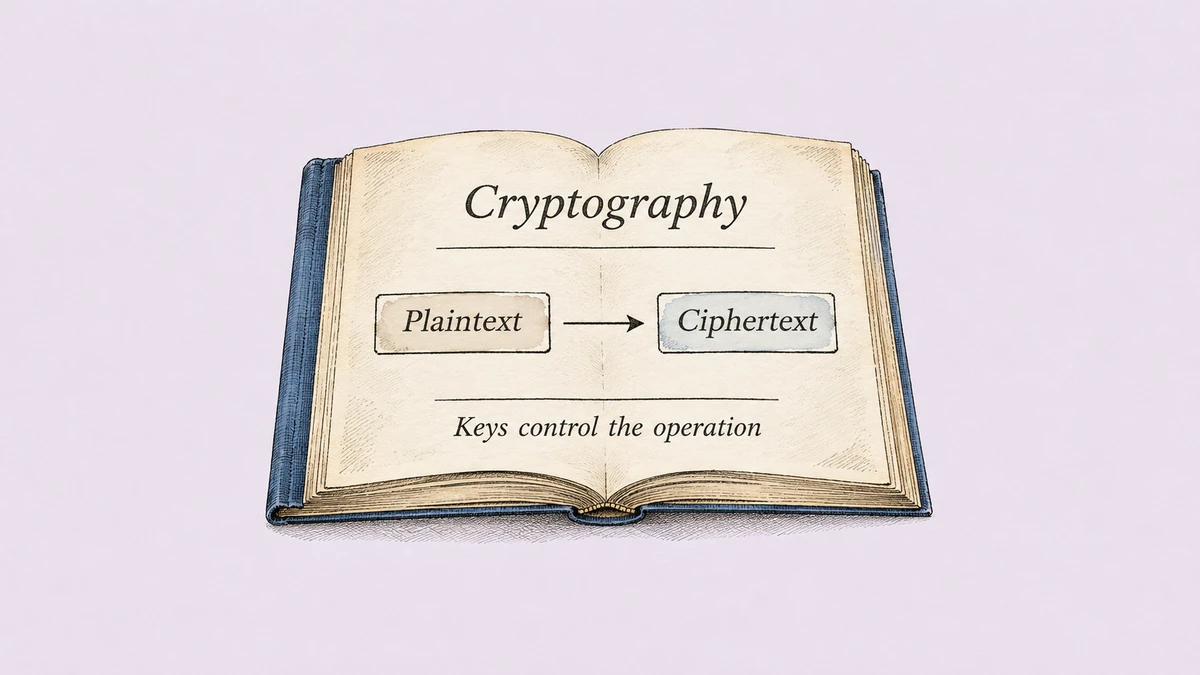
Cryptography gives computers ways to keep secrets and check whether information has changed. Its protections depend on where the data is, who holds the keys, and what the system is designed to prove.
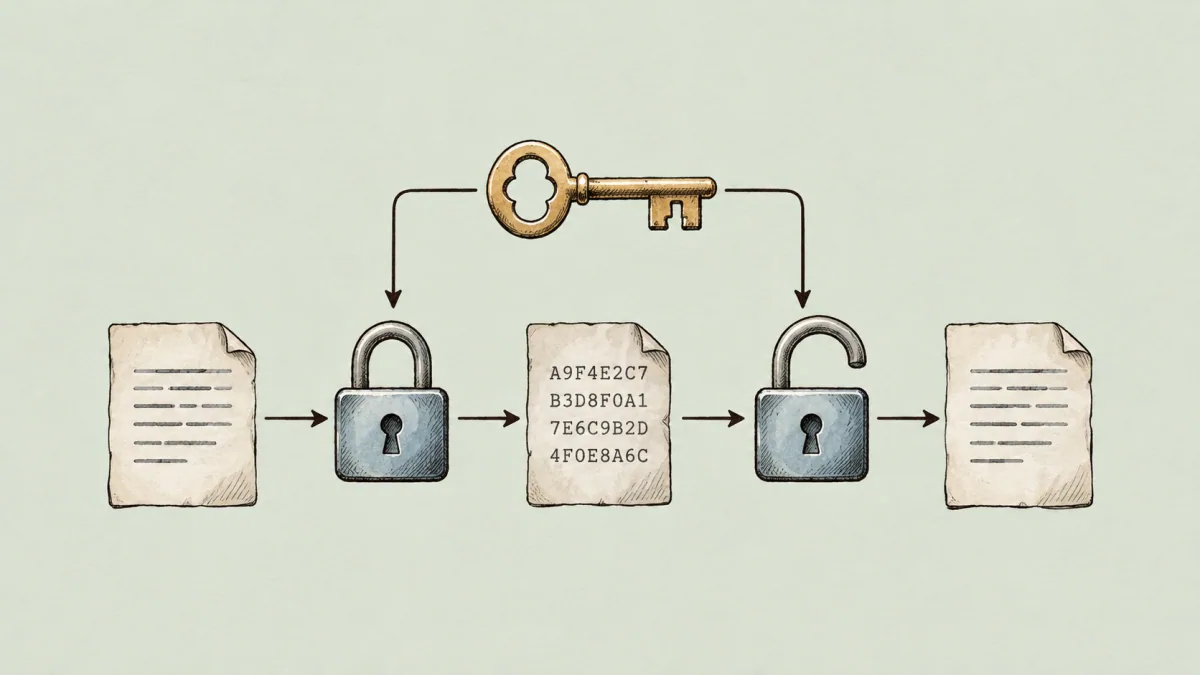
Encryption transforms readable data into ciphertext, a scrambled form; decryption turns it back into readable data. A key is data that controls these operations, and the necessary secret keys need protection.
A message's journey matters
Data is in transit when it's moving across a connection. TLS, short for Transport Layer Security, can protect that connection against people trying to read or alter traffic along the way.
HTTPS combines the web's usual communication rules with TLS protection. A correctly protected connection helps your browser exchange information privately with the site, but the site receives readable information so it can process your request.
That site could still be dishonest. Chromium's explanation of connection security makes the distinction clear: HTTPS doesn't establish that a website's promises or business are trustworthy.
Email can involve several separate connections, including transfers between mail providers. Google's Gmail security guidance explains that TLS between providers depends on both sides supporting it.
Protecting those connections doesn't automatically prevent the mail providers from reading stored messages. The exact protection depends on how the service handles message contents and keys.
End-to-end encryption changes who can read the content
End-to-end encryption keeps message content encrypted through the service carrying it, with decryption handled at the intended endpoints, usually participants' devices. The service's servers aren't supposed to have the secrets needed to read that content.
Signal, for example, describes its messages and calls as end-to-end encrypted. This is a different promise from encrypting only the connection between your phone and a provider's server.
The recipient can still copy a message or show it to someone else. An attacker who controls an unlocked device may also read information when the app displays it.

- Carry sensitive files on a drive that stays locked without your PIN.
- Unlock it on any computer, with no software to install.
- Lose it without losing sleep: the contents are encrypted in hardware.
Stored data needs its own protection
Data is at rest when it's stored, such as on a laptop's drive. Drive encryption can help keep files private if a powered-off laptop is stolen and someone tries to read its storage directly.
Microsoft describes this use in its explanation of Windows device protection. Once the device is running and storage is unlocked, approved programs need access to readable data, so encryption doesn't replace account controls or protection against malicious software.
Recovery also matters: losing every usable key and recovery method can make your own encrypted files inaccessible. Keep recovery information protected and available according to the device or service's instructions.
The Encryption Working Behind an Ordinary Web Page
Cryptography can check information without hiding it
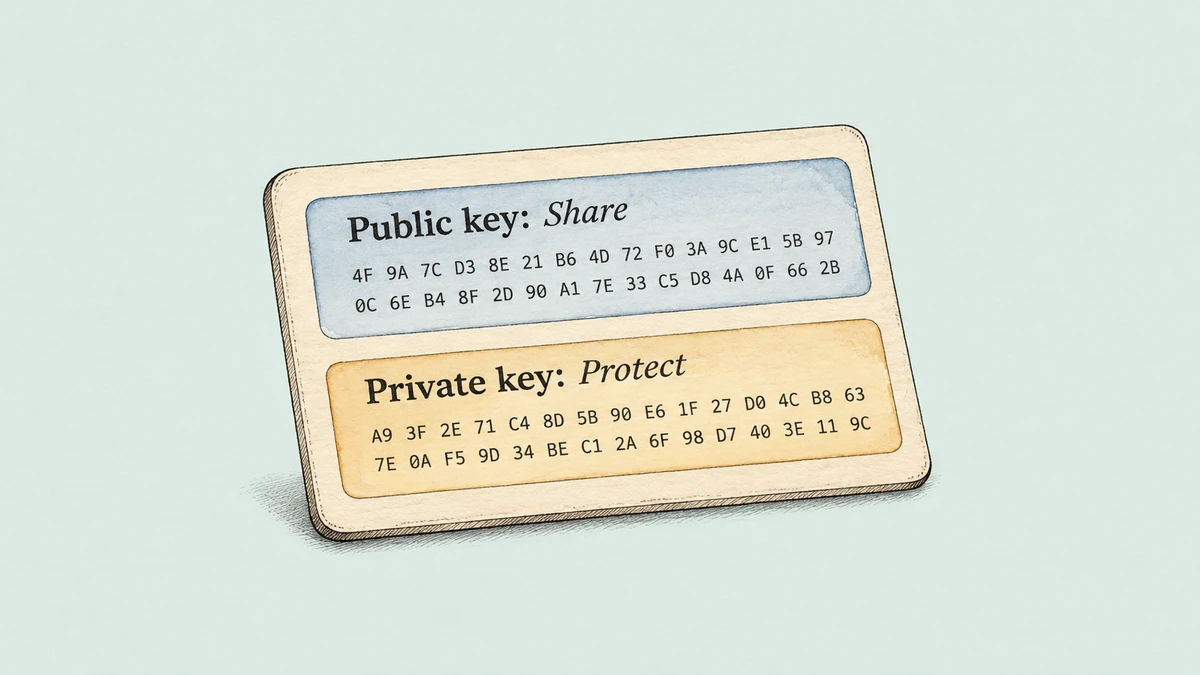
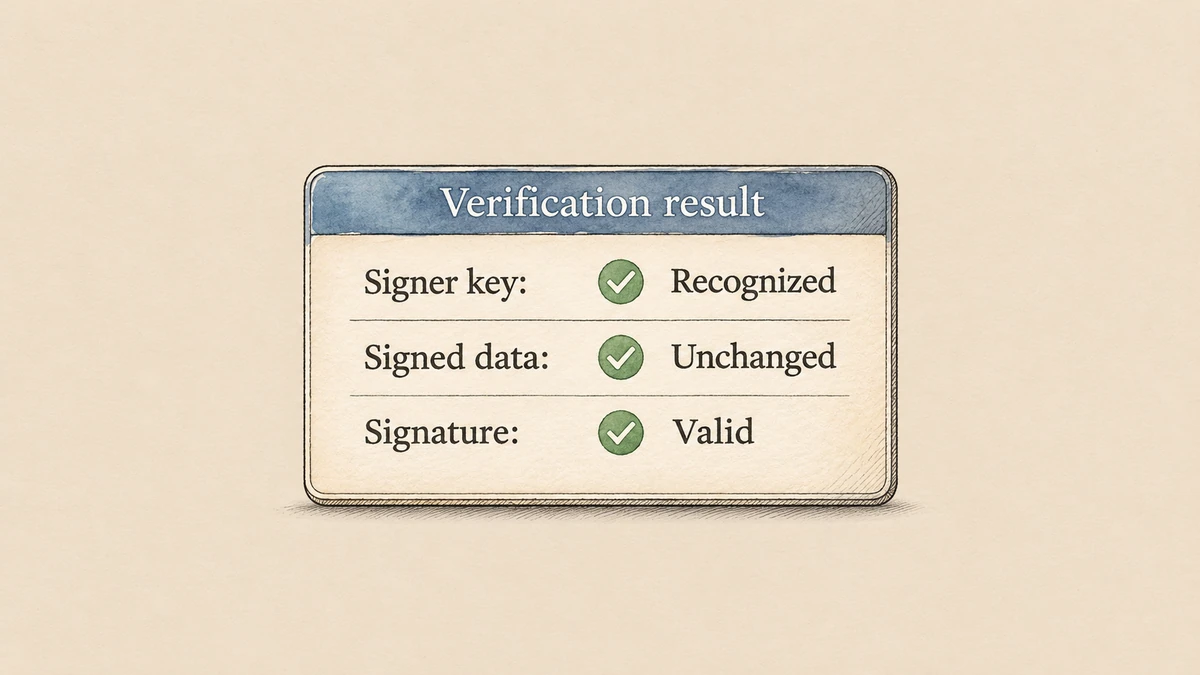
A software update may be public for anyone to download while still carrying a digital signature. The publisher creates that signature using a secret private key, and other people check it using a related public key.
The check can reveal changes and connect the update to that signing key, provided the public key is reliably linked to the publisher. The National Institute of Standards and Technology's signature overview describes these origin and integrity protections; integrity means preserving information against improper changes.
Passwords use another approach: a service can store a hash, a calculated verification value, rather than a readable password. Secure password storage adds a unique random value called a salt and uses a calculation that deliberately requires more computing work to make attackers' guesses harder.
That doesn't involve decrypting a saved password at login. The service checks the entered password using the stored settings, as the OWASP password-storage guide explains.
For any claim that information is “encrypted,” ask where the protection starts and ends. A protected connection, an encrypted drive, and a message that only recipients can read solve different problems, even when the same service offers all three.
Symmetric Cryptography Starts With a Shared Secret
Asymmetric Cryptography: Two Keys, Different Jobs
Digital Signatures: What a Verified File Actually Tells You
QUOTE:
"Amateurs hack systems, professionals hack people."