Ciphertext: What Encrypted Data Hides—and What It Doesn't
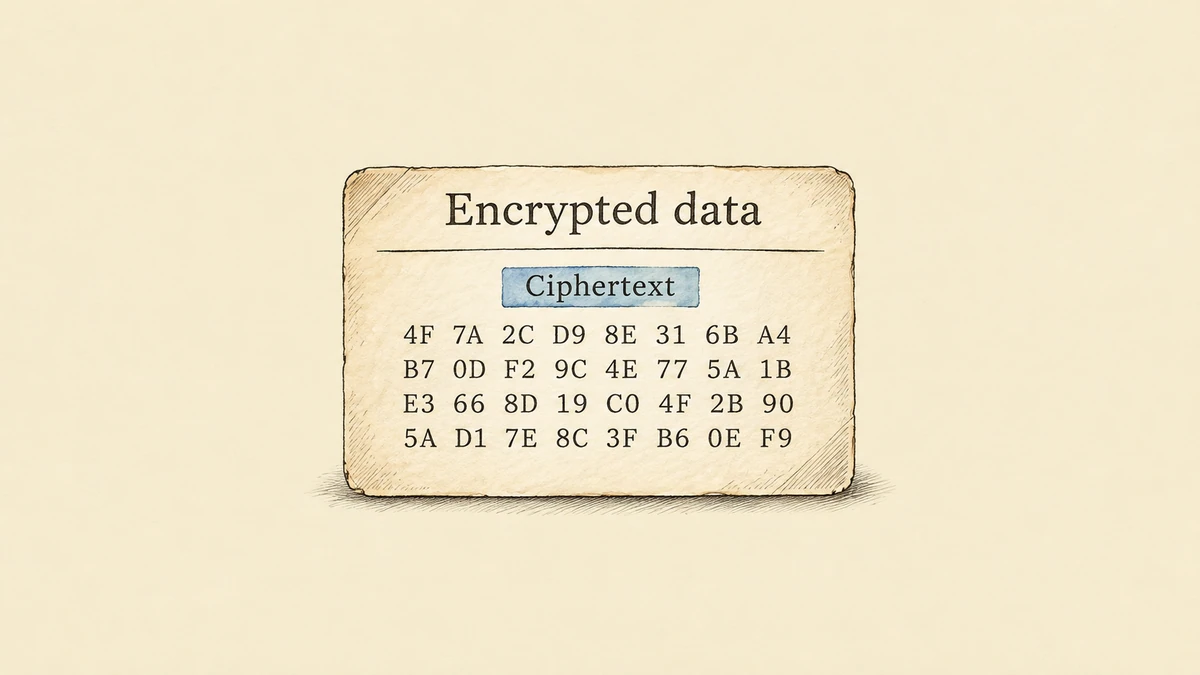
Ciphertext isn't a special alphabet, and it doesn't have to look like a string of mysterious symbols. It's simply data in encrypted form—even when the original was a photograph, a voice message, or a spreadsheet.
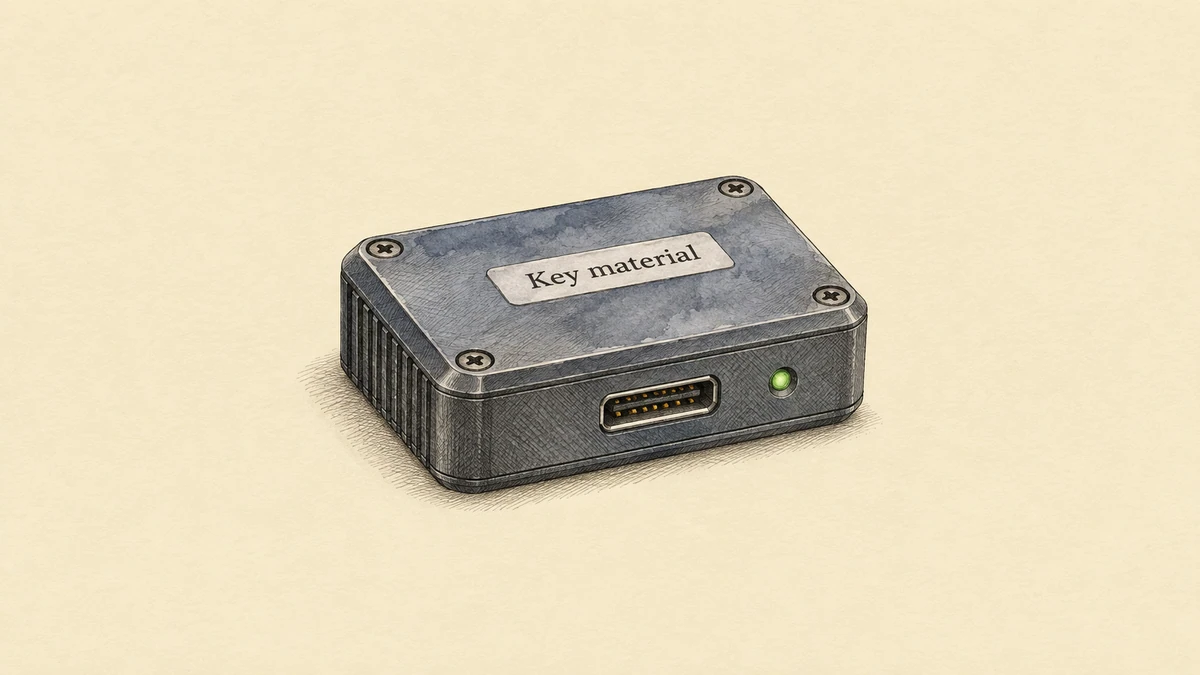
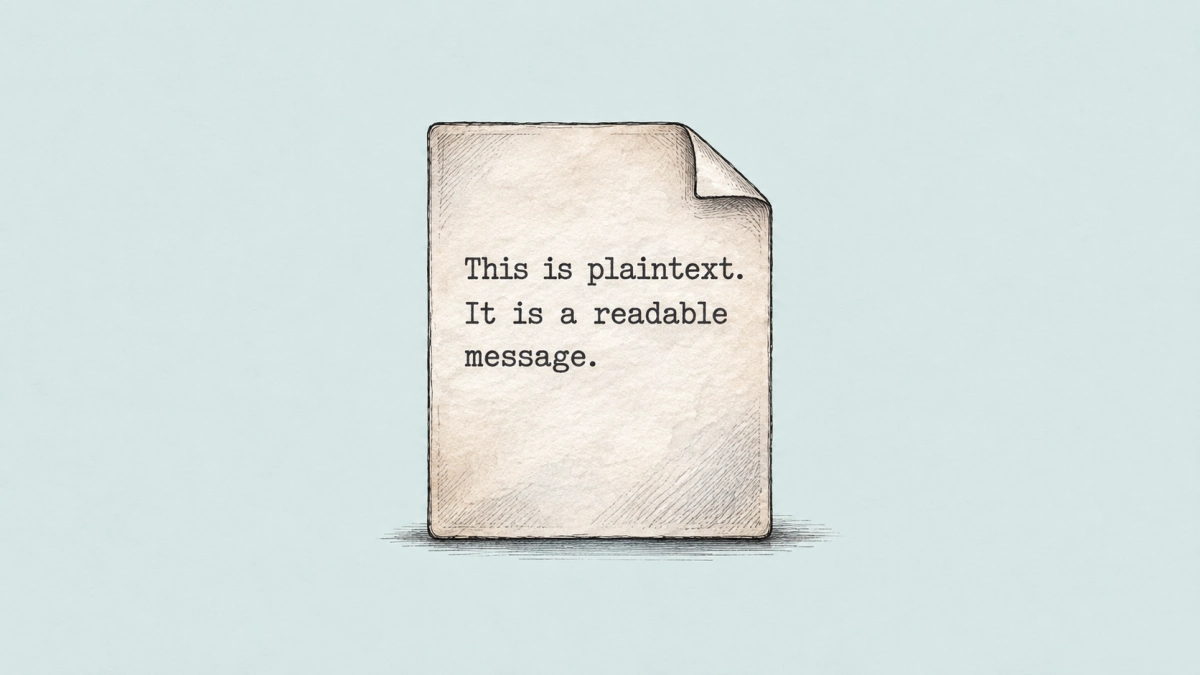
The unencrypted original is called plaintext. An encryption method, or cipher, uses a key—a value controlling the transformation—to turn that original into ciphertext; decryption uses the appropriate key to recover it.
NIST's definition is deliberately broad: ciphertext is encrypted data. The “text” in its name doesn't limit it to words.
From Simple Ciphers to the Enigma Machine
Why the same photo still opens normally
Imagine saving a photo in an encrypted folder. The storage software can write ciphertext to the drive, then decrypt it when an authorized app needs to display the picture.
You see the photo because the software has recovered the original data for you. Someone who copies only the encrypted file, without the necessary key, should face a very different task.
With sound encryption and protected keys, recovering the photo from that copy should be impractical. Calling a file ciphertext alone makes no promise about the strength of the method or how safely its key is kept.
The same distinction explains why a stolen locked drive and an already unlocked computer can present different risks. An attacker who controls the running system may be able to read information after it's been decrypted.

- Carry sensitive files on a drive that stays locked without your PIN.
- Unlock it on any computer, with no software to install.
- Lose it without losing sleep: the contents are encrypted in hardware.
OWASP's encryption guidance stresses choosing protections around the threats involved, including where encryption happens and how keys are stored.
You can't judge it by its appearance
Ciphertext consists of digital data, which may include values that don't display as ordinary characters. Software often represents it using Base64, an encoding that turns data into printable letters, digits, and a few symbols.
But Base64 itself isn't encryption.
For example, SGVsbG8= is the Base64 representation of Hello. Anyone who knows the public encoding rules can recover the word without a secret key.
If ciphertext is wrapped in Base64, decoding that wrapper just gives you the ciphertext again; you still need to decrypt it to recover the original information. The Base64 specification warns that encoding can visually hide information without protecting its secrecy.
So a jumble of characters might be encrypted data, encoded ordinary data, or something else entirely. Its appearance isn't a security test.
Two Keys: One You Share, One You Guard
What the encrypted content can leave visible
Encrypting a message doesn't necessarily hide how much data was sent, when it was sent, or which systems communicated. Those surrounding details are often called metadata.
For instance, TLS, or Transport Layer Security, protects connections such as those used by websites with https:// in their addresses. Its specification discusses attacks that analyze the timing and size of encrypted traffic even when its contents remain hidden.
The places where decryption happens matter, too. Encryption between your browser and a service protects that connection, but the service receives the information at its end.
That's different from end-to-end encrypted messaging, where the intended senders and recipients hold the keys needed to read the content. Whether a provider can read a message depends on the system's design, not merely whether ciphertext travels over the network.

- Back up a laptop in minutes, with read speeds up to 1,000MB/s.
- Toss it in a bag without worry: no moving parts and drop protection up to two meters.
- Carry a second copy of your files wherever you go.
Unreadable doesn't automatically mean unaltered
Some encryption methods can hide content while allowing an attacker to change encrypted data without a reliable warning. Authenticated encryption combines secrecy with a check that rejects invalid or tampered-with data.
For example, ChaCha20-Poly1305 combines an encryption method with an authentication check. Correct use of the complete construction matters; a recipient shouldn't accept altered data just because some decryption operation produced an output.
There's another common mix-up: a saved password hash isn't ciphertext waiting to be decrypted. A hash is a calculated value used for comparison, and login systems generally should use a purpose-built password-hashing method rather than reversible encryption, as OWASP explains.
For an encrypted photo, however, recovery is the point: you want the picture back when you're authorized to open it. Protecting that picture means protecting both its encrypted copy and the path that turns it into something you can see.
Encryption Keys: The Small Secrets Your Files Depend On
Plaintext Can Be a Photograph
Cryptanalysis: How Codebreakers Find the Weak Spots
QUOTE:
"Amateurs hack systems, professionals hack people."