CDP: How Cisco Devices Introduce Themselves to Their Neighbors
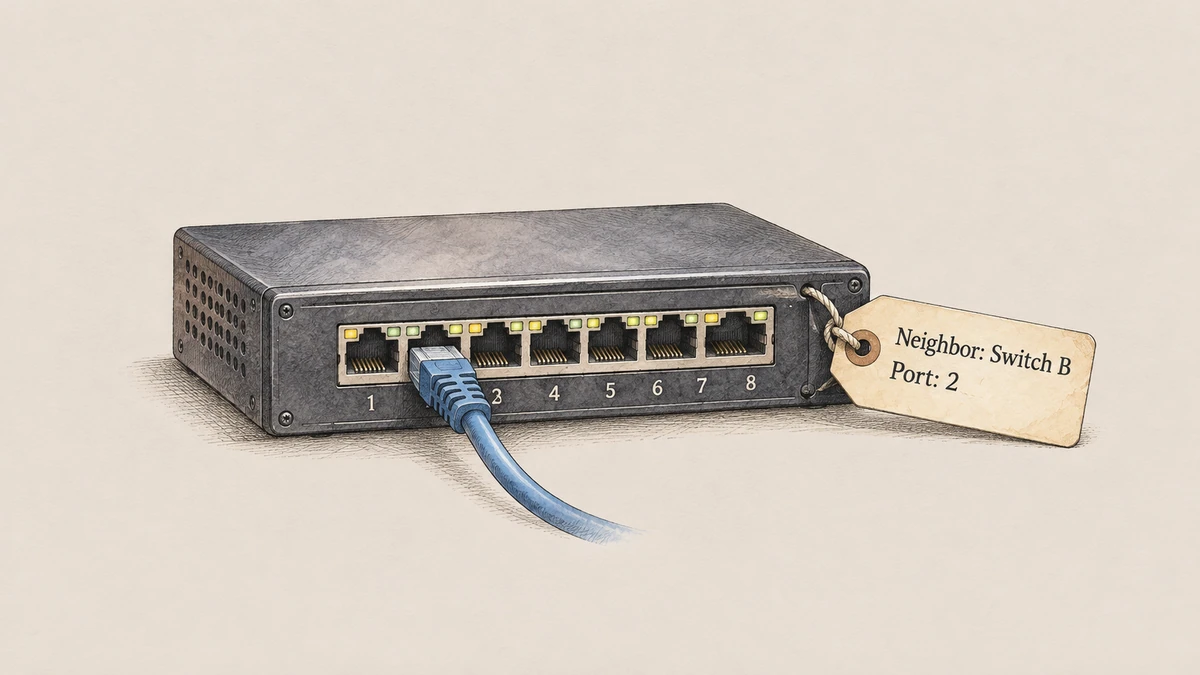
A cable disappears behind a rack, and its label is missing. Cisco Discovery Protocol can help the switch at one end tell you which device is waiting at the other.
Cisco Discovery Protocol, usually shortened to CDP, lets compatible network devices announce basic information to their directly connected neighbors. It's a Cisco-developed protocol, meaning a set of rules for exchanging those messages.
A switch connects equipment on a local network, while a router connects networks.
Administrators use the information to trace connections, check equipment, and investigate wiring mistakes. It can save a trip behind the rack, but it doesn't make every device on a network visible.
Hub, Switch or Router: What's the Difference?
Neighbors introduce themselves
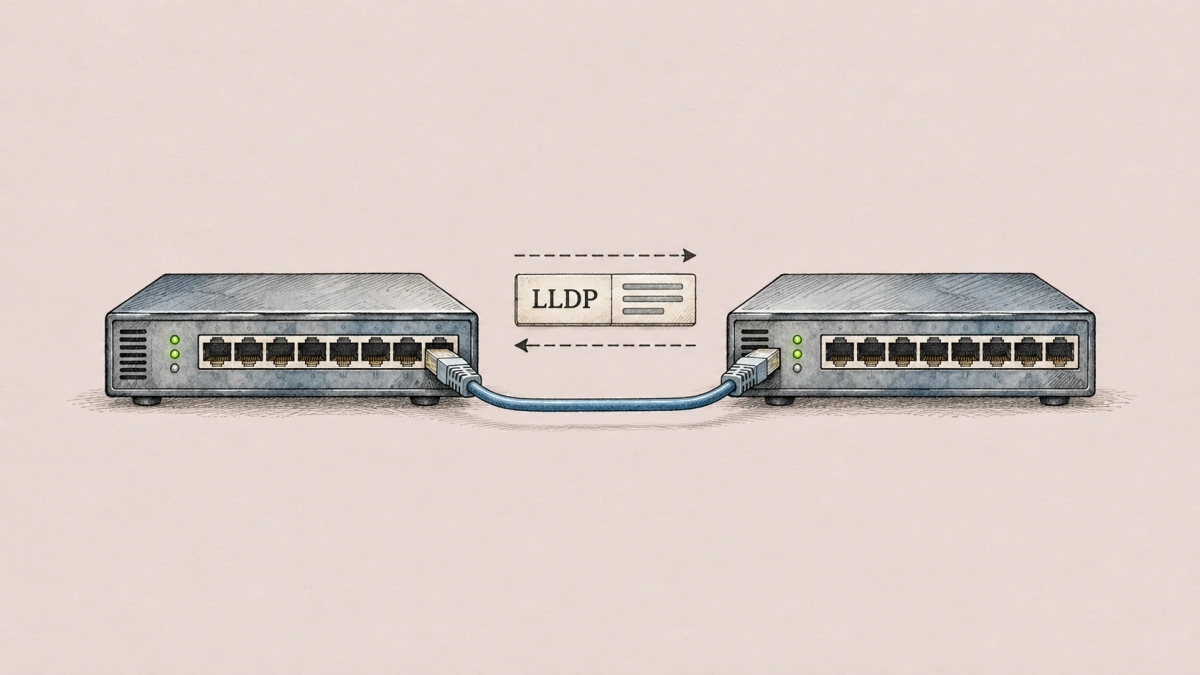
A device with CDP enabled sends regular advertisements: short announcements about itself, not commercial ads. A listening neighbor saves the details in a local table that an administrator can inspect.
The messages operate at the data-link layer, the part of networking that handles communication over a local link. CDP's usual scope is the neighboring connection, rather than a search across every router and network on the internet.
That also means discovering a neighbor doesn't depend on reaching its management address over Internet Protocol, or IP, the rules for addressing and sending data between networks. A device can appear in CDP even when a separate addressing problem prevents an ordinary connection to it.
What the neighbor table tells you
Depending on the device and CDP version, the information can include:
- Device identifier: The name or identifier the neighbor reports.
- Connected ports: Your local connection and the port reported at the other end.
- Device role and model: Whether it advertises itself as a switch, router, or another type of equipment.
- Address and software details: Information that can help an administrator locate and maintain it.
Cisco's CDP configuration guide describes these fields and the commands used to view them. On supported Cisco systems, show cdp neighbors displays a summary, while show cdp neighbors detail provides more information.
Suppose an office switch's cable is supposed to reach the main switch upstairs. If CDP instead reports a spare lab switch, the administrator has a concrete wiring discrepancy to investigate.
That's useful evidence, not an automatic repair.

- Configure a router or switch straight from your laptop's USB port.
- Get back into a device you can't reach over the network.
- Use it with Windows, Mac or Linux, so one cable covers every laptop you own.
A missing entry doesn't prove there's no device
The neighbor must support CDP, and the relevant interfaces must be configured to exchange it. An ordinary computer or a device with CDP disabled may remain absent even while its connection works.
An interface is a device's network connection, often a physical port. CDP can be controlled for the whole device or for individual interfaces.
Entries also age out if fresh advertisements stop arriving. Cisco's protocol guide explains that each announcement includes how long its information should be kept.
Check cable status, configuration, and other records before concluding that a neighbor has vanished.
Useful details can help an intruder, too
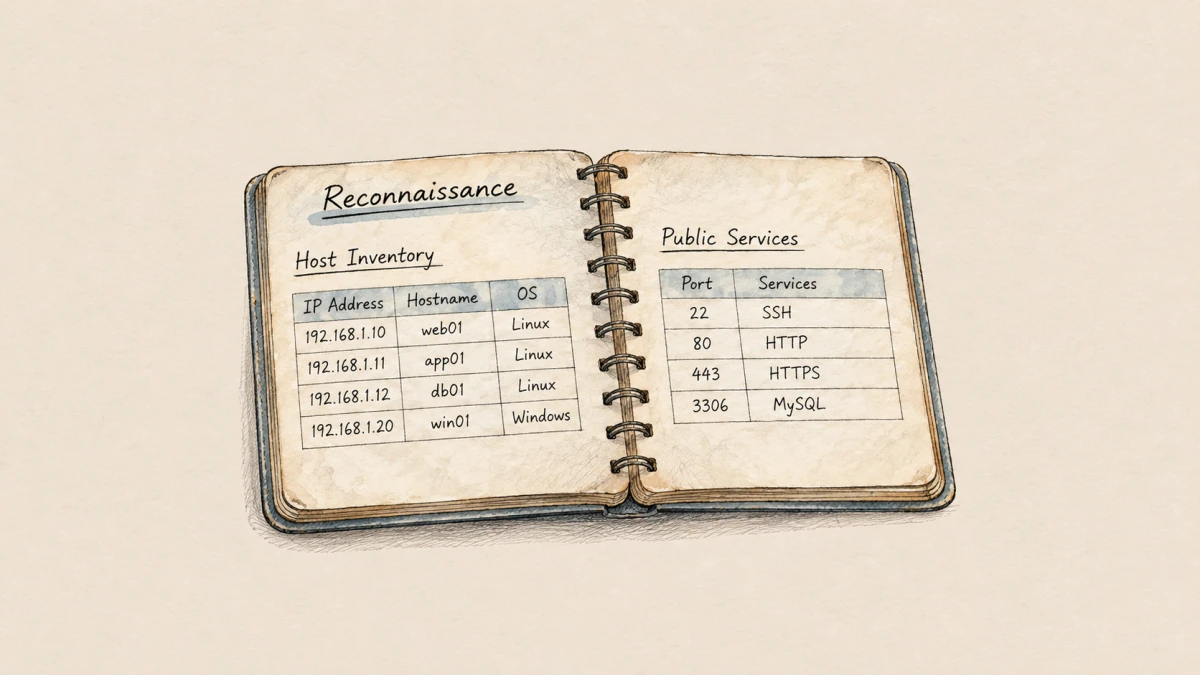
Device names, addresses, and software versions can help someone map a network they shouldn't be exploring. CDP announcements should therefore be treated as information being shared with whoever can receive them on that link.
Cisco's IOS XE hardening guide recommends disabling CDP on interfaces connected to untrusted networks. It gives the same advice for Link Layer Discovery Protocol, or LLDP, a similar discovery standard that supports equipment from different vendors.
Check dependencies before changing a working setup: some Cisco phones and other features use CDP for configuration or power information. Its visibility can be valuable on a managed internal connection.
A neighbor announcement tells you what a device reports about itself. Deciding whether that device should have network access belongs to your access controls, the rules that allow or deny access.
LLDP: Finding the Device at the Other End of the Cable
A Network Switch Learns Where to Send the Next Frame
Cyber Reconnaissance: How Ordinary Facts Become an Attack Plan
QUOTE:
"Amateurs hack systems, professionals hack people."