Bots: The Busy Software Behind Helpful Tasks and Online Abuse
Your next website visitor might be a program. It could help people find your pages, check whether your store is working or try a thousand stolen passwords before you've finished breakfast.
A bot is software that performs automated tasks. A person sets it up, but doesn't have to carry out every action by hand.
That description covers helpful tools and abusive ones. The word tells you how the work gets done; it doesn't tell you whether the work is welcome.
No metal body required
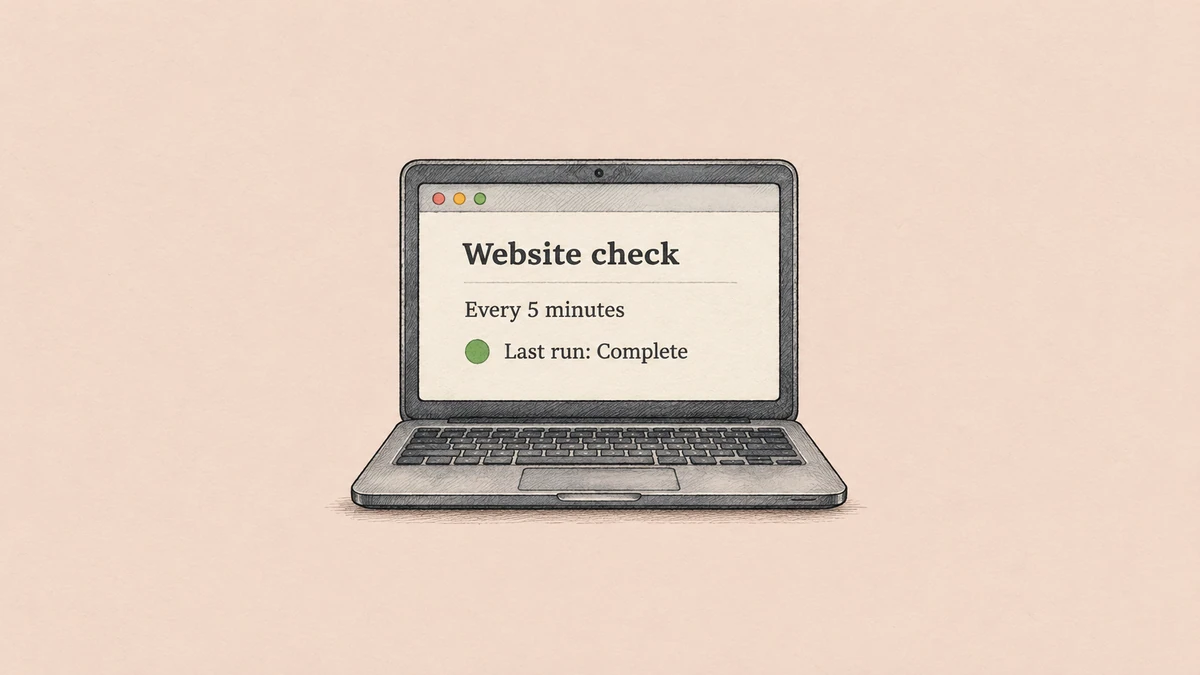
Imagine you've set up a program to check your website every five minutes and alert you when it stops responding. That's automation doing a useful, repetitive job while you get on with something else.
A bot can run on a schedule, react to an event or respond to a person's request. It doesn't need artificial intelligence, and it doesn't have to work around the clock.
Search engines use bots called crawlers to visit pages and follow links, helping them discover material for search results. Google's documentation describes how its crawlers and related fetching tools work.
How Does a Checkbox Decide You Are Not a Robot?
The useful part is repetition: a program can keep doing a task that would be tedious to perform manually.
When repetition becomes an attack
An attacker can automate the same kind of routine work for a very different purpose. Instead of checking whether a page loads, a bot might repeatedly submit stolen usernames and passwords to a login form.
That's credential stuffing: trying login details stolen elsewhere in the hope that people reused them. OWASP's explanation of credential stuffing shows why a breach at one service can put accounts at another service at risk.
Suppose you used the same email address and password for two shops. If one shop loses those details, an automated attack can try them at the other without anyone knowing you personally.
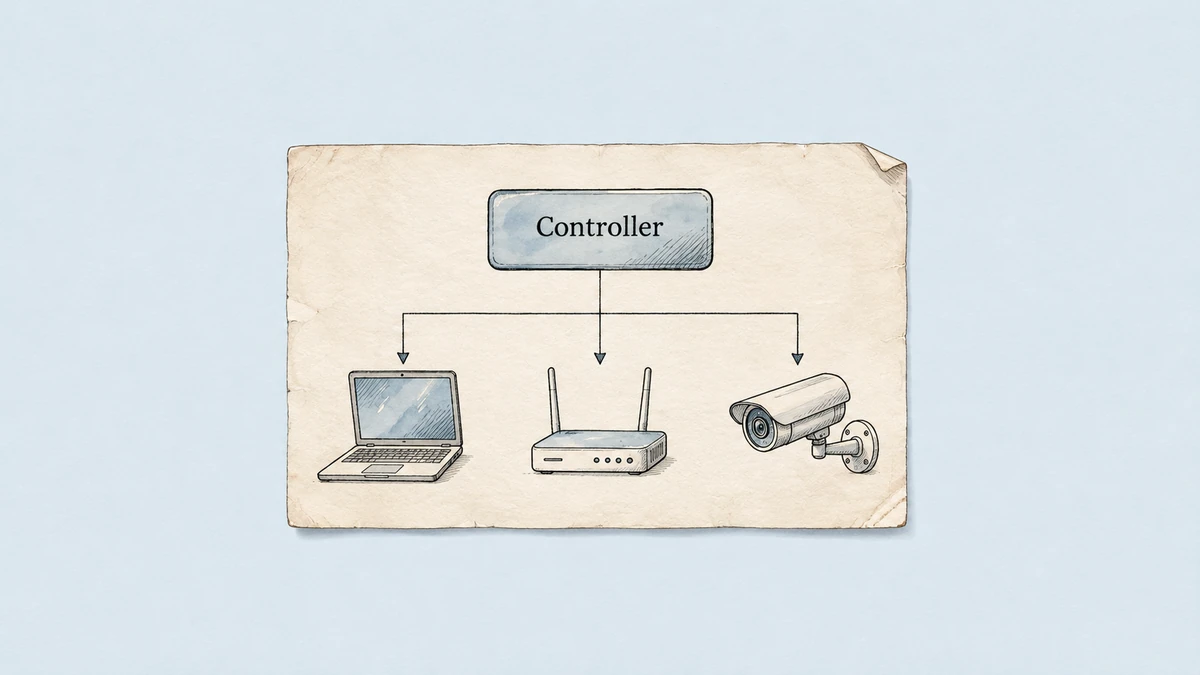
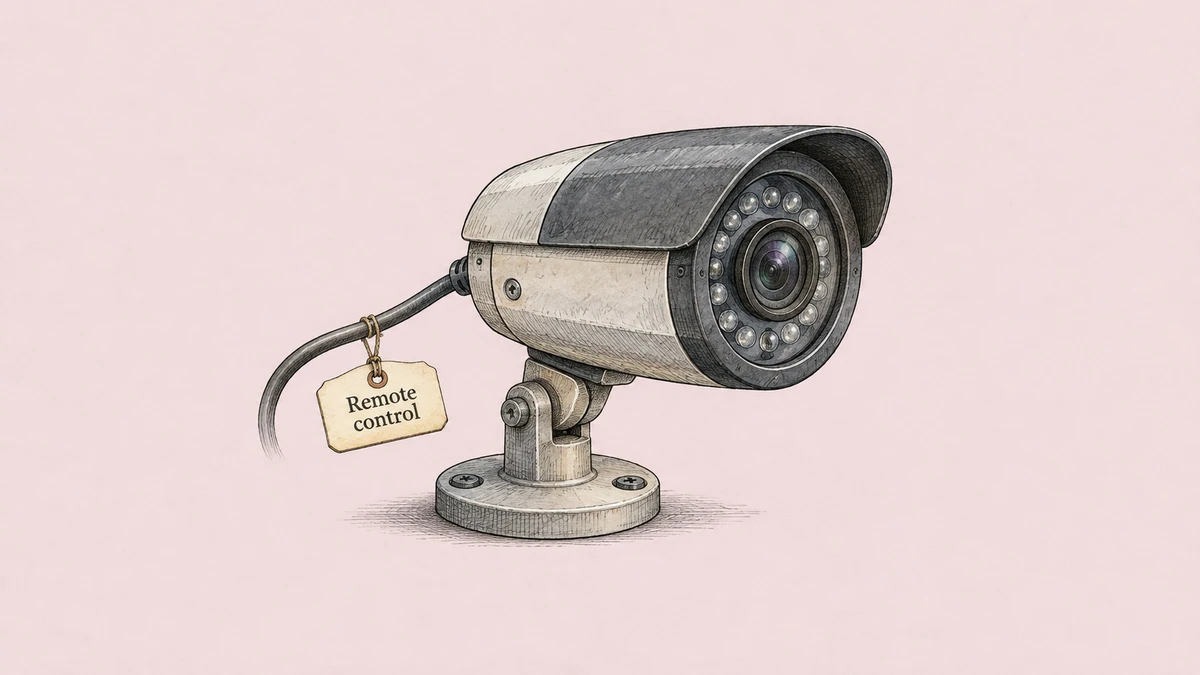
Some malicious bots run on hijacked devices. A coordinated network of those devices is a botnet, which attackers can control remotely; NIST describes that arrangement in its botnet definition.
But a program doesn't need to infect someone else's computer to count as a bot. An abusive script can also run on a machine its operator owns.

- Catch the threats a built-in antivirus can miss.
- Get blocked from malicious sites before they load.
- Protect your devices around the clock, not only when you run a scan.
A polite request isn't a locked door
Website owners can publish a file called robots.txt with instructions about which pages cooperative crawlers should visit. It helps manage crawling, but it can't force a hostile program to stay out.
The standard for robots.txt explicitly distinguishes those instructions from access permission. Private documents still need controls that check whether a visitor is allowed to see them.
Nor should a website trust a visitor simply because it claims to be Googlebot. Google provides ways to verify crawler traffic, including checking its network address against Google's published lists.
Let the useful work through
Blocking every automated request could also block the search crawler that brings customers to your business. A better response depends on what a bot is trying to do and whether it's allowed to do it.
For suspicious logins, websites can combine limits on repeated attempts with additional identity checks. OWASP's defense guidance cautions against relying on a single measure, such as blocking one network address or presenting a puzzle.
If you run a site, start with the activity: which pages are being requested, which accounts are being tried and what happened afterward. “A bot visited” is the beginning of an investigation, not its verdict.
Botnets: When Other People's Computers Become an Attack Tool
Bot Herders: Why Criminals Want Your Ordinary Devices
Cryptojacking: When Someone Else Uses Your Computing Power
QUOTE:
"Amateurs hack systems, professionals hack people."