Blocklists: The Work Behind a Rule That Actually Blocks
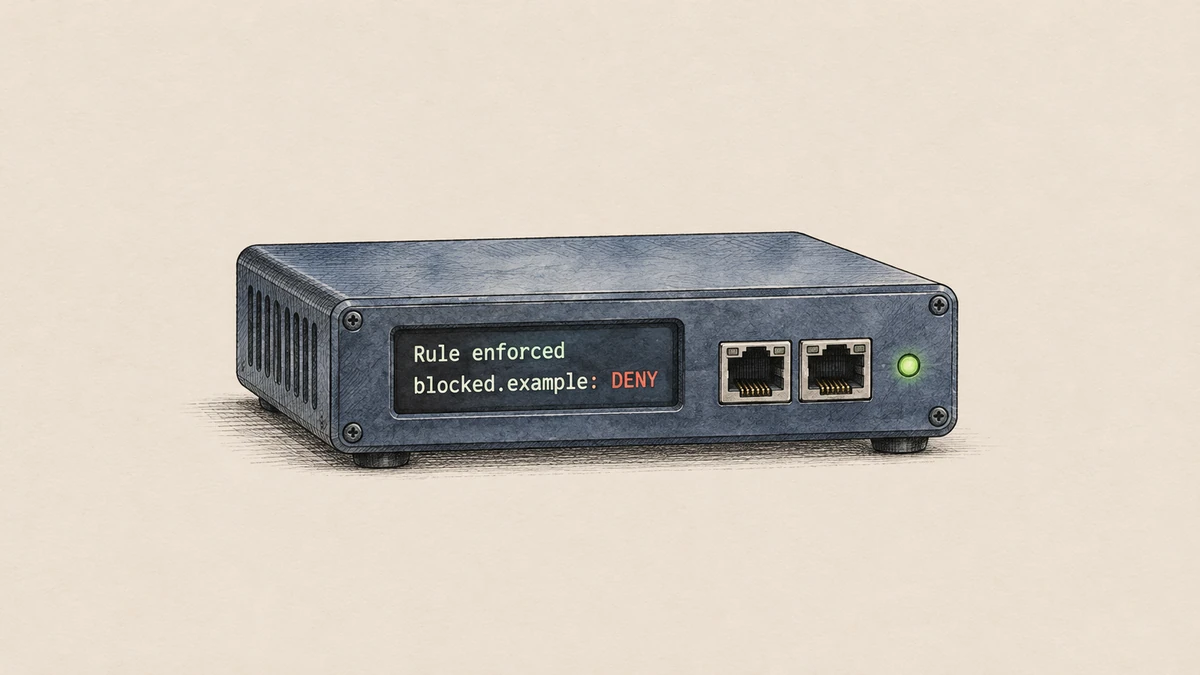
Adding an entry to a blocklist feels decisive. But a rule sitting in a management console won't stop anything unless the right devices receive it, recognize a match and enforce the intended action.
A blocklist identifies items that a policy says to deny. It's the same basic concept as a blacklist or denylist, terminology reflected in the National Institute of Standards and Technology's glossary.
Its practical value comes from making a known decision repeatable: once a team decides to block a particular destination or file, software can apply that decision to later encounters.
How a Router Decides What Gets Through
First, decide what an entry identifies
The entry's format determines what can match it. A website's name, its network address and one file downloaded from it aren't interchangeable.
| Entry type | What it's meant to identify | A limitation to consider |
|---|---|---|
| File hash | A calculated fingerprint of a file's contents | A modified copy may no longer match |
| Domain name | A name used to locate an internet service | Whether related names are included depends on the matching rules |
| IP address | A numerical network address | Several services may share it |
A hash is useful for targeting a known file without relying on its filename. Renaming an unchanged file doesn't change its contents; a modified copy needs fresh consideration.
Those distinctions affect how much a rule can block and how easily a changed threat can slip past it.
Follow one rule through the system
Suppose a security team confirms that a downloaded program steals passwords. In this fictional example, it adds the file's hash to a blocking policy for employee laptops.
The team records where the sample came from and why it's considered harmful. That gives the next reviewer evidence to examine instead of an unexplained string of characters.
Next comes the action and scope: stop the matching file from running on the intended laptops. A rule that merely raises an alert, or reaches only a test group, hasn't done that job across the company.
Microsoft's Defender for Endpoint documentation illustrates the distinction with separate choices for actions, duration and device groups. Its available responses include auditing, warnings and blocking; the exact behavior depends on the entry and product settings.
After deployment, the team checks enforcement results. A saved rule, an alert and a successful block are three different pieces of evidence.
- Skip the install: pfSense Plus comes preloaded, so you can start writing rules right away.
- Get a firewall, router and VPN in one silent box that sips power.
- Keep receiving pfSense Plus updates for the life of the product.
Old entries need another look
An entry can outlive its reason for being there. A compromised website may be repaired, or a network address may move to a different customer.
Keeping an obsolete restriction can create a false positive, a mistaken security finding that interrupts legitimate activity. The Internet Engineering Task Force's guidance on threat indicators describes this lifecycle and recommends retiring indicators when they're no longer useful.
For the laptop example, a useful review record would include the evidence, affected devices, intended action, responsible person and next review date. There's no universal timer that makes every entry safe to remove automatically.
If a rule blocks a needed service by mistake, correct the specific rule after checking the evidence. Turning off an entire filter may remove protections unrelated to the problem.
What a clean match result doesn't tell you
A blocklist check answers whether something matches the entries that were actually checked. It can't certify that every unlisted file or destination is harmless.
That's why behavior monitoring, which examines what software does, can complement a list of known items. Updates that fix software flaws and limits on account permissions address other ways an attack might succeed.
A list's length is easy to count. Whether its rules reach the right place, block the intended activity and get corrected when they're wrong is a better test of its usefulness.
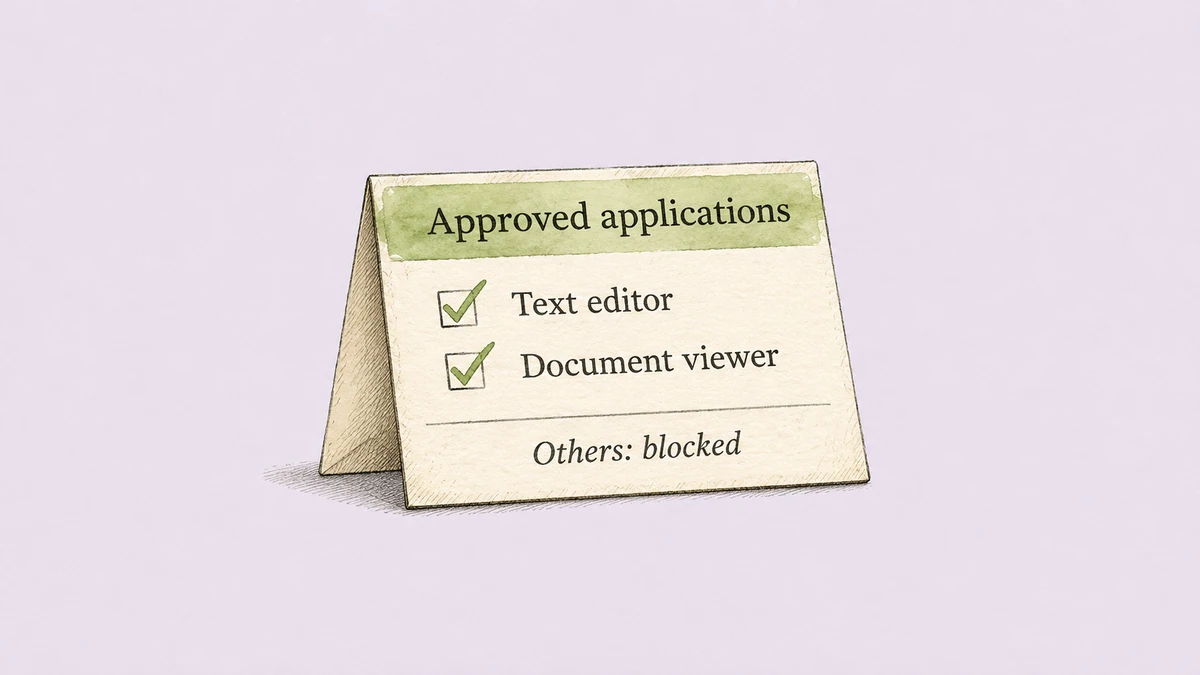
Allowlists: Who Gets In, What Can Run and Where Trust Ends
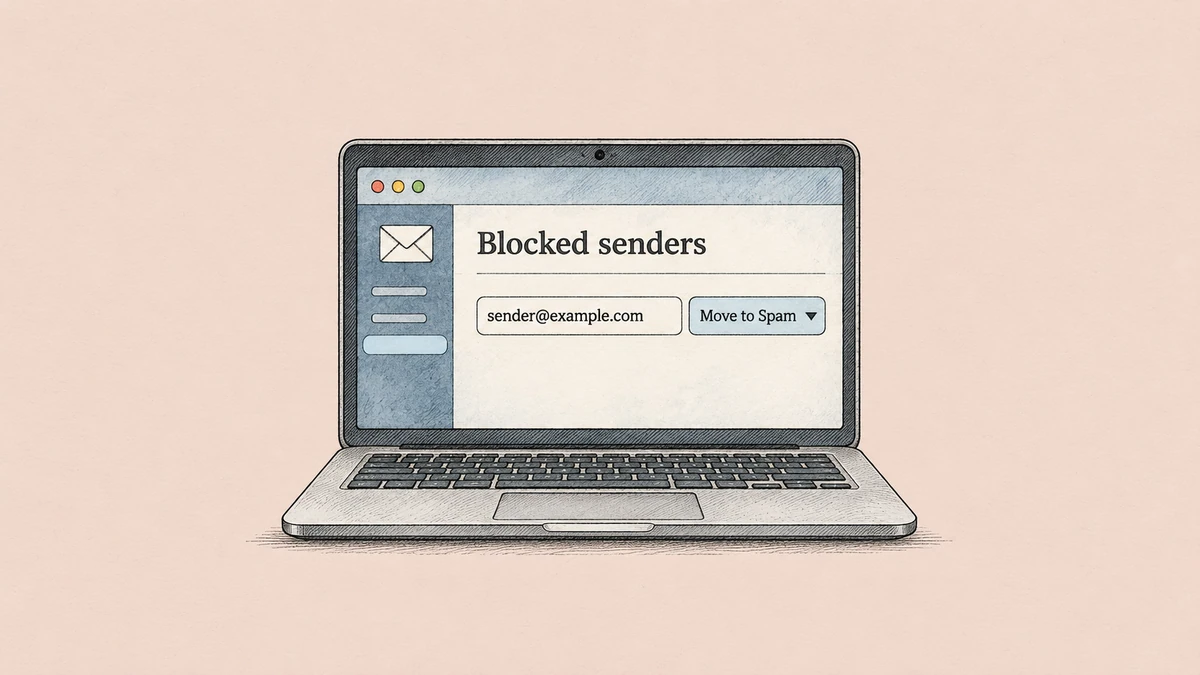
Email Blocklists: Where Does Blocked Mail Actually Go?
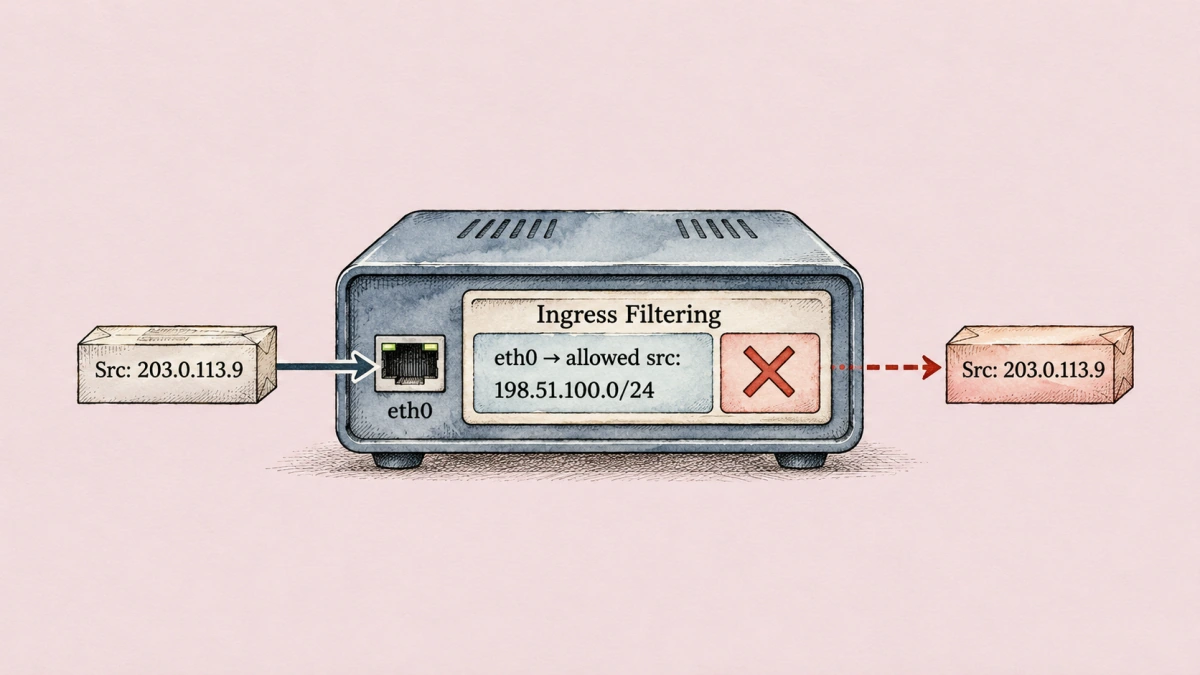
Ingress Filtering: Does That Source Address Belong Here?
QUOTE:
"Amateurs hack systems, professionals hack people."